 [FREE TOOL] Google Eloquent — Offline AI Dictation for iPhone, iPad & Mac: Private, Unlimited, and Subscription-Free
[FREE TOOL] Google Eloquent — Offline AI Dictation for iPhone, iPad & Mac: Private, Unlimited, and Subscription-FreeGoogle released a free app that types what you say — here’s that, plus the whole free pack to make it nuclear.
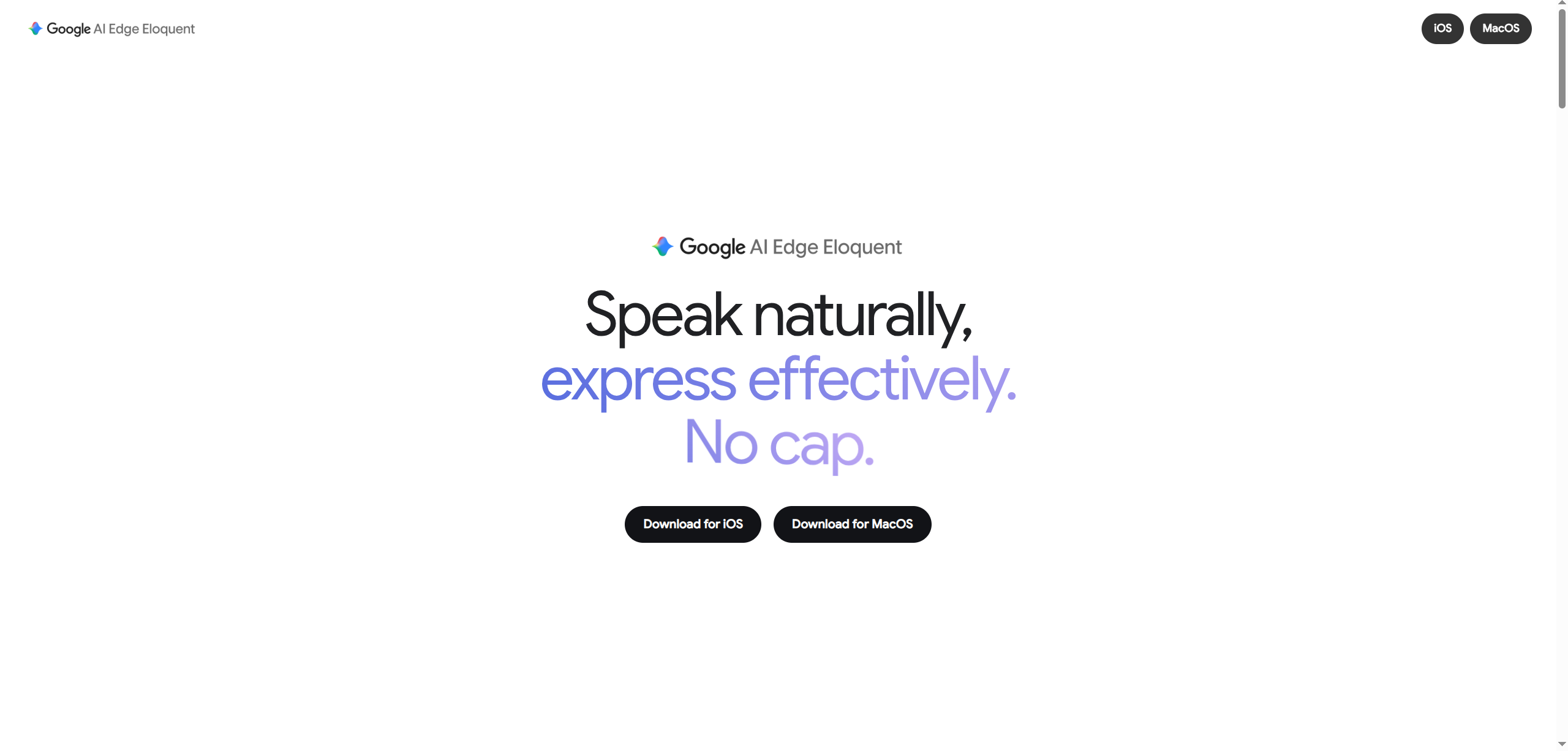
The trick: your phone does the listening itself, so it’s free, has no limit, works in airplane mode, and your voice never leaves the device. Other apps charge $180/yr for this exact shit. Tap a chapter below — start at the top if you’re new, jump to the toys if you’re not.
🤔 Wait — what even IS this?
What you get here: the whole idea in plain words, no jargon, no homework.
Typing on a phone is slow. This flips it: you talk, clean text shows up. What’s actually happening:
- You speak → 2. the mic hears you → 3. smart software writes it out. No magic.
Three things that sound the same but aren’t:
| Thing | What it does | Like… |
|---|---|---|
| Dictation | Talk, it types live as you write | A typist who never tires |
| Transcription | Turns a recording you have into text | Writing down a voicemail |
| Voice assistant (Siri) | You give an order, it does a task | “Set a timer” |
The magic phrase you’ll see everywhere — “on-device” (a.k.a. offline / local) — just means the smart bit runs on your phone, not a company’s faraway computer. Calculator in your hand vs phoning a help line: nothing leaves your pocket. That’s why it’s private, free, and works with no internet.
One thing so you don’t rage: the first open downloads its “brain” (one big file) over wifi — once. Feels stuck? It’s just downloading. After that, no internet ever again.
🎁 The free app Google released (and the one catch that'll annoy you)
What you get here: what the app is, why it’s free, and the gotcha nobody tweets.
It’s Google AI Edge Eloquent. You ramble — “uhh send the, um, thing to Mike” — it hands back clean text: “Send the thing to Mike.” Deletes your ums, uhs, and do-overs automatically.
- Free, no monthly fee, no limit. Runs on your phone, voice stays put.
- Learns your weird words — can even grab the names you use from your recent Gmail (only if you say yes).
- Feed it a recording or video and it types the whole thing out, any length.
- Brain inside = Gemma (Google’s free AI brain). The newest, Gemma 4, dropped 4 days before the app. Fresh.
 The catch: it’s not a keyboard yet. Can’t tap a mic inside WhatsApp. The move is: open app → talk → it cleans it → copy → paste. Keyboard “coming soon.”
 Stay 100% private: there’s a corner switch (“Enable Gemini”) that sends only text (never your voice) to Google for extra polish — leave it off. Want your exact raw words? Tap Copy Original Text.

🚦 Get yourself talking — open your gadget, tap along
What you get here: the exact taps for iPhone, Android, or computer. Pick yours.
🍏 iPhone / iPad / Mac — 6 taps and you're off
| # | Do this |
|---|---|
| 1 | Get it free from the App Store — tiny (~68 MB). Needs iOS 16+ or a Mac with M1+ |
| 2 | Open it → it downloads its brain once over wifi. Let it finish |
| 3 | Say yes to the mic (skip this and it “won’t work” — the #1 trip-up) |
| 4 | Hit record, talk like a mess |
| 5 | Stop → it cleans + copies. Pick a style if you want: Polish / Key Points / Formal / Short |
| 6 | Paste anywhere. Copy-paste is the move for now |
🤖 Android — the free 2-app combo Google forgot to give you
Truth: this app isn’t on Android (ignore fakes). Android’s built-in keyboards block outside voice, so pair two free apps:
| # | Do this |
|---|---|
| 1 | Install HeliBoard (free keyboard), switch to it |
| 2 | Install FUTO Voice Input (asks ~$5 on honor system — tap “I already paid”) |
| 3 | Open FUTO → turn on, allow mic, download its brain once |
| 4 | In HeliBoard settings, switch on the mic button |
| 5 | Any app → tap the mic → talk. All on your phone |
💻 Windows / Mac / Linux — hold a key, talk, done
Handy — free, runs on your computer only, no account, nothing phoned home.
| # | Do this |
|---|---|
| 1 | Install (Mac: brew install --cask handy · Win: winget install cjpais.Handy · Linux: file on its page) |
| 2 | Pick a brain → downloads once |
| 3 | Say yes to mic (Mac also wants paste permission — yes) |
| 4 | Set a hold-to-talk key (walkie-talkie style) |
| 5 | Any app → hold key, talk, let go → words land at your cursor |
⚰️ The monthly subs this just buried — cancel one tonight
What you get here: proof your dictation bill is now pointless.
| App | Cost | On device? | Snag |
|---|---|---|---|
| Eloquent | Free, no limit |  |
iPhone/Mac only, no keyboard yet |
| Wispr Flow | ~$15/mo (~$180/yr) |  sends voice out sends voice out |
the one this is chasing |
| SuperWhisper | ~$85/yr | |
Mac only |
| Otter / Dragon / Willow | monthly | sends voice out |
audio leaves your device |
| Apple’s own dictation | Free | |
no ums-removal, no learning |
🌍 No iPhone? You're not left out — same magic, any gadget, still $0
What you get here: the free open-source twins for Android, Windows & Linux.
The real secret: the free “AI ear” everyone borrows is Whisper (a free listening brain from the ChatGPT folks). Google just dressed it up for Apple. Same magic, free, everyone else:
| Tool | Runs on | What | Get it |
|---|---|---|---|
| Handy | Win/Mac/Linux | Hold key, talk, words appear. Simplest | Page |
| OpenWhispr | Win/Mac/Linux | Same + 100+ languages + tidy-up | Site |
| Whispering | Win/Mac/Linux | Hold key → talk → auto-paste. Free + open | Page |
| WhisperWriter | Win/Mac/Linux | Same idea, a touch more techy | Page |
| FUTO Voice | Android | Talk-to-type that clips onto a free keyboard | Site |
| HeliBoard | Android | The free keyboard you clip FUTO onto | Page |
| whisper.cpp | Anything | Bare engine for tinkerers, runs on a potato | Page |
🚀 Beast mode — bolt these free toys on (the combos nobody tweets)
What you get here: the turbo bits. Your talk-to-type app is the engine; stack these and your voice writes finished emails, tidies itself, even codes. All free, every link real. Tap what you want.
🤖 Make a 2nd AI tidy up after you
Run your rough words through a second free AI brain on your own machine (Ollama — runs an AI locally, no internet bill) → it fixes grammar, makes lists, turns “tell mike the meeting moved” into a real email.
| Tool | Runs on | The combo | Get it |
|---|---|---|---|
| Handsfree | Mac | key → talk → AI tidies → pastes | Page |
| Spellspoon | Mac | talk → your tidy-up rule → paste | Page |
| Ethertext | Mac | shortcut cleans any highlighted text | Site |
| whisper-obsidian | Obsidian notes | talk into a note → AI fixes + makes to-dos | Page |
| Raycast Whisper | Mac | talk-to-type + tidy inside Raycast | Page |
| patloeber recipe | Any | tiny copy-paste script to roll your own | Guide |
📋 Kill the copy-paste — make words just appear
Eloquent makes you paste by hand. These auto-drop text where your cursor is:
| Tool | Runs on | What | Get it |
|---|---|---|---|
| espanso | Win/Mac/Linux | Types text for you on command | Site |
| AutoHotkey | Windows | Scripts that auto-type anywhere | Site |
| Hammerspoon | Mac | Free button-and-shortcut maker | Site |
| ydotool | Linux | Types text system-wide | Page |
| Tasker + AutoInput | Android | Auto-drops text into any box | App |
wtypeis dead on the big desktops,xdotoolfakes it then fails. Use ydotool. On Android, AutoInput needs its accessibility switch ON.
🍎 The sneaky Shortcut trick that kills the no-keyboard catch
Eloquent already copies your text — so chain a Shortcut (Apple’s tap-to-automate tool) onto it:
- The combo: talk → Eloquent copies → Shortcut grabs it → a free AI polishes → pastes or fires into Mail/Notes. No-keyboard problem basically gone.
- Zero setup (newer iPhones/Macs): built-in “Use Model” step — grab text, say “make it shorter,” done. On-device.
- Mac + Ollama: a shortcut feeds text to the local AI, pastes it back. One keypress.
- No-code chaining: Ollama Shortcuts UI builds these flows by clicking.
🔁 Swap in a faster, smarter ear (free brains)
Handy / OpenWhispr / FUTO let you drop in a better brain file — like a better engine:
| Brain | Best for | Why | Get it |
|---|---|---|---|
| Parakeet v2 | English, speed | Super accurate, blazing fast | Page |
| Parakeet v3 | 25 languages | Detects the language itself | Page |
| distil-large-v3 | English, top quality | Near-best, way faster | Page |
| whisper turbo | many languages | Fast, only 1.6 GB | Page |
| Moonshine | phones | Tiny + quick | Page |
| sherpa-onnx | every language | Runs on phones/tablets/tiny PCs | Page |
👨💻 Talk to your code (for the coders)
| Tool | What | Get it |
|---|---|---|
| voice-to-claude | key → talk → into Claude Code (Mac) | Page |
| claude-ptt | same, Win/Mac/Linux | Page |
| claude-stt | super fast (under half a second) | Page |
| dictate | Linux, offline, learns project jargon | Page |
| Talon Voice | run your whole PC hands-free | Site |
useState? Dump your function names in its word-list — fixed.
🎙️ A whole meeting → notes (free + offline)
| Tool | What | Get it |
|---|---|---|
| whisper-diarization | who-said-what, fully offline, no signup | Page |
| WhisperX | super fast + labels speakers | Page |
| Meetily | records meeting + writes the summary | Page |
📂 Dump a file in, get text out
😅 The honest bits nobody warns you about
What you get here: the snags + fixes, so you don’t chuck your phone.
| Snag | Fix |
|---|---|
| “It’s not working!” | You skipped mic permission → Settings → Privacy → Microphone → ON |
| Not a keyboard | Record in-app, then copy-paste. “Coming soon” |
| Slow first open | One-time brain download. Needs wifi + space. Once only |
| Misheard words | Speak clearly, cut noise, add tricky names to the word-list |
| Changes your words | Tidies ums on purpose → Copy Original Text for exact |
| Mac version | The phone app in a window — a bit clunky |
Quick worry-busters:
- Really free? Yep — no fee, no limit, no ads (Eloquent + all the open ones). FUTO asks ~$5 on honor.
- Spying? Offline by default; only the optional switch sends text, never voice. Leave it off.
- Open tools safe? Code’s public, no quiet phoning home. Download from the real pages only.
- Reviews? Launched rough (~2.5★, mic recorded nothing), an update fixed the bug → climbed to ~3.9★.
- One flag: Google says voice stays on-device, but Apple’s privacy label lists some data anyway (Apple doesn’t check those). Rated 18+.
📖 Every scary word, in plain human
| Word | Plain meaning |
|---|---|
| Dictation | Talk, it types — live |
| Transcription | Turning a recording into text |
| On-device / offline / local | Runs on your gadget; no internet |
| Cloud | A company’s faraway computer over the net |
| Model / brain | The AI’s know-how in one big file |
| Gemma | Google’s free AI brain (inside Eloquent) |
| Whisper | The free “AI ear” most open tools borrow |
| Ollama | A free app that runs an AI on your computer |
| Open-source | Code’s public + free for anyone to use |
| Hold-to-talk / hotkey | A key you hold to talk, like a walkie-talkie |
| Clipboard | The invisible pocket “copy” uses |
| Filler words | The um/uh/like that get stripped |
| Word-list | Your custom names so it stops mishearing |
⚡ Quick Hits — the whole cheat sheet in one box
| You want | Do this |
|---|---|
 Talk-to-type on iPhone Talk-to-type on iPhone |
→ Eloquent: talk, copy, paste |
 Same on Android Same on Android |
→ FUTO Voice + HeliBoard |
 Same on a computer Same on a computer |
→ Handy / OpenWhispr |
 2nd AI to tidy words 2nd AI to tidy words |
→ Ollama + Handsfree |
 Faster ear Faster ear |
→ Parakeet / whisper turbo |
 Meeting → notes Meeting → notes |
→ whisper-diarization |
 Talk to your code Talk to your code |
→ claude-ptt |
 Build it yourself Build it yourself |
→ whisper.cpp |
Simple-pimple: talk → clean text, free, on your own gadget. iPhone grabs Eloquent, everyone else grabs the open stuff, nerds stack the toys. You were one tap from a $180/yr bill — now go play.
 !
!