🎯 Priyo.email Forgot to Disable Test Mode — Your Gain

:e_mail: Priyo Email Premium Free — Stripe’s Test Card Still Works

Stripe’s test card works on their checkout. Yes, really.

🎯 The Method

Site: priyo.email/pricing

Field Value
Card 4242 4242 4242 4242
Expiry Any future date
CVV Any 3 digits
Name/Address Anything

Select 1 Year → Checkout → Done.

📦 What You Get
Free Premium
2-hour email storage 30-day storage
1 mailbox 10 mailboxes
Ads No ads
Blacklisted domains Premium domains (less blocked)

Use case: Burner emails for signups, verifications, trials — without the 10-minute expiry pressure.

⚠️ Why This Works

The 4242 card is Stripe’s official test card. Some sites leave test mode enabled in production (oops). Priyo’s checkout accepts it because their Stripe integration isn’t validating properly.

This could stop working anytime — they just need to flip one setting.


Never used a working card before? The :skull: BIN Masterclass explains the whole game.


Free temp mail, premium features, Stripe’s mistake.

7 Likes

workkkkdeddd

1 Like

Enjoy it :upside_down_face:

1 Like

who is paying for it dude? we’re stealing someones money?

1 Like

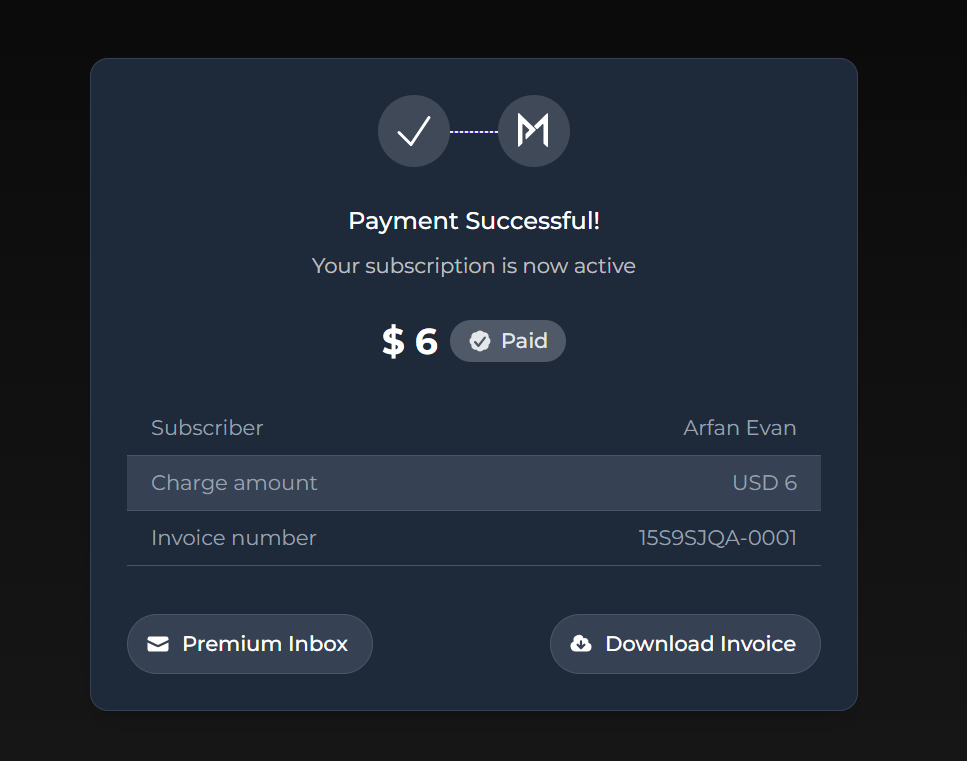
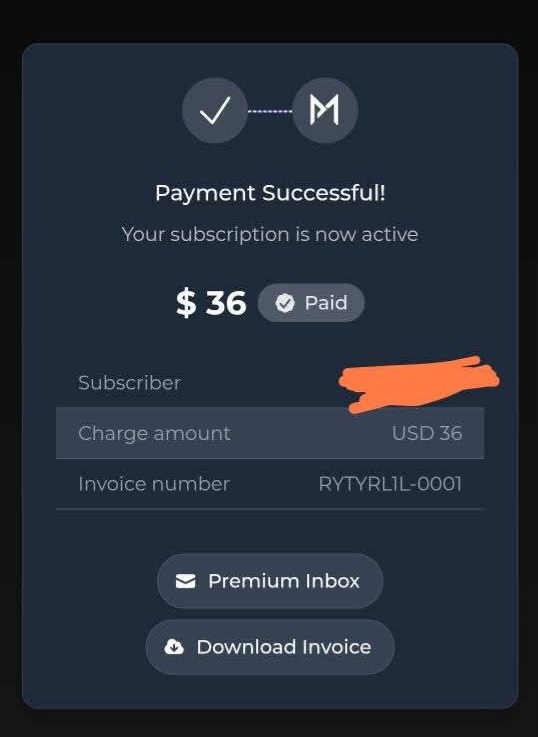
i’m not afraid to use it but i don’t want someone faces trouble because of us. this transaction seems ligit and they said payment successful and in monthly pack this says 6$ paid. so i got confused.

A draw is a test mode and you won’t have anything to charge since it’s the admins’ fault that they forgot to turn off the test mode, which is a mistake on the part of the administration and not the users

1 Like

thanks bud, i got panicked​:neutral_face:

1 Like

This kind of card is used by testers when checking payment forms. You can insert them anywhere and it will not be considered a violation for you since these card numbers are issued by the payment servers themselves. but they will only work where the test mode is enabled, as is the case with this site.

1 Like

understood, i thought i have wasted someones ligit money​:tired_face:

1 Like

Here is my screenshot :skull:

That’s why I told you to chill :upside_down_face:

@Arfan_Evan1

1 Like

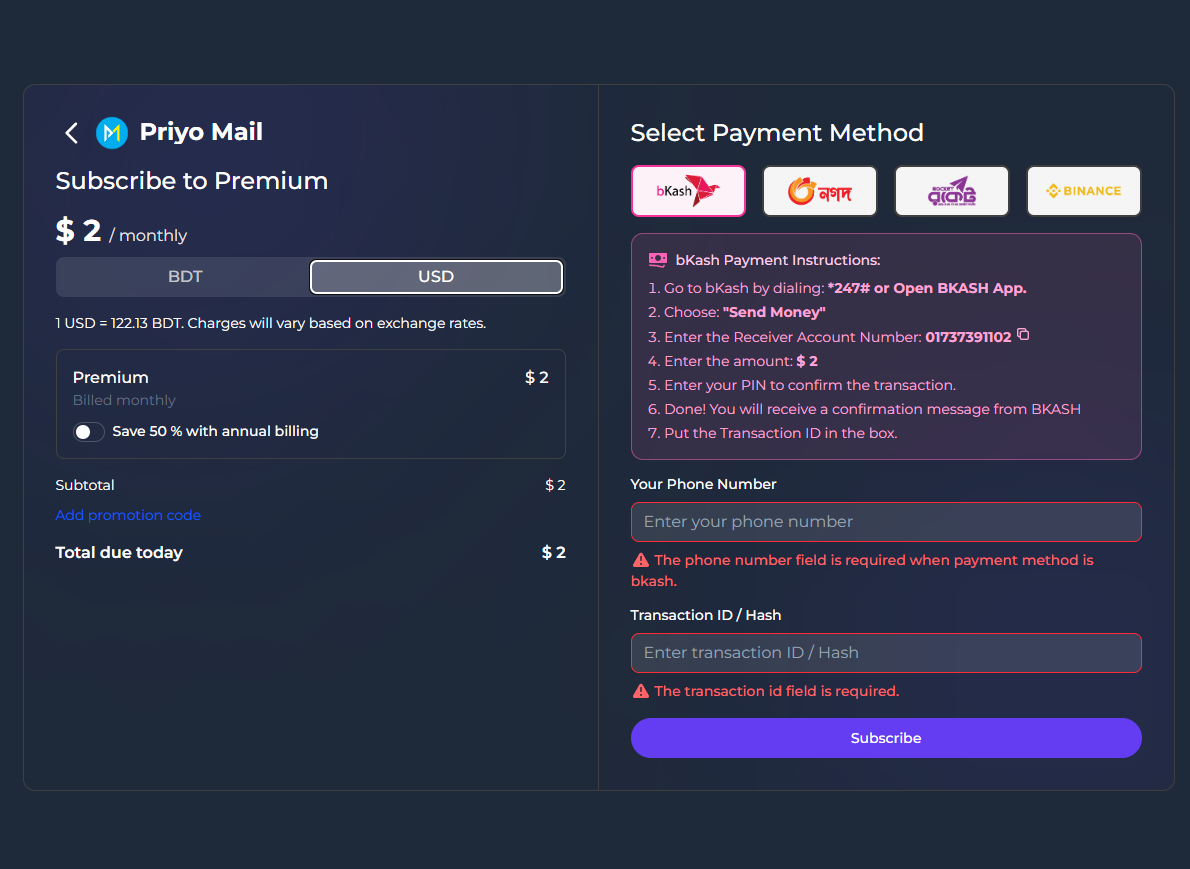
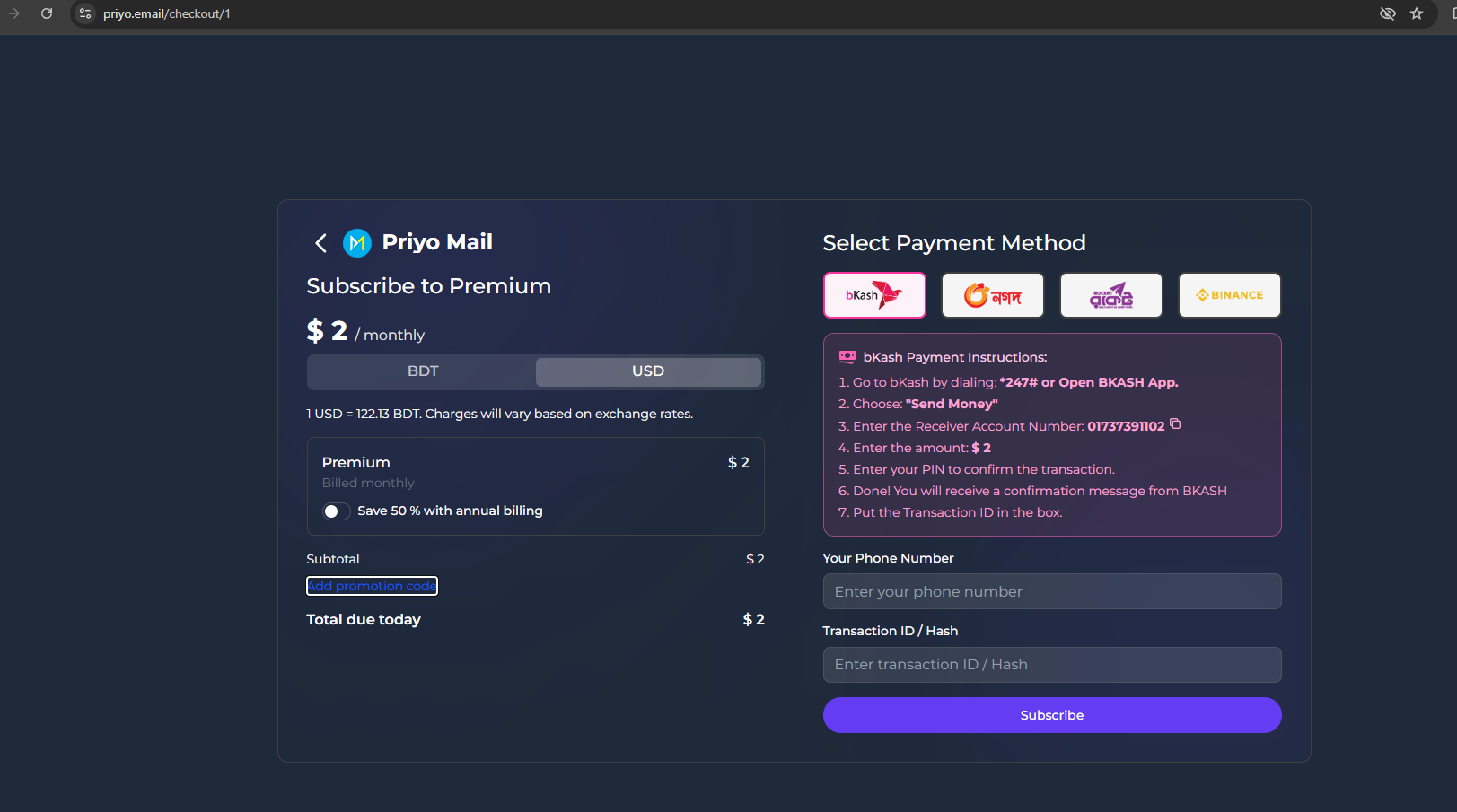
there isnt card as payment option

@Adamko
Clear cache and cookies on your browser

Close it and re-open your browser

Use your real IP Address. It will works perfectly

Then take a screenshot and show me

@Arfan_Evan1 For this post, use real IP for this method. What have you use??

even tried duckduckgo, nothing like that there

@Adamko

Use Google Chrome with your real IP

stop capping

@Arfan_Evan1 You are supposed to use your Real IP…No vpn should be use here

What have you use to make the purchase??

i simply just clicked on the link you provided, followed the steps and found cc space to fill, no complexity.

X2

@KmiloRelax @Adamko I think the tricks had already been patched by the website owner

RIP to this method