 Nobody tells you the filter you just set up has a hole in it. This one closes it — plus follows their phone off your wifi, and catches the stuff aimed straight at them.
Nobody tells you the filter you just set up has a hole in it. This one closes it — plus follows their phone off your wifi, and catches the stuff aimed straight at them.Every “family-safe DNS” guide ends the same way: change two numbers in your router, done.
Except it isn’t. The instant you save that setting, Chrome, Firefox, and half the apps on the network quietly switch to their own encrypted DNS — and walk straight past the filter you just built. Nobody warns you. Almost nobody writing these guides even mentions it.
This one does, plus the parts that actually matter for who you’re doing this for:
→ Mom and dad
→ The grandparents
→ The kids
→ Whoever’s never going to install a security app in their life
 Set up filtered DNS on the router
Every device on the wifi — phones, laptops, the smart TV, grandma’s tablet — gets malware and phishing blocked automatically, the moment you save one setting. Log into the router, change the DNS server in the WAN/internet settings to a filtered one — CleanBrowsing (free, no account, two IPs to type in) or NextDNS (free tier, more control if you want it).
 Block the DNS bypass (the DoH/DoT leak)
Close this and the filter actually blocks everything, instead of quietly leaking around itself — right now, Chrome alone is skipping it without telling you. The fix (blocks port 853, forces port 53 back through your router — same trick works on pfSense too), then lock the setting itself so it can’t get switched back later by anyone with five minutes and curiosity.
 Use a self-updating blocklist
New scam and phishing domains get blocked the same day they show up online — not months later, when a static list finally catches up. Destroylist (208K+ community-reported domains, updates itself — paste the raw URL into your filter’s blocklist).
 Extend the filter off your wifi (cellular data too)
Their phone stays protected even off your wifi — the coffee shop, work, cellular data, anywhere. Apple’s own MDM profile pushes the same encrypted filter straight onto the device, so it travels with them instead of stopping at your router’s range.
 Catch scam links and scam calls directly
Catches the exact things a DNS filter can’t — a text that looks exactly like a package notice, a call that sounds exactly like the bank — before they ever click or answer. Nehboro (97 open detections, has a literal “Silent Mode” — just closes the bad tab, nothing to explain) handles the link. CallScreen (built specifically to screen fake tech-support calls before the phone even rings) handles the call.
 One dashboard for the whole network
See every device on the network, pause anyone’s internet, and see exactly what got blocked — from one screen instead of five separate apps. Roost (self-hosted, no cloud, no account, all local).
🚀 Going further — for the ones who want to go deeper
→ HermitShell — every device gets its own isolated network automatically, no manual VLAN setup, needs a small always-on box with two network ports
→ BeaconButty — a Raspberry Pi build that catches a compromised smart device secretly phoning home
→ leakwatch — self-hosted breach monitoring for multiple family emails at once
→ nsfailover — keeps DNS working even if your filtered provider goes down
None of this needs them to do anything, notice anything, or trust an app they’ve never heard of. You set it once. It just holds.
Links rot — a tool dies, drop a reply with the newest working one. Kept current.
 good news,
  welcome to the funeral, Lucia_01
 every link stripped sitewide — zero references left
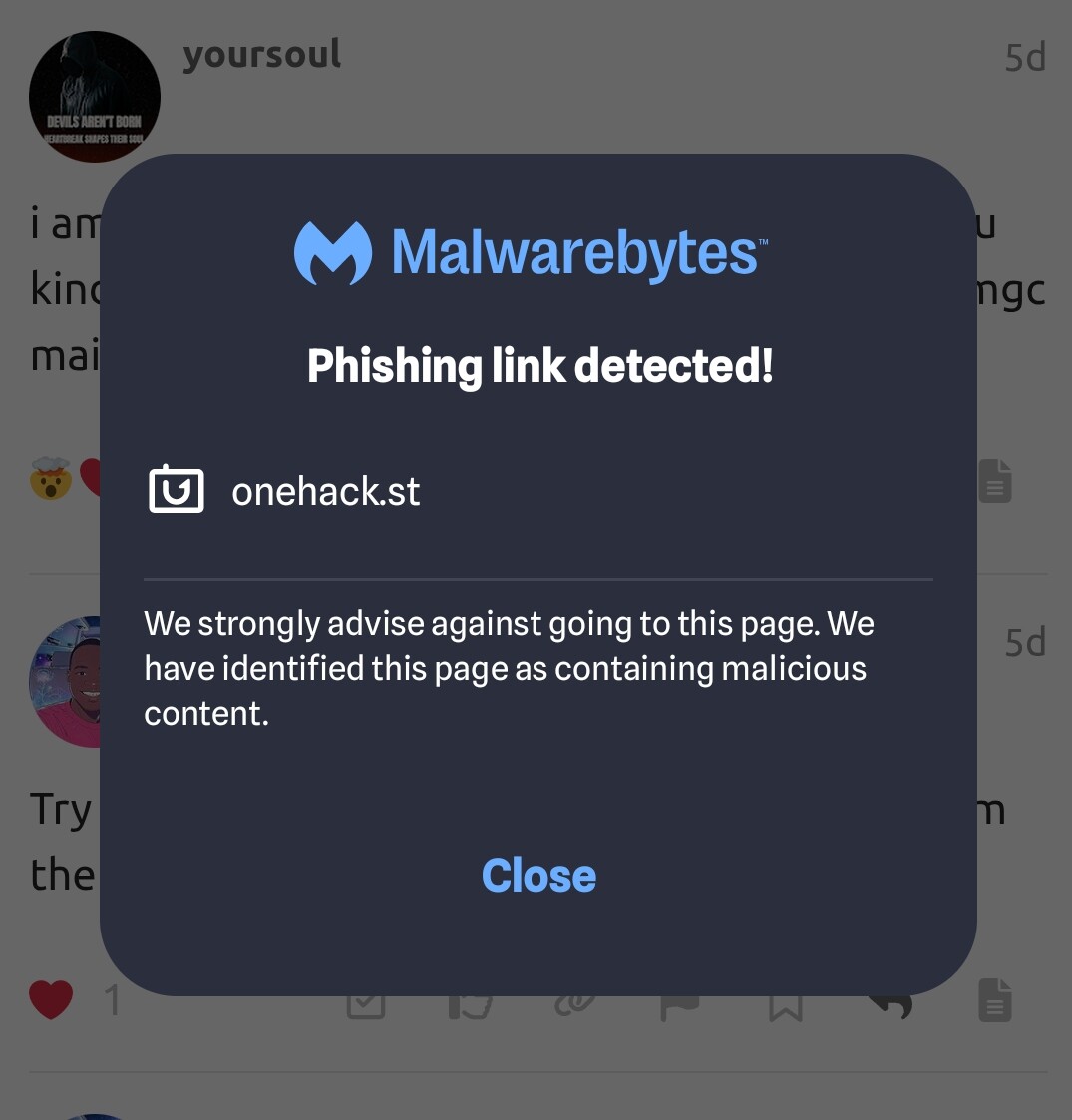
 Safe Browsing saying “nothing found” is a detection result, not a certificate of innocence. If Malwarebytes is flagging phishing links, maybe investigate the warning instead of throwing a party because one scanner didn’t catch it.

 !
!