 120MB WhatsApp HTML Chat Export: Extract Only One Contact’s Messages Without Browser Crashes
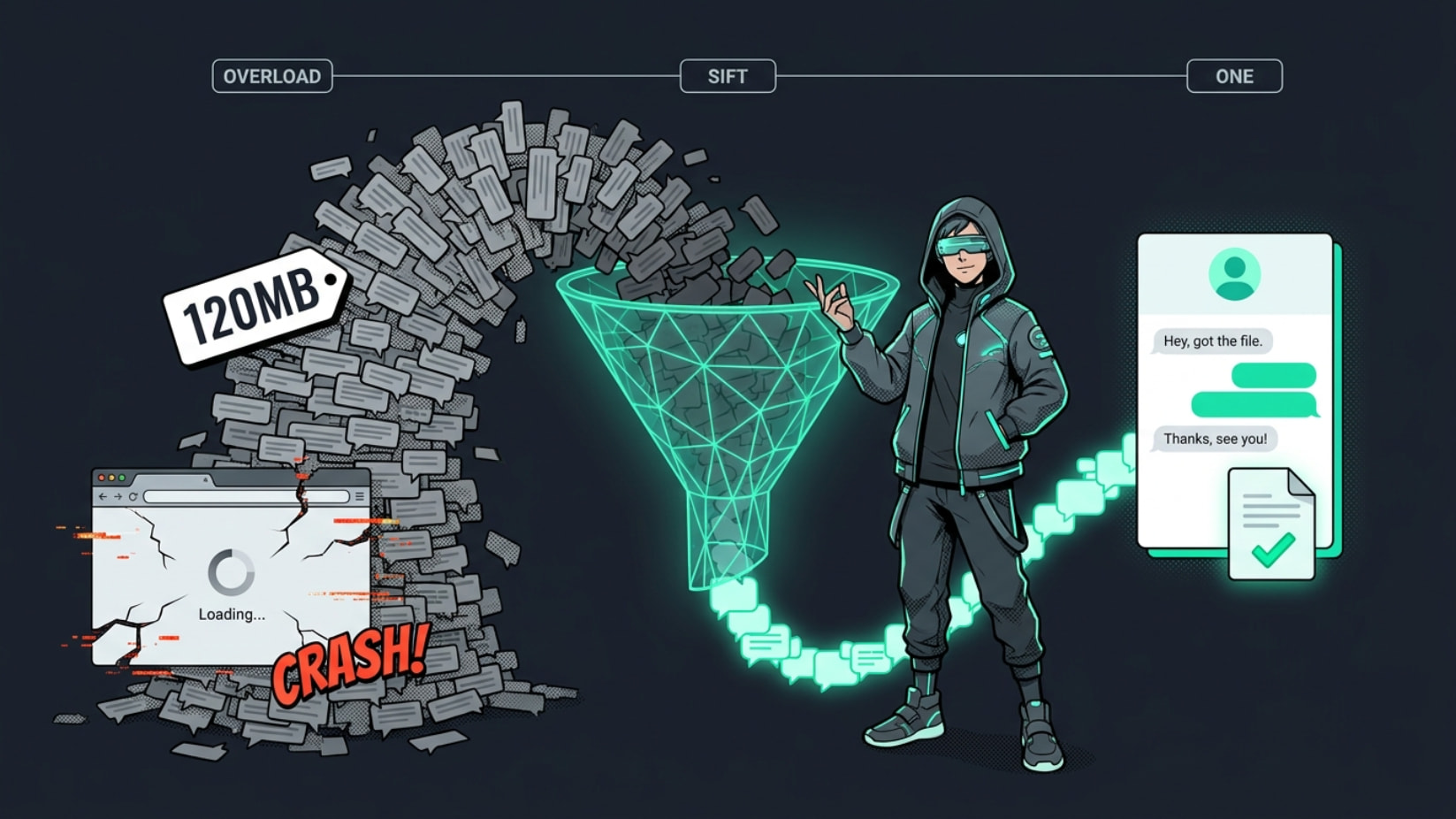
Yeah, that’s a classic pain — WhatsApp’s HTML exports can balloon to huge sizes when you’ve got years of chats, and browsers just choke trying to load the whole thing at once. You only need the messages from one specific contact, so there’s no reason to wrestle with the full 120MB file.
The good news is you don’t need any paid software or risky online uploaders. The cleanest and most reliable fix is a short Python script that parses the HTML and pulls out only the messages from that one contact (plus timestamps, media references, etc.). It runs locally, keeps everything private, and spits out a much smaller, usable file.
 Best Solution: Quick Python Script (Takes 2–3 Minutes to Set Up)
This uses BeautifulSoup — super lightweight and perfect for WhatsApp’s HTML structure.
Step 1: Install the tools (one-time only)
Open your terminal / command prompt and run:
Bash
pip install beautifulsoup4 lxml
Step 2: Save this script as extract_whatsapp_contact.py
Python
from bs4 import BeautifulSoup
import sys

# === CHANGE THESE TWO LINES ===
input_file = "your_chat.html"          # your 120MB file
contact_name = "Exact Contact Name"    # put the exact name as it appears in the chat
output_file = "chat_with_" + contact_name.replace(" ", "_") + ".html"

# Load the big file
print("Loading the big HTML file... (this might take a minute)")
with open(input_file, "r", encoding="utf-8") as f:
    soup = BeautifulSoup(f, "lxml")

# Find all message blocks
messages = soup.find_all("div", class_="message")  # WhatsApp HTML uses this class

extracted = []
for msg in messages:
    # Look for the sender name (adjust selector if your export is slightly different)
    sender_tag = msg.find("span", class_=["author", "sender", "chat-author"]) or msg.find(string=lambda text: contact_name in text if text else False)

    if sender_tag and contact_name.lower() in str(sender_tag).lower():
        extracted.append(str(msg))

# Build a clean new HTML file
if extracted:
    new_html = f"""
    <!DOCTYPE html>
    <html><head><meta charset="utf-8"><title>Chat with {contact_name}</title></head>
    <body><h1>Chat with {contact_name}</h1><div class="chat-container">
    {"".join(extracted)}
    </div></body></html>
    """

    with open(output_file, "w", encoding="utf-8") as f:
        f.write(new_html)

    print(f"✅ Done! Created {output_file} with only {len(extracted)} messages from {contact_name}")
else:
    print("No messages found for that contact name — double-check the spelling.")
Step 3: Run it
Bash
python extract_whatsapp_contact.py
The resulting file will be tiny (usually just a few MB) and opens instantly in any browser.
Tip: If the script doesn’t catch the messages, open a tiny part of your HTML in a text editor and search for the contact name — tell me what tags surround it and I can tweak the selector for you.
 Alternative: Split the Big File Into Smaller Chunks (If You Prefer Manual Checking)
If you really want to split the full HTML into smaller pieces first:
-
On Windows: Use a free tool like GSplit (portable, no install) → https://www.gdgsoft.com/gsplit/ Split by size (e.g. 10MB chunks) — then open each small HTML and Ctrl+F for the contact name.
-
On Mac/Linux: In terminal:
Bash
split -b 10m your_chat.html chunk_
Then rename each chunk back to .html and open one by one.
Note: Pure splitting can sometimes break the HTML formatting, so the Python method above is cleaner and more targeted.
 Quick Tips
-
Make a backup copy of the original 120MB file before doing anything.
-
The script runs completely offline — nothing gets uploaded.
-
If your export includes media, the links will still work as long as the media folder is in the same place.
This should get you exactly what you need without any memory headaches. Drop the exact contact name (or a sample of how it appears in the HTML) if you want me to adjust the script further.
You’re all set now.


 !
!