 Today is the day you stop saying
“someone should build that.”
 OpenClaude + NVIDIA Combo Replaces Cursor, Claude Code & Copilot for $0/Month
OpenClaude + NVIDIA Combo Replaces Cursor, Claude Code & Copilot for $0/Month
Your computer builds it.
You open it on your phone. It works.
Until this month, that feeling cost about $200 a month — locked behind apps with names like Cursor, Claude Code, GitHub Copilot.
Today, two random things on the internet just made it free.
✦ ✦ ✦
It’s a deadly combo. Probably the best free thing to land in 2026 so far.
 What you actually get
A robot intern who:
 speaks plain English
knows how to code
works for free
never sleeps
lives on your laptop
You tell it:
“Make me a Chrome thing that mutes my boss’s WhatsApp messages between 6pm and 9pm.”
It writes it. Saves it. Tells you how to use it.
You’re done before your tea is cold.
Multiply that by every annoying problem you’ve ever wanted to fix in your own life.
━━━━━━━━━━━━━━━━━━━
 Things you could build by Sunday
Not fake examples. Real things real people are building right now.
 A WhatsApp auto-reply bot for delivery guys
In your language, your tone. Set up once, runs forever.
 A photo organizer for your 4,000-photo gallery
Sorts by face, place, or date. Renames them all while you sleep.
 A tracker for the 27 jobs you applied to
Reminds you to follow up. Updates itself.
 A wedding website for your cousin
Photo gallery, venue map, dress code, food menu. Designer-grade. Done by Sunday.
 A bot watching OLX & Marketplace 24/7
Texts you the moment your dream car/phone/laptop drops below your price.
 A daily journal you just talk to
Writes the entry for you, remembers yesterday, asks better questions tomorrow.
 A “did the price drop yet?” tracker
For everything sitting in your Amazon and Flipkart wishlist.
You’re the protagonist now. Not the audience.
━━━━━━━━━━━━━━━━━━━
 The setup — 5 minutes flat
① Get a free key
Click  https://build.nvidia.com/models
Pick any model → hit “Get API Key” → copy it.
② Open your laptop’s terminal
That black-screen-with-text app every laptop already has.
Mac calls it Terminal. Windows calls it PowerShell.
Paste this one line:
npm install -g @gitlawb/openclaude
(“npm” sounds alien? Install Node.js once from nodejs.org. Free. 90 seconds. You’ll never have to do it again.)
③ Run it
Type openclaude, hit enter, paste your key.
Start describing what you want.
That’s the whole thing.
Stuck on step 2? Drop a reply — half this community has been there. Honestly the only hard part of the whole thing.
━━━━━━━━━━━━━━━━━━━
 Three traps before you start
🐢 Trap #1 — There's a speed limit
The free version handles ~40 requests a minute. Plenty for one person building one thing. You’d only hit a wall if you’re serving thousands of users — and you’re not, yet.
There’s even a polite-ask trick to bump this to 200 — see the advanced section below.
🪤 Trap #2 — The model names are tricky
The brand names look like Kimi 2.5, MiniMax M2.7, GLM 5.1, DeepSeek 3.2 — all real, but the system needs the exact strings below. One typo and nothing works:
moonshotai/kimi-k2.5
minimaxai/minimax-m2.7
deepseek-ai/deepseek-v3.2
z-ai/glm-5.1
🌍 Trap #3 — One country block
NVIDIA wants a phone number. India , EU , US , most of SEA .
Turkey, Bangladesh, Egypt, sometimes China & Kazakhstan — they get stuck.
The manual workaround thread that’s actually helped people through:
https://forums.developer.nvidia.com/t/manual-account-verification-request/367841
━━━━━━━━━━━━━━━━━━━
 Which free brain to pick on day one
Don’t overthink this. Pick the first one that fits. You can swap later — they’re all free.
| If you want to… | Use this one |
|---|---|
 Have long, friendly conversations Have long, friendly conversations |
Kimi K2.5 — patient, doesn’t lose track |
 Get clean, predictable output Get clean, predictable output |
GLM 5.1 — does exactly what you asked |
| Save credits, build a lot of small stuff |
DeepSeek V3.2 — cheap & sharp |
 Try the brand-new everyone’s posting about Try the brand-new everyone’s posting about |
DeepSeek V4-Pro — landed April 23, fastest |
━━━━━━━━━━━━━━━━━━━
 The real comparison
| What people pay | Per month |
|---|---|
| Cursor Pro | $20 |
| Claude Code | $20 |
| GitHub Copilot Business | $19 |
| You, starting today | $0 |
Setup time: 5 minutes.
Everything after that is muscle memory by your second project.
━━━━━━━━━━━━━━━━━━━
 Advanced layer (only if you’re curious)
Click for the dev-mode tricks
Once you’re comfortable with the basics, this is where it gets seriously powerful.
 Different AI per task
Cheap brain for autocomplete, smart brain for “refactor this whole module.” One window, two pay grades, both still free.
Config docs: https://github.com/Gitlawb/openclaude/blob/main/docs/advanced-setup.md
 Stack 3 brains with auto-failover
When one hits its limit, the next one wakes up automatically. A working setup someone already built and shared:
https://github.com/rohansx/nvidia-litellm-router
 Recycle your ChatGPT Plus subscription
Already paying $20 for ChatGPT? OpenClaude can pipe that quota straight into the same window. One terminal, all your subscriptions consolidated.
 Run a brain on your own laptop as offline backup
With 24 GB of GPU memory, Qwen3-Coder runs locally. Internet dies? Coding doesn’t.
Memory-by-model guide: https://willitrunai.com/blog/qwen-3-gpu-requirements
 The “fake success” trap
NVIDIA’s free service has a quirk — sometimes when it fails, it sends back “success” on the surface with the actual error hidden inside. Most beginners lose hours before realizing.
Umbrella thread mapping all 14 known bugs: https://forums.developer.nvidia.com/t/bug-report-nvidia-nim-hosted-endpoint-reliability-issues-bugs-requiring-extensive-client-side-workarounds/366612
The polite-ask trick
40 requests/min is the default. People have emailed NVIDIA’s developer forum and gotten bumped to 200/min. Free. No payment, no contract. Just a polite request.
Real example thread: https://forums.developer.nvidia.com/t/nvidia-nim-api-rate-limit-increase-40-200/367428
━━━━━━━━━━━━━━━━━━━
You’re a builder now
You walked in here someone who has ideas.
You’re walking out someone who ships them.
The first thing you build will be ugly.
The second one will be useful.
The third one will surprise you.
That’s how it works for everyone — the people charging $200/month started exactly where you are right now, just earlier.
 One question for the lurkers
What’s the one tiny thing you’ve always wanted on your phone, your laptop, or in your daily life — that nobody’s built for you yet?
Three words or three paragraphs. Doesn’t matter. Even a vague answer helps someone else see what’s possible.
Lock in and start building today, anon. 
 — phone verification is the gate.
 A “Verify phone” prompt → that’s the gate. Enter a real number, get the SMS code, done in 30 seconds. Same key then works for every model in the catalog.
 Heads up that no tutorial mentions: even after you’re in, your “personal” account may be missing a hidden permission called Public API Endpoints — which silently 403s the newest models (GLM 5.1, Devstral, Nemotron 3 Super). If a model hangs for 5 minutes on first call, that’s why. Forum thread with the fix
  Or the lazy way — pick a neighboring country from the dropdown, use any number formatted for that code (Google “ sample phone number”). Most SMS gateways don’t actually verify the number is yours, just that the format checks out. Worked for half the unblocked-country threads on the forum.

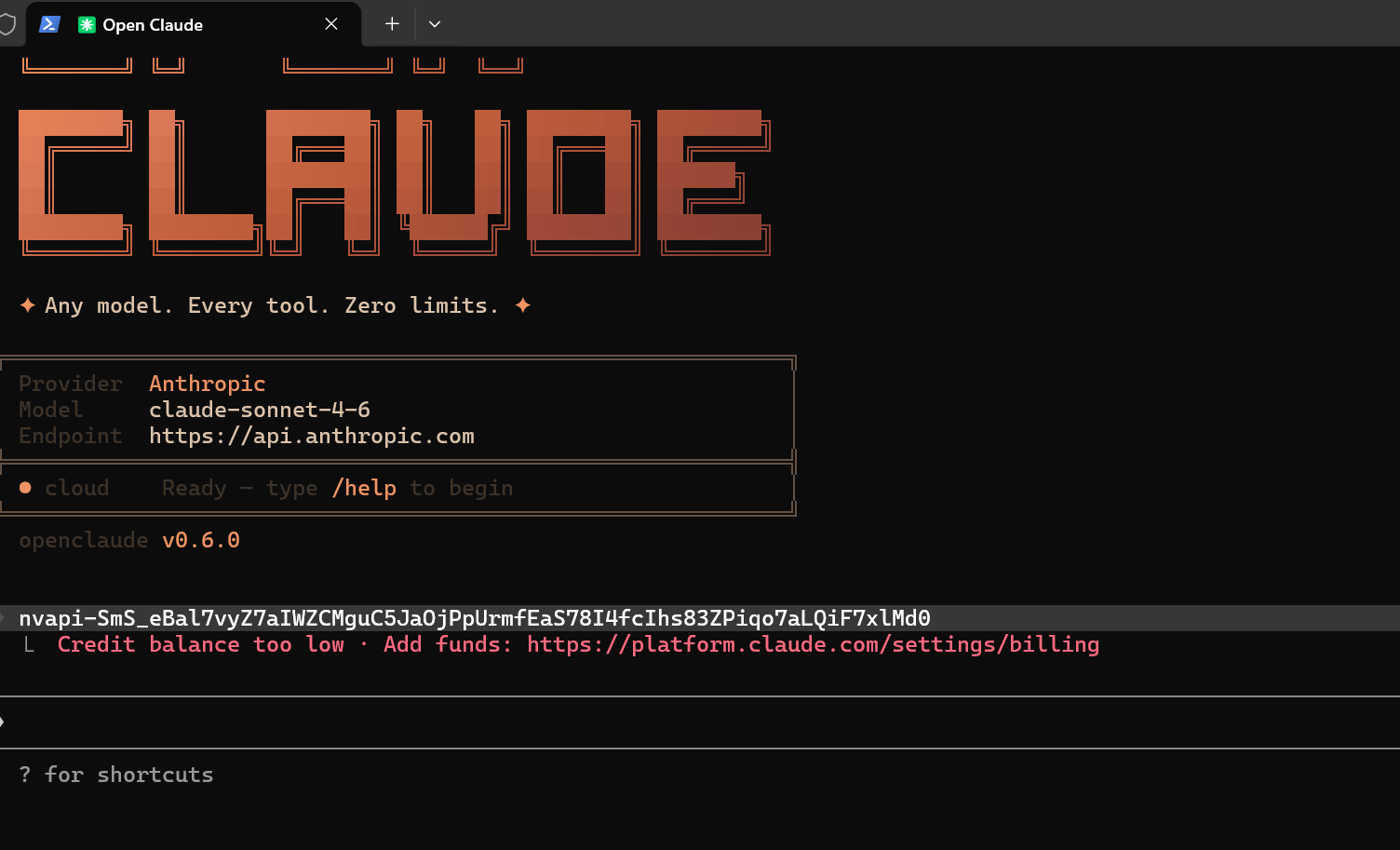
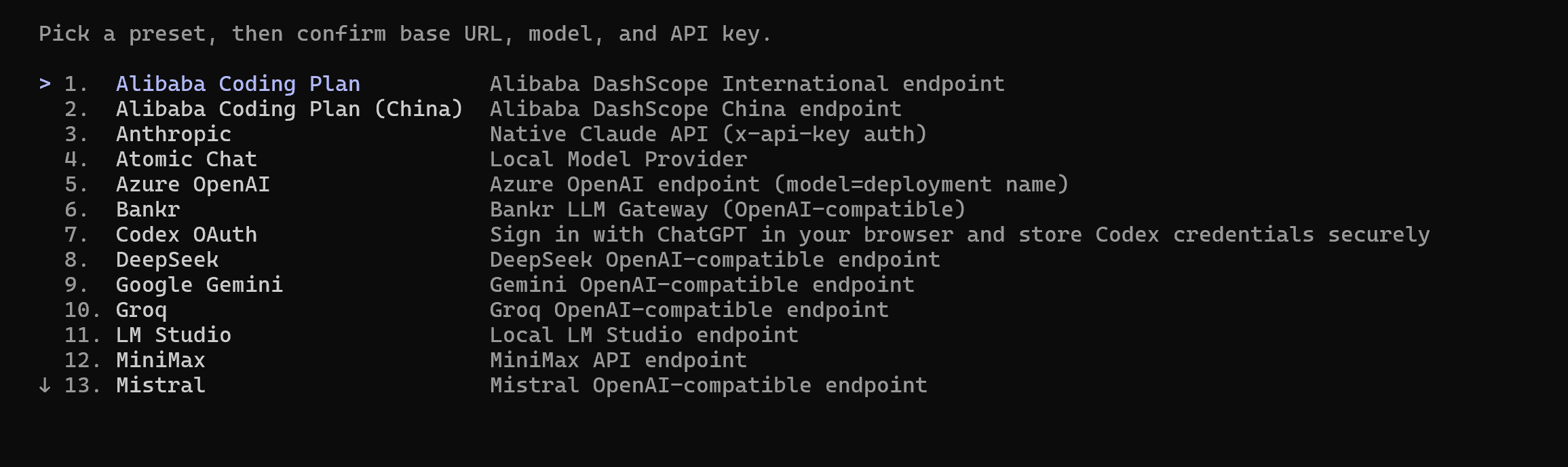
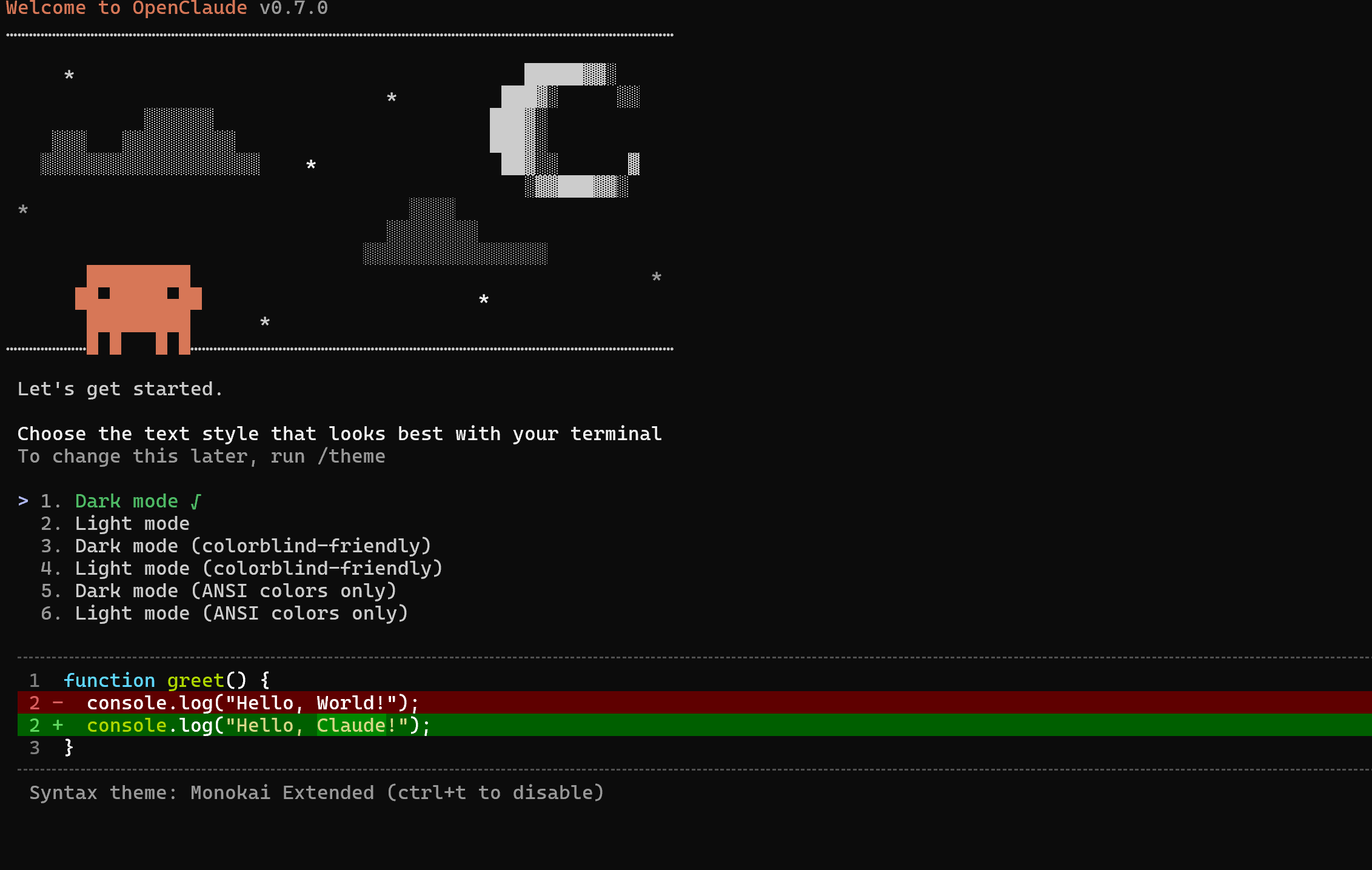
 Skip the menu entirely
 If Enter doesn’t move it (rare Windows Terminal quirk where Enter gets eaten by split-pane shortcuts):
 !
!