Run Old Operating Systems in Your Browser — 10 Sites for Retro OS Nostalgia
One-Line Flow: Click site → pick old OS (Windows 95, Mac OS, DOS, Unix) → runs in browser instantly → no install needed
Why this matters: Want to run Windows 95, play DOS games, or mess with Unix v4 from 1974? These sites emulate dead operating systems directly in your browser. No VMs, no downloads, no dual-booting—just click and you’re back in 1995. Perfect for nostalgia, testing old software, playing abandonware games, or understanding how tech used to work before everything got bloated.
Why Running Old OSes in Browser Actually Matters
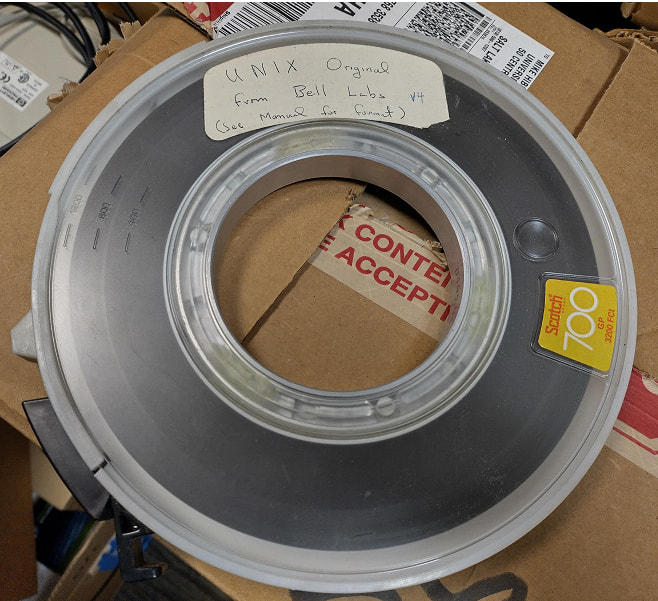
The revival of Unix v4 (from 1974) sparked this list. But beyond nostalgia, here’s why people actually use these:
Nostalgia: Remember how simple computers used to be? Run the OS you grew up with.
Education: See how operating systems evolved. Windows 3.1 vs Windows 95 vs XP—night and day differences.
Software testing: Need to test if old software runs? Spin up the exact OS version instantly.
Game preservation: Thousands of DOS/Windows 95 games don’t run on modern PCs. These sites keep them alive.
Development curiosity: Want to understand Unix history? Actually use the OS that inspired Linux.
No setup hassle: Forget VirtualBox tutorials. Click link, OS loads in 10 seconds.
The beauty: These are full OS emulations, not screenshots. You can click, run programs, break things, reboot.
 The Sites (Ranked by What They Do Best)
1. Unix v4 — The Granddaddy (1974 Unix)
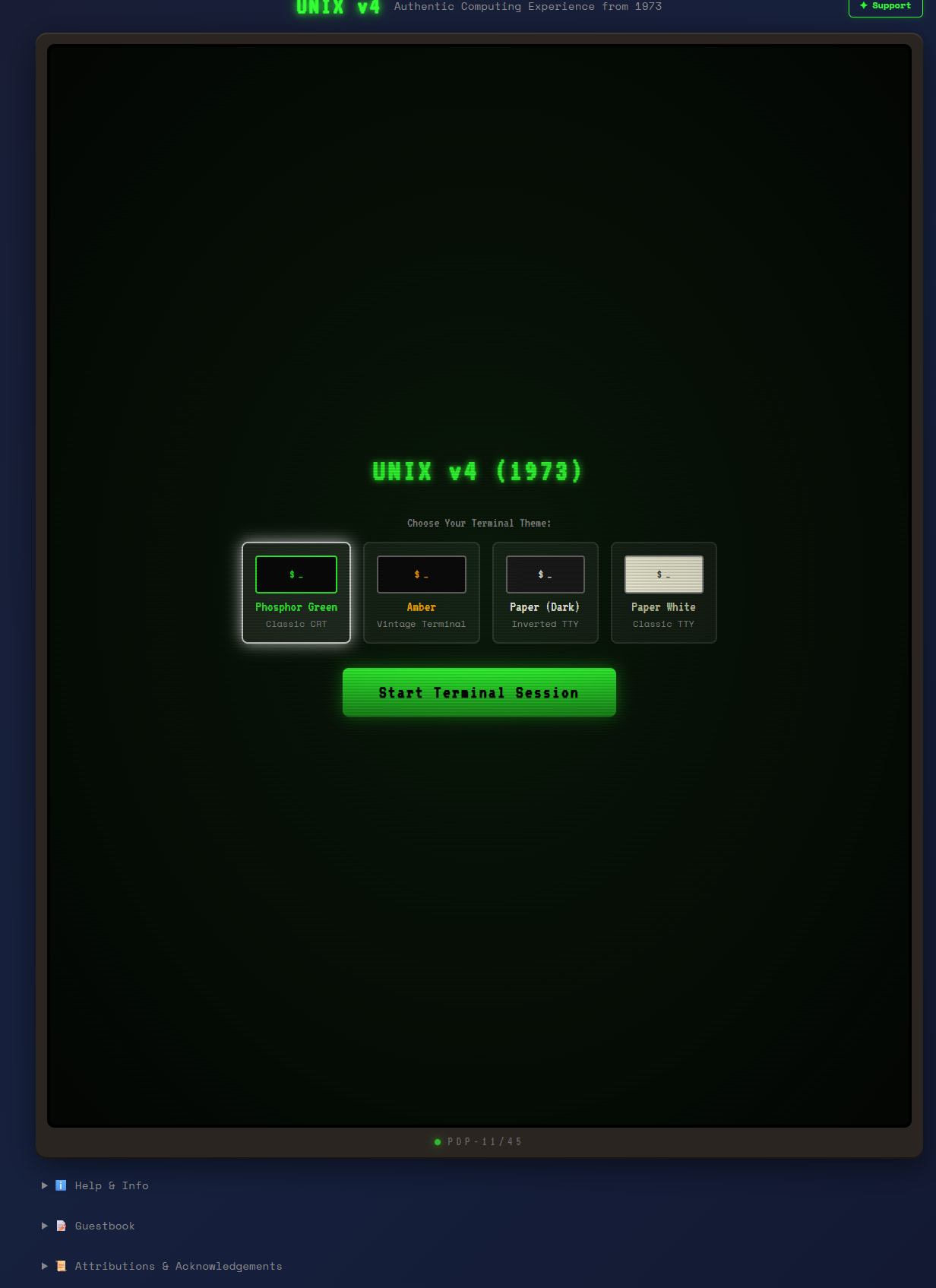
Link: https://unixv4.dev/
What it is: Unix Version 4 from 1974. The operating system that started everything (Linux, macOS, Android—all Unix descendants).
Why it’s cool: This is computing archaeology. See the command line that programmers used 50 years ago. No GUI, just text. Pure.
Use it for: Understanding Unix history, learning classic commands, feeling like a 1970s hacker.
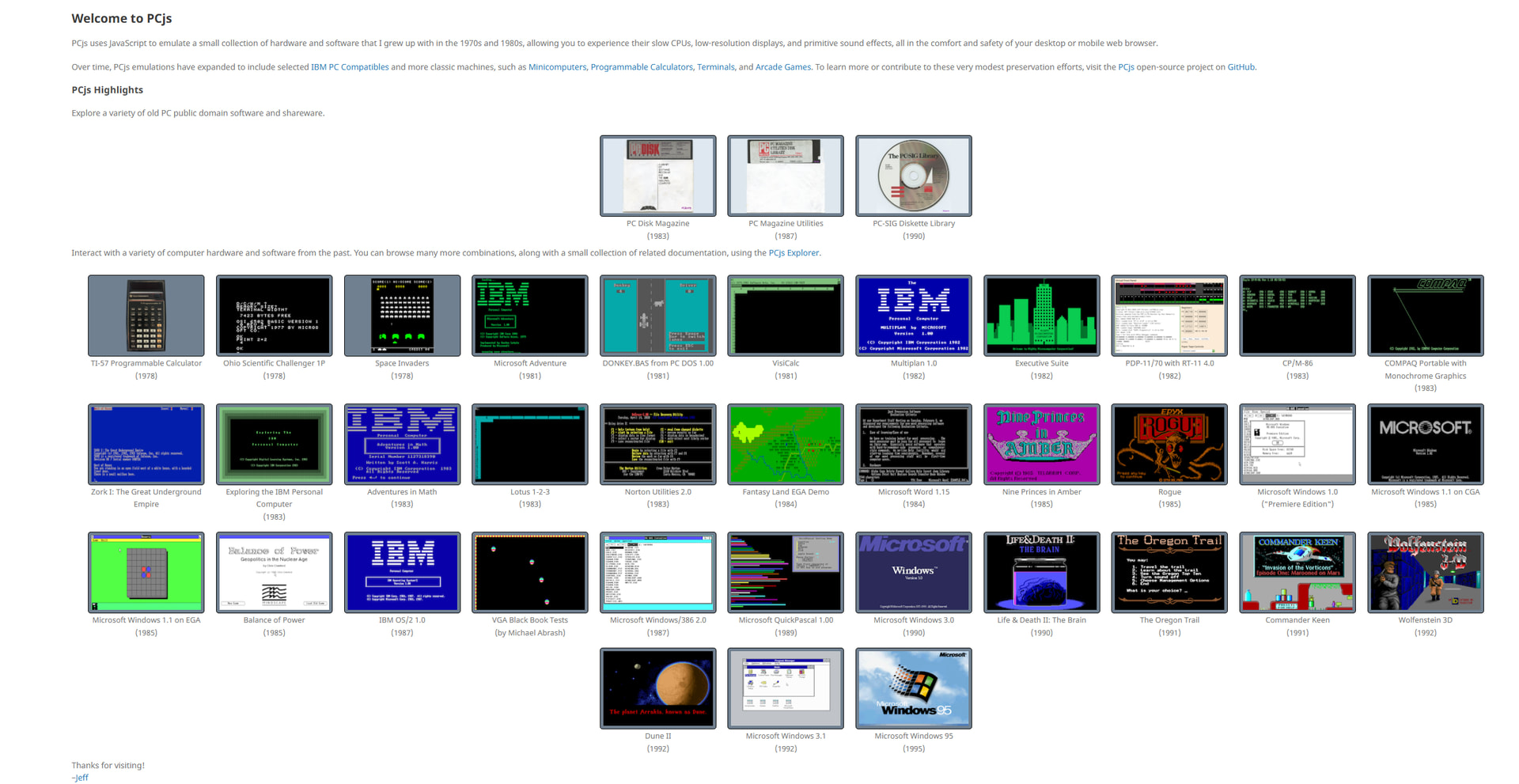
2. PCjs — IBM PC Emulator (MS-DOS, Windows 1.0-3.1, OS/2)
Link: https://www.pcjs.org/
What it emulates: IBM PC compatible systems running MS-DOS, PC-DOS, Windows 1.0-3.1, Windows 95, OS/2 Warp.
Special feature: Preconfigured computers with period-accurate software already installed.
Why it’s good: Want to see Windows 1.0? It’s wild. Tiled windows, no Start button, runs from floppy disks. This site preserves that exact experience.
Use it for: Seeing how Windows evolved, running old business software, understanding why people hated OS/2.
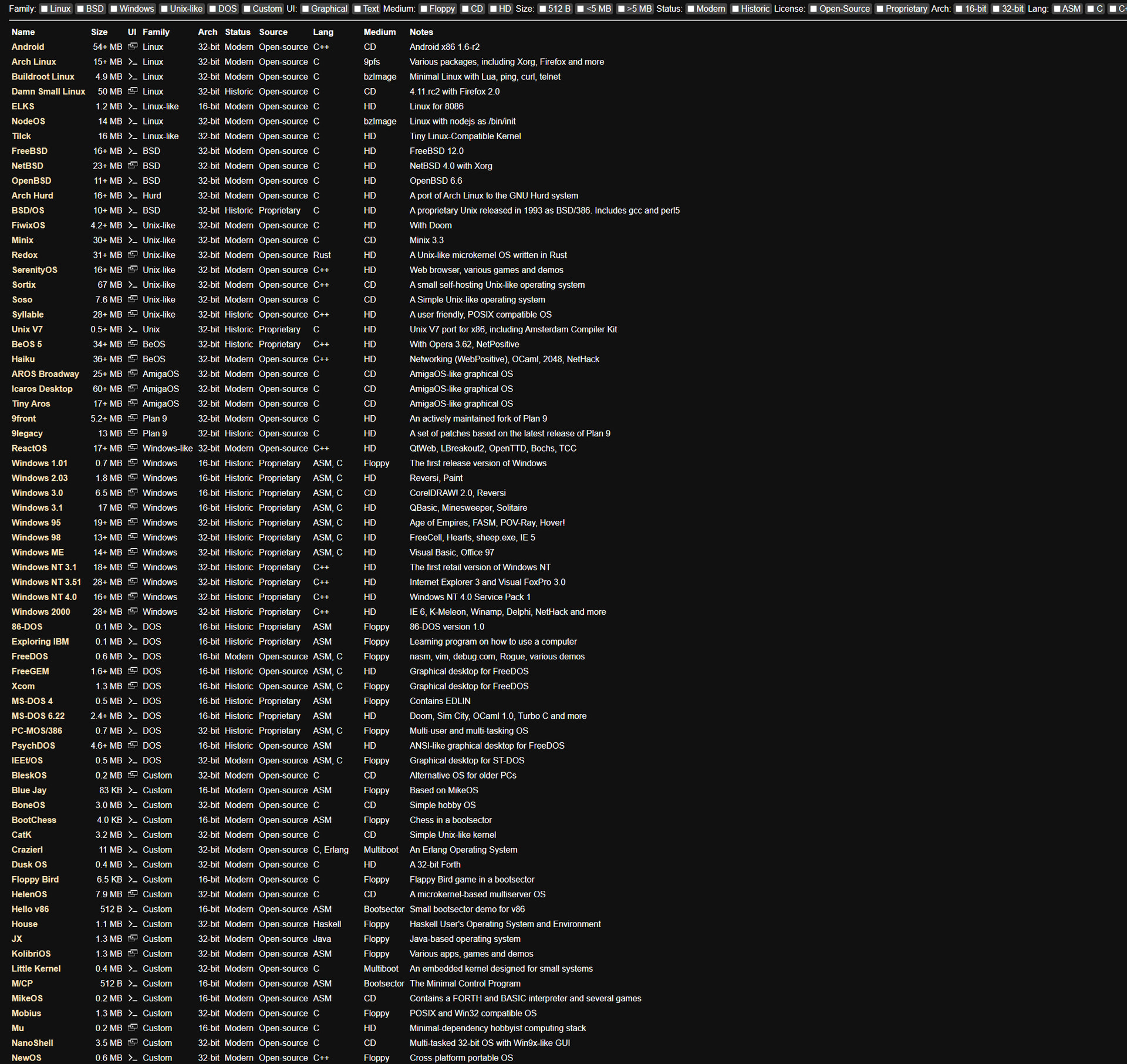
3. copy.sh/v86 — The Swiss Army Knife (Everything from DOS to Modern Linux)
Link: https://copy.sh/v86/
What it runs: Windows 1.0-98, MS-DOS, FreeDOS, Linux (Arch, Buildroot), Unix variants (FreeBSD, NetBSD), weird OSes (KolibriOS, SerenityOS, ReactOS).
Why it’s insane: Loads fast using RAM images. You can boot FreeBSD in your browser. That shouldn’t be possible but here we are.
Special mention: Supports niche OSes nobody else bothers with. Want to try ReactOS (the open-source Windows clone)? It’s here.
Use it for: OS tourism. Boot a different system every day.
4. Infinite Mac — Every Classic Mac OS (1984-2001)

Link: https://infinitemac.org/
What it covers: Apple Macintosh systems from System 1.0 (1984) to Mac OS 9.2.2 (2001), plus NeXTSTEP (Steve Jobs’ other OS).
Special feature: File transfers work. You can actually move files between your modern computer and 1990s Mac OS.
Why it’s wild: Runs on modern ARM Macs (M1/M2). Your 2024 MacBook can run Mac OS from 1984 in a browser tab.
Use it for: Seeing the original Mac interface, running classic Mac software, understanding why designers loved Macs.
5. Classic Reload — 6,000+ DOS Games + Windows 3.1
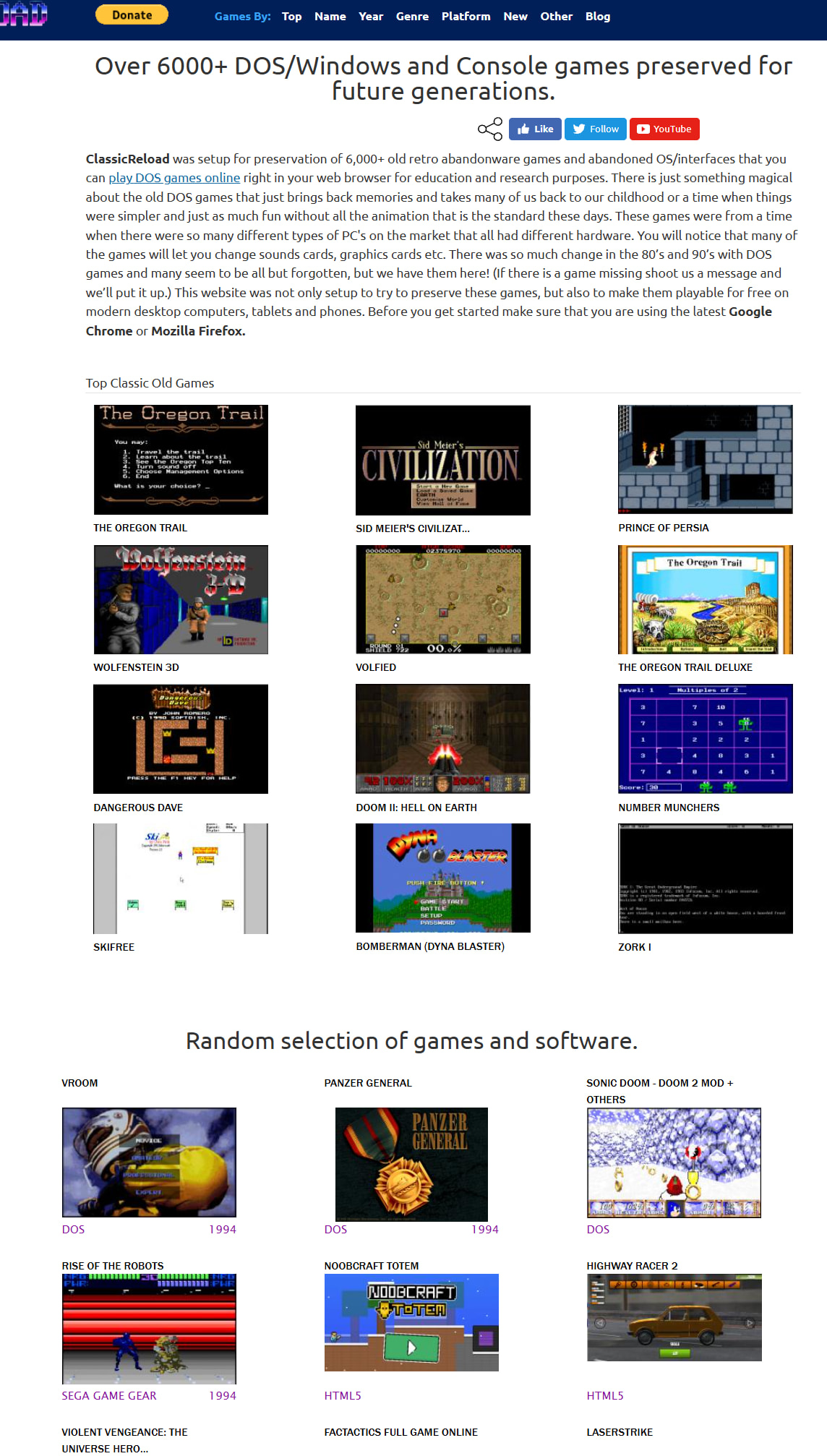
Link: https://classicreload.com/#free-give-away
What it is: Primarily DOS game archive. Over 6,000 titles. Also has Windows 3.1 emulation and abandonware.
How it works: DOSBox emulator running in browser. Click game, it loads, you play immediately.
Why it matters: All those games you played as a kid? They’re here. Commander Keen, Prince of Persia, Doom, Duke Nukem.
Use it for: Playing DOS games without digging out a 1995 PC from your parents’ garage.
6. DOS Zone — MS-DOS + Windows 95/98 Game Collection
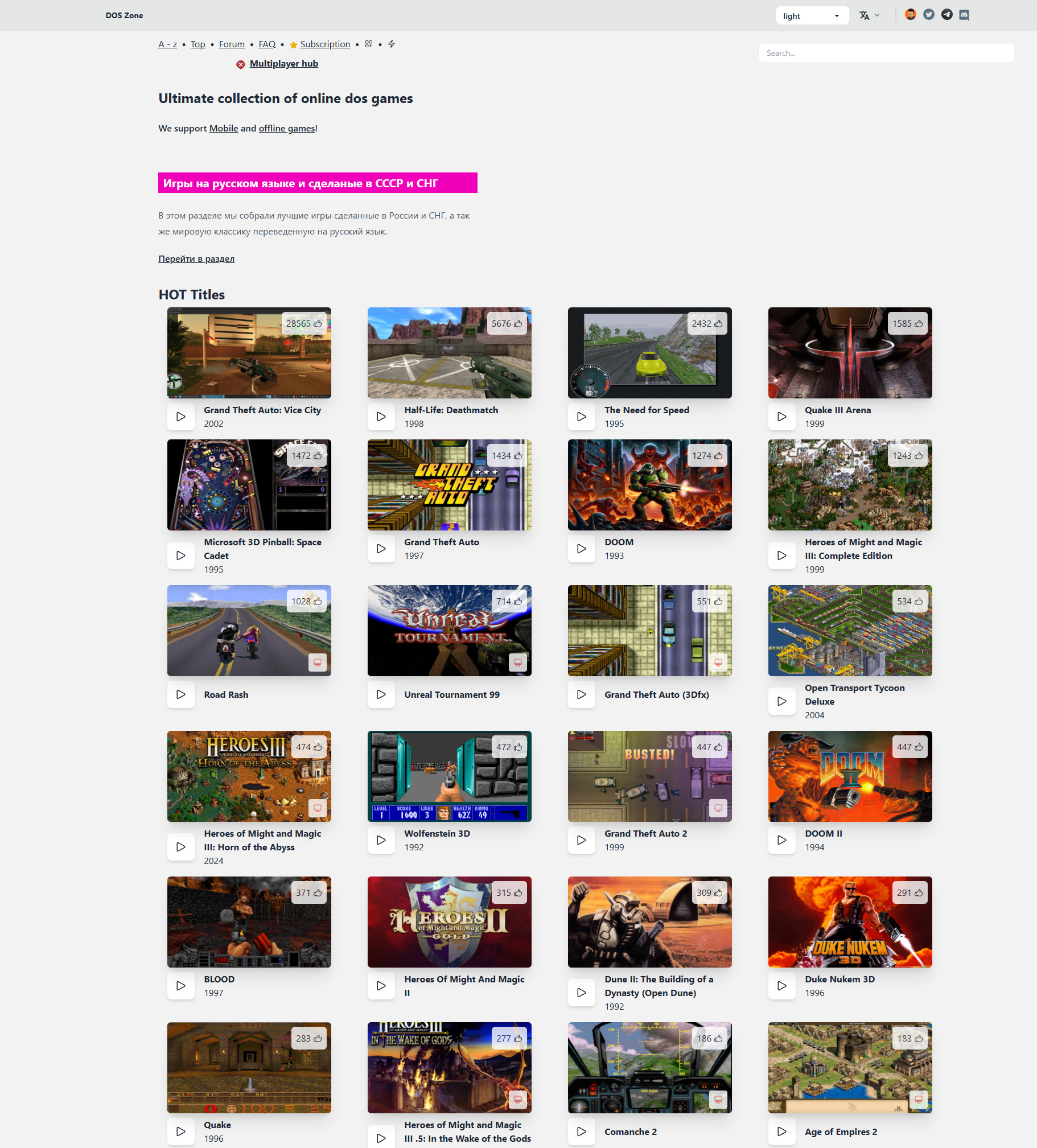
Link: https://dos.zone/
What it runs: MS-DOS environments for games and apps. Includes Windows 3.1/95/98 elements.
No registration: Just click and play. No account walls.
Why it’s better than Classic Reload: More Windows games, less focus on pure DOS.
Use it for: Windows 95 nostalgia. Remember Minesweeper and Solitaire before they got ruined?
7. Phette.net — Multi-OS Desktop Emulator (Windows/Mac OS + Historic Software)
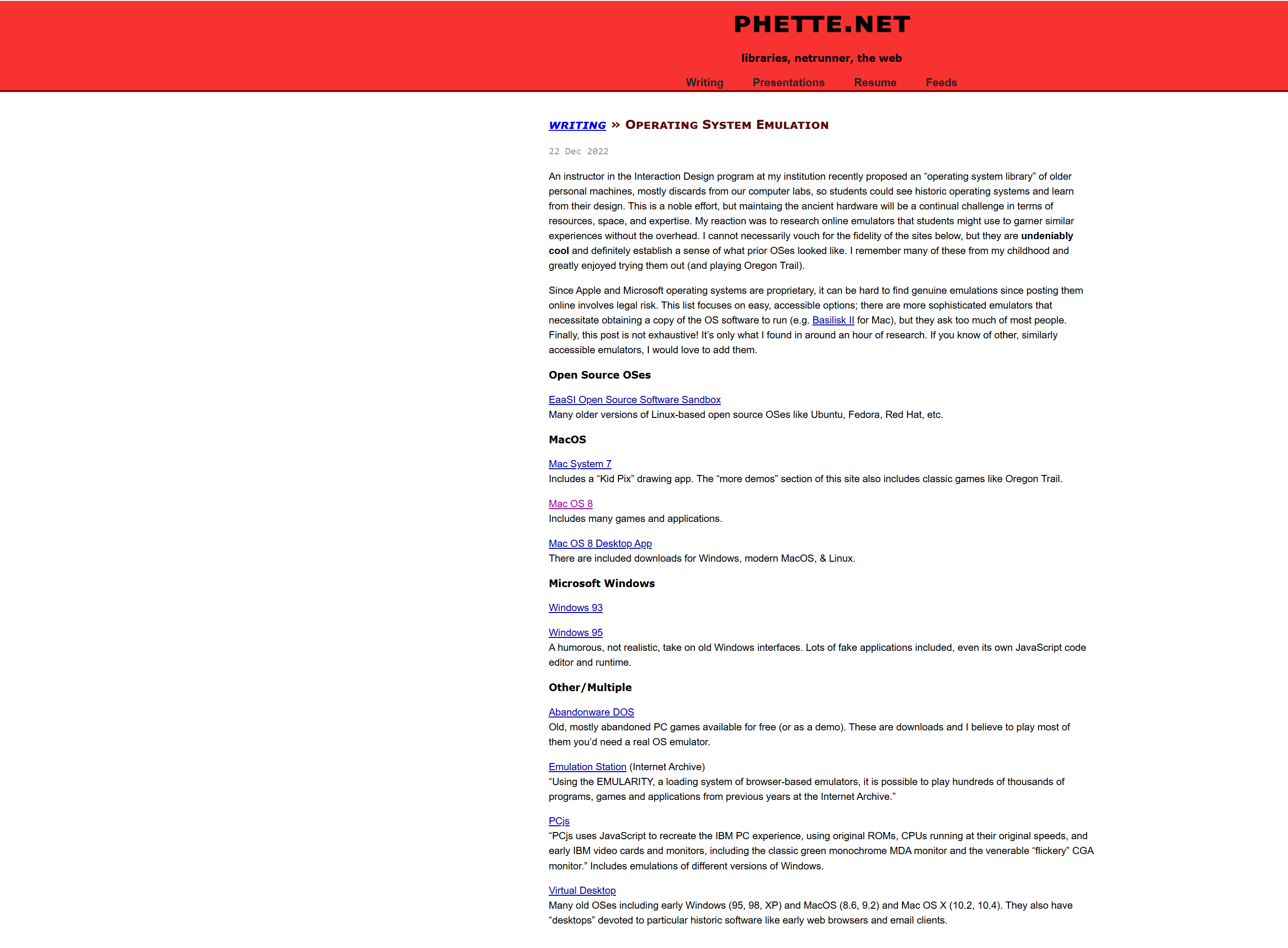
Link: https://phette.net/writing/operating-system-emulation
What it has: Windows 95/98/XP, Mac OS 8/9, Mac OS X 10.2/10.4, themed desktops with period software (old browsers, media players).
Special touch: Pre-loaded with historic software. You’re not just booting Windows 98—you’re getting Windows 98 with Internet Explorer 5 and RealPlayer installed.
Use it for: Experiencing complete 1990s-2000s computing environments exactly as people used them.
8. OldWeb.Today — Old Browsers in Their Native OS (Time Machine for the Web)

Link: https://oldweb.today/?browser=nm2-mac#19960101/http://geocities.com/
What it does: Emulates old web browsers (Netscape Navigator, Internet Explorer 4-6) within their OS contexts.
Why it’s different: This isn’t just running an OS. It’s running an OS running a browser viewing archived 1990s websites.
Special feature: Supports Flash and Java for archived web pages. See GeoCities sites as they actually looked.
Use it for: Understanding why modern web design exists (because the old web was painful).
9. James Friend's Emulators — Mac OS 7/8, IBM PC, Atari ST
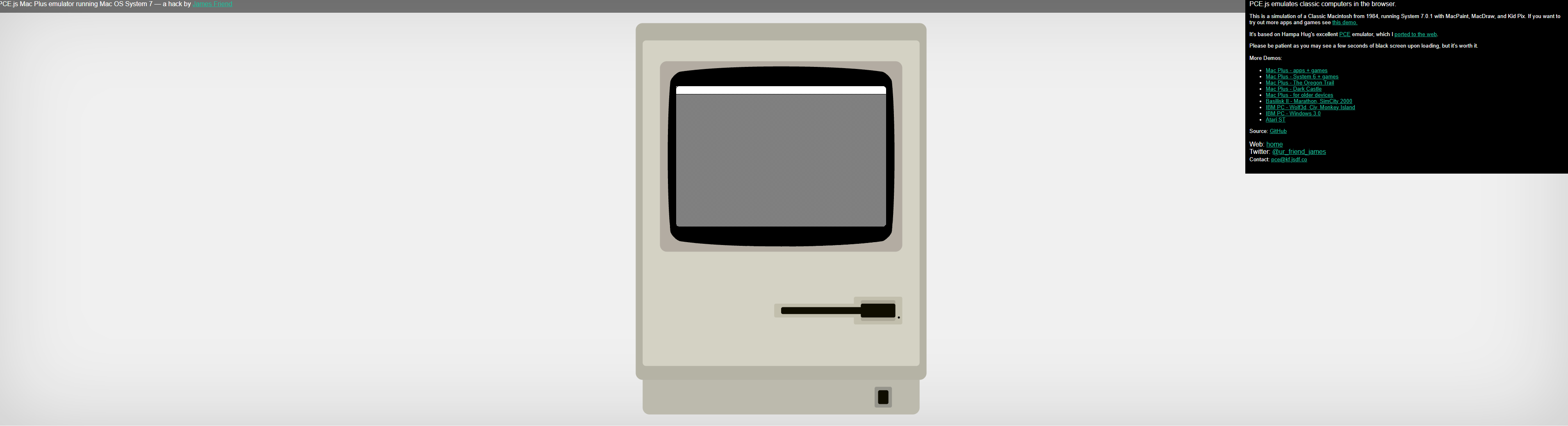
Link: https://jamesfriend.com.au/pce-js/
What it is: Browser ports of the PCE emulator. Includes Mac OS 7/8, IBM PC (with Wolfenstein preloaded), Atari ST.
Why it’s cool: Individual guy’s project. Not a company. Just someone who wanted to preserve old systems.
Special mention: Wolfenstein runs in browser. The 1992 game that started first-person shooters.
Use it for: Quick retro fix without browsing huge game libraries.
10. TAWS.ch — Amiga Workbench Simulator
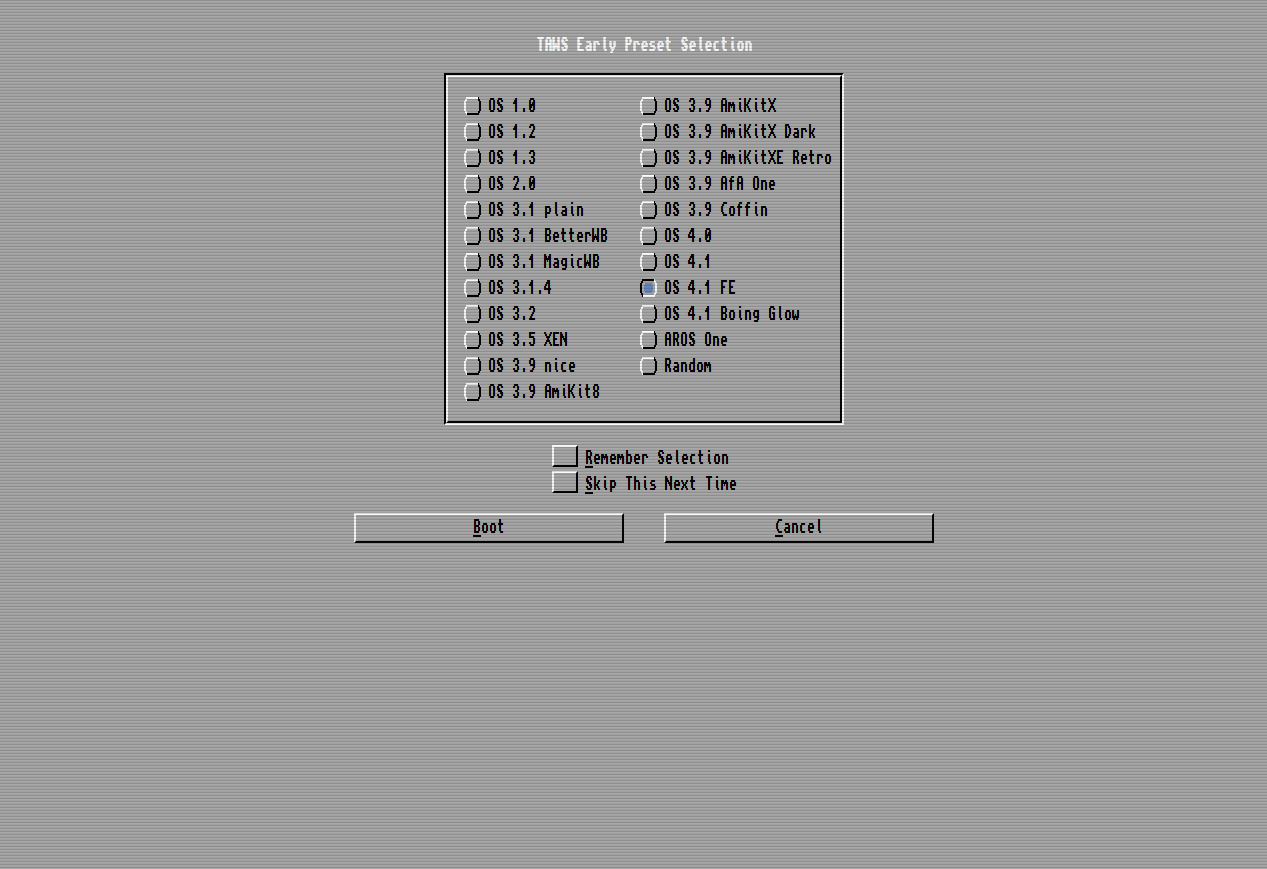
Link: https://www.taws.ch/WB.html
What it is: Simulates AmigaOS Workbench. The Amiga was the multimedia powerhouse of the late 80s/early 90s before PCs and Macs caught up.
Why Amiga matters: Graphics and sound that were 5 years ahead of PC/Mac. Games and demos that looked impossible.
Use it for: Seeing what computing could have been if Commodore hadn’t mismanaged everything.
Bottom line: These 10 sites let you run operating systems from 1974-2001 directly in your browser. No downloads, no VMs, just instant time travel to when computers were weird, simple, and actually fun to use. Perfect for nostalgia, education, playing old games, or just understanding how we got from Unix v4 to the bloated mess we have today.
For retro lovers: Bookmark them all. This is computing history you can actually touch.
 !
!