hello i have sony xperia Z2 i dont remeber what android version but i think 6.. i forgot my lock password any method way to baypass it.
i’m already connected to my wifi maybe this will help…
hello i have sony xperia Z2 i dont remeber what android version but i think 6.. i forgot my lock password any method way to baypass it.
i’m already connected to my wifi maybe this will help…
Hard reset for simple
If you have knowledge flash with tool then use tools Google it for tools.
If no knowledge simple hard reset power+up volume in recovery mode.
thank u but doesn’t work this combination
there is a file that u can flash and bypass lock screen
click here
using this flashtool version
click here
and you’re done

Use 3rd . method
Thank u problem fixed using your given tools and with some little search it done
thank you too for others members for replying
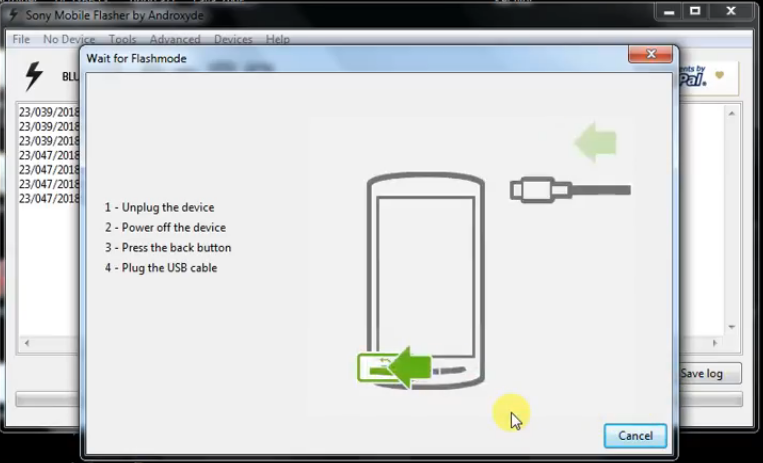
 !
!