i recently have reset my os, and then installed it again,
just search on google and you will find the articles related to it.
or you can just contact apple customer, they will provide assistance for this and believe they are very helpful.
just contact them for a proper guidance
If you have a secondary admin account, then you can use it to reset the password of your forgot user account. For this, follow the below steps:
First of all, log in to your secondary admin account by using your login credentials.
Tap on the Apple menu and then choose System Preference.
Tap on Users & Groups.
Now you need to enter the username and password of your admin account again.
Choose your username from the list of users and then tap on Reset Password option.
Now enter a new password for your admin account and then also re-enter it to confirm.
After that, tap on Change Password tab.
Now log out from the current admin account and then login with your original user account that password you have recently created.
Method #2. Use your Apple ID
You can also use your Apple ID to reset yours forgot user account password. If you don’t have any idea, then follow the below instructions:
From the Mac login screen, type a wrong password three times to access the Password Hint box. And then a message will appear If you forgot your password you can reset it using your Apple ID.
Now tap on the < arrow icon to begin the process of resetting via an Apple ID.
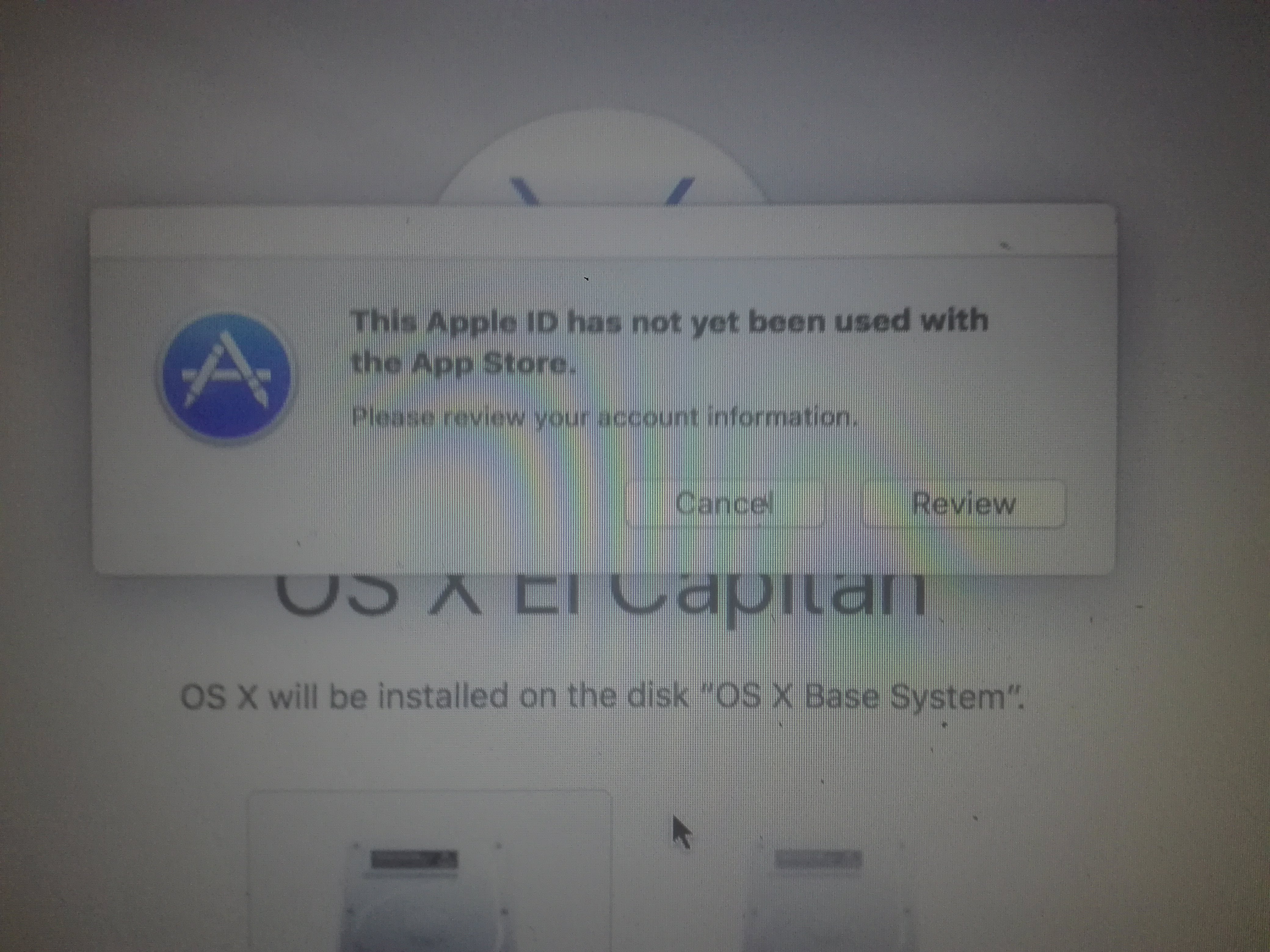
Now you need to enter your Apple ID username and password into given box. This credential is same that you used to access your iCloud or iTunes account.
After that, enter a new password to create a new admin account and then also re-enter it.
Now you need to reboot your MacBook Pro after creating a new admin password.
Presently wait until rebooting process finishes and then login with your new password.
After applying the above-said methods, you can without much of stretch reset your Forgotten Macbook Pro password.

 !
!