Google Dork Tutorial  Get Studocu Files From Mirror Sites
Get Studocu Files From Mirror Sites
One-Line Flow: Find article title → Google dork it → download from mirror site → skip Studocu paywall entirely
Why this matters: Studocu wants $10/month to download study materials you could get free elsewhere. They’re banking on you not knowing that most docs uploaded there also exist on other sites. This trick uses Google to find those mirrors, then downloads them directly. You’re not cracking anything—just searching smarter. Works for 90% of Studocu docs.
The Core Trick (Why This Actually Works)
Studocu’s business model: students upload docs → Studocu paywalls them → original uploader probably also posted it somewhere else for free.
The exploit: Google indexes everything. If that same doc exists on Scribd, Course Hero, or random edu sites, Google knows. You just need to ask correctly.
What you’re doing: Using the document title to find where else it lives online, then downloading from a site that doesn’t paywall.
This isn’t some sketchy hack—it’s literally just using a search engine properly. Studocu can’t stop this because they don’t control Google or other file-sharing sites.
Step 1: Build Your Google Dork
Start with the article title from Studocu. For this example:
“Garrard Japan: Global or Local Case Study Solution”
Google dork format:
intitle: "case study solution for garrard japan: global vs. local analysis" "pdf"

What this does:
intitle:= search only page titles (where document names appear)- Quote marks = exact phrase match
"pdf"= only find PDF versions
Pro tip: If first search fails, shorten the title. Remove filler words like “case study” or “analysis.” Just search core terms like “Garrard Japan Global Local pdf”
Step 2: Pick a Free Mirror Site
Google returns results from sites that don’t paywall.
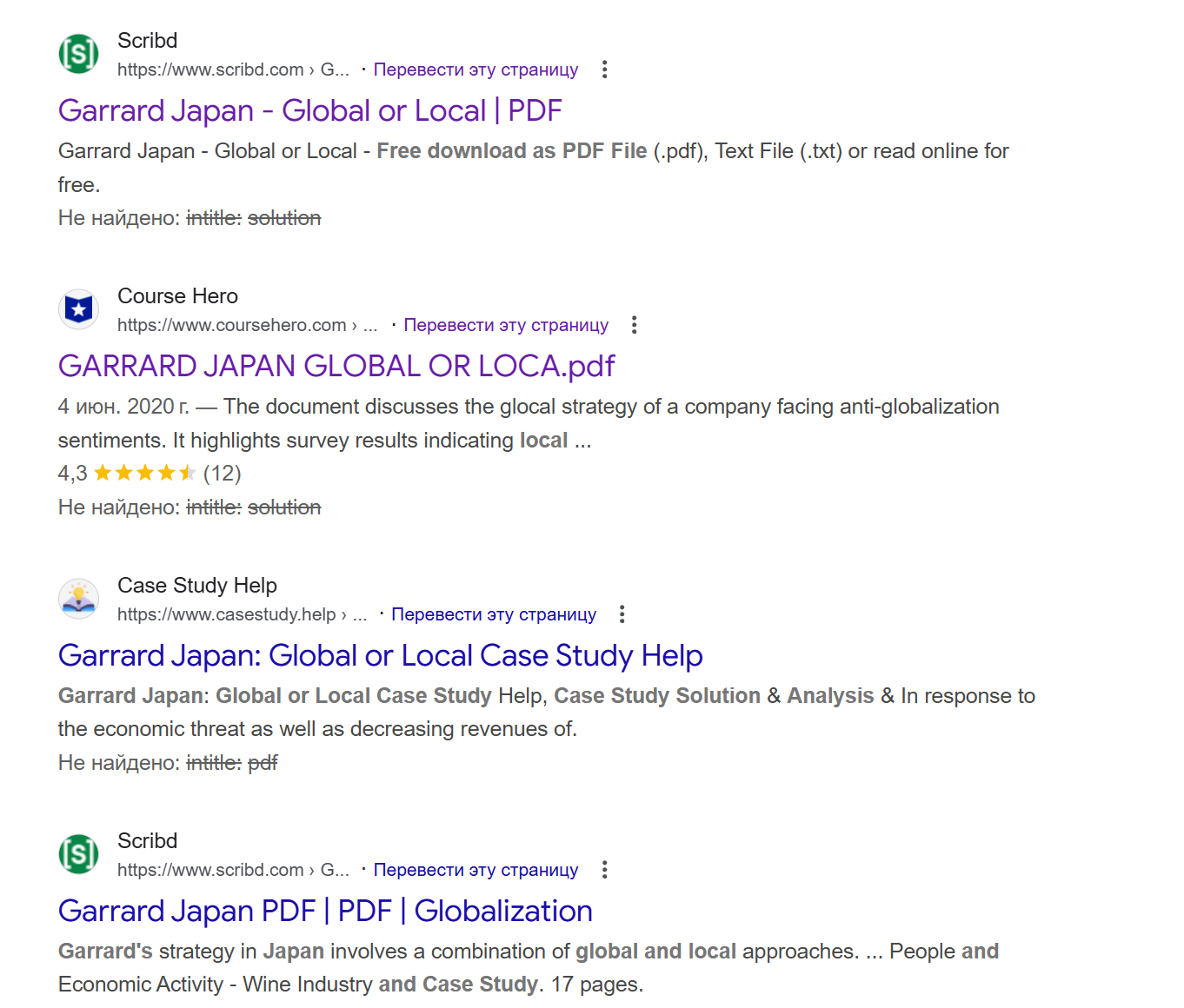
Common mirrors that appear:
- Course Hero (sometimes free previews)
- Academia.edu
- Random university repositories
- Scribd (if you use the downloader from earlier post)

Copy the link from any result that looks like it has the full doc. Don’t waste time clicking—just copy URL.
Step 3: Use a Downloader Site
Paste your copied link into a downloader. For this example, using Scribd downloader (works for most doc sites):
https://scribd.vdownloaders.com/

What happens: The downloader fetches the file without triggering the paywall. You get redirected to a clean download page.
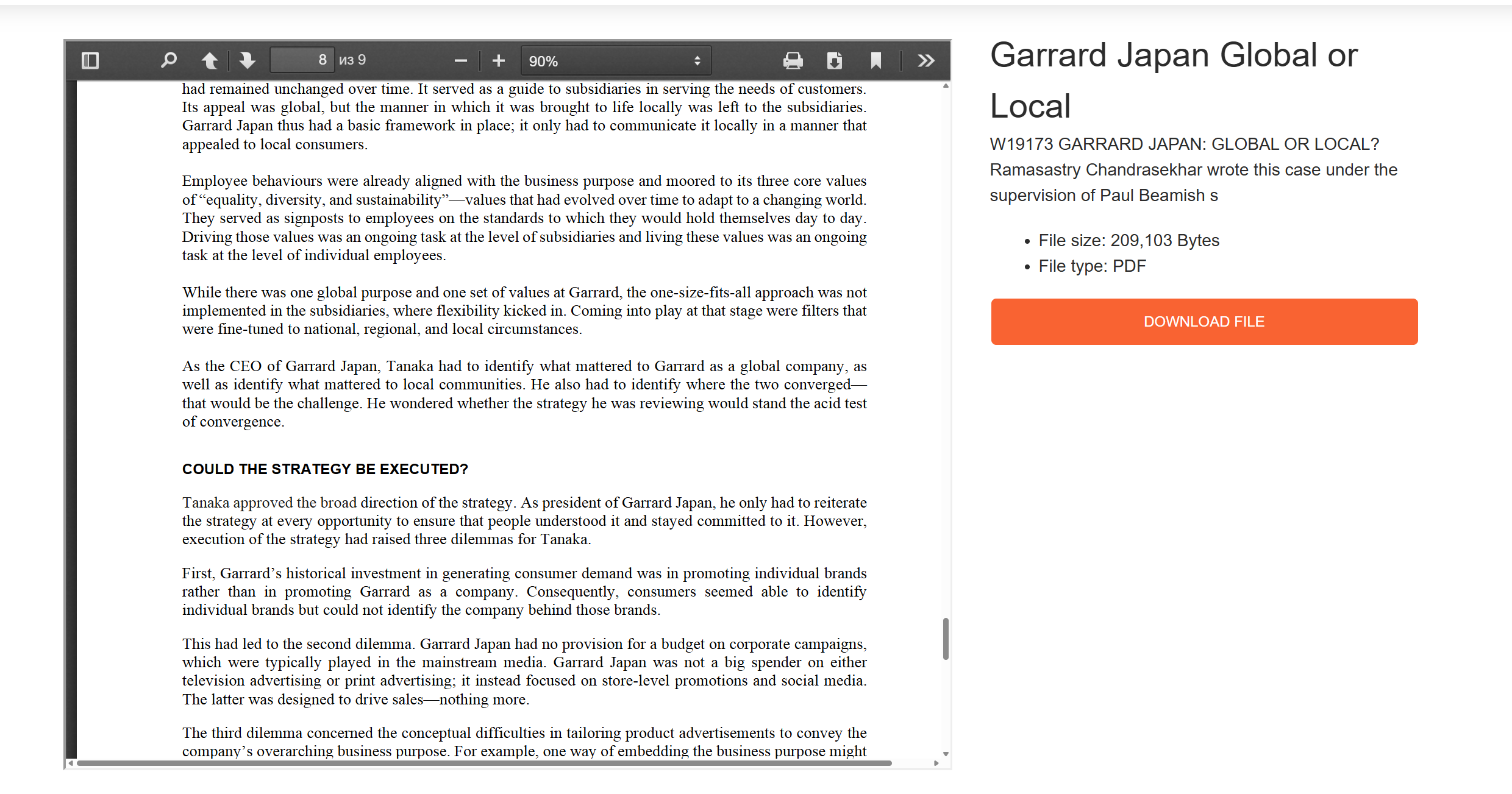
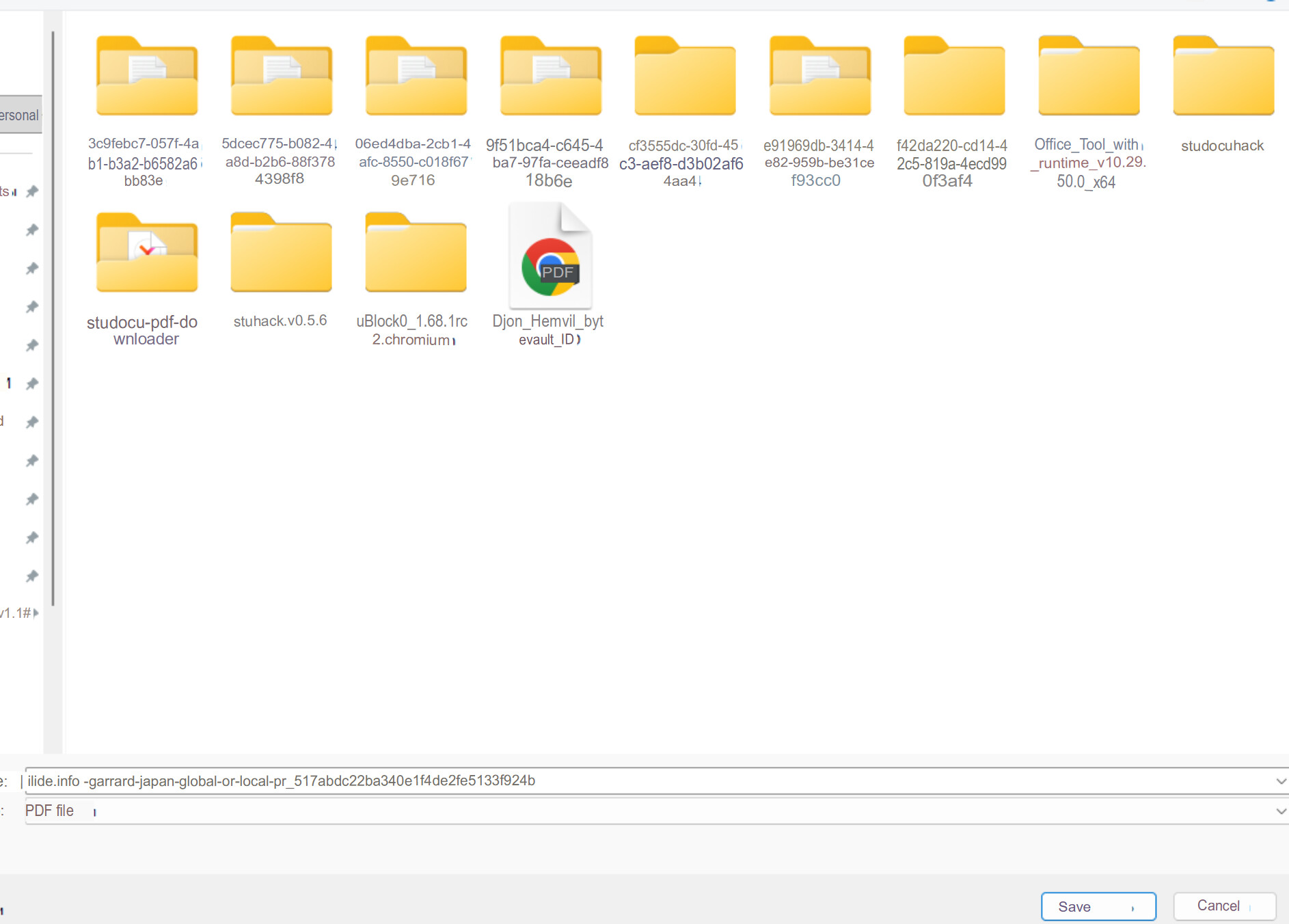
Click download. That’s it. Full file, zero payment.
Why This Beats Studocu's Paywall
What Studocu can’t control:
- Other people uploading the same docs elsewhere
- Google indexing those copies
- Downloader sites fetching public files
What you just skipped:
- $10/month subscription
- Upload-to-download restrictions
- Studocu’s “blur unless you pay” nonsense
The reality: You never needed Studocu. You just needed the document title and 2 minutes of Googling. Studocu is a middleman charging rent on content they don’t own.
Final note: Practice Google dorks for any paywalled content. The syntax is simple:
intitle:searches titlesfiletype:pdffinds PDFs specifically- Quote marks = exact matches
Most “premium” sites are just aggregators. The content exists elsewhere—you just have to know how to search for it.
 !
!