 How to Turn That Old Android Phone Into a Free Text Machine
 So… What Is This?
- It’s a free tool called TextBee.
- It turns any Android phone into a “text sender” that apps or websites can use.
- Basically, your phone becomes a robot that sends messages—without charging per text.
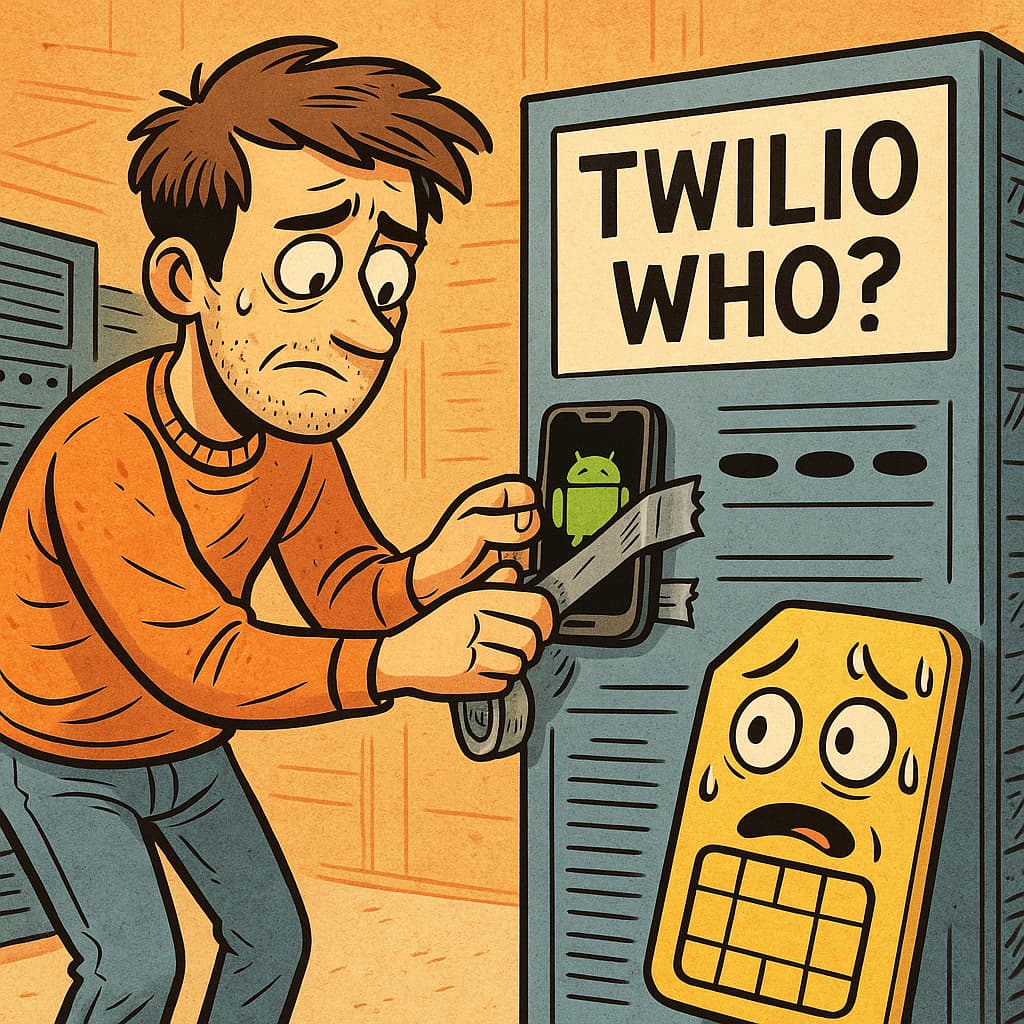
- Why pay Twilio or some other company when you already have a dusty Android and an unlimited SMS plan?
 Use it for:
 Sending OTPs
Marketing texts
Side-hustle apps
Pranking your own number (not recommended… but hilarious)
 What You Get (TextBee v2.6 Highlights)
- Send SMS from a website, app, or API
- Receive texts too
- Tracks if a message was delivered
- Works even when the phone goes offline (queues the texts)
- Bulk send via spreadsheet (CSV)
- Clean web dashboard
- Free plan = 50 SMS/day
- Upgrade = Unlimited texts + more phones
- Works on any Android phone
 Noob-Proof Setup (Takes 3 Minutes)
1. Make a Free Account
- Go to: https://textbee.dev
- Sign up. Confirm email. Done.
2. Install the App on Your Android
- Visit: https://textbee.dev/download
- Download & install the APK
- Open it → Give it all permissions (yes, it needs to read & send texts)
3. Link Your Phone
- Log in at: https://textbee.dev/dashboard
- Click “Register Device” → Choose QR Code
- On your phone app → Tap “Scan QR Code”
- Scan. Wait 2 seconds. Done.
4. Start Sending Texts
- In the dashboard → Click “Send SMS”
- Enter number (with +91 or +1, etc.)
- Type message → Click send
- Watch it magically say “Sent” or “Delivered”
 Nerd Corner (Optional DIY Hosting)
- You can host everything yourself on a server
- It uses Docker, but they give simple commands
- One-liner setup:
docker compose up -d - Includes: website, backend, database, and even a built-in DB viewer
[But really, unless you’re bored or allergic to hosted services, just use their cloud.]
 Fine Print & Death Traps
- Some phone companies don’t like people sending 500 texts a day from a cheap SIM.
- If they catch on, they might block your SIM or slow it down.
- The free plan has a daily SMS limit—don’t go full spammer.
- It only works on Android. iPhones are too rich for this vibe.
 Important Stuff to Know
- The “Docs” button is broken. Use https://textbee.dev/quickstart instead.
- If the QR scan fails the first time, just try again.
- You need to allow all the permissions, or nothing works.
- It’s made by real people, not sketchy bots—MIT license, open-source, no hidden traps.
 Helpful Links (Use These, Not Random Blogs)
 App Download → https://textbee.dev/download
 Dashboard → https://textbee.dev/dashboard
- Quickstart Guide → https://textbee.dev/quickstart
 Source Code → https://github.com/vernu/textbee
 Final Thought
“Why pay ₹5 per text when your ₹2,999 Android phone can do it for free while sitting on your sock drawer?”
Because nothing screams ‘tech genius’ like tricking your old phone into doing customer support for you.
 !
!