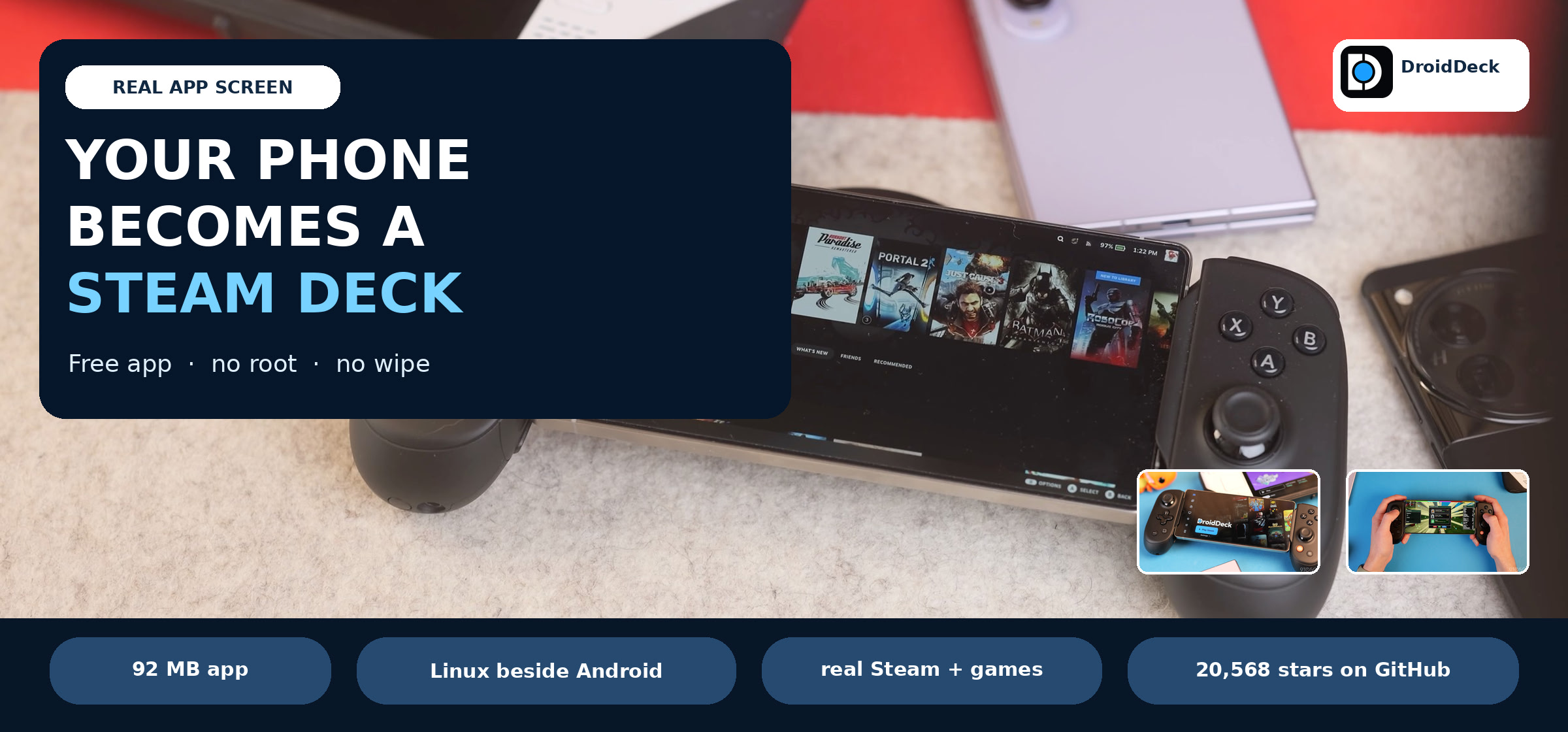
One free app. Two modes. Your whole library.
 DroidDeck puts a game menu like the Steam Deck’s and a full Linux desktop on the phone in your pocket — no rooting, no wiping, no extra gadget. The app is 92 MB, and 20,000+ people have already installed it.
 It runs the real Steam client, the same one a Steam Deck uses, inside a Linux space that sits beside Android. Your sign-in and your games are the real thing.
Start here
 Get the free app — 92 MB, no account needed.
 First launch downloads the Linux part (~3 GB) over Wi-Fi and picks a graphics driver for your phone.
 Press Play.
 Sign in with the Steam phone app’s QR code and pick a game.
What you get
A full game menu with your library, saves and cover art → the app
 Steam, GOG, Epic, Xbox and itch.io in one library → supported stores
 A real desktop with a browser and app store, for when you want a computer → desktop mode
 Games to fill it, all free to start: Steam free-to-play, itch.io free games, this week’s giveaways, more giveaways, itch giveaway tracker.
Play it your way
 Plug USB-C into a TV or monitor and the game menu goes full size → the app
Turn a second phone into a gamepad → xpadlink
Make any controller show up as a Deck-style controller → InputPlumber
 Add PlayStation games to the same phone → chiaki-ng
 Keep saves for games outside Steam too → OpenSave
 Stream heavy games from a PC → Moonlight
Give the desktop a faster display → WayLandIE
 Add thousands of portable apps → Anylinux AppImages
Good to know
 Works best on Snapdragon Adreno 730 and newer; version 0.7.0 and up also pick drivers for Mali, Xclipse and PowerVR phones.
Keep around 3 GB free for the Linux part, plus room for games. First setup wants Wi-Fi.
 On Android 14, switch on “Disable child process restrictions” in Developer options. On Android 12 and 13, the app’s “Fix it for me” guide walks you through it → install guide
 Get it from the official releases page only — a look-alike site is going around → official site
 New fixes are public, no invite needed → preview builds
 Slow or blocked download? The app already tries other sources automatically → how it works
More ways to make it yours
 An alternate app build tricks the phone into giving more performance — measured 72–92 FPS against about 59 → alternate builds
 Frame generation without buying Lossless Scaling → MAKO
 Cooler, longer sessions with root access → KonaBess Next · SnapPerf
 Use a real keyboard and mouse from your computer → scrcpy
 Smart glasses and head tracking → supported glasses
Use the new Steam Controller with Android → HID Remapper
Play big games without emulation → GeForce NOW free tier
 Want Valve’s own SteamOS for ARM instead? Zaviya needs a memory card and a bootloader change; Armada is the most polished of the others.
 Real screen photo: 9to5Google hands-on
Press Play — the rest is already there. 
 !