 Real ISP-Assigned IPs for Free — New Account, New 200MB, No Limits
Real ISP-Assigned IPs for Free — New Account, New 200MB, No LimitsRotating residential IPs. Not datacenter garbage. Real home IPs across 230+ countries.
Premium residential proxies cost $2-8/GB. This method costs a temp email and 60 seconds.
🛡️ How It Works — The Loop
Think of it like a refillable gift card — except you keep getting new ones for free.
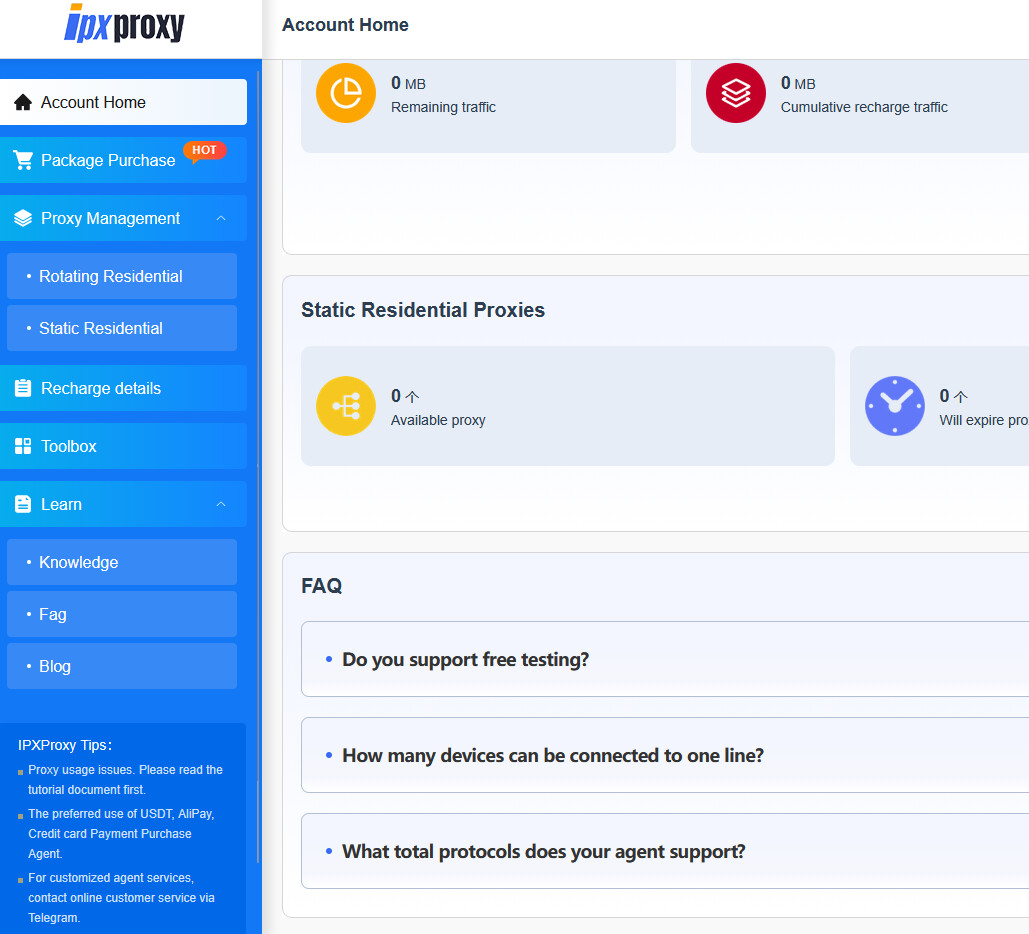
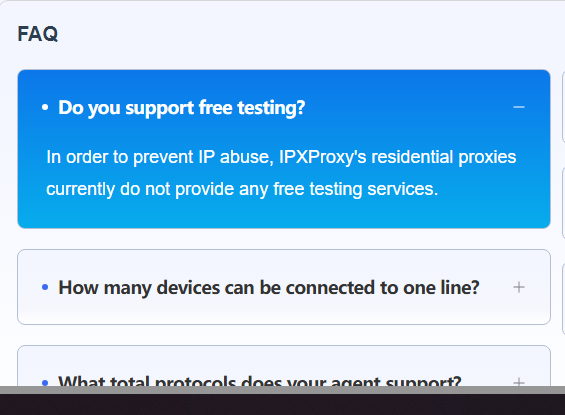
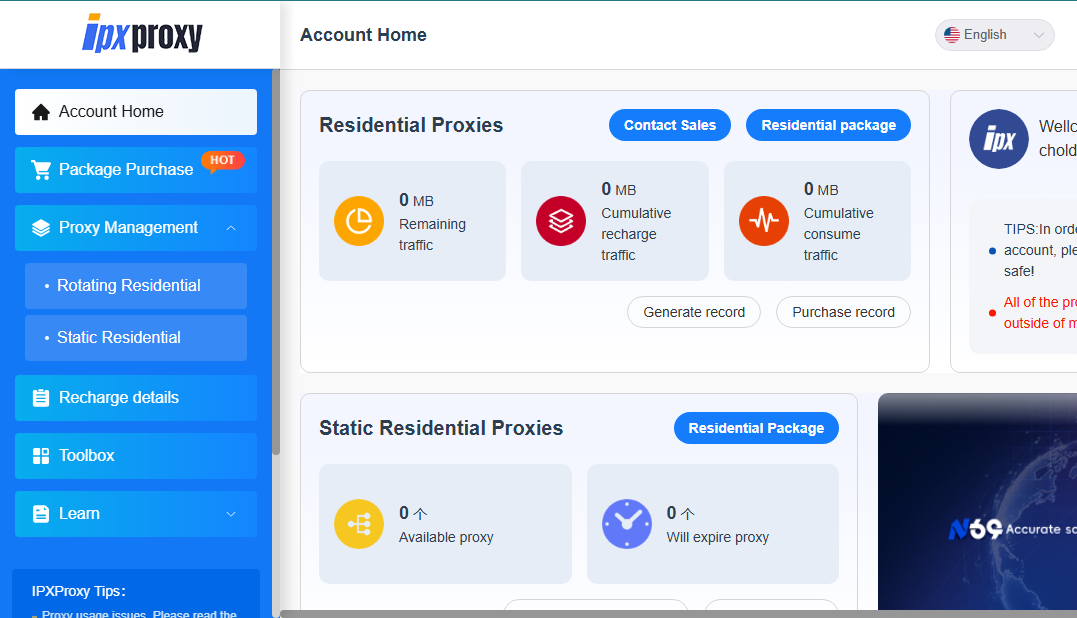
IPXProxy gives every new account 200MB of rotating residential proxy traffic. No credit card. No verification beyond email. When the 200MB runs out, you make a new account with a fresh temp email and get another 200MB. Repeat forever.
| Step | What to Do |
|---|---|
| 1 | Go to ipxproxy.com and register with a temp email |
| 2 | Grab a temp email from temp-mail.org — verify the account |
| 3 | Download the IPXProxy app (Windows/Mac) from the dashboard |
| 4 | In the app: go to Dynamic Proxy → Format → select the first option (Agreement) |
| 5 | Generate your proxy credentials — use them in your browser, bot, or tool |
| 6 | When 200MB runs out → new temp email → new account → repeat |
 Why the “Agreement” format matters: It outputs proxies in the standard
 ip:port:user:pass format that works with basically everything — antidetect browsers, scraping tools, automation bots, or manual browser proxy settings.
🔍 What You're Actually Getting — Not Just Any Proxy
This isn’t a list of dead datacenter IPs from a free proxy site. These are residential proxies — real home internet IPs assigned by ISPs to actual devices.
| Feature | Detail |
|---|---|
| IP Pool | 70M+ residential IPs |
| Coverage | 230+ countries, 20,000+ cities |
| Protocols | HTTP, HTTPS, SOCKS5 |
| Rotation | Auto-rotate per request or sticky sessions |
| Targeting | Country, state, city level |
| Speed/Uptime | 99% availability claimed |
| Free tier | 200MB rotating residential per new account |
Why residential > datacenter for most use cases: Websites see a datacenter IP and immediately flag it. Residential IPs look like a normal person browsing from their apartment. Way harder to detect, block, or CAPTCHA.
⚠️ Things to Know Before You Start
| Watch Out For | Details |
|---|---|
| 200MB goes fast | Video streaming or heavy downloads will burn through it in minutes. Best for scraping, account creation, browsing, verification |
| Temp mail detection | If IPXProxy starts blocking common temp mail domains, switch to less common providers like Guerrilla Mail or Emailnator |
| Don’t reuse credentials | Each account = fresh proxy credentials. Old ones die when the traffic runs out |
| App vs. API | The desktop app is easiest. API access also works if you prefer command-line integration |
Quick Hits
| Want | Do |
|---|---|
 Residential proxy instantly Residential proxy instantly |
Register → download app → Dynamic Proxy → Agreement format |
 Unlimited bandwidth Unlimited bandwidth |
New temp email → new account → repeat when 200MB expires |
 Specific country IP Specific country IP |
Select country/city in proxy generation settings |
 Works with antidetect browsers Works with antidetect browsers |
Use ip:port:user:pass format in any browser profile |
70 million residential IPs. 200MB at a time. The only limit is how fast you can make a temp email.
 !
!