Mac user here who got it to work. I had to modify 3 or 4 files in order to get it to work. The issue was that the paths in those files were defined using double “\”, which is Windows-specific. Tweaking the files with Mac-compatible paths and adding “import os” line on top of the files is the solution.
And you’ll need to download the gclone for mac and then make it executable using:
chmod +x “path to gclone”
Then the path in the config should work as you posted.
I did it on the go and it was more than a week ago, so I don’t remember which files I edited. Just follow the instruction for the Windows version and whenever you get an error, just copy/paste it in ChatGPT or Gemini and ask how to fix this error. It should guide you through. All you need to do is to identify the files (one by one), then open them using “nano”, then add “import os” to the top of each file and then search for double “/”, then copy the path and paste it in ChatGPT or Gemini and ask to replace this path with MacOS compatible one and copy the suggested path to that file and save it. Repeat for the next error and that’ll get you to final destination.
Today i get success for 1.4Tb storage, i uploaded near about 14gb files completed. but after some time when i start to upload 2gb file suddenly i got message:
INFO Refreshing access_token
WARNING Encountered 403 Forbidden with reason “quotaExceeded”
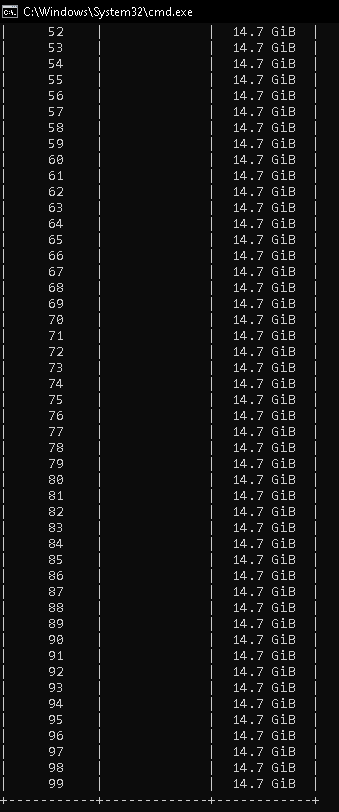
Given all the complaints about the quota issues, I also started uploading more files today and got the error. It seems like regardless of what the “sadrive details” command shows, the maximum size of the total files you can upload is 15GB, after which you’ll get the quota error. Such a waste of time.
I mean each sa drive only has 15 GB limit right? It is not fair to expect to upload a file more than that size. Btw how long does it take to upload such large files? Sometimes it is fast for me, the problem is when you try to upload a folder that has multiple files in it. I read that it is easier to upload a large single file than uploading multiple small files. For each file it uses all the api that we have enabled I guess. I also read google monitors unusual activity? Too many uploads or api activity in a day. Usually nothing to worry if you’re using for personal use, the problem is when you do 100s of GBs in a day or reach that upload limit of 750 GB per day.
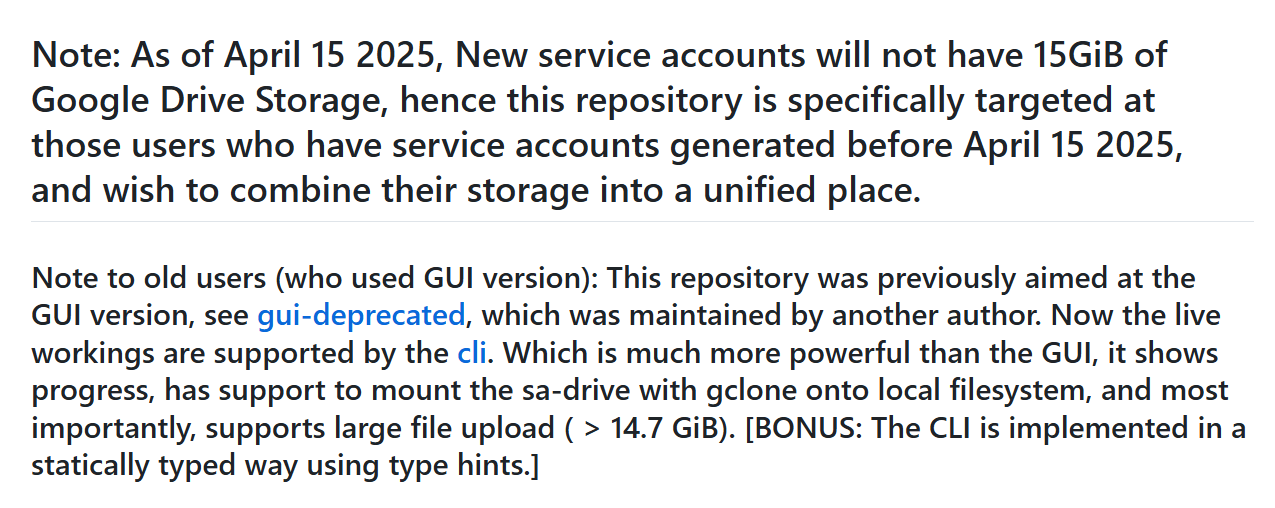
Now, the question is where does this 15GB come from if SAs don’t have any storage attached to them. My personal drive has 9GB available and it remains untouched after I upload 15GB in the shared folder. Does anyone know where does the 15GB come from?
I had developed an android app.. actually a fork of roundsync, which can upload files to drive using the same logic… Rotating service accounts untill all the files are uploaded… If anybody wants to try.. can comment.. i will give the link

 !
!