As you know there are many goods/stuff on shared team drives. I, personally, have found that copying files or folders on the shared drive is difficult sometimes as required many procedures in configuring RClone.
So, my way is the easiest and can be done by a simple drag-and-drop.
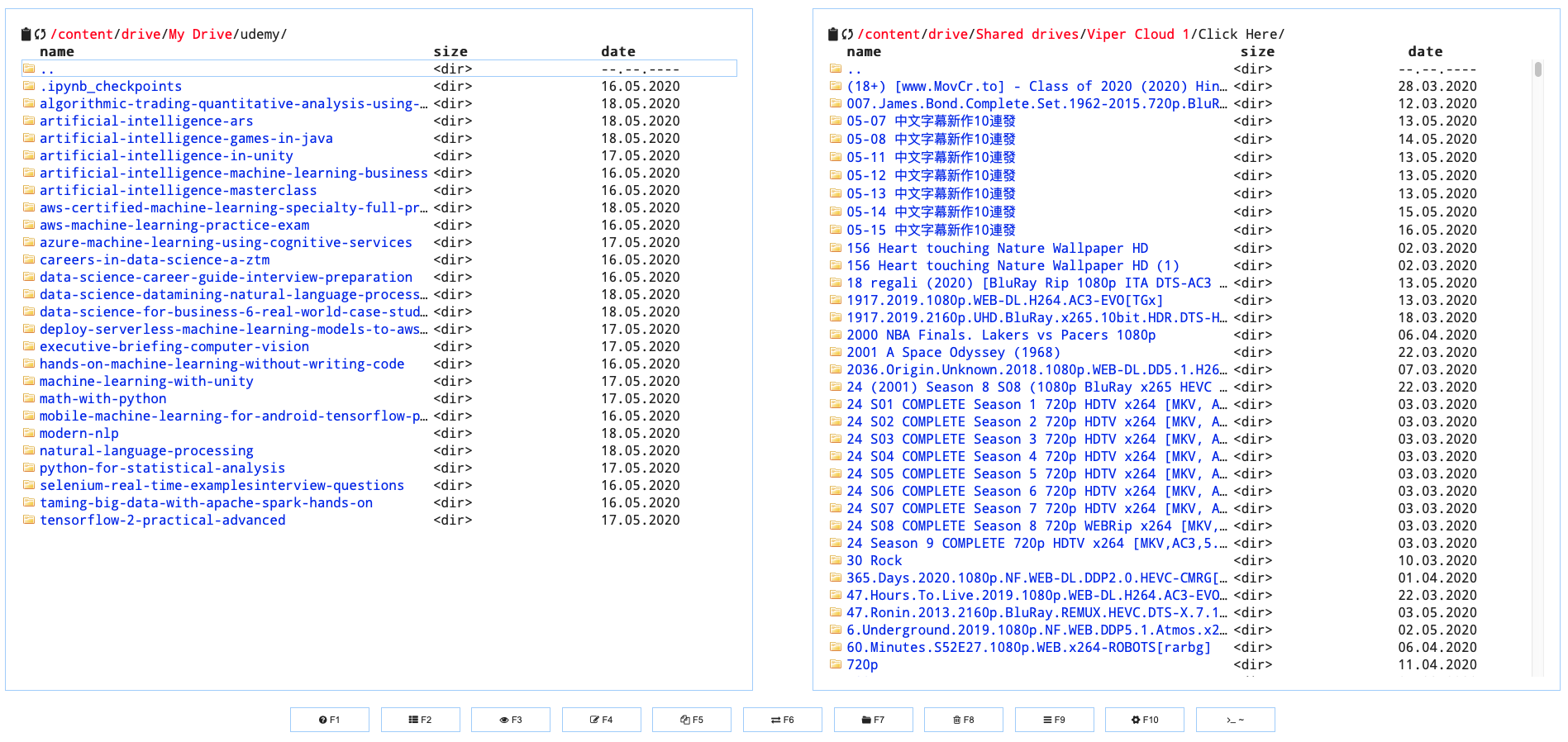
The left panel is for my Google Drive (/content/drive/My Drive)
You can open your TeamDrive as well e.g. /content/drive/Shared drives/xxx {your team drive}
The right panel is for is my shared Team Drive that I subscribed
The shared TeamDrive must be set visible in your drive beforehand, otherwise, you shall not see in the Cloud Commander
What you have to do here is to
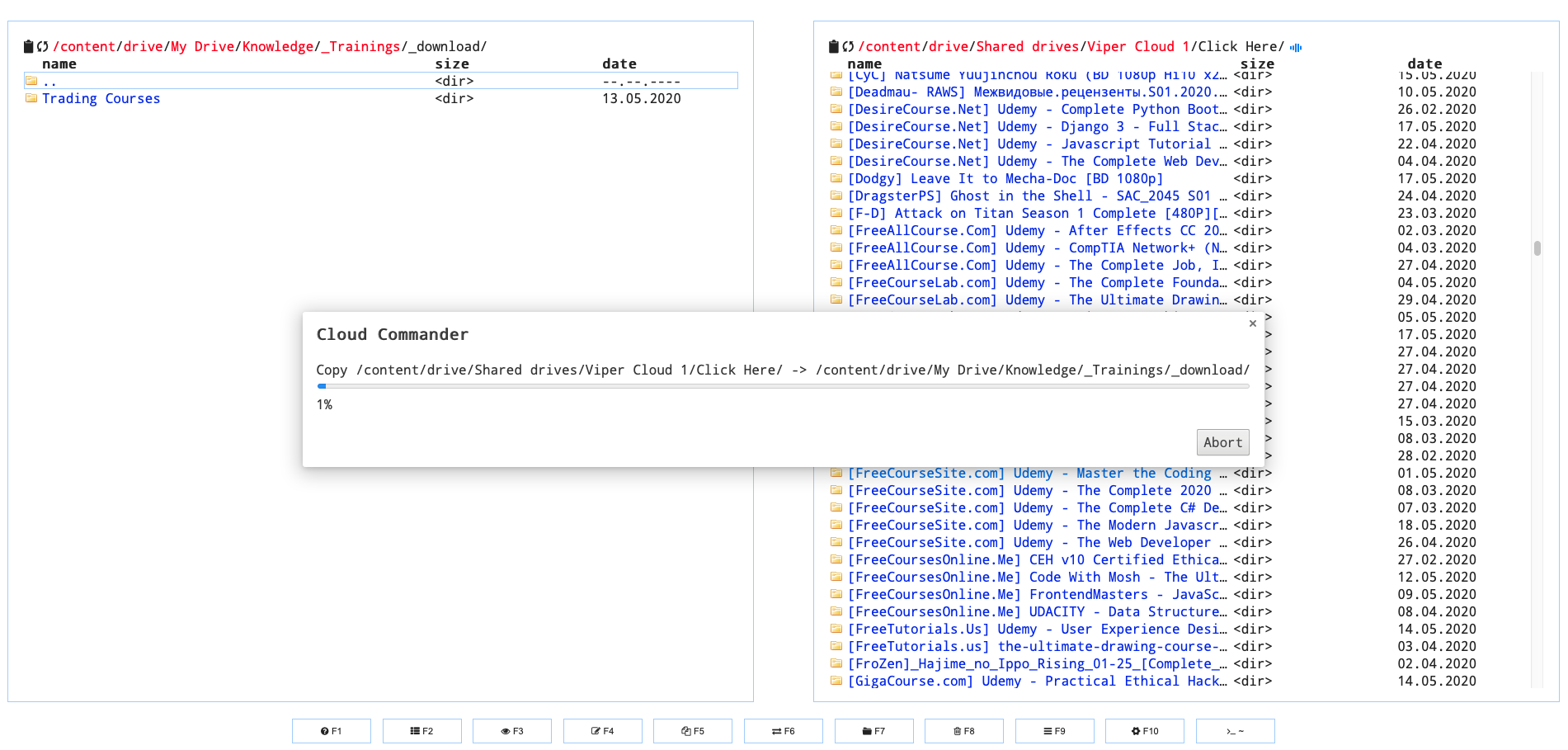
pick files or folders from the right panel
drag to your left panel
wait for transferring
Voila!
Note to remember
While transferring, sometimes the percentage is frozen, you need to check in your Google Colab if find has completely transferred.
if you get some error like EOL while transferring, it means that you out of quota. I have observed the available quota for each google account is around 300GB. In this case, you may use another account that has permission to read/write your TD and indeed have access to the share TD you wanna move files and folders to your TD.
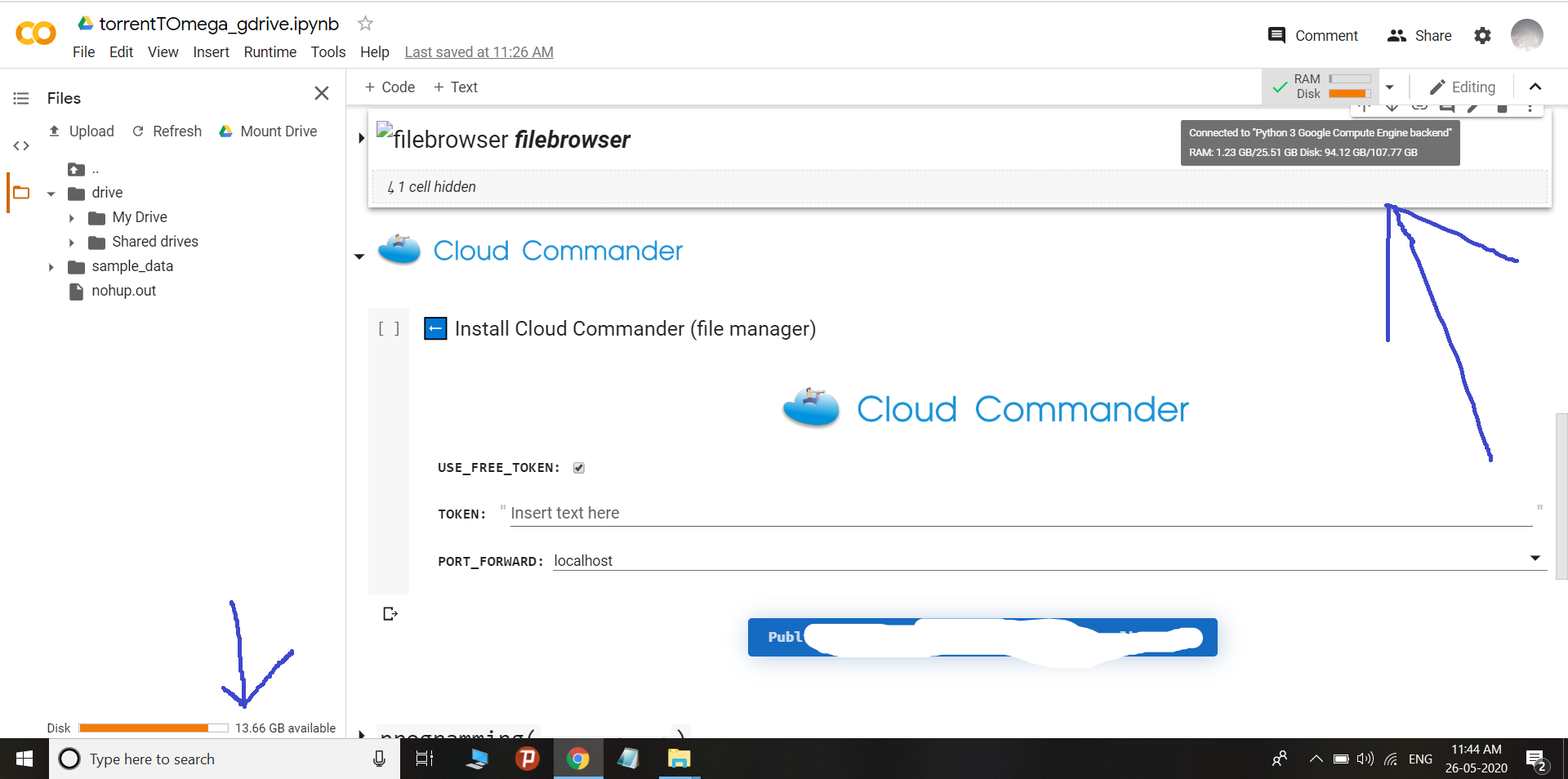
you shared the Account A Team Drive to Account B. Then you open Cloud Commander with mounting Account B drive on the Google Colab, and copy files/folders from Account A Team Drive (/content/drive/Shared drives/xxxx)


 !
!