 Stop Getting Lazy AI Responses — Simple Trick to Reset Quality Without Starting Over
Stop Getting Lazy AI Responses — Simple Trick to Reset Quality Without Starting OverSomething broke after ChatGPT’s recent updates.
Same prompts. Same style. But answers started feeling… off.
Generic. Lazy. Like the AI forgot how to read.
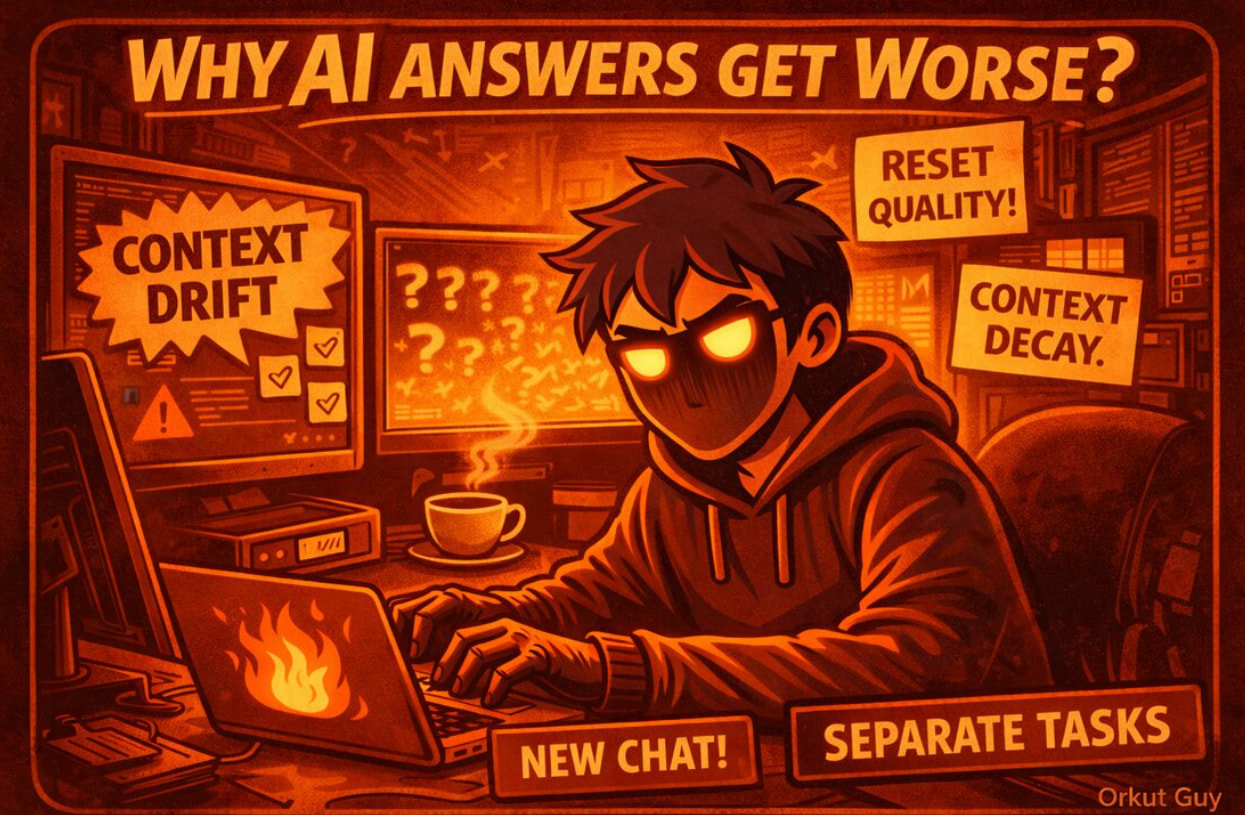
Easy to blame the update.
The real problem: context decay.
What’s Actually Happening
AI doesn’t just respond to your last message.
It’s quietly absorbing patterns from:
- how you usually ask things
- mixed tasks in one thread
- old conversation debris
- saved memories you forgot about
- custom instructions from 6 months ago
This pollution drags quality down.
Result:
- instructions ignored
- answers feel like Reddit copypasta
- responses miss your actual intent
The Reset That Actually Works
No new account needed. No clearing everything.
The Simple Version (Start Here)
Step 1: Start a new chat
Step 2: First message only this:
For this conversation:
- Assume I prefer concise, structured answers
- Ask clarifying questions only when needed
- Avoid generic explanations
- Treat me as an intermediate user
Step 3: Continue normally
This re-primes the model without touching memory or settings.
The Memory Version (More Permanent)
Go to your AI’s memory settings.
Delete things you don’t want it “remembering.”
Then in a new chat, tell it:
“Remember this in memory” + whatever instructions you actually want.
Forces a clean slate.
The Thing Everyone Misses
Keep separate chats for different work types:
- Learning
- Writing (with canvas)
- Coding (with canvas)
- Brainstorming
Mixing everything in one thread = faster quality death.
That’s it.
One clean reset fixes more than you’d expect.
Edited by @SRZ for readability — original intent intact. 
 !
!