 Introduction
Trying to get ChatGPT to understand your documents? PDFs, DOCXs, and text dumps are hit-or-miss. But there’s one file format that seems to always hit the mark—ironically, it’s not even a “document.”
 Quick Take: What Actually Works Best
Screenshots. Not even kidding.
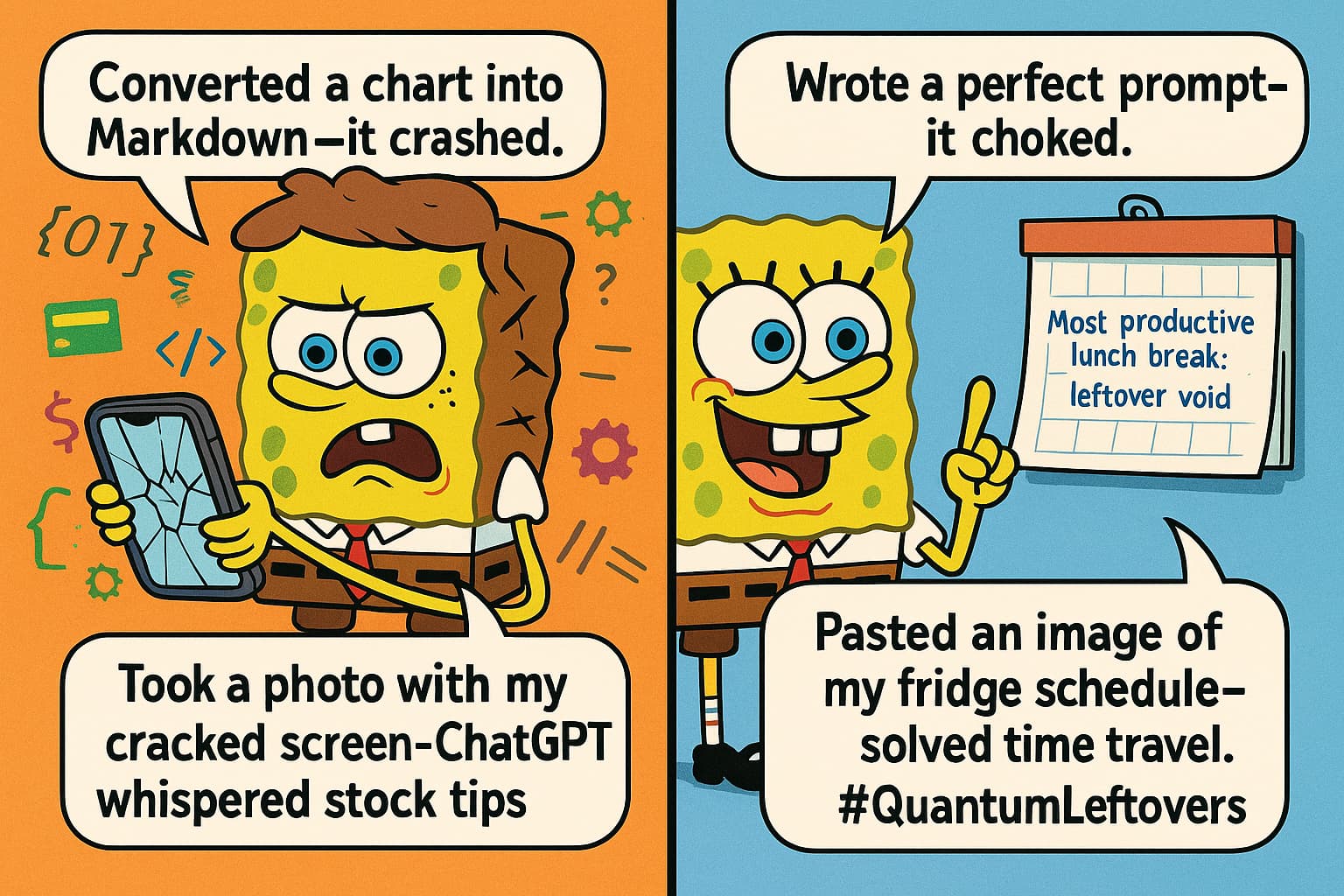
 Why Screenshots Beat Traditional Docs
-
They skip the fluff.
Screenshots have no invisible formatting, broken tables, or weird metadata. -
OCR + layout = win.
ChatGPT doesn’t just read pixels—it understands the layout. That means invoices, medical scribbles, Excel messes, and graphs all land better as images. -
Less gets lost in translation.
Complex tables, blurry fonts, and handwritten notes? Surprisingly easier for the AI to comprehend than a clean DOCX. -
They’re sneakily portable.
Take a snap of a messy log, paste it into the prompt, and you’re golden. It even works better for some email threads.
 How Users Are Doing It Right
| OS/Tool | Method |
|---|---|
| Windows | Use Win + Shift + S (snipping tool) → Ctrl + V directly into the prompt |
| Linux | Just hit PrtSc then Ctrl + V—done |
| Gyazo | One-click screenshot → opens in browser → copy-paste into ChatGPT |
| iPhone | Screenshot emails or scanned docs → paste them in—works surprisingly well |
| Dropbox iOS Scan | Has better reading accuracy than attaching the PDF itself |
 Fun Fact: JSON Is Still a Solid Backup
For logic-based or structured input, JSON holds up. It’s neat, tidy, and doesn’t confuse the model (unless you do).
 Things to Keep in Mind
-
Screenshots eat storage.
Especially if you hoard them like digital receipts. Clean up your temp folders. -
Security alert.
Don’t go uploading screenshots with sensitive info. It’s still an image of your private stuff.
 Truth Check
| Claim | Verified? |
|---|---|
| Screenshots are parsed better than text? |  Confirmed Confirmed |
| Screenshoted emails give more context? | Yes |
| iOS Dropbox scans outperform file attachments? | Tested and valid |
| JSON still works well for structured data? | Absolutely |
| Gyazo and snipping tools speed up workflow? | Fast and easy |
 Full Toolbox Recap
- Windows Snipping Tool: Built-in.
Win + Shift + S - Gyazo: Instant screenshot upload for quick pasting
- PrtSc (Linux): Classic, but reliable
- Dropbox (iOS) Scan: Built-in scan feature—actually better than upload
- JSON files: Still your best friend for structured or config-based data
 Final Word
Sometimes the AI can read a spaghetti-looking screenshot better than a clean spreadsheet. Honestly, that explains a lot.
 !
!