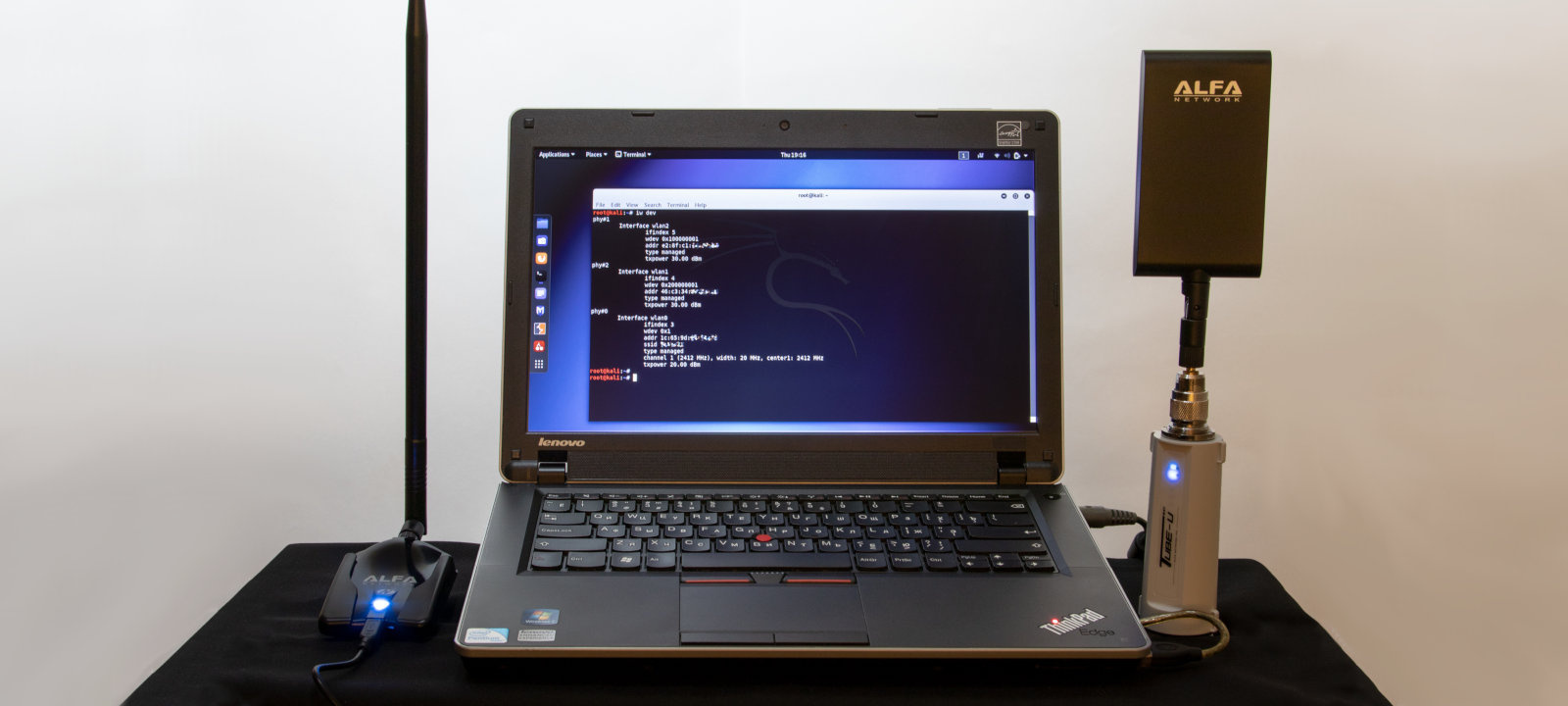
The best way to check the network’s security is by trying to hack it. In the past, HackMag had published materials about auditing Wi-Fi networks. Unfortunately, such guides quickly become obsolete. Today, I will share some practical and up-to-date experience in this area.
What equipment is required to audit wireless networks?
In fact, you don’t need a lot: a Linux laptop and a USB Wi-Fi adapter. In theory, you can try using a smartphone as well, but some attacks require two USB ports. As a last resort, a laptop without a hard drive and, accordingly, with no OS installed would suffice, too.

All information provided in this material is intended for educational purposes only. Neither the author nor Editorial Board can be held liable for any damages caused by improper usage of this publication.
What OS to use for wardriving?
Linux allows to control devices (including dongles) via open-source drivers. You may pick virtually any distribution, but the most handy ones are ready-to-use builds, for instance, BlackArch, BackBox, Parrot Security, and Kali Linux.
Kali Linux builds are the most popular because they include, out of the box, some hacking utilities, drivers for the majority of chipsets suitable for wardriving, and special configuration tweaks.

Most recent versions of Kali have undergone significant transformations compared to the older ones. Today, Kali can visually impersonate Windows (to make sure weird things don’t appear on the victim’s monitor); root access is disabled by default (you may either enable it or type sudo before commands requiring super-user privileges); and, most importantly, Kali now supports the new 802.11ac dongles and allows to boost the power of Wi-Fi adapters.
How to use Linux without removing Windows?
The developers don’t recommend installing Kali on a hard drive although technically, a multiple boot option is possible (e.g. with GRUB). The point is the potentially dubious legitimacy of your actions during an audit; so, for your own security, it is preferable to use the Live Persistence mode. For the purposes of a Wi-Fi audit, this mode is not much different from the installed OS. All updates, configs, new scripts, and your personal files will be saved in the persistent volume and applied at the next restart in the Persistence mode. To raise the security level even higher, you can also encrypt it.
In my opinion, an SD Card is better than a flash drive because it doesn’t require a USB port. USB ports, especially individually powered ones, are in limited supply on laptops. You may use a Class 10 card (the declared sequential write speed is 10 MB/s), but the best variant is a UHS-I V30 or faster (provided that the built-in card reader supports it).
How to create a boot-up Kali flash drive with a persistent volume?
You have to create two partitions on the USB flash drive or SD card. The first partition (FAT32) stores the OS: the image downloaded from kali.org should be unpacked on that partition. The second partition (ext3) will store the OS settings and user session data.

Windows neither can work with flash drives having more than one partition, nor does it support ext3. However, you can use a free utility, Rufus, for that purpose. Important: use the ‘regular’ version (not the portable one).
 !
!