Hey Folks !!!
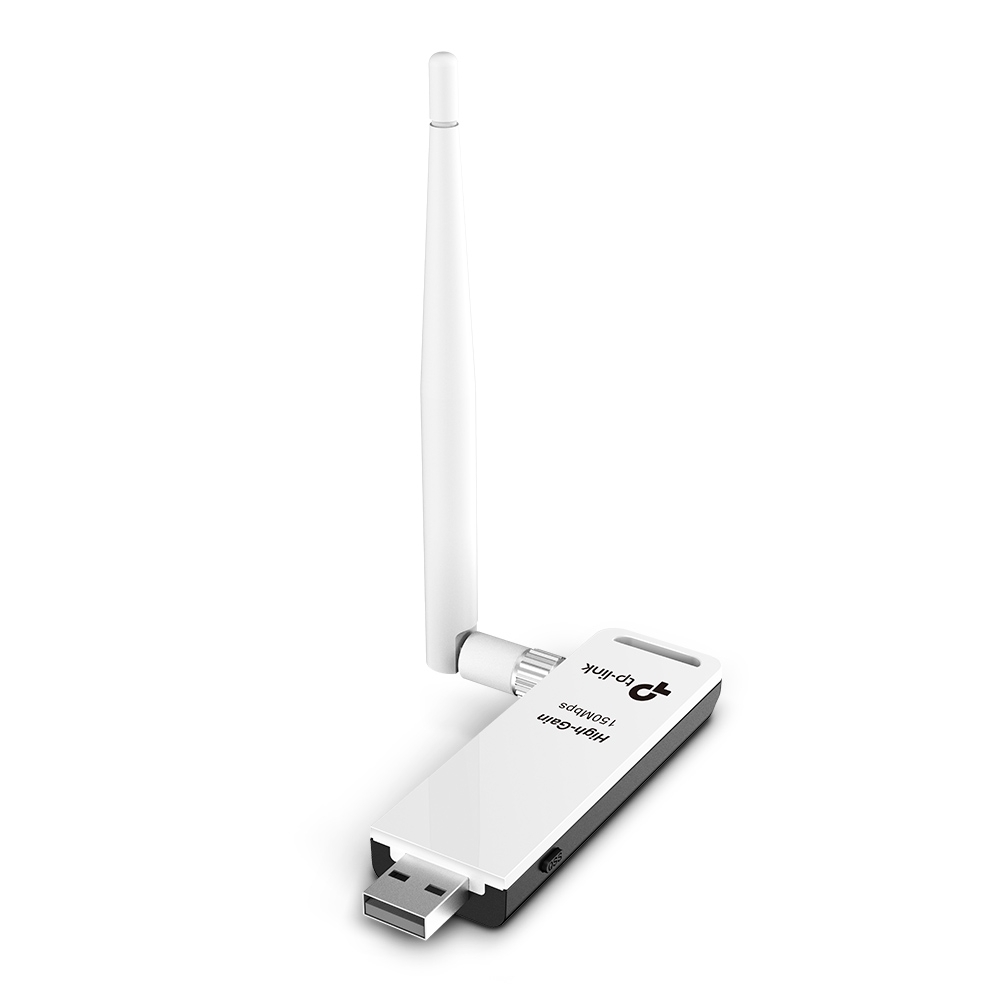
I knew that many of you have bought TP-Link Wn722N V2/V3 in Place of V1.
I am one of you who did this blunder.
But There is a Problem that TPLink V2/V3 WN722N doesn’t work by default !!!
Lets Tell You One Thing — Don’t Have To Worry !!!
You can enable Monitor Mode and Perform Packet Injection by doing some changes in Kernel Level !
But HOW WILL YOU DO THAT ???
NOTHING TO WORRY I’M HERE TO HELP YOU
I know that you have already tried many Tutorial Related to TP-Link WN722N but nothing had worked
If You Really Want This Tutorial ,Please Give Some Response I’m just doing it for you Guyz
EVEYONE WANTS PROOF 
JUAT
Here It is _------
INJECTION IS WORKING
THANKS GUYZ
LOVE YOU 3000
Access Denied on the link
Sorry for the inconvenient.
Try Again.
RTF
4
Why not? Just let me check my neighborhood.
Papuy
5
dan you give me the tutorial
NOTE :- MUST USE PARROT OS for 100% Success

Requirement -
1).Parrot OS
2).TP-Link WN722N V2/V3
3).Some Patience
Steps : -
Open Your Terminal and Just Type the Commands One by One.
sudo apt update
sudo apt install bc
sudo rmmod r8188eu.ko
git clone https://github.com/aircrack-ng/rtl8188eus
cd rtl8188eus
sudo -i
echo “blacklist r8188eu” > “/etc/modprobe.d/realtek.conf”
exit
make
sudo make install
sudo modprobe 8188eu
To Enable Monitor Mode -
iwconfig
→ You will see mode in Auto.
Now Type
ifconfig wlan0 down
airmon-ng check kill
iwconfig wlan0 mode monitor
ifconfig wlan0 up
iwconfig
Hurray !! You’ve Enabled Monitor Mode ;
PACKET INJECTION IS ALSO WORKING
For More Tutorial - How to hack wifi using Parrot OS and many more
Just Comment Below
LOVE YOU 3000 
 !
!