First step
To upgrade Windows Server 2019 Evaluation to Standard edition. which is fortunately very easy!
First open up a Powershell window and run as Administrator.
Enter the following command:
DISM /Online /Set-Edition:ServerStandard /ProductKey:N69G4-B89J2-4G8F4-WWYCC-J464C /AcceptEula
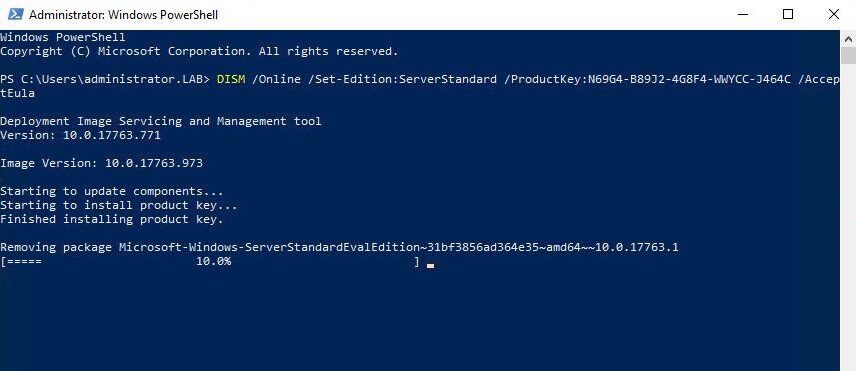
DISM will proceed to make the required changes and will request a reboot. Press Y to reboot the server.
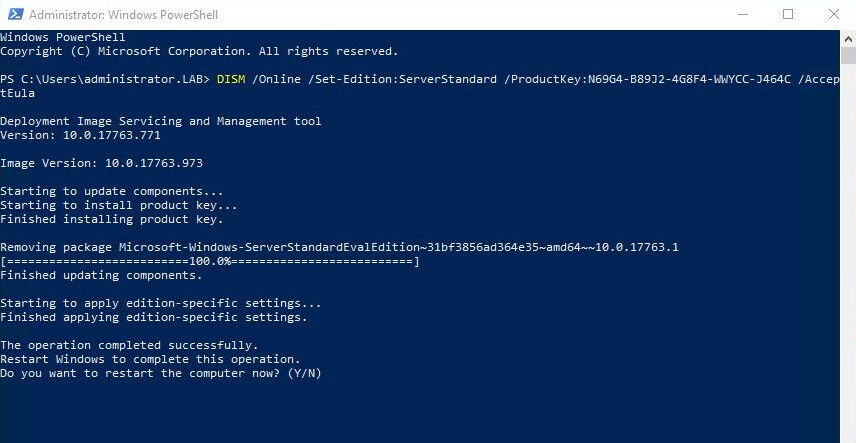
Once the server has rebooted, log back in and open up Powershell again and type:
DISM /Online /Get-CurrentEdition
Congratulations you now have standard edition installed!
Now, lets Activate using KMS_VL_ALL_AIO (Smart Activation Script)
Right mouse click > Save link as
Now, run the saved .cmd activation script as Administration
Then, press 1 to Activate manually.
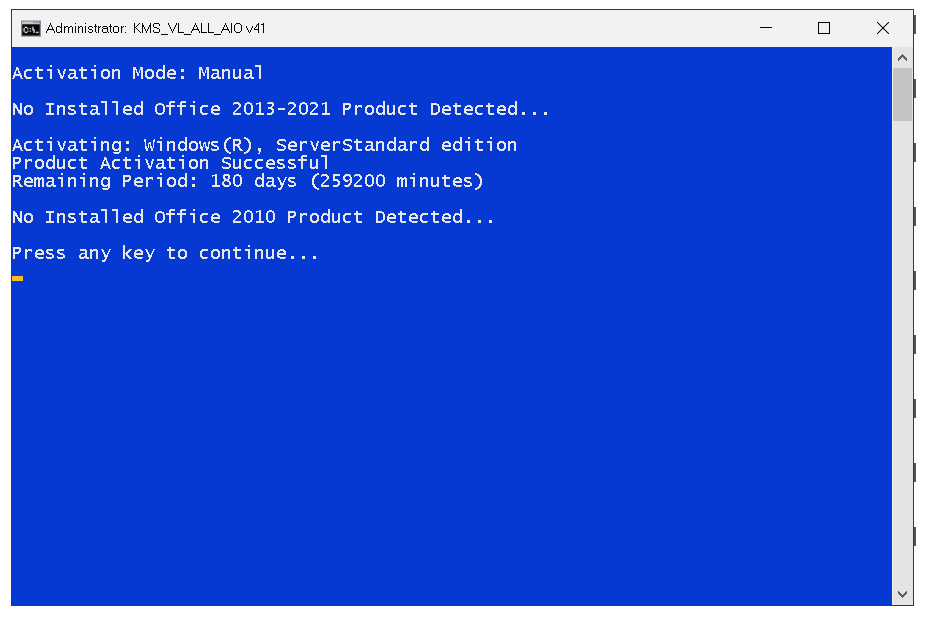
Then, press 2 to Install Activation Auto-Renewal files & schedule task.
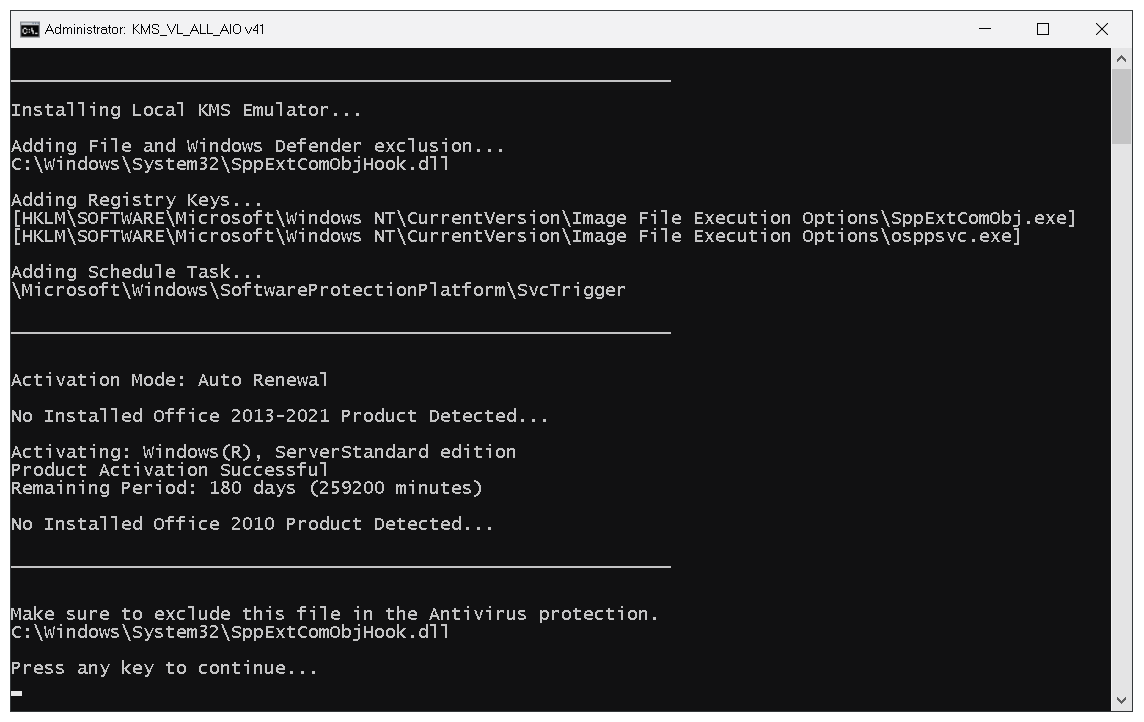
Done! Now press 8 or 9 to Check Activation Status!
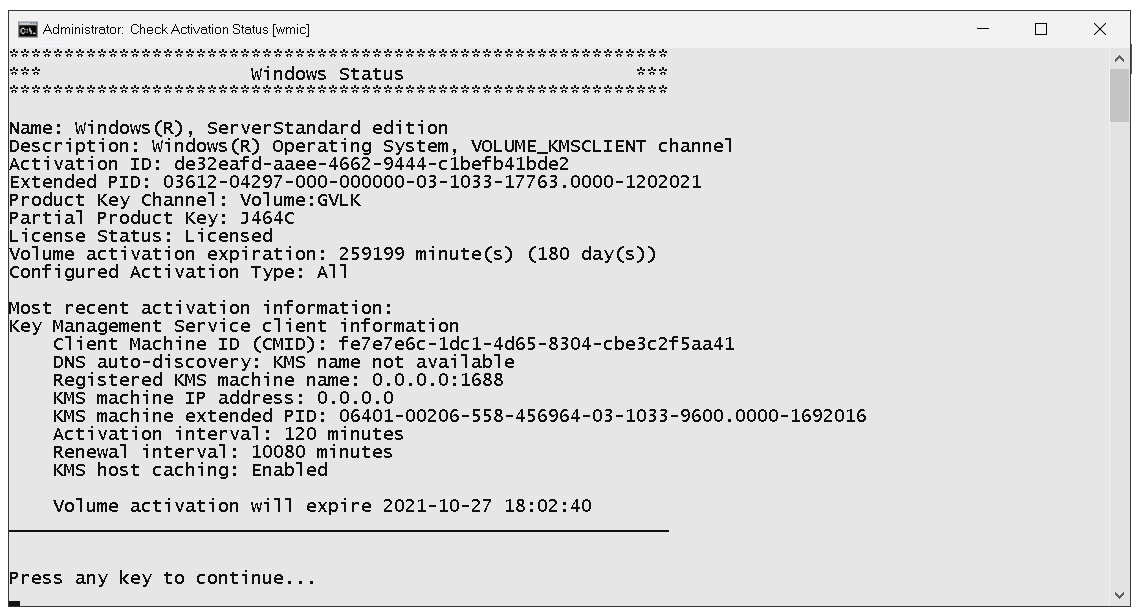
Source: slashadmin & abbodi1406
 !
!