 What you get: A lightweight desktop client for WhatsApp that runs calls and multiple accounts in a standalone window.
 Start here:
 Also useful:
 Watch out: Installers are not yet code-signed, so Windows will show a publisher prompt on first run.
 WhatsApp, in a window of its own. And it rings.
WhatsApp, in a window of its own. And it rings.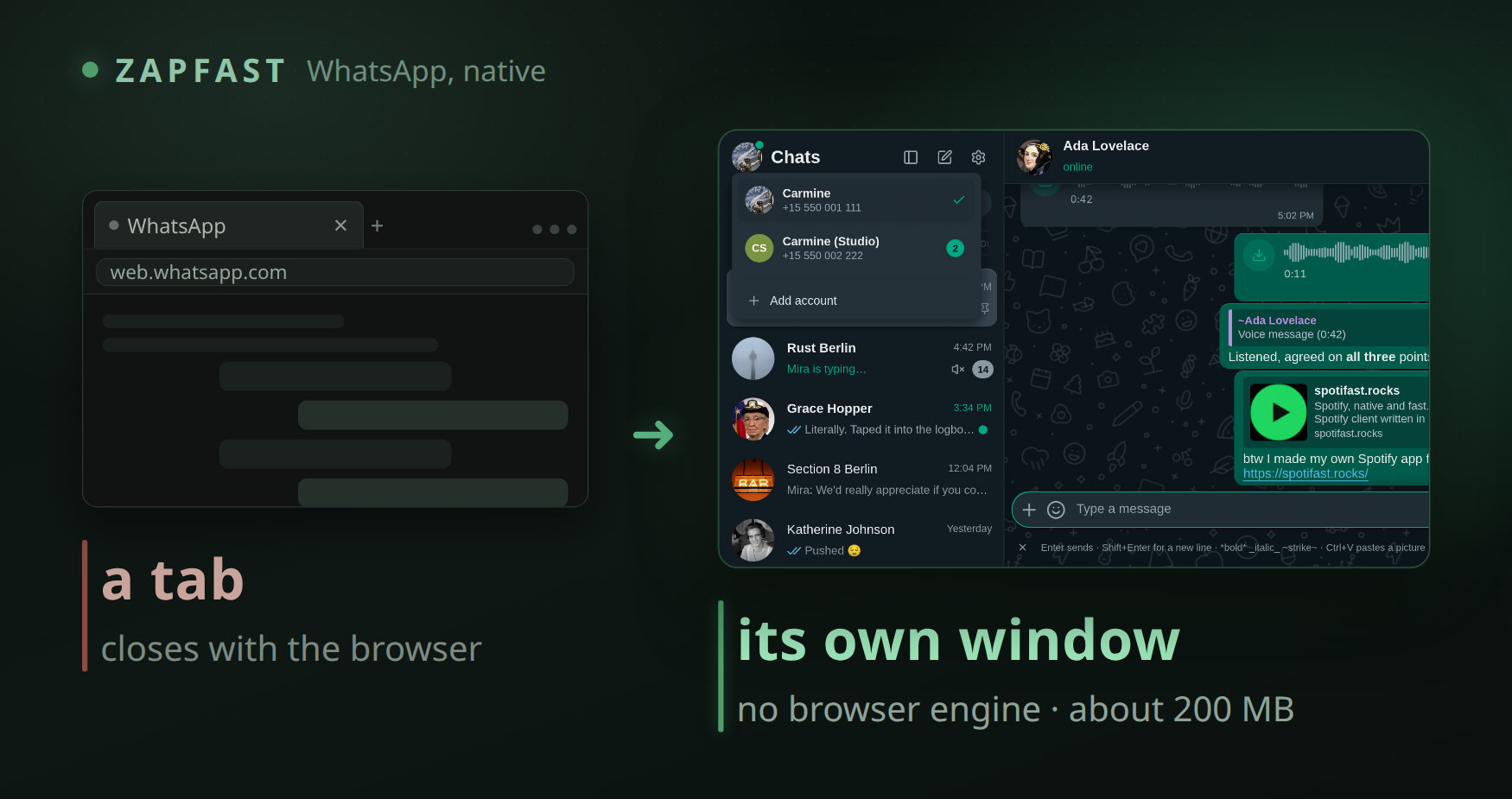
The three questions people actually ask
Why not keep the tab? A tab stacks a second browser engine on the one you already run, and closing it closes the chat. This is its own window, about 200 MB, waiting in the tray.
Where do my chats live? On your phone, exactly as today. The window keeps a copy so it opens in a blink, and the phone stays the main device.
Is it safe? MIT, public repo, 2,281 stars, a SHA-256 printed for every file. Linking is one QR scan, the same act as WhatsApp Web. Independent of WhatsApp LLC — it says so on its own login screen.
What lives in the window
 Calls — voice and video from the chat’s own header, group calls included
 Several numbers — click your own photo to switch; each keeps its chats, media and keys
 Stars and pins — starred messages get their own place in the rail, pins show for the group
 Photos fill the window — the arrow keys walk the album
 Groups from the info panel — invite link, admins, who may post
 Quiet on request — the chat picture only, the text hidden, repeats capped
One file. Pick your computer.
 Windows 10 or 11 — the .msi · 27 MB
 Mac, Intel or Apple chip — the .dmg · 65 MB
 Ubuntu, Debian or Mint — the .deb · 35 MB
- Any other Linux — the AppImage · 33 MB
Scan the code with your phone once, and it stays linked from then on.
Arch, Flatpak, Windows on ARM, and what the files are checked against
Arch — yay -S zapfast-bin · .rpm 35 MB · Flatpak 26 MB · Windows on ARM 25 MB · tarball 35 MB, all one list on the release page
Every file carries a SHA-256 on its release page, so the download is confirmed before it runs. Windows asks once with a publisher prompt, because the installer is not code-signed yet. The .deb is clean: no maintainer scripts, one binary and its icon.
Calls are the newest part. Voice and one-to-one video are the steady path. Group video is the newest of the three, and your own picture blinks for a moment every few seconds while it settles.
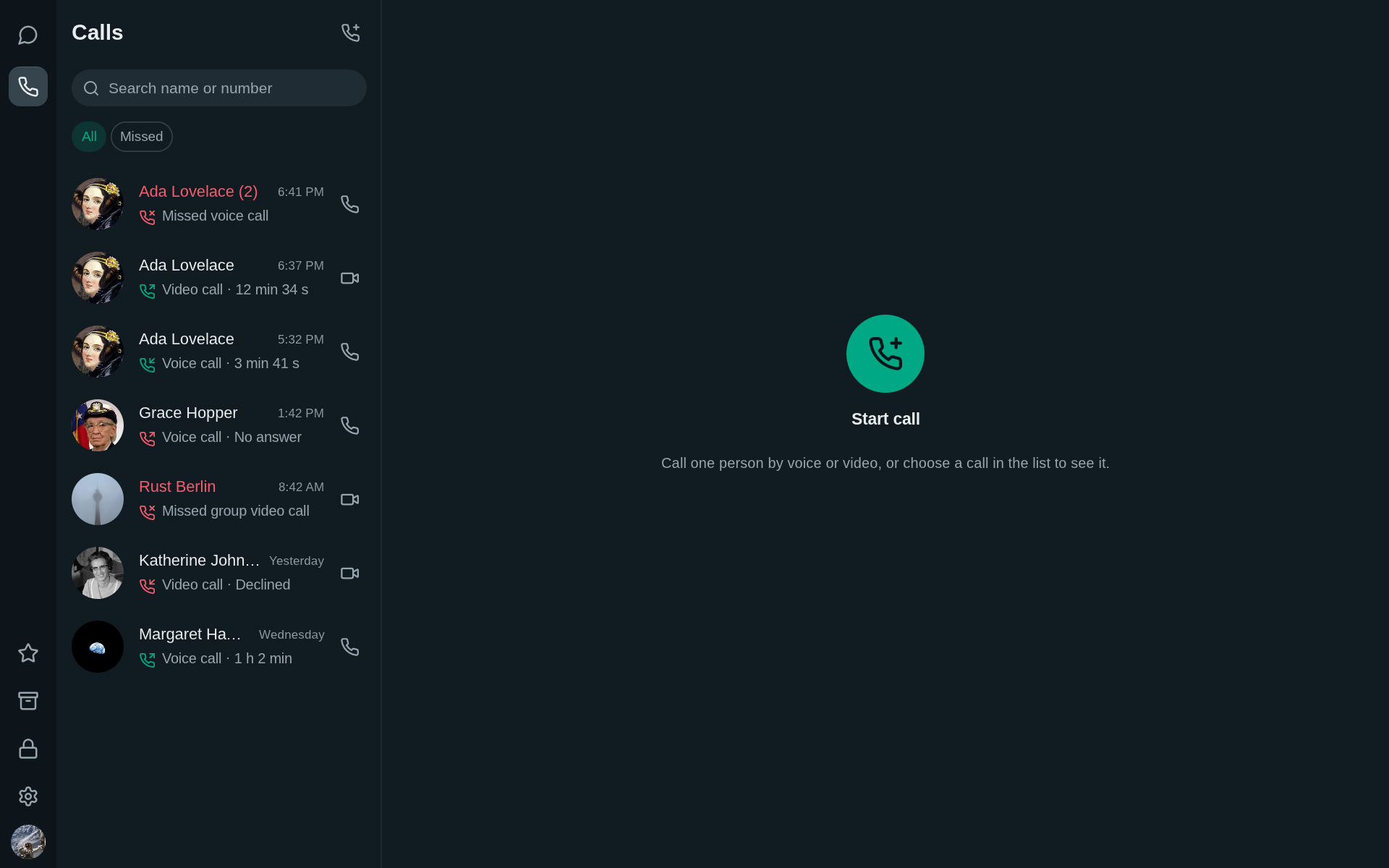
Your phone stays the main device. The window keeps up.
 !
!