I want to compress some folders In Google Drive. Does anyone know the Python or Google Colab method for file compression in Gdrive?
2 лайка
- Section 1: mount your Google Drive
- Section 2: install zip and unzip commands
!apt-get update !apt-get install zip - Section 3:
-
zip folder
!zip -r test.zip /content/My\ Drive/{Your folder} -
zip folder with level 9 encryption
!zip -r -9 test.zip /content/My\ Drive/{Your folder}
Remember! Google Collab is running in Linux environment, every files and folders that have spaces must have backslash “\” placed before them.
4 лайка
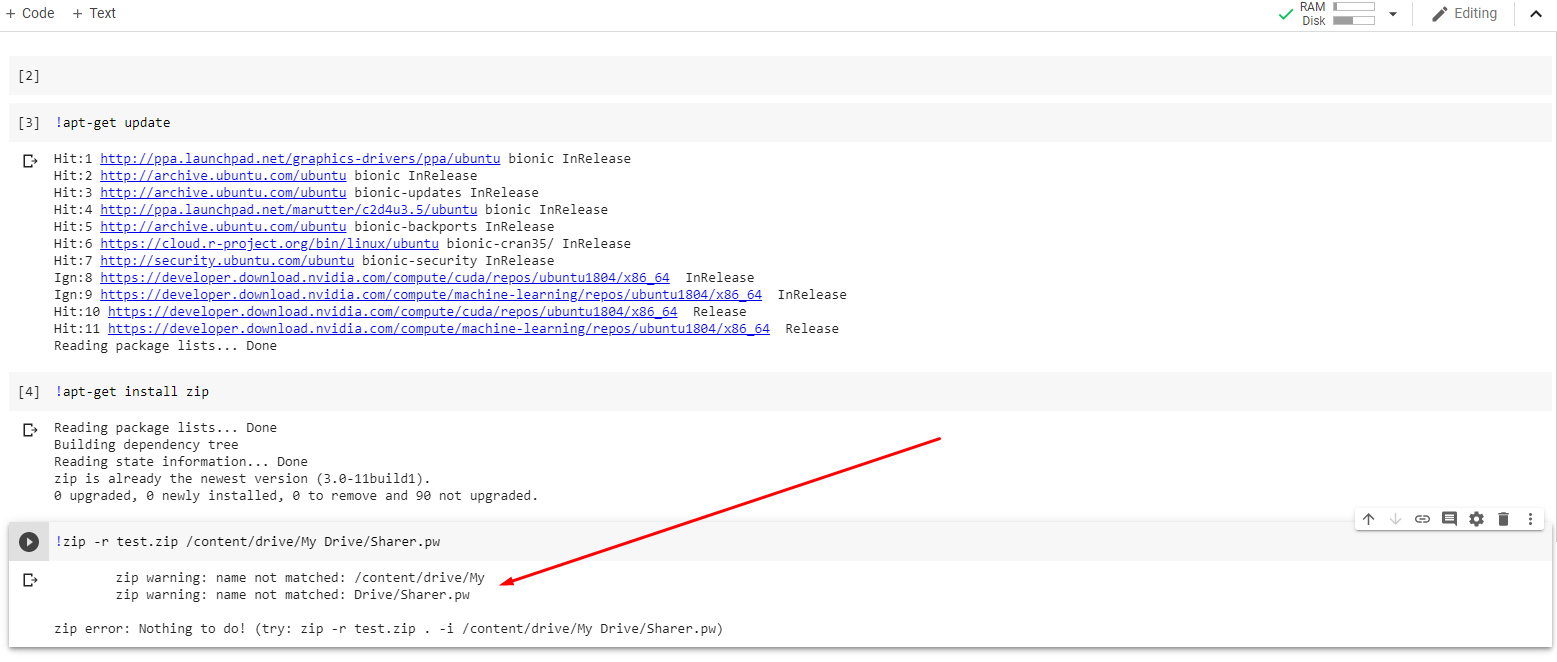
In linux terminal, you must place backslash “\” before every spaces
“/content/My Drive” ==> “/content/My\ Drive/”
1 лайк
Can I unzip something on GD? using a script.
sure, you can unzip
search how to use on Google
1 лайк
Use this
4 лайка
 !
!