 A Local Tool That Finds and Hands the Right File to Your AI Agent
A Local Tool That Finds and Hands the Right File to Your AI Agent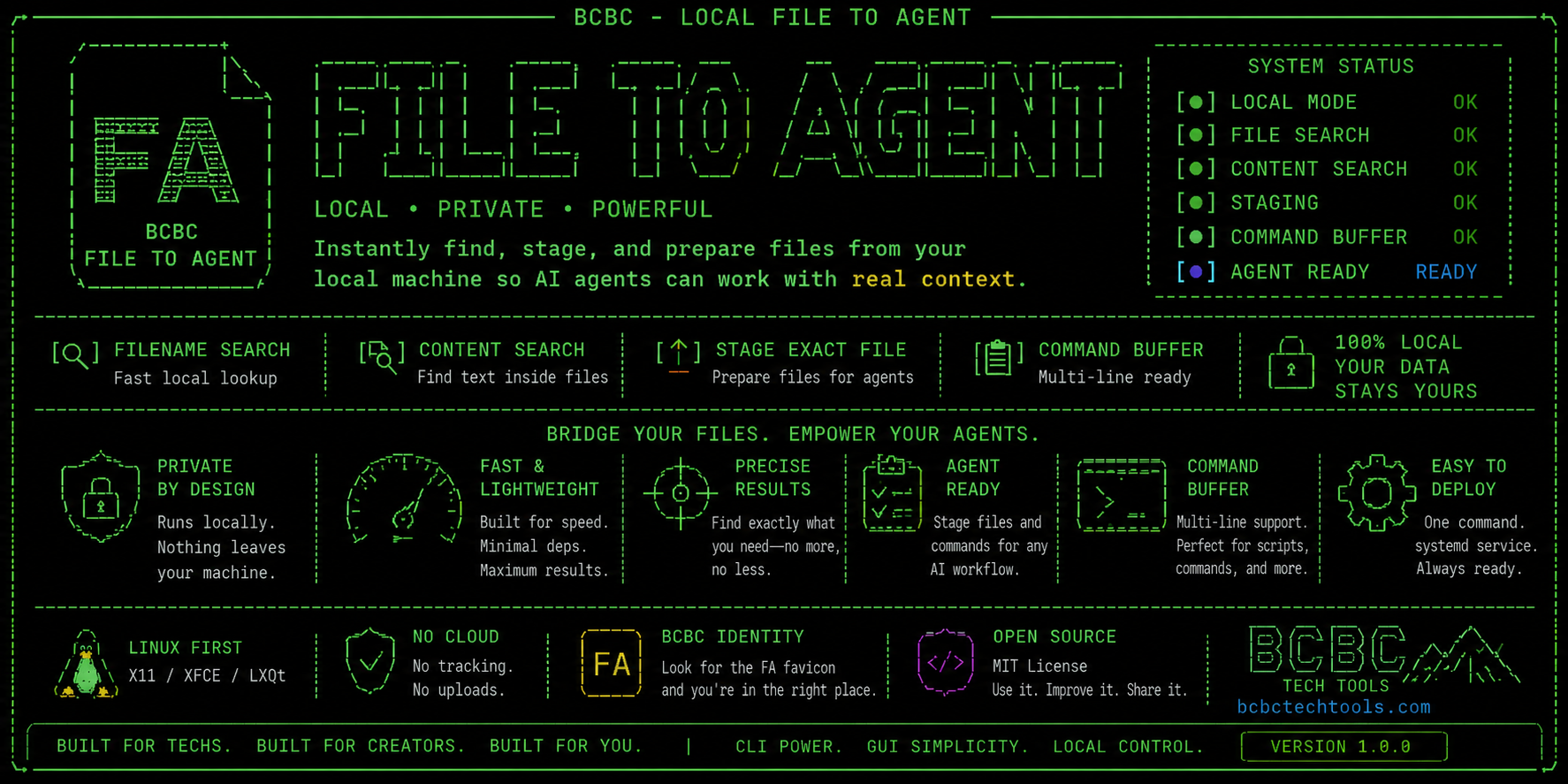
If you work with AI coding agents, you know this dance: you remember part of a filename, or a line of code inside it, but not where it lives. So you grep, cd, copy the path, switch windows, paste it in. Every time.
I built a small local tool that skips all of that.
 What it does
 Search by filename — type part of the name, pick the match
 Search by content — remember a function or line of code but not the file? Search inside files instead
 Paste exact path — already know it? Skip straight to staging
 Multiline paste that stays multiline — no more single-line paste boxes mangling code blocks
 A tiny always-on-top desktop hub — shows if the backend’s alive, no digging through terminal windows
know filename / code snippet / path
              │
              ▼
     FIND THE EXACT FILE
              │
              ▼
      STAGE IT LOCALLY
              │
              ▼
    HAND IT TO YOUR AGENT
Runs entirely on 127.0.0.1 — nothing leaves your machine, no cloud step, no LAN exposure by default.
 Where it stands right now
Not public yet — this is a working build I’m running locally, not a download-and-go release. No GitHub link, no installer, no APK. If you want it, the move right now is to watch this thread — the public repo (README, installer, uninstaller) is the next thing I’m packaging.
Full technical write-up if you want the deep dive: bchicbcow.com
 What I’m asking
If you work with coding agents regularly: is filename search enough, or does content search actually save you time? Want a CLI version alongside the browser UI? Drop your take below.
 !
!