[BOT] Lynda Library Card

Description

Just a simple automation script to Create starklibrary card
Download starklibrary_updated.rar script => Here
[now supports Mac and Linux]

Requirements

  1. Chrome
  2. Python
  3. Selenium
  4. USA VPN

Instructions/Installation/Usage

  1. Download Chrome: https://www.google.com/chrome/
  2. Install Python: https://docs.python-guide.org/starting/installation/#installation-guides
  3. Upgrade pip: https://pip.pypa.io/en/stable/installing/#upgrading-pip
  4. Install Selenium: pip install selenium
  5. Run Bot/Script: python run_me.py

Bugs so far

all resolved…but please report if you found any!

Credit
@archduke for linux/mac support
@Aina for this Trick

please enter only gmail-id if asked :rofl: otherwise it will crashed for sure.
justt a simple script …
don’t know if its work for you …just give it a try …

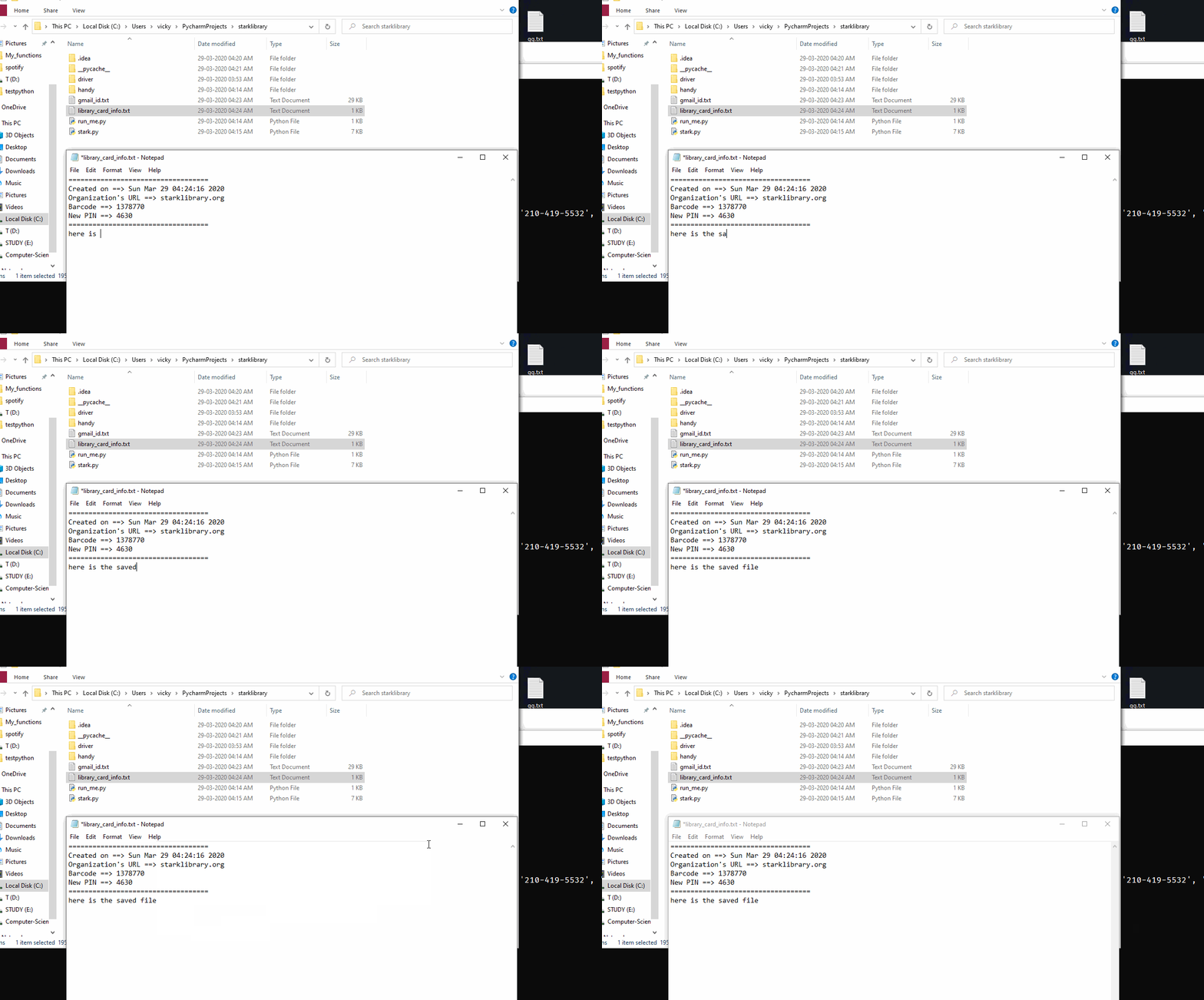
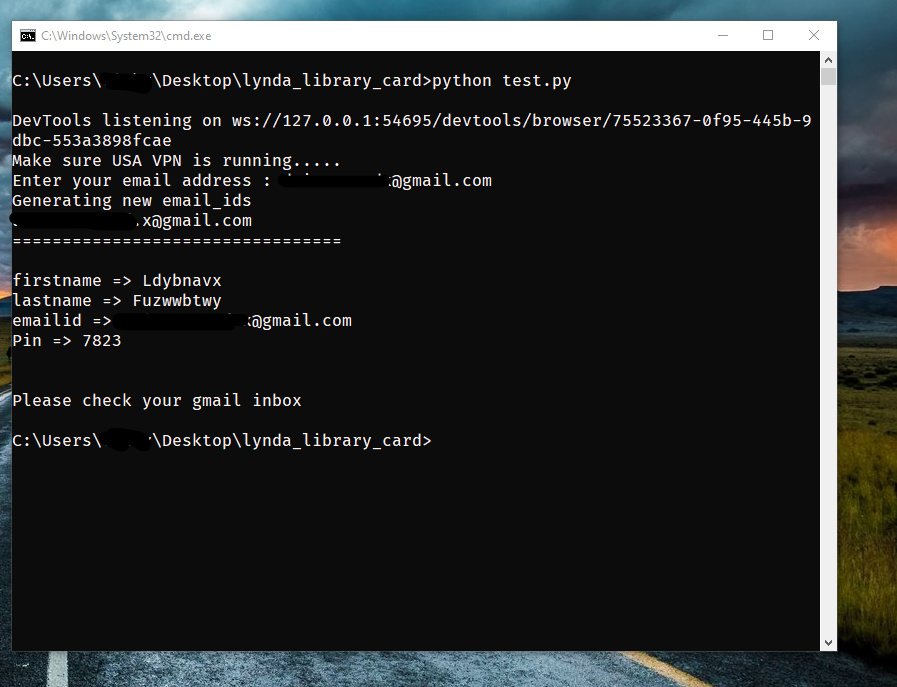
ezgif.com-gif-makerfa62fe3f41179e94.gif

ezgif.com-gif-maker-10845a960d3871e77.gif

TypeError: object of type ‘NoneType’ has no len()

maybe you are not using USA VPN …before running that

it works 8 out of 10 times …not that robust script ..highly experimental
just edit if you can improve it … i had one more module …where it automatically send to id and password to Disposal mail

That error is caused because your program needs to wait for that element.
This error is caused most probably in these lines -

WebDriverWait(driver, 15).until(
        EC.presence_of_element_located((By.ID, confirm_email_ID))
    ).send_keys(email)

The code works as it is but, I have edited the code just a little: Download Here OR you can just replace the “15” wait time with “30” or any other value.

Hope this will work.

Can i use nord or betternet vpn for this??

can i get the script bro because i didn’t find it on Gd ! thanks for your help

check again…it’s up and running !

choose whatever you like ! …works with any VPN … only US ip

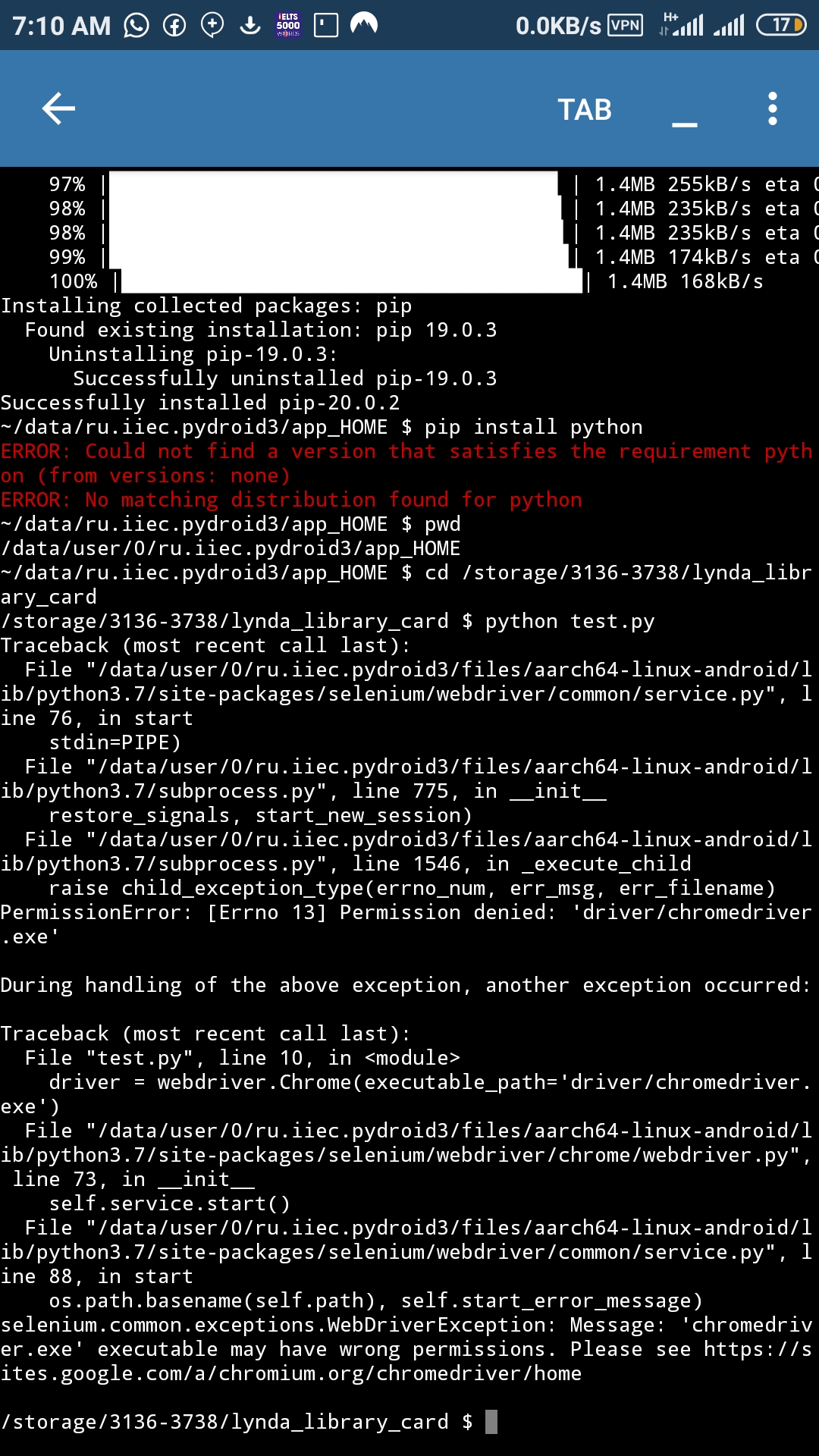
SS of attempt using pydroid on android device. Will try on pc too.

no…won’t run on Android ..just PC

Noted. Thanks.

PS.
If I may ask, what library do we use the library card for? Houston or Boston Public library or another different one?

Good Question :slight_smile:
its Boston public library
organization url is : bpl.org

Thank you

tested and confirmed to be working great. However, the google dot trick does not seem to offer a way out, cos it is sending thesame library card . Therefore you have to use a unique email id for each application.

Thanks @dydx for making the process automated, seamless and fast.

incase Boston do not work
you could try this too

Who else gets this permission denied message after registration for a lynda.com account.

boston library is really dumb as f*ck … i hate it… i’m gonna remove this BostonLibrary Bot sooner or later
i prefer you to use StarkLibrary ! works perfectly …i;m using that too

No need to take it down bro. Works for some, doesn’t work for others. That’s the way the Cookie grumbles! I am gonna try out the stark library once I am on pc. Currently on mobile.

hey, sorry for my dumb question, but I do not know much about programming,
what ‘selenium’ exactly I have to download and how use it?
can you send me the link?
hope I do not sound stupid :sweat_smile:

don’t worry no question is stupid!
i had the same question when i was learning !
you can read and learn Here
very easy tutorial ! just read installation guide . you will get it :slight_smile: