Ever told an AI to build an app and it actually listened?
With Dyad, you can. It’s a free desktop app that makes websites and tools from plain English—no coding, no cloud drama, no subscription guilt-trips.
You just open it, type what you want, and it builds the thing. Yes, really.
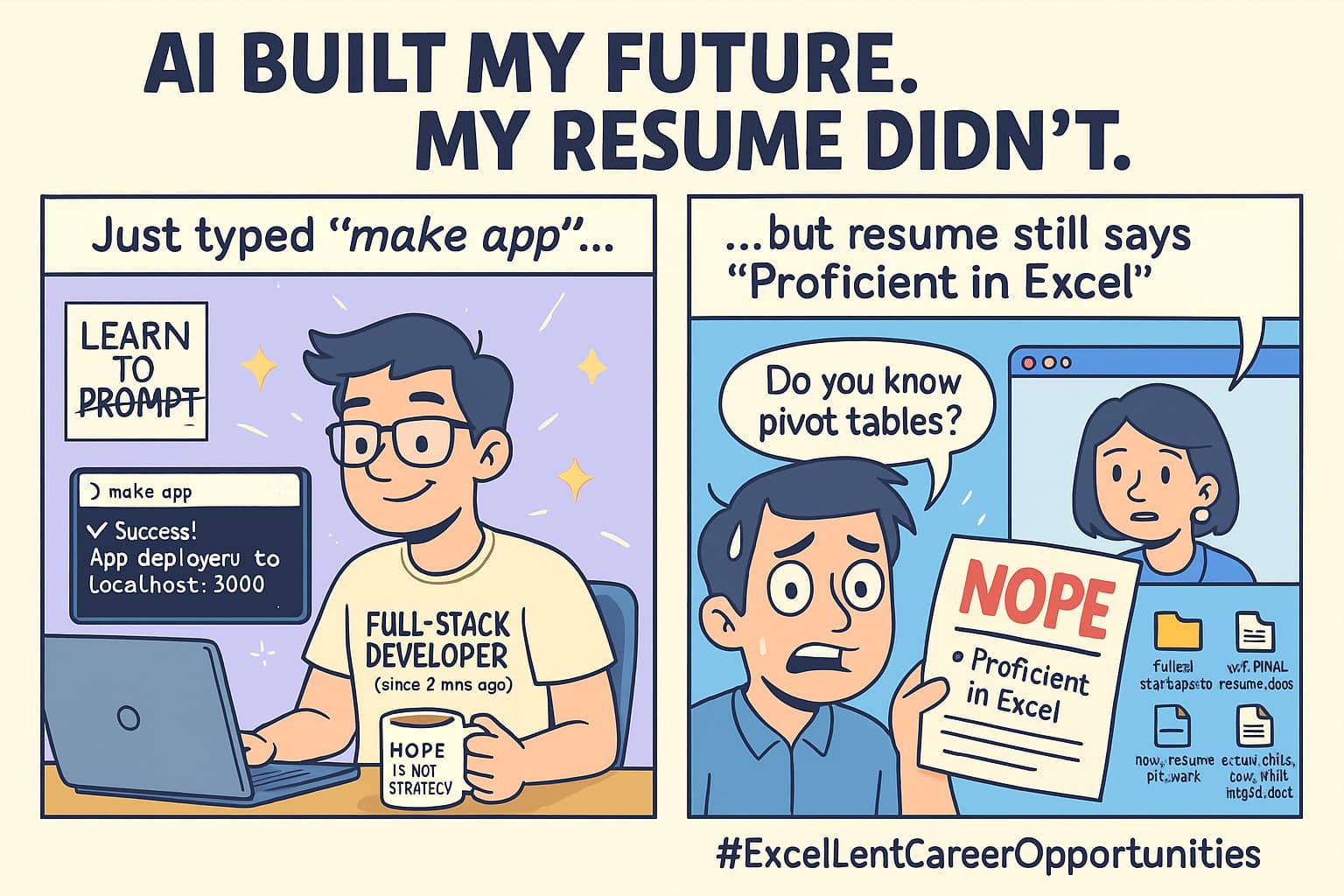
 What the heck is Dyad?
It’s a local app you install on your computer.
You chat with it like a slightly smarter intern.
It builds apps, websites, and even full dashboards.
It saves everything on your computer, not some mystery server in “DataLand.”
 Simple Steps (for actual humans, not AI overlords)
1. Download It
Go here:
 https://www.dyad.sh/
Choose your system:
- Windows? Click the big purple button.
- Mac? Choose your chip (Intel or Apple Silicon—guess if unsure).
Warning: Windows may scream like you just downloaded a virus. Click More Info → Run Anyway. You’ll live.
2. Open It
Just open the app. That’s it.
Mac might ask you to drag it to Applications. It’s needy like that.
3. Install Node.js (Ugh, One Time Only)
- Dyad tells you if it’s missing.
- Click the link, download, double-click, keep hitting Next like a zombie until it says Done.
4. Add an AI Key (So It Can Think)
- Best freebie? Google Gemini key — free and fast.
- Other options: OpenAI or Claude keys if you’re fancy.
- Or just use offline models like Ollama if you don’t trust anyone (valid).
Paste the key when Dyad asks. Boom. Now it can “think.”
5. Type Something Like:
“Build a to-do app with dark mode and save button.”
Then hit Enter.
Watch Dyad build it.
Approve what you see.
You now have an app. No, this isn’t a prank.
 Secret Superpowers (Most People Don’t Even Notice)
- AI_RULES.md: Force it to follow your weird coding style.
- Ask Mode: Brainstorm ideas before it touches code.
- Auto-fix Problems: TypeScript errors disappear like your will to debug.
- Smart Models: Dyad switches to cheap/faster AI when possible (saves money).
- Import Repos: Plug in old projects and make them AI-editable.
- Git Friendly: Commit, push, branch—without opening terminal hell.
 What Can Go Wrong (and How to Not Cry)
| Problem | What’s Happening | Quick Fix |
|---|---|---|
| Windows says “NOPE” | It thinks Dyad is shady | Click “Run Anyway” |
| AI won’t reply | You forgot the key | Go to Settings → Add Key |
| App broke | You clicked something dumb | Use the Undo button or Problems tab |
| Too slow | Model is lazy | Use Gemini or enable Smart Mode |
| No clue what’s happening | Welcome to coding | Use templates or copy the demo prompt |
 Want to Use Offline AI?
You don’t trust the cloud? Respect.
- Install Ollama or LM Studio
- Start the app (yes, just open it)
- In Dyad, go to Settings → Model → Pick “Local”
Now it works without touching the internet.
Your laptop is now a tiny AI lab with no surveillance bonus DLC.
 Real Things You Can Make
- “I forgot my homework” tracker

- Meme generator that never shuts up
- Dashboard for that startup idea you’ll abandon next week
- Game where you click cats to earn crypto (don’t)
- Actual portfolio websites people think you coded (you didn’t)
 Helpful Links (Because Google Won’t Explain This Right)
 Main Site: https://www.dyad.sh/
- GitHub Code: https://github.com/dyad-sh/dyad
- Quickstart Guide: https://docs.dyad.sh/getting-started
- Offline Models: https://ollama.com/ and https://lmstudio.ai/
TL;DR for Goldfish Brains:
Open Dyad ➜ Type your idea ➜ It builds it ➜ Approve ➜ Done
No cloud. No coding. No crying.
Unless you open the Problems tab. Then… maybe some light whimpering.
 Final Words
Dyad is like cloning a front-end dev and locking it in your basement, legally.
It listens. It builds. It doesn’t charge $29/month for dark mode.
You asked for no-code.
You got no-code.
Now go break something beautiful.
 goes off
 !
!