 Canva Education for Free — The 2025 Method (+ Backup Plans When It Breaks)
Canva Education for Free — The 2025 Method (+ Backup Plans When It Breaks)What’s This? Canva Pro is $156/year. Canva Education is the same thing but free. Forever. You just need to “be a teacher.” Spoiler: you don’t actually need to be one.
 The Fastest Way (Skip Everything Below)
Before we get into fake IDs and all that fun stuff — the easiest method is just getting invited to someone’s verified team.
One verified teacher can add unlimited people. You get full Pro features instantly. No documents. No waiting. No bullshit.
How: Ask in the replies, check Telegram groups for “canva edu team,” or ask any teacher friend.
Got an invite? You’re done. Close this tab. Enjoy your free Canva.
No invite? Keep reading.
 The Main Method: Fake Teacher ID
This is the classic approach. Still works in December 2025, but read the warnings below.
Step 1: Generate a Teacher ID with AI
Use Gemini (the Thinking/Pro model works best).
Give it this image as reference:
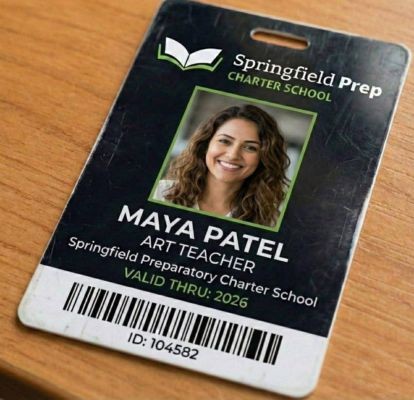
Use this prompt:
“Remake a same image with random name and id with photo”
Gemini will spit out something like this:
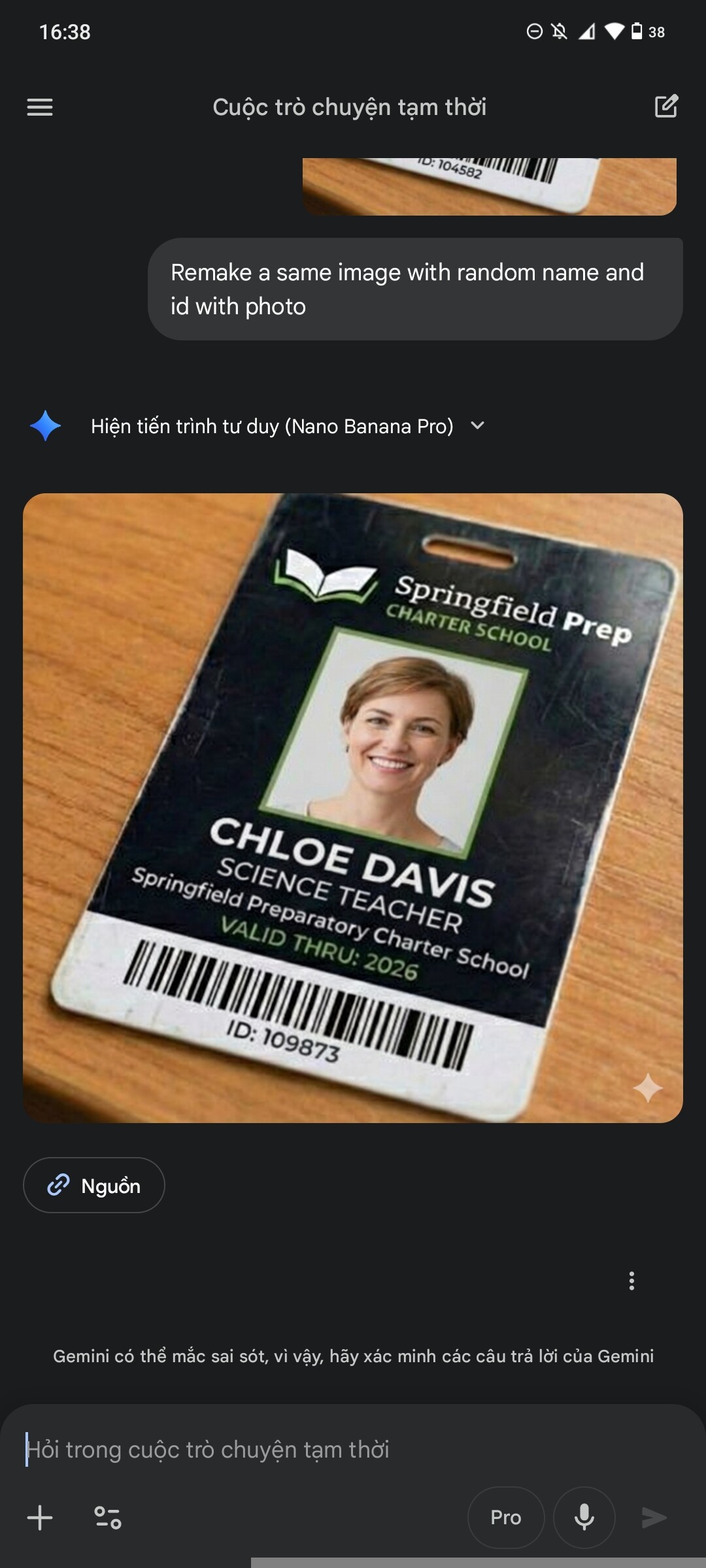
Save that image.
Step 2: Remove the AI Watermark
Gemini adds a watermark. Canva will reject it if you don’t remove it.
Go to https://www.photopea.com/ and upload your image.
On PC:
Ctrl+Jto duplicate layerMto select an areaVto move that area over the watermark- File → Export as → JPG
On Mobile:
Here’s a quick tutorial: https://drive.google.com/file/d/1igNZsrGMaXs-onR53Z6E0Rx3ARbh1zGX/view
Result should look clean like this:
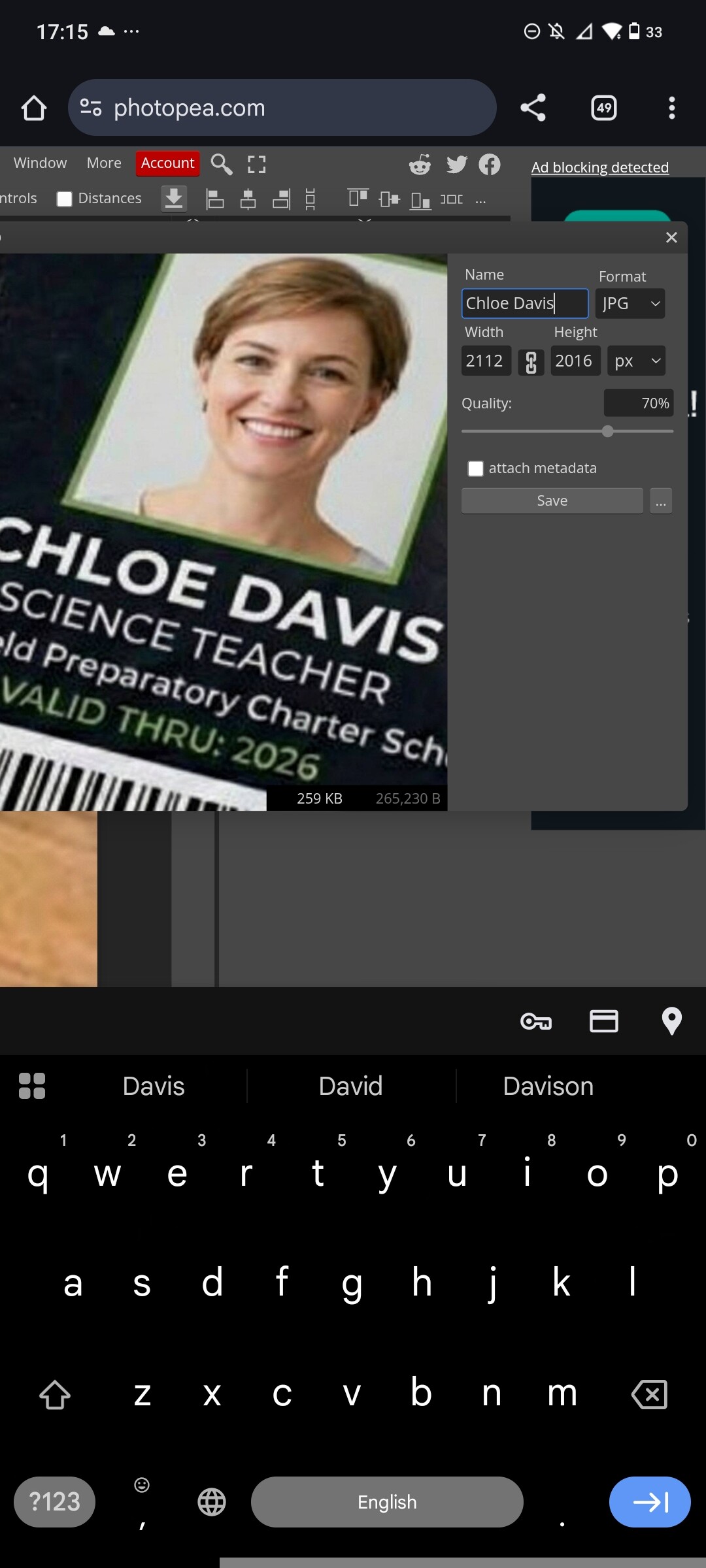
Hardest part done. The rest is easy.
Step 3: Apply for Canva Education
- Go to https://www.canva.com/education/
- Create an account first (or log into existing one)
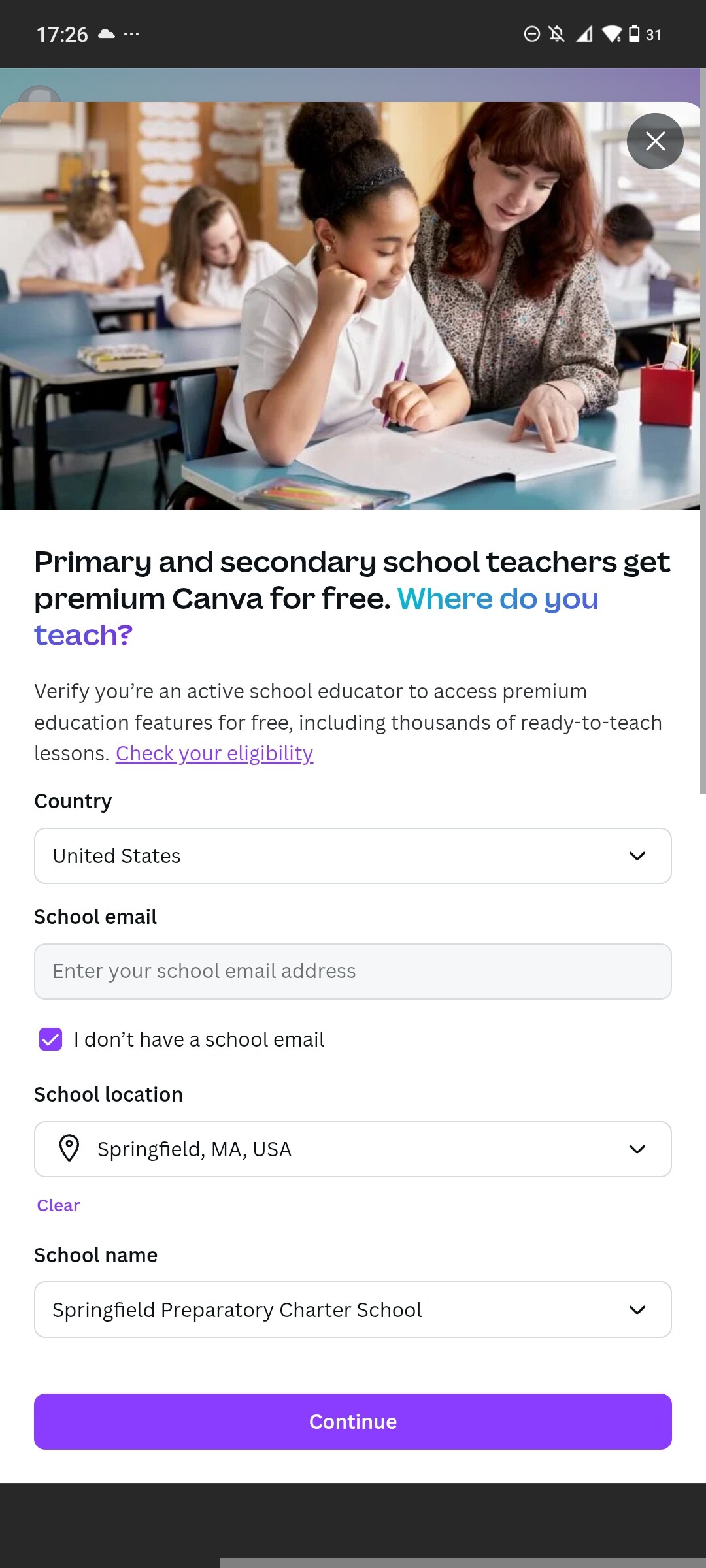
- Click Get verified → Choose Teacher
-
Fill in the school info:
- School Location: Springfield, MA, USA
- School Name: Springfield Preparatory Charter School
-
Click continue → Click “My school isn’t here” → Let Canva create a team for you
Step 4: Upload Your Fake ID
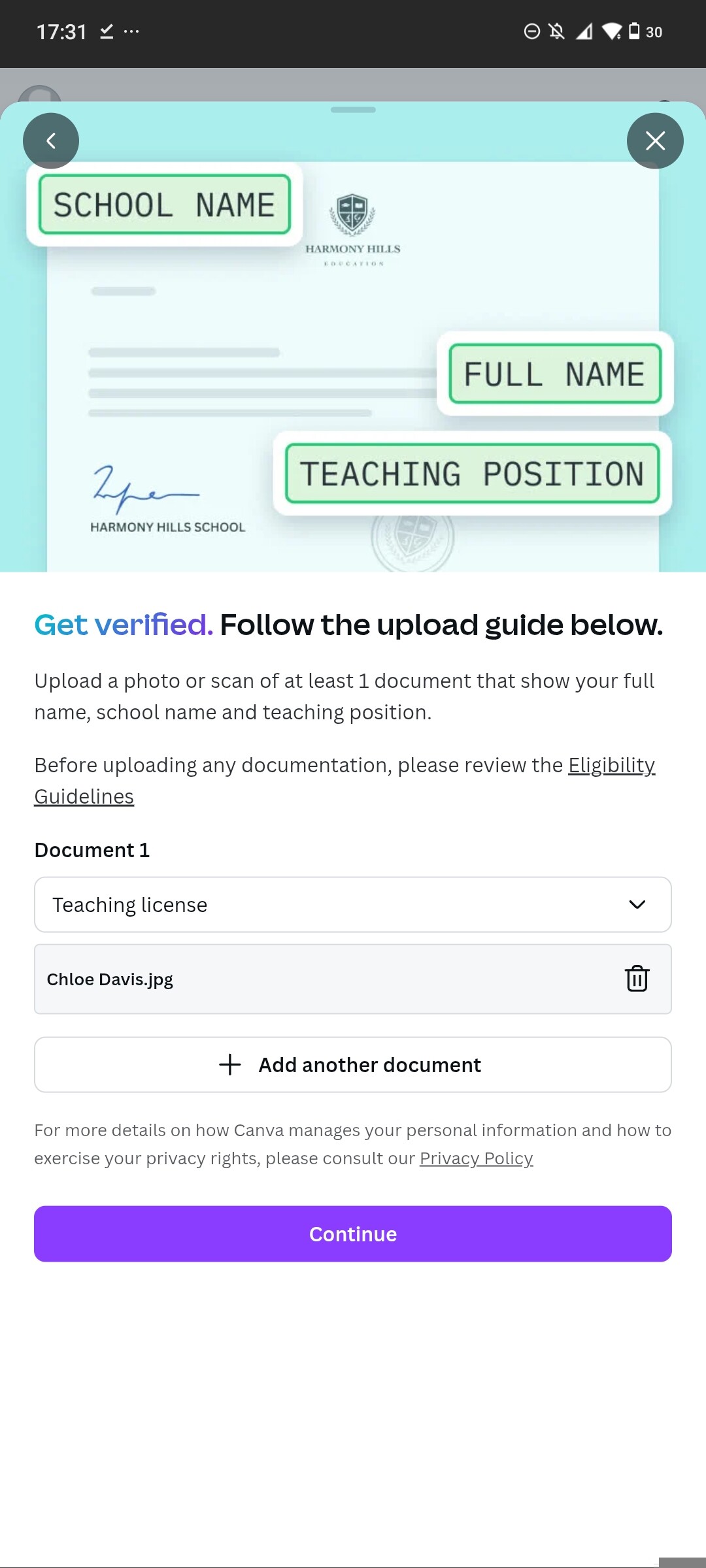
Upload the ID you made. Wait for verification (usually 24-48 hours).
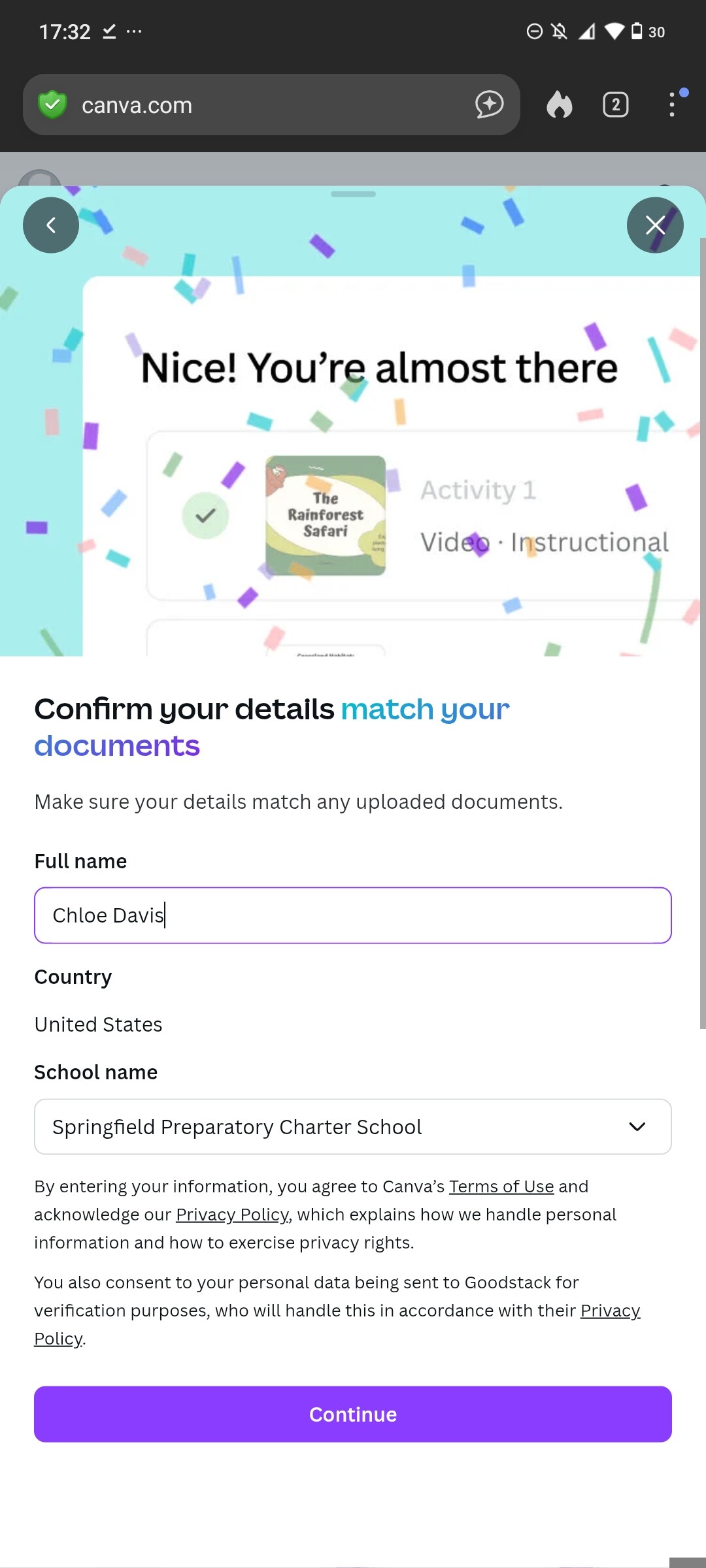
Boom. Free Canva Education.
 Shit You Need to Know (Read This or Get Rejected)
The method above works, but here’s what the original guide doesn’t tell you:
The School Name Problem
“Springfield Preparatory Charter School” is getting burned. When a school name gets shared publicly, too many people use it, Canva flags it for manual review.
Better approach: Find your own school name.
- Go to https://nces.ed.gov/ccd/schoolsearch/
- Filter: Enrollment under 100, any state
- Pick a small rural school nobody’s heard of
- Use that instead
AI Detection is Real Now
Canva started scanning uploaded IDs with AI in late 2024. Pure AI-generated faces fail more often.
Better approach:
- Use AI to generate the ID layout/text
- But use a real stock photo for the face
- Or edit an actual ID template instead of letting AI imagine everything
Don't Act Suspicious
- Create your Canva account a few days before verifying (fresh accounts get flagged)
- Don’t download 500 templates the first day after approval
- Don’t use VPN during verification
 Backup Methods (When the Main One Fails)
Method 2: SheerID Bots (No ID Needed)
There’s a tool that auto-completes the verification process. Works for Canva, Spotify Student, YouTube Premium, etc.
Go here: https://thanhnguyxn.github.io/SheerID-Verification-Tool/
Pick an option, follow the steps. If it says “Maintenance,” try the Telegram bots listed on that page:
- @sheeridverify_bot
- @SheerID_VIP_Bot
- @sheeridvn_bot
These bots are sometimes slow or down. If it doesn’t work, try again in a few hours.
Fallback: Use the Student Card Generator on that same site to make an ID manually.
Method 3: Indonesia Backdoor (Instant, No Verification)
Indonesia’s government has an education email system called belajar.id. Canva built a direct login for it.
If you can get a belajar.id email:
- Go to canva.com → Login
- Click “Continue with Akun belajar.id”
- You’re in. No documents. No waiting.
The hard part is getting the email. But if you have Indonesian connections, this is the cleanest method.
Method 4: Canva Nonprofits (Same Features, Different Door)
Canva gives free Pro to registered nonprofits. Same features as Education.
The verification is easier because they’re just checking if your org exists — not cross-referencing school databases.
- Register a nonprofit in Wyoming or Delaware (~$50-100, minimal paperwork)
- Apply at https://www.canva.com/canva-for-nonprofits/
- Wait 7-10 days
- Get 50 free Pro seats
Overkill for most people but it’s the most stable long-term.
 What’s Dead (Don’t Bother)
| Method | Status |
|---|---|
| studentidcard.me | Dead |
| Public team invite links | Expire in days |
| 10minutemail .edu addresses | Most flows need email persistence |
| Same school name as everyone else | Getting flagged |
 What You Actually Get
Just so you know this is worth the effort:
- 100+ million stock photos, videos, graphics
- Background remover
- Magic Resize (one design → 50 sizes)
- All the AI tools (Magic Write, Magic Edit, etc.)
- 1TB cloud storage
- Premium templates for everything
- No watermarks
Normal price: $156/year
Your price: $0
Buffed by @SRZ because free Canva hits different
 !
!