Canva for Education Without .Edu: The Payslip Trick That Actually Works
What is this?
Canva Pro costs like $120/year. That’s rent money. Therapy money. “I could’ve bought 40 energy drinks” money.
This method gets you Canva for Education — which is literally Canva Pro with extra features — for the low price of absolutely nothing. No student email. No begging your cousin who works at a school. Just you, a free PDF editor, and about 10 minutes of your life.
Why should you care?
Because Canva Pro has:
- Premium templates that don’t look like a 2009 PowerPoint fever dream
- Background remover (no more janky cutouts)
- Brand kits, unlimited storage, resize magic
- Basically everything locked behind that annoying “
 PRO ” crown
And now? It’s yours. Forever. For free.
The Method to keep in mind.
Dumb Summary: You’re pretending to be a teacher at a school in Cambodia. Sounds insane. Works perfectly. Don’t question it.
Step 1: Get Your Email Ready
Use a real email you actually own — Gmail, Outlook, whatever. Just make sure:
- It’s never touched Canva Pro or Canva Education before
- It’s not a temp/disposable email (Canva catches those instantly)
Step 2: Edit the Fake Payslip
This is where the magic happens. You’re editing a template payslip to “prove” you work at a school.
Go here: sejda.com/pdf-editor (free, no signup)
Download this PDF: Payslip Template
Now change these fields:
| Field | What to Put |
|---|---|
| School ID | BIS-2025-XXX (pick any 3 random digits) |
| Employee Name | Whatever name you want on your Canva account |
| Position | Pick a subject — Chemistry, English, Math, etc. (Grades 10-12 only) |
| Employee ID | Same as School ID. Literally copy-paste it. |
| Date of Hire | At least 2 years ago (ex: January 2022) |
| Years of Service | Do the math. If hired Jan 10, 2022 → “3 years, 11 months, 4 days” |
| Account Number | Change the last 4 digits to anything |
| Payment Date | Make it match Pay Period and Payslip Date |
Save that PDF. You’re officially a “teacher” now. Congratulations on your fake career.
Step 3: Get Verified on Canva
- Open Incognito/Private mode (seriously, do this — no VPN though)
- Go to canva.com/education
- Click “Teachers Get Verified”
- Sign up with your email — use the EXACT name from your payslip
- Verify your email with the code they send
Step 4: Answer Their Questions
- School type: Primary or Secondary School (K-12)
- Role: Teacher
- Grade level: 10, 11, or 12 (match your payslip)
- Subject: Same as your payslip position
- Country: Cambodia

- Check the box: “I don’t have a school email”
Step 5: Upload Your “Proof”
- Document type: Payslip
- Upload your edited PDF
- Confirm the info (Name, Country, School = Beltei International School)
- Click Continue → Done
Step 6: Check Your Email
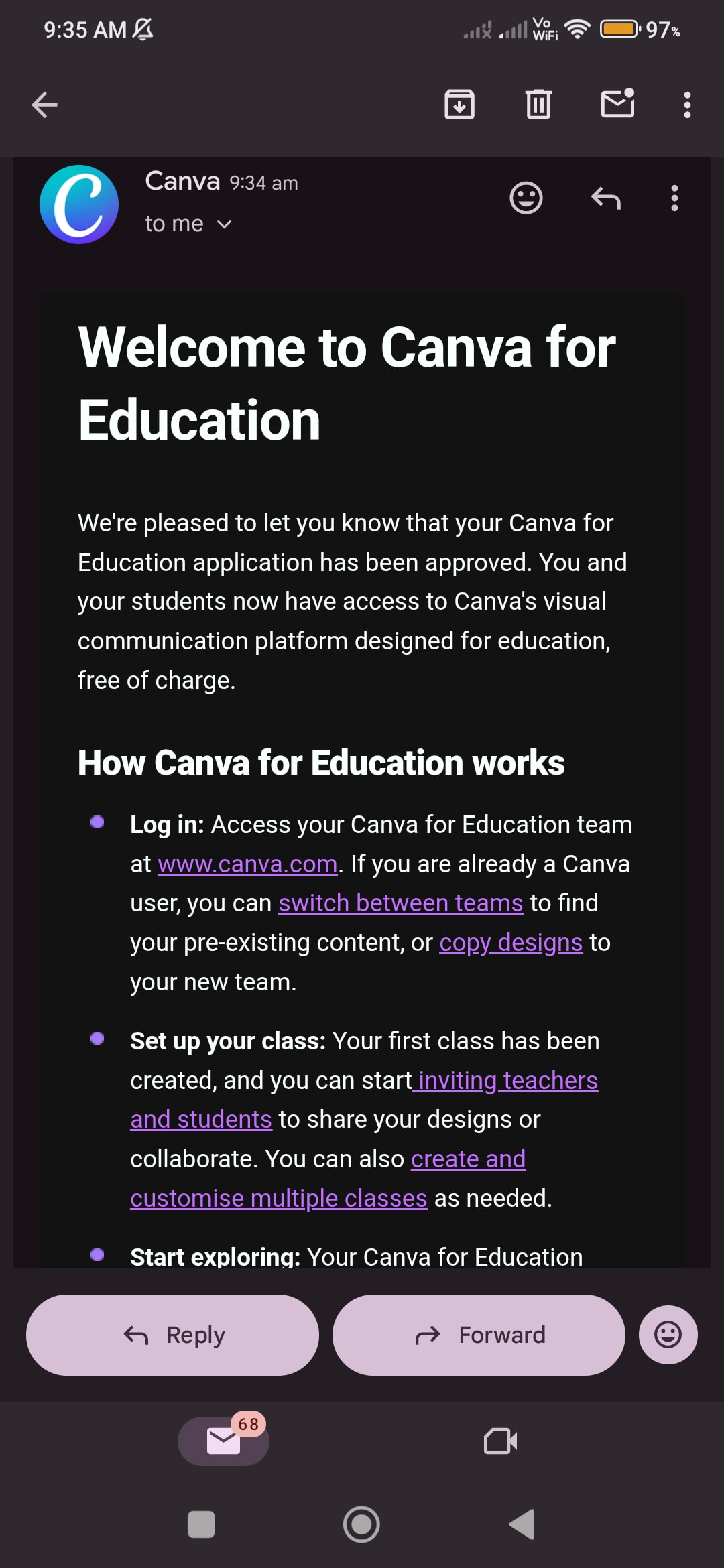
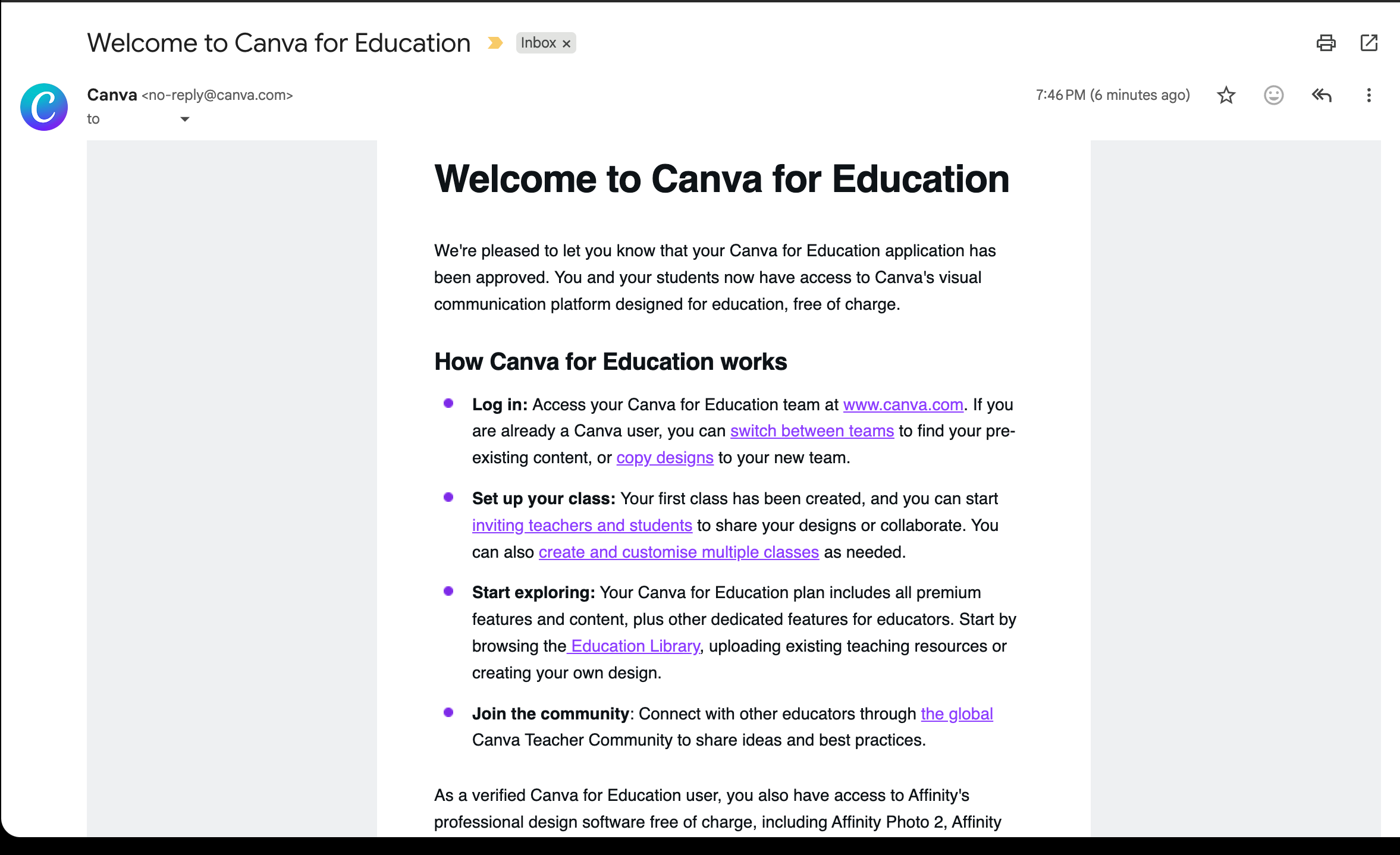
Within like 30 seconds, you’ll get the “Welcome to Canva for Education” email.
Refresh Canva. Watch the fireworks. Set your password. Add a recovery email so you don’t lose this forever.
You now have Canva Pro. For free. Indefinitely.
Quick Warnings
- Don’t be greedy — one account per person, don’t mass-produce these
- Don’t use temp emails — they get flagged instantly
- Keep your details consistent — if your payslip says “Chemistry teacher,” don’t pick “Art” during signup
- Incognito mode matters — cookies can mess with verification
That’s it. Go make pretty things without paying Canva’s ransom money. 
edited by @SRZ to make it clear.

 !
!