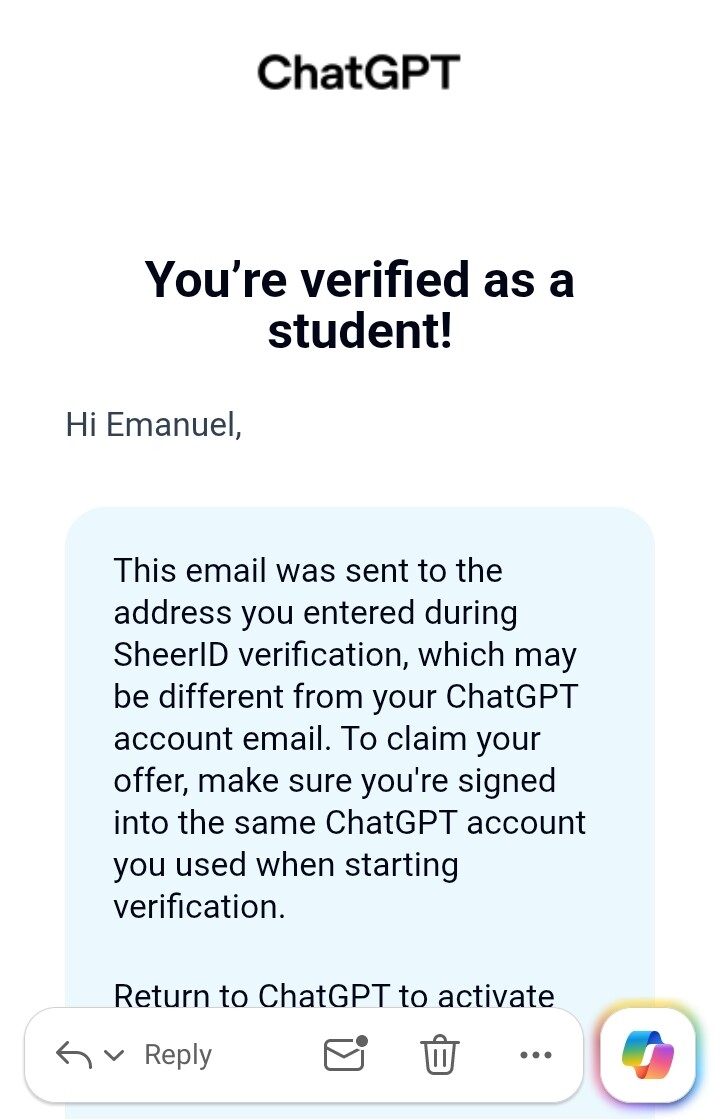
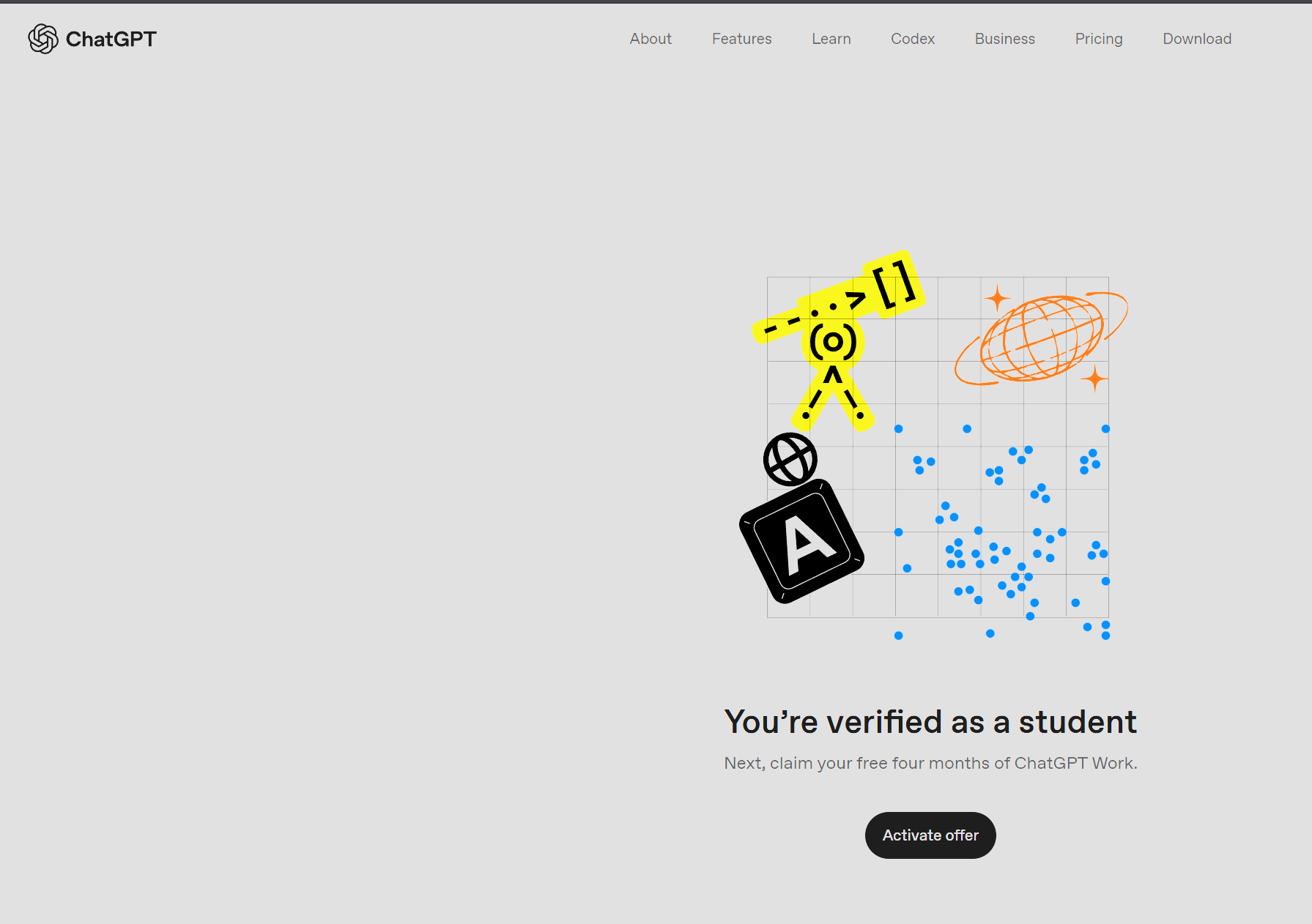
🎓 ChatGPT Plus Free for 4 Months - Claim by Oct 31, and the 4 Ways People Lose It

4 months of ChatGPT Plus, free. :graduation_cap: That’s $80.

Works for new, existing and returning accounts — already paying? You get credited, don’t cancel first. :white_check_mark:

:hourglass_not_done: Claim by October 31, 2026.


:ladder: Claim it

1. Sign in to the exact account you want it on :backhand_index_pointing_left: this is the step people get wrong

2. Open :link: https://chatgpt.com/students/2026

3. Verify through SheerID — country, school, legal name, date of birth, email

4. Return to the offer page and claim

:white_check_mark: Checkout must show “100% off with student discount.” If it still says $20 — stop. Don’t pay. Contact support instead.


:warning: Four ways people lose this

:prohibited: Mistake What happens
Verified on the wrong account Cannot be reset or transferred. Ever.
Retried on several accounts Triggers “Verification Limit Exceeded”
Used a VPN Location is checked — you must actually be in the US/Canada. Educational VPNs are the only exception
Cancelled on day one Access can end immediately, not at month 4

:pushpin: A .edu address alone doesn’t qualify you. SheerID checks the registrar, and support cannot override it.


:credit_card: The bit that bills you

After 4 months it auto-renews at $20/month.

:spiral_calendar: Set a reminder for day ~115, cancel then. Not on day one, not on day 121.


:backpack: No student status?

There’s a way in that doesn’t need one — and it’s a longer run than this:

:backhand_index_pointing_right: :graduation_cap: 12 Months of Google AI Plus Without a University


TL;DR :backhand_index_pointing_right: Right account → claim → SheerID → confirm “100% off” → reminder at day 115. :bell:

5 Likes

How I got verified

You will need:

Nord VPN/ proton/ surfshark/express vpn

Brave browser/Duckduck go browser

Outlook app connected with your umgc.edu account to recieve email for SHEERID verification

Recent registration confirmation letter, admission letter and recent screenshot of your class schedule

Steps

  1. Connect vpn to USA IP
  2. Open link in brave browser
  3. Create account using your umgc edu email
  4. Confirm your registration by completing the otp recieved in inbox of umgc.edu email on outlook app
  5. After registration refresh the page if it says not eligible
  6. The steps below can also work for Gemini 12 months pro since SHEERID processes both offers eligibility and acceptable documents
  7. What to fill: School : university of Maryland global campus, first and last should should match your umgc.edu email, email: should be the same likewise as for Gemini offer fill this email space with your eligible Google email
  8. Final stage uploading documents: upload first your admission letter, registration confirmation letter and finally your recent class schedule screenshot it is the same for Gemini 12 month offer also
  9. Submit and wait for email from SHEERID team in your umgc.edu outlook inbox as for Gemini offer wait for email from SHEERID team in your Gmail inbox of the eligible account.
  10. Chance of success depends on how recent your uploaded documents are and how matching it is to the information you wrote on the SHEERID form.
  11. Why this works: Official letters is one of acceptable document together with class schedule on SHEERID accepted document for student verification
  12. So go and try your luck wishing you all success :sparkles:

3 Likes

i am getting some error for this chatgpt , can you kindly guide properly on it because i too have umgc mail

3 Likes

Try midnight or early morning hours 4 am to 6 am there will be no error.

1 Like

What is left is payment method if anyone knows it please drop your comment below because it will be meaningless to be verified and not claiming the four months trial.

By payment method I mean a working bin for CHATGPT plus trial subscription.

1 Like

did you found any bin or valid card to use ?

No that’s why am asking.

1 Like

Where does UMGC.EDU email come from?

Check this bro.

1 Like

Could you tell me how to find out, after enrolling in the courses, when the email will be fully activated and I’ll be able to use it fully?

6 hours after enrollment

Download outlook app add your new .ed account if your access is unlocked you will see the inbox but otherwise it will show error that is how to find out.

Verified, but I’m stuck on payment too; it gives me an error with the cards I tried.

Let’s hope someone will turn up with solution.

For the University of Maryland’s fall semester class schedule, the schedule I had was for the summer term, which has ended. Now SheerID asked for this class schedule and a screenshot showing today’s date to prove that I’m currently active in the ongoing semester.

No problem just try to Upload the 2 official letters in pdf format, that is admission letter and registration confirmation letter then lastly the screenshot of the class schedule of the passed summer term if you managed to take it from student portal during that time if not then try only the official letters everything should match

Submit and wait for feedback if they rejected it that it’s old then you need to create new account and register for class immediately because old account can’t allow you to register for class due to severe restrictions of wanting high school transcript for which there is no work around.

it’s showing account hold issues .
can you help me bro?
need help bro

New or old account? If new account just register for class you can enrol even though there a hold but if old account there is no remedy just create new account. And used the old active edu account to activate student perks which requires only active edu email for verification purposes.

Same. I’ve tried everything I can.

it’s a new account.
made today only,
unable to register for a course.
and how to get the student mails to verify for student perks it’s not able to go to the outlook?
can you please help me out?

Watch this tutorial

All credits to KiyotakaAyanokoji

And do exactly as demonstrated you will register easily brother.