 Application fee waived, course fees covered, a listed university — then Google hands over 12 months of AI Plus
Application fee waived, course fees covered, a listed university — then Google hands over 12 months of AI Plus
What this is: Google’s paid AI plan — Gemini, 400 GB storage, unlimited uploads, 2× usage limits, Study Notebooks — handed over free for 12 months.
What Google checks: one thing. Are you a student.
What’s below: both answers. Already a student → about a minute. Not one → cheapest is $0, fastest is the same hour.
 One question. Then read only your half.
        ENROLLED AT A COLLEGE OR
        UNIVERSITY RIGHT NOW?
        ──────────────────────────────────────────
          YES          ->  ROAD A   about 1 minute
          NO           ->  ROAD B   from $0
        ──────────────────────────────────────────
The other road is not yours. Skip it.
 ROAD A — you are a student today
 About a minute. @mtafsiri ran this and had it done in one.
1. Open the offer → gemini.google/students
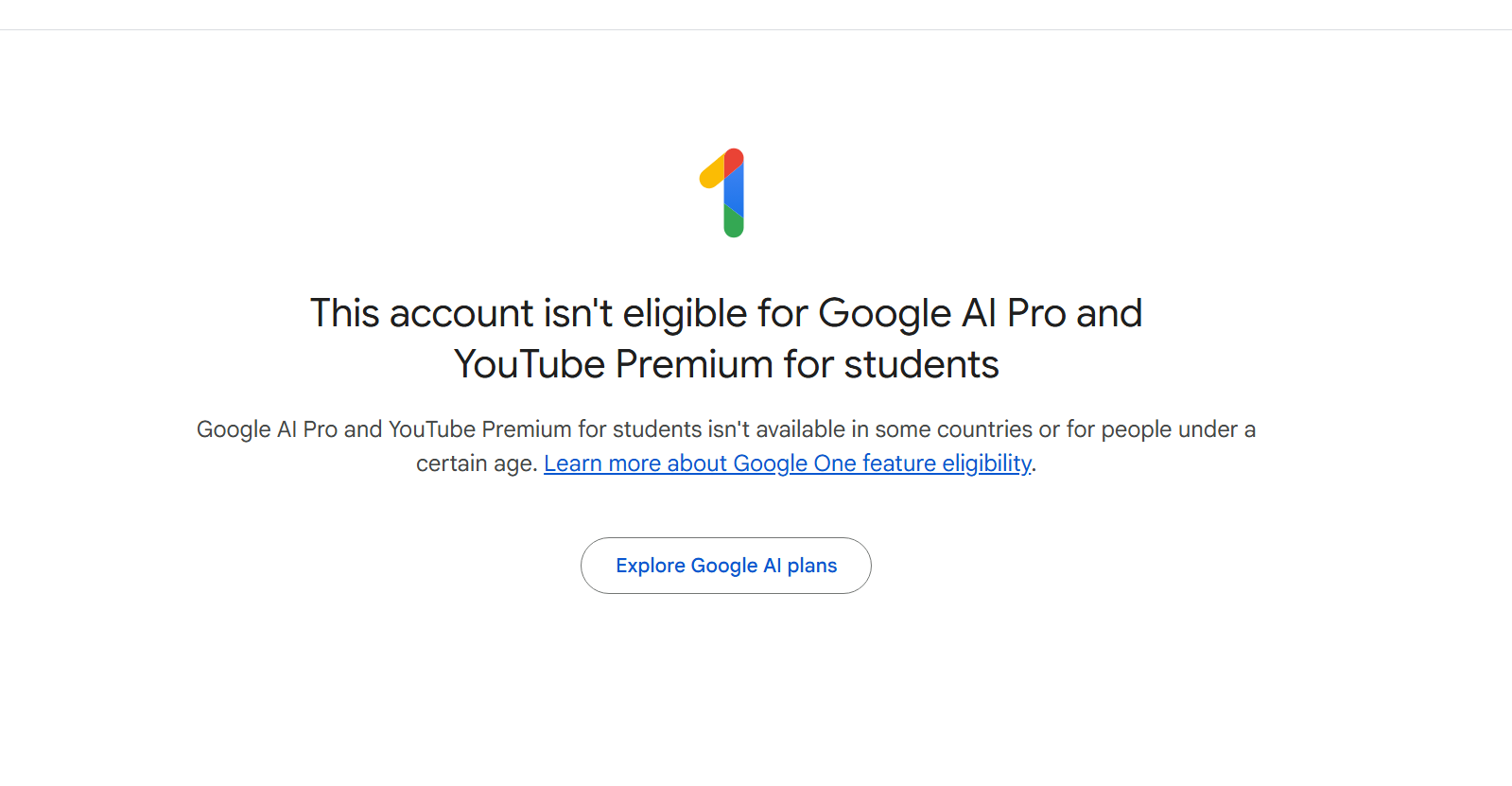
2. Sign in with your personal Google account. A school-issued account gets turned away at this step.
3. Click Verify student status. Type your school’s name into the box and pick it from the list that drops down.
4. Add a payment method and finish the Google One checkout.
5. Set a phone reminder for month 11.
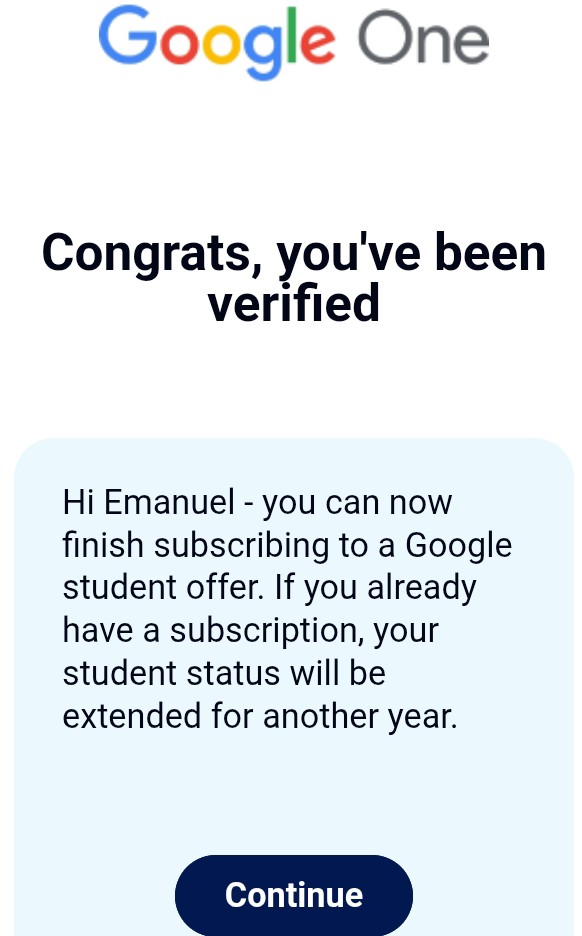
 Done looks like this: your plan reads Google AI Plus and your storage jumps to 400 GB.
🏫 Your school never appears in that box
That box is the whole gate. Google, Adobe, Autodesk and Spotify all read the same school list, run by a company called SheerID. A name that never drops down cannot be verified by any route.
Two moves, in order:
Type the full official name, not the abbreviation. “University of Oregon” lands, “UO” misses.
Use the offer’s own “request to add school” form. A real school gets vetted by hand and added, usually inside 7 days.
 ROAD B — nobody’s student right now
You enrol somewhere real, then run Road A. Five doors, all genuine, all verified against Google’s own school list today.
 Pick by what you care about
| You want | Go here | Costs | Student in |
|---|---|---|---|
 Speed Speed |
Penn Foster | $20 | the same hour |
 Cheap + rolling Cheap + rolling |
NationsUniversity | $25 once | days, no intake window |
 Zero cost Zero cost |
University of the People | $0 waived | one 9-week term |
 Close to home Close to home |
your region’s open university | varies | varies |
 Under 20, no diploma yet Under 20, no diploma yet |
Wolsey Hall · King’s InterHigh | varies | rolling, no entry test |
All five end in the same place: your school drops down in that box.
Same hour, $20 — Penn Foster
Enrol here — a student ID number lands the moment enrolment processes. Their words: “to become an official student, you must make an initial payment toward tuition… could be as low as $20.” Full refund inside 5 days.
Listed under four school types at once — 4780865 high school · 10067869 post-secondary · 7588785 K12 · 12434609 university.
 Grab the right paper. Email screenshots sit on the rejected list. Pull the Learner Center registration receipt or the dated ID card off the welcome letter.
$25 once, then nothing — NationsUniversity
Apply here — 5979042. One-time $25 application fee, “There are no exemptions”. Tuition $0 forever for anyone living outside its 35 listed developed countries, electronic textbooks included.
Rolling admission, no semesters at all — nothing to miss, no term to wait for. No campus, no visa, no residency.
The tier almost nobody checks
Student verification covers four groups. Everyone tries the first two. The third is “all high school students 16 and older” — worldwide, not US-only.
| School | ID | Why it opens |
|---|---|---|
| Wolsey Hall Oxford | 6801672 |
100+ countries, rolling, no entry requirements, one IGCSE is enough |
| King’s InterHigh | 5428484 |
already indexed with students overseas — one row sits under Türkiye |
No ministry has to recognise a prior diploma here, because you are going after the diploma rather than proving one. That also makes it the only open door in East Asia, where every national open university is ID-gated.
🌍 Close to home — the open university where you live
| Where | School | Cost | The line that opens it |
|---|---|---|---|
 Canada Canada |
Athabasca 328066 |
CAD $624+ | admits from age 16, student ID the same day |
| Canada |
Thompson Rivers Open Learning 328318 |
~CAD $1,700 | “no general admission requirements” · register any day |
 Germany Germany |
FernUni Hagen 344345 |
~€170/sem | Akademiestudium takes anyone with a passport, nothing else |
 Finland Finland |
Jyväskylä Open 418850 |
€0 | free online courses, open to anyone abroad |
 Kenya Kenya |
Open University of Kenya 10326820 |
KES 1,000+ | “applications are open throughout the year” |
 Palestine Palestine |
Al-Quds Open ILP 4064432 |
$100 + $60/cr | “open to anyone… regardless of age, GPA, or year of graduation” — and requires you live outside Palestine |
  Maghreb · Levant Maghreb · Levant |
Le Cnam 10053007 |
$27–54/ECTS | “Aucun diplôme n’est exigé” — no diploma required, French public institution |
 India India |
IGNOU 5146765 |
~₹3,000 | open admission, 25+ regional centres listed |
 US US |
DVC · Rio Salado · Foothill | $0 to apply | decision in 24 hours to 3 days, 100% acceptance |
 Al-Quds is filed under its Arabic name
 جامعة القدس المفتوحة. An English search still resolves it.
🆓 $0 — University of the People, and its real numbers
Repeated everywhere as “free, six weeks.” Their own documents set it straight, and the difference decides whether this suits you.
$60 buys Foundations status, which is separate from enrolment. The agreement you sign says it plainly: “students acknowledge and agree that they are not considered enrolled in the University.” The catalog repeats it: “Foundations students are not considered enrolled students in the University.” The @uopeople.edu address arrives later, at degree-seeking status.
| Repeated online | Actual | |
|---|---|---|
| Cost to enrolled | $0 | $420 — $60 application + 2 courses at $180 |
| Waivable | — | $360 of it, via the Foundations Grant |
| Time | 6–10 weeks | one 9-week term minimum · ~3 months at best |
| Starting today | — | 5–6 months — the September intake already closed |
Terms are fixed: Sept 4 · Nov 13 · Jan 29 · Apr 9 · Jun 18, registration shutting ~4 weeks ahead.
Still the strongest $0 route on earth. §I.a waives the application fee, §II.c covers two full courses, and scholarships run on “self-evaluation and trust” with no financial documents requested. Accredited, 200+ countries, no visa, age 16+.
⚠️ Appearing in the list and being verifiable are two different things
Saylor Academy shows up four times in the school list, which sends people straight at it. Their own help centre closes the door: “Because we are not an accredited school and do not offer part-time or full-time student enrollment, we are usually not able to provide enrollment verification.”
A row in the list means the name resolves. Ask the second question too — does this place issue a dated enrolment record? Free completion certificates and course badges are neither.
Two reminders worth setting right now. A valid payment method is required at signup. The plan renews at £4.49 per month once month 12 closes — cancel before then to keep it at zero. The whole promotion closes December 31st.
 What lands in your account
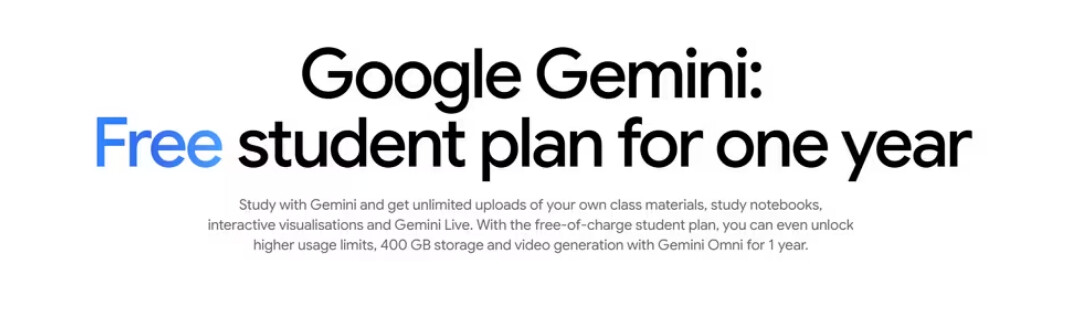

Unlimited uploads of your own class materials, study notebooks, interactive visualisations and Gemini Live. Higher usage limits, 400 GB storage, and video generation with Gemini Omni for a year.
Claim links: the student page · Google One Plans · Google’s announcement
🔍 What that verify button actually does
SheerID runs five checks and stops at the first one that says yes:
| # | Check | What happens |
|---|---|---|
| 1 | Registrar records | Your school’s own enrolment list gets searched |
| 2 | School login | You sign in through your school portal |
| 3 | Private login proof | Same portal, shares only your name |
| 4 | Email loop | A link arrives at your school address |
| 5 | Document upload | A person reads what you send |
All five begin by finding your school in that list. That is why the drop-down box decides everything.
📄 What counts as proof, and what gets rejected
Accepted — school-issued, carrying your first name, last name, school name and a date inside the current term:
class schedule · registration receipt · tuition receipt · transcript showing classes currently in progress · dated student ID card · enrolment letter with the current term date · student visa
Rejected — Adobe, Autodesk, Amazon Music, TIDAL and Pandora all carry the same line: “acceptance letters will not be approved.” Being admitted differs from being enrolled. Also turned away on their own: undated IDs · email screenshots · Totum card · financial aid letter · entrance exam card.
The phrase carrying all the weight is currently in progress.
⌨️ Check any school in 2 seconds — before you spend weeks on it
What this is. One line you paste into a terminal — Terminal on Mac and Linux, PowerShell on Windows. curl is the small program that fetches a web address and prints what comes back, and it ships with all three systems already.
What it does. It asks that same school list a direct question and shows you the raw answer, skipping the website entirely.
Why it’s worth knowing. Enrolling somewhere takes time. This tells you in two seconds whether a school even appears on the list, so nobody burns a term finding out the hard way. No account, no key, no signup, and the same trick works for every brand running this check.
Swap the school name and the two-letter country code:
curl -s "https://orgsearch.sheerid.net/rest/organization/search?country=US&type=UNIVERSITY&name=University%20of%20the%20People"
What comes back:
4078799   University of the People (Pasadena, CA)
12433602  University of the People (Wilmington, DE)
12427776  University of the People (Boulder, CO)
Names and ID numbers coming back mean the school sits on the list. An empty answer means it does not.
For the high-school tier, swap type=UNIVERSITY for type=HIGH_SCHOOL. For trade and vocational schools, type=POST_SECONDARY.
The search runs fuzzy — read the name that comes back rather than trusting that something came back.
❓ Questions people keep asking
Who qualifies? Students aged 18–24 at an eligible institution. Verification runs once a year to keep it.
What is included? 2× higher usage limits, 400 GB of cloud storage, Gemini Omni, plus unlimited uploads for Study Notebooks, Visuals and Live.
Which countries? Google AI Pro for the US. Google AI Plus across 140+ other markets — excluding Bolivia, Albania, Canada, Macau, Hong Kong and Tunisia. Full terms on Google’s announcement.
Does the free Gemini plan still exist? Yes, and it stays free. This offer sits on top of it.
How is Gemini different for study? Study notebooks turn your syllabi, lecture notes and course materials into study guides, quizzes and summaries built from your own material.
More details → one.google.com/ai-student
Pick your road, run the five steps, set the month-11 reminder. Stuck anywhere — reply with the step number.
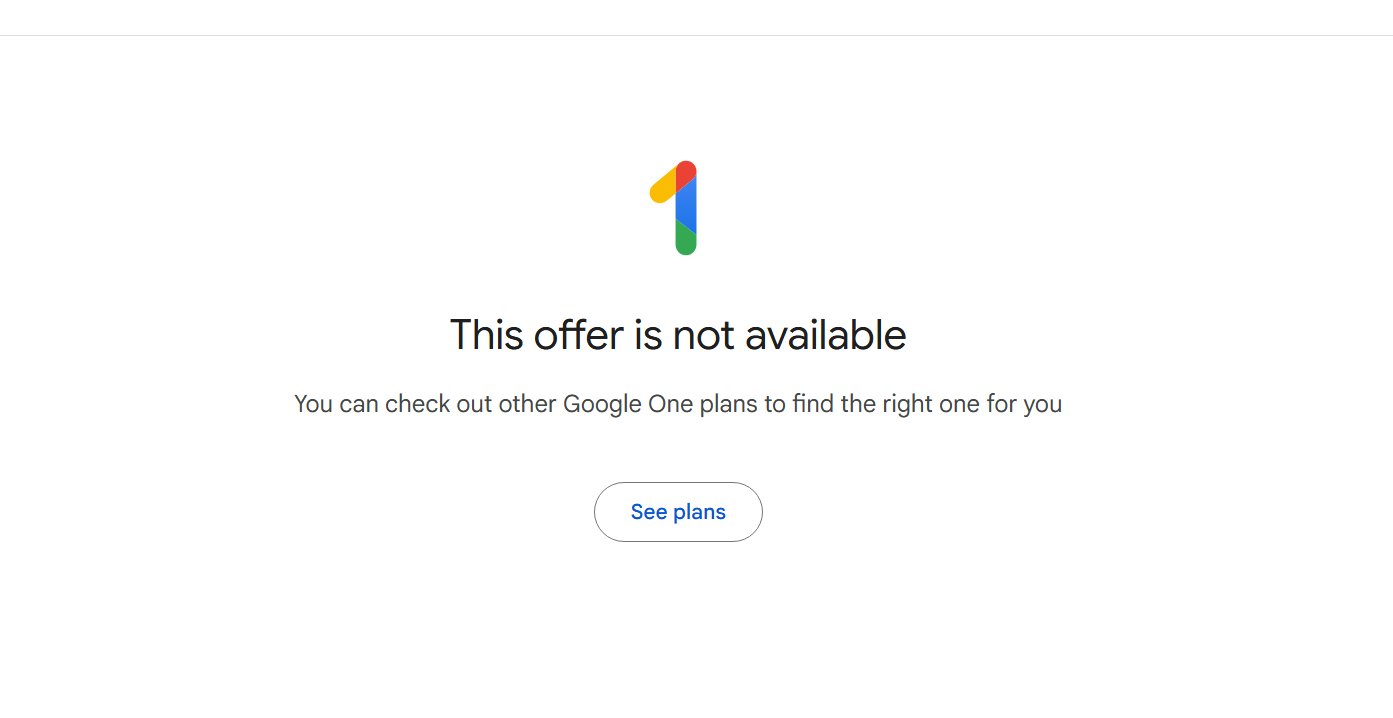
 Just took a minute to get the offer.
 bruh .
 This post was just AI-improved by the Core-Community.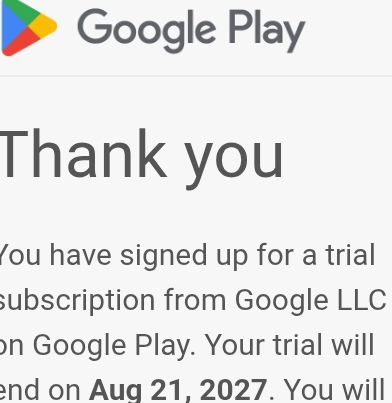

 !
!