How I got verified
You will need:
Nord VPN/ proton/ surfshark/express vpn
Brave browser/Duckduck go browser
Outlook app connected with your umgc.edu account to recieve email for SHEERID verification
Recent registration confirmation letter, admission letter and recent screenshot of your class schedule
Steps
- Connect vpn to USA IP
- Open link in brave browser
- Create account using your umgc edu email
- Confirm your registration by completing the otp recieved in inbox of umgc.edu email on outlook app
- After registration refresh the page if it says not eligible
- The steps below can also work for Gemini 12 months pro since SHEERID processes both offers eligibility and acceptable documents
- What to fill: School : university of Maryland global campus, first and last should should match your umgc.edu email, email: should be the same likewise as for Gemini offer fill this email space with your eligible Google email
- Final stage uploading documents: upload first your admission letter, registration confirmation letter and finally your recent class schedule screenshot it is the same for Gemini 12 month offer also
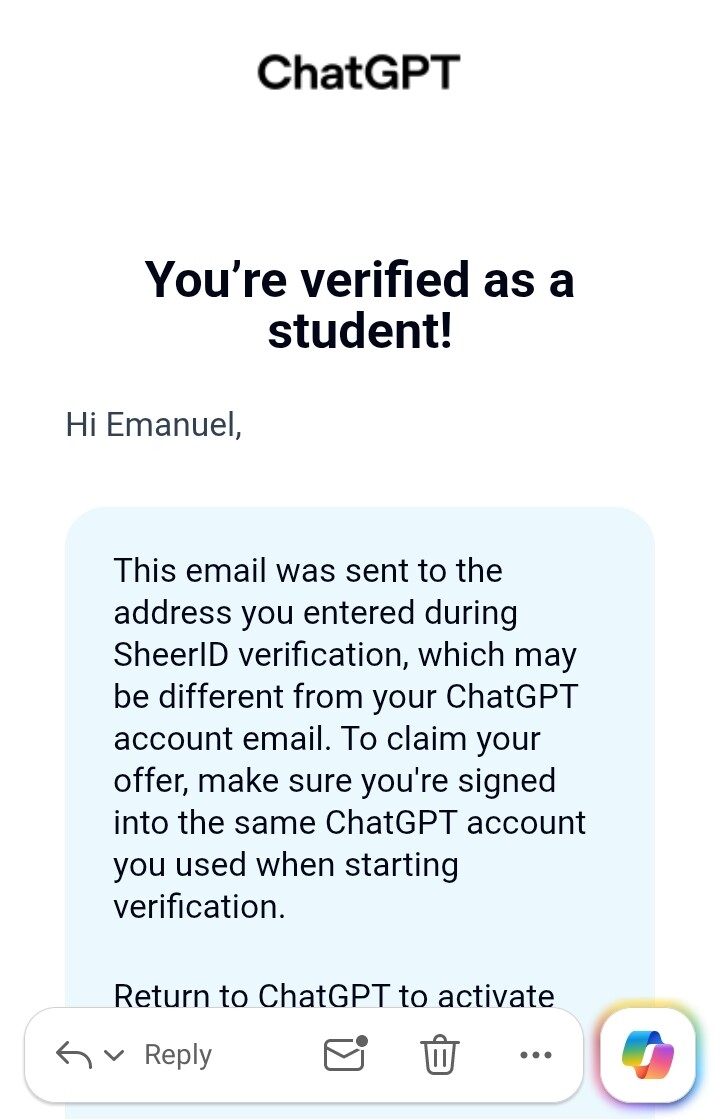
- Submit and wait for email from SHEERID team in your umgc.edu outlook inbox as for Gemini offer wait for email from SHEERID team in your Gmail inbox of the eligible account.
- Chance of success depends on how recent your uploaded documents are and how matching it is to the information you wrote on the SHEERID form.
- Why this works: Official letters is one of acceptable document together with class schedule on SHEERID accepted document for student verification
- So go and try your luck wishing you all success

 !
!