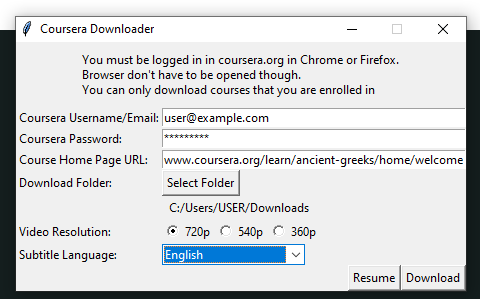
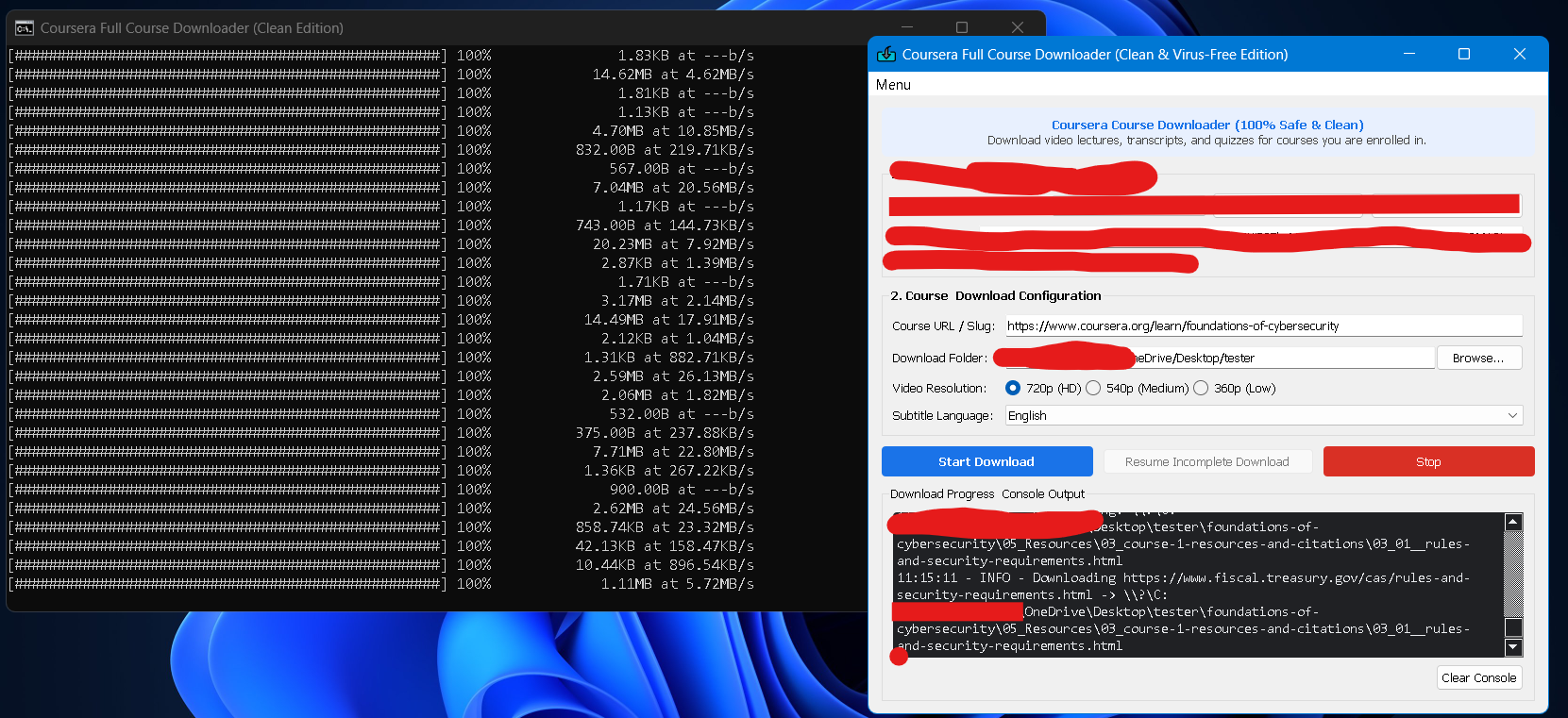
Coursera-Downloader: This is a user-friendly graphical interface built on top of the “coursera-dl” script, designed to simplify the downloading of courses from Coursera. With this tool, users can easily navigate through their course selections and manage downloads without needing to handle complex command line instructions.
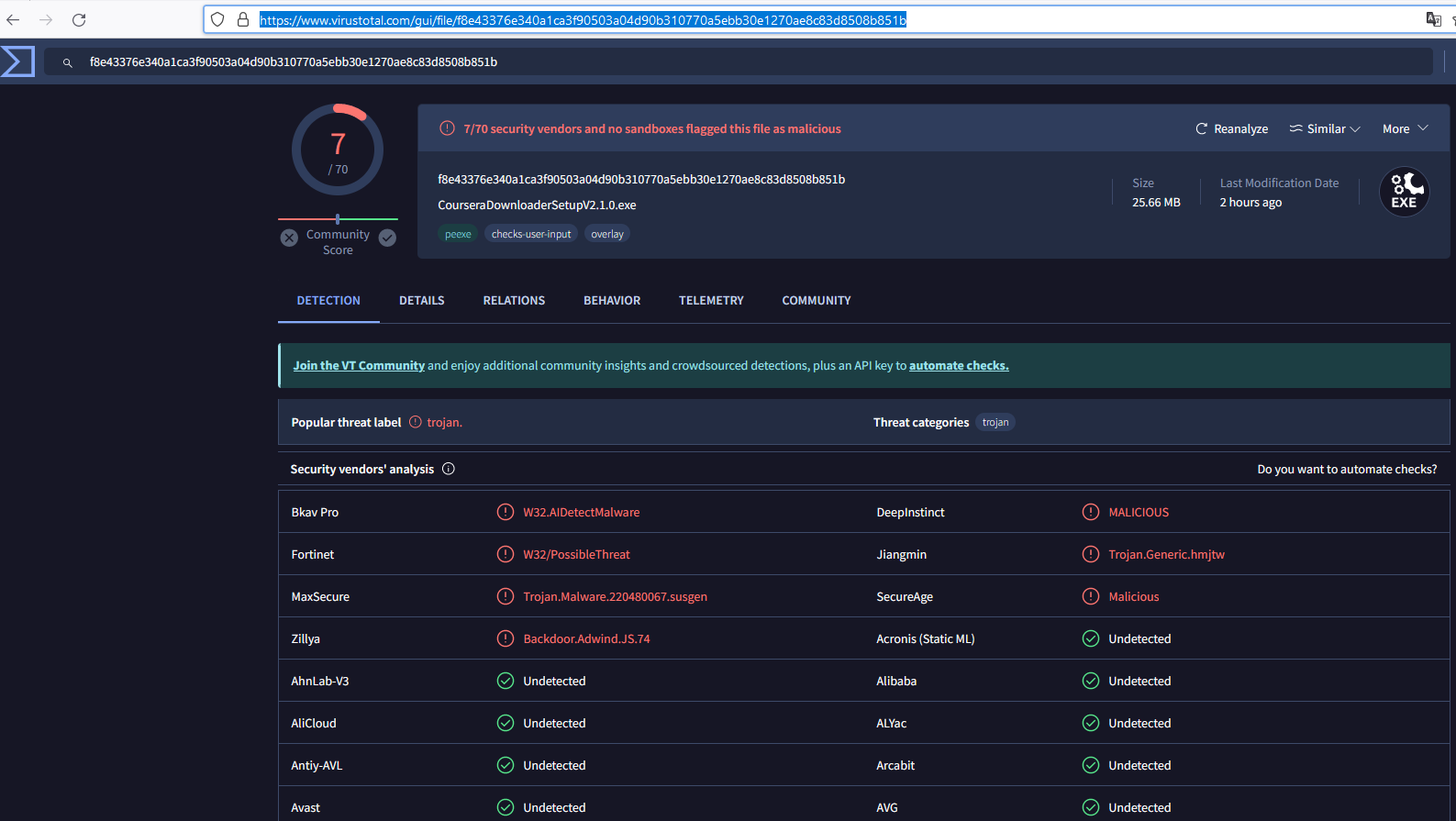
These are False-Positive alarms, Stop making statements they are as Virus. Research on the web or ask any tech what is the difference between Virus and False-positive alarms, You will get better knowledge.
I appreciate it, But remember, anything that doesn’t work safely or steals, any data breaching, No we don’t do that here, the data matters to you. so do us, Btw, these alarms have nothing to do with your data unless you know how to bypass such things. Anyway, always use Sandbox and let your AV take care of alarms, you just need to Exclude the folder and use the content nonstop! Have a nice day!
   Trojan:Win32/Wacatac.B!ml
                        └─ "!ml" = machine learning = a guess by pattern
   why the guess?        new file + no paid signature = zero reputation
   same red screen on:   most free tools from GitHub (PyInstaller apps, Pyfa, CustomTkinter…)
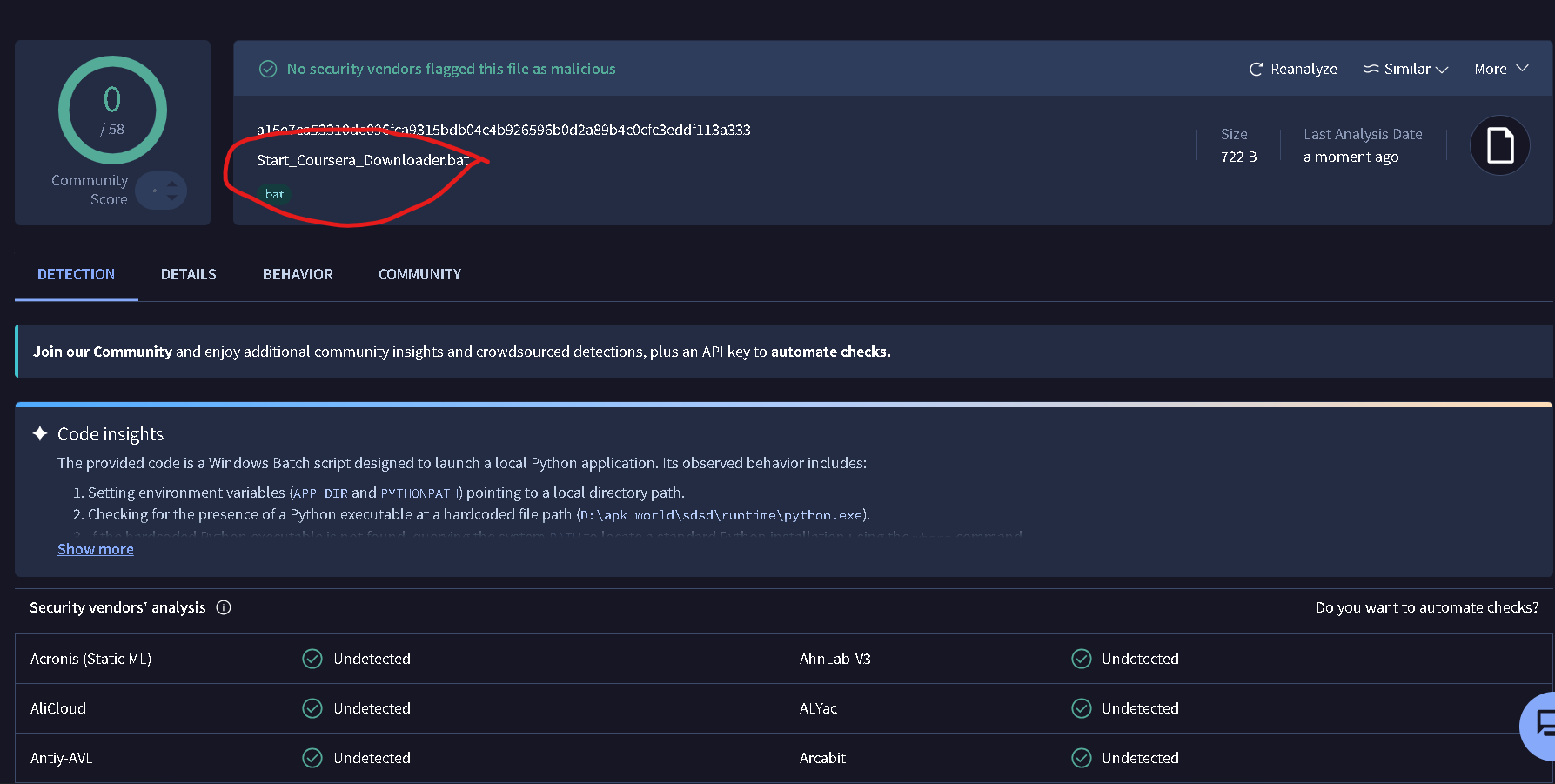
See it yourself, 30 seconds. Right-click the file → CRC SHA → SHA-256, paste it into virustotal.com. Names ending in “!ml”, “Heur” or “Gen” = guesses. A real virus shows a family name and most vendors agree. This file’s fingerprint: 2428c0e4dc059908e6e6a996c48a171999c09dbc0caabf700fa92c9890dc99f1.
Run it the calm way. Windows Security → Virus & threat protection → Manage settings → Exclusions → add the installer’s folder. Or run it inside Windows Sandbox, which forgets everything on close.
Red screen = no signature, not a virus. Signing costs a developer money every year, so free tools stay red. Check the fingerprint, then install.


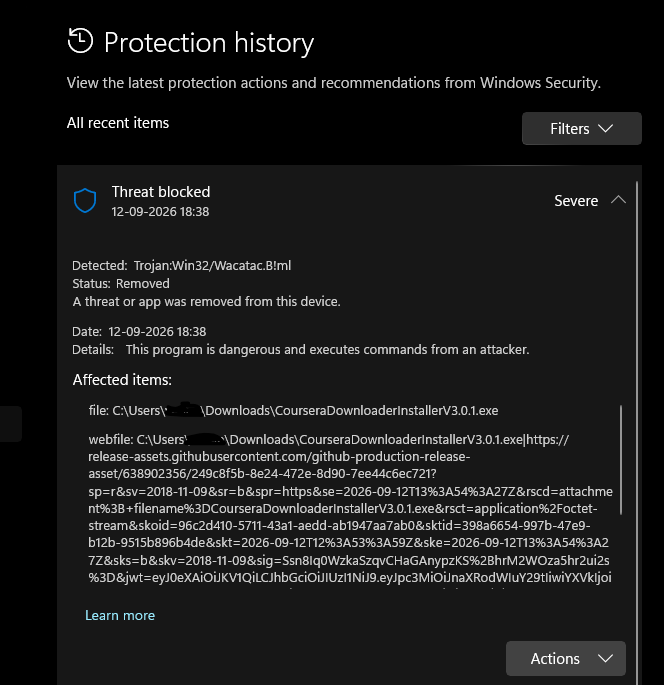
 Is my laptop infected? No. Windows blocked and removed the file before it ran. Nothing happened.
 Is the tool a virus? No. It’s a normal installer for a program whose code is open at
  See it yourself, 30 seconds. Right-click the file → CRC SHA → SHA-256, paste it into
  Run it the calm way. Windows Security → Virus & threat protection → Manage settings → Exclusions → add the installer’s folder. Or run it inside
 !
!