 What Is This, and Why Should You Care?
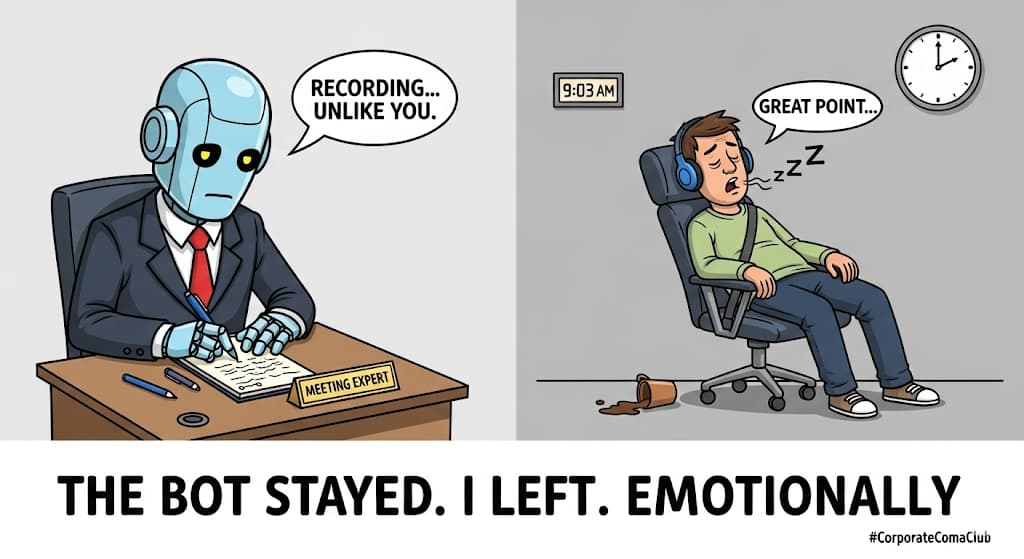
It’s a robot that joins your video calls like a silent stalker, hits “record,” and saves everything.
No pop-ups. No “You’re being recorded” warning. Just full call capture, under your control.
It’s like Recall.ai… minus the bill, the login, and the soul.
 Simple Breakdown: What It Does
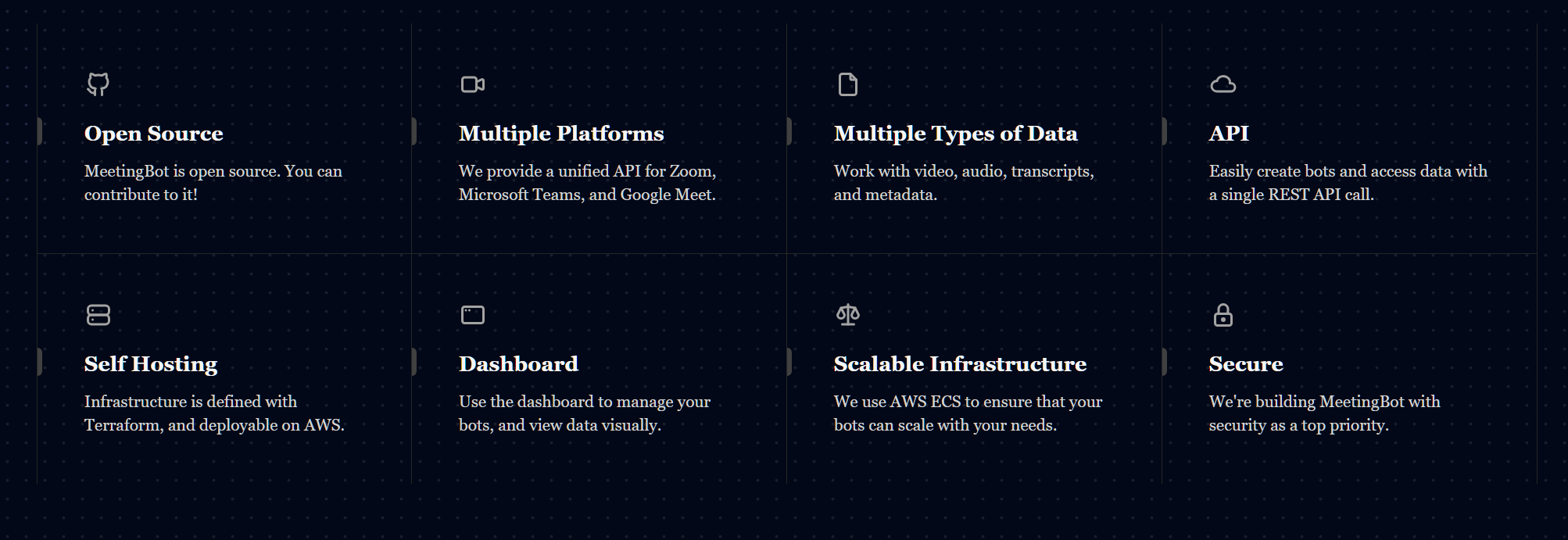
- Joins Zoom, Google Meet, or Microsoft Teams calls
- Pretends to be a normal person in the meeting
- Records audio + video
- Saves the file (locally or to the cloud)
- You call the shots using a simple control panel or link
 How You Use It (Not Rocket Science)
Clone the code ➜ Set it up ➜ Click to record ➜ Done
You can run it on your computer or a cloud server. It runs in a browser, but invisible. Like a polite ghost with good memory.
 What Makes It Cool (aka Why You Want It)
 Records any meeting—no permission needed
- Works with Zoom, Meet, and Teams
- No limits (no time limit, no watermarks)
- Can run 24/7 if you want
- Works with AI (can transcribe or summarize too)
- Full control via API (or just hit the links manually)
 Don’t Want to Host? Use the Chrome Extension
Just install the ScreenApp Chrome Extension
Click once and it records your screen or meeting tab.
No setup, no coding. Perfect for when you’re “accidentally working.”
 Setup Without Tears
- Download the tool from GitHub
 https://github.com/meetingbot/meetingbot
 - Copy the sample settings
- Change things like how long it should wait in the lobby
- Run it using Docker (or Node.js if you’re feeling bold)
- Go to your browser → type
localhost:3000 - You’ll see it say “I’m not busy.” That’s your green light.
 What You Can Tell It To Do
These are the commands you send it. Yes, it listens better than your team lead.
- Start Zoom:
POST /zoom/join - Start Google Meet:
POST /google/join - Start Teams:
POST /microsoft/join - Check if busy:
GET /isbusy - Metrics (aka nerd stats):
GET /metrics
Bonus: Make It Smart With AI
- Add your OpenAI key
- It can transcribe what was said
- It can also summarize the meeting into bullet points
- Bonus feature: “Talk to your meeting” like a chatbot
(Yeah, now you can chat with your Monday meeting. Scary.)
 Visual: Forum Banner Idea
[Left side: Sad parrot in a tiny suit, sipping coffee from a mug that says “Unpaid,” typing into a glowing laptop.]
[Right side: Humans in a Zoom call drooling asleep while the bot quietly records everything.]
Caption: “One prompt, billion-dollar glow-up.”
 Heads-Up (a.k.a. Don’t Blame the Bot)
- Doesn’t log in as you—use a public meeting link
- Needs decent internet + some RAM
- Don’t forget to check your country’s recording laws
- If using OpenAI for transcripts, you’ll be billed by them
 Reality Check (Stuff That Might Break)
- Zoom sometimes needs special links (use guest ones)
- Chrome may crash if your RAM is weak (don’t use grandma’s laptop)
- AWS setup can lag if you’re cheap (cold starts = slow starts)
- S3 file errors? Likely bad permissions or typos
Final Checklist
- Free
- Records calls
- Works without permission
- Chrome extension exists
- Docker support
- Works with Whisper/GPT
- Slightly terrifying
 Closing Line
This bot remembers everything. So you don’t have to.
Unless what you forgot was to not record your boss swearing.
 !
!