Use cline cli or the vs code extension. It supports OpenAI Compatible API key
thanks it works.
I found another provider like this. It’s called Agent Router, and it seemingly gives $175 in credit.
Steps to get your API key
-
Visit the link above.
-
Don’t create a new account. Click Sign In and choose Continue with GitHub.
-
After signing in, go to API Token and click Create Token.
-
Enter any name for the token.
-
Scroll down, enable Unlimited, then click Submit.
-
Refresh the page after the token is created.
-
Open the Wallet tab to check your balance. Eligible accounts will typically receive up to $175 in credits.
You can then use this API token with Claude Code from your terminal.
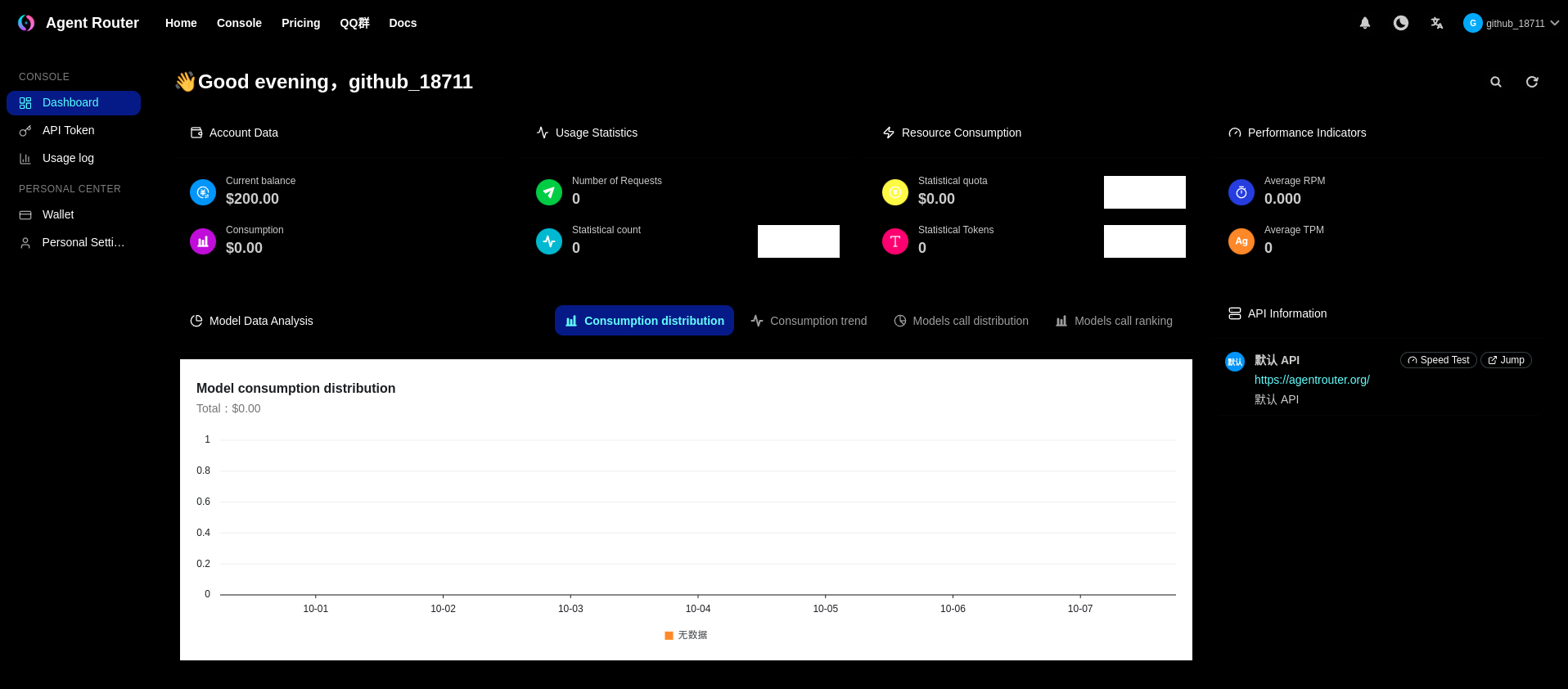
Hey has anyone noticed there USD balance has turned to YEN and is only worth about 200USD? Is this normal?
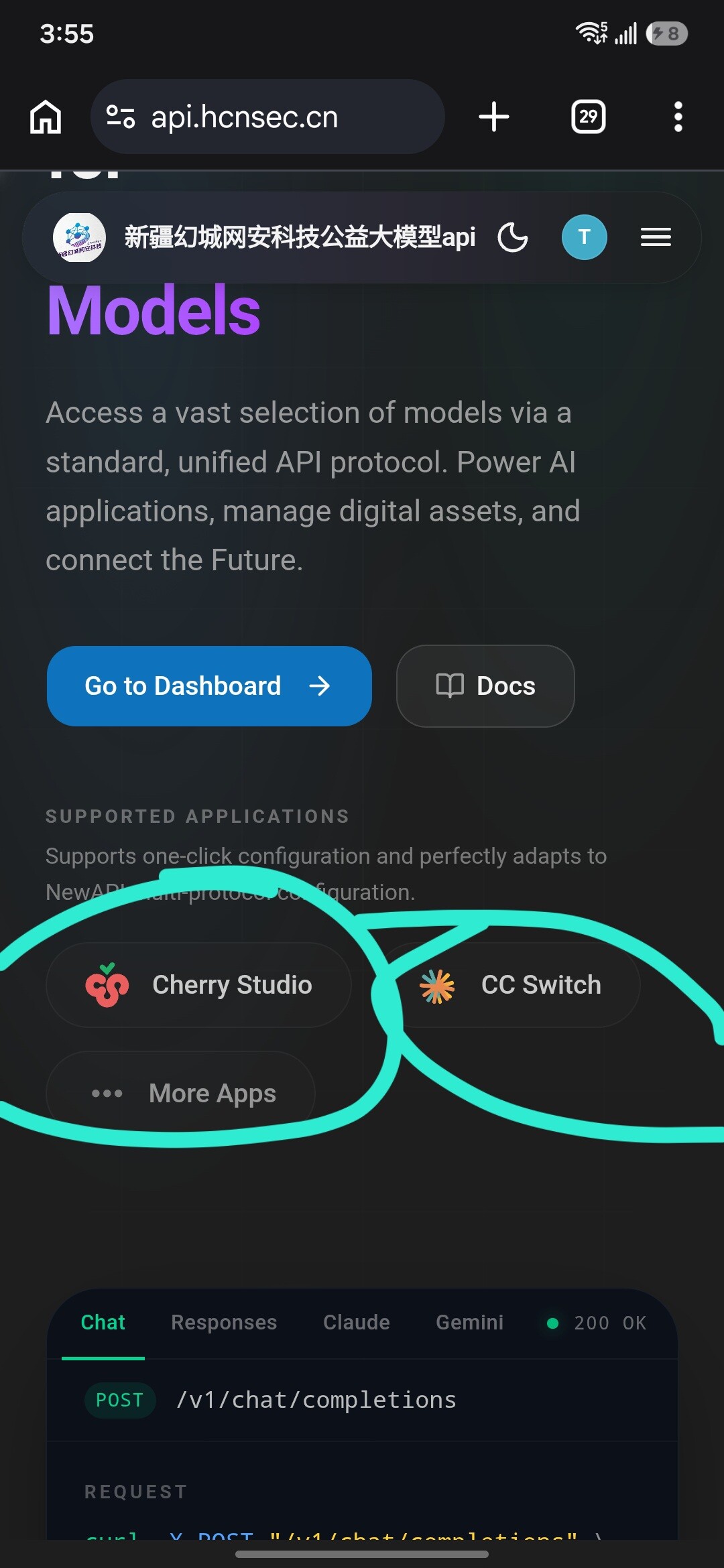
This provider AgentRouter is much more reliable than HCNSec .GLM works consistently on this one.
Yes , its in YEN now
I cant get agentrouter to work with my hermes agent, Does anyone know the proper config including the base API URL? Thanks
I got it to work with opencode by asking opencode itself by first setting up the gemini api key and then it added the agent router models on its own.then you just restart your agent.
Do you know what’s the API Host for AgentRouter is?

I mentioned this before but this now supports GPT 5.5 as well.
my account credits go from USD to YEN. Anybody knows how to solve that?
It’s not letting me send email to the thing with a error message
can you use api in vs code
https://marketplace.visualstudio.com/manage/publishers/hcnsecaiassistant
Key Features / المميزات الرئيسية
 Copilot-Style Sidebar Chat: Sleek, modern chat interface matching VS Code design aesthetics.
 Trilingual Support (AR / EN / ZH): Full UI translation in Arabic (مع دعم كامل لاتجاه RTL), English, and Chinese (简体中文).
 Agentic Mode (Planner & Executor): Delegate complex multi-step coding tasks using separate Planner and Executor models.
 Project & Code Context Awareness: Instantly send full file contents, selection, folder structures, or automated project summaries to the AI with one click.
 Multi-Model Support: Choose from top-tier models including DeepSeek-V4, Qwen3.5, GLM-4.7, Kimi-K2.6, MiniMax, Step, and auto-routing.
 Bring Your Own Key (BYOK): Secure API key & custom endpoint configuration.
 Code Block Utilities: One-click code copying and syntax formatting.
 Installation / التثبيت
Method 1: Directly from VS Code (Recommended)
- Open VS Code.
- Go to the Extensions view (
Ctrl+Shift+XorCmd+Shift+X). - Search for
Hcnsec AI AssistantorHcnsecAIAssistant.hcnsec-assistant. - Click Install.
Method 2: Via VS Code Terminal (CLI)
Run the following command in your terminal:
code --install-extension HcnsecAIAssistant.hcnsec-assistant
Method 3: Manual VSIX Package
- Download the latest
.vsixfrom the Releases or builds. - In VS Code Extensions tab, click
...→ Install from VSIX…
 Configuration / الإعدادات
- Click on the Hcnsec AI icon () on the Activity Bar.
- Switch to the Settings tab.
- Enter your Hcnsec API Key (
sk-...). - Select your preferred Chat Model and Language (English
 / العربية
  / 中文
/ 中文  ).
). - (Optional) Enable Agentic Mode and select your preferred Planner & Executor models.
- Click Save.
 Usage / الاستخدام
- Chatting: Ask coding questions, debug errors, or generate boilerplate directly in the Chat tab.
- Context Bar: Click
 Current File, Project Structure,
  Selected Code, or
  Project Summary to attach rich context to your message.
 - Editor Context Menu: Select code in any editor file, right-click, and choose Hcnsec AI: Ask About This Code.
It gives this response. I double checked the API:
{“error”:{“message”:“unauthorized client detected, contact support for assistance at https://discord.gg/aYq5B4RW3"},“message”:“UNAUTHENTICATED”,“success”:false,“type”:"unauthorized_client_error”}%
My curl request was:
curl -X POST “https://agentrouter.org/v1/chat/completions”
-H “Authorization: Bearer YOUR_ACTUAL_KEY”
-H “Content-Type: application/json”
-d ‘{
“model”: “gpt-5.5”,
“messages”: [
{
“role”: “user”,
“content”: “Hey, how is it going?”
}
],
“max_tokens”: 16
}’
Use anthropic api format not open ai compatible format
 !
!