Hello everyone, today I’m going to walk you through the process of Playing Minecraft Bedrock edition in Free.
Firstly, if you haven’t done so already, you’ll need to download the official Minecraft client. You can obtain it from the official Minecraft website at (http://www.minecraft.net/download) or via the Minecraft Launcher.
I’m going to share with you the necessary tools and steps, and you’ll be ready to go in no time.
Download the provided file
- IObitUnlocker : https://www.iobit.com/en/iobit-unlocker.php
a)Install the IObit Unlocker software - Free Minecraft : https://file.io/eyAbMJM1skab (broken Link)
- Here is the new Link: https://gofile.io/d/7RDjAK
Next, you’ll need to replace the file I’ve provided with the one from your PC. To do this, you’ll need to unlock it with Unlocker and then copy and paste it into the specified directory. Rest assured, this is 100% safe as I’ve been playing using this method for the past 2 months. Since this is my first post, I hope you’ll understand. If anything is unclear, please don’t hesitate to comment.
For 64-bit Systems
Step 1 - Navigate to the x64 Folder
Step 2 - Copy the file from x64 SysWOW64 and paste it to C:\Windows\SysWOW64
Step 3 - Copy the file from System32 and paste it to C:\Windows\System32
For 32-bit (x86) Systems
Step 1 - Navigate to the x32 Folder
Step 2 - Copy the file from System32 and paste it to C:\Windows\System32
Check My Minecraft Launcher:
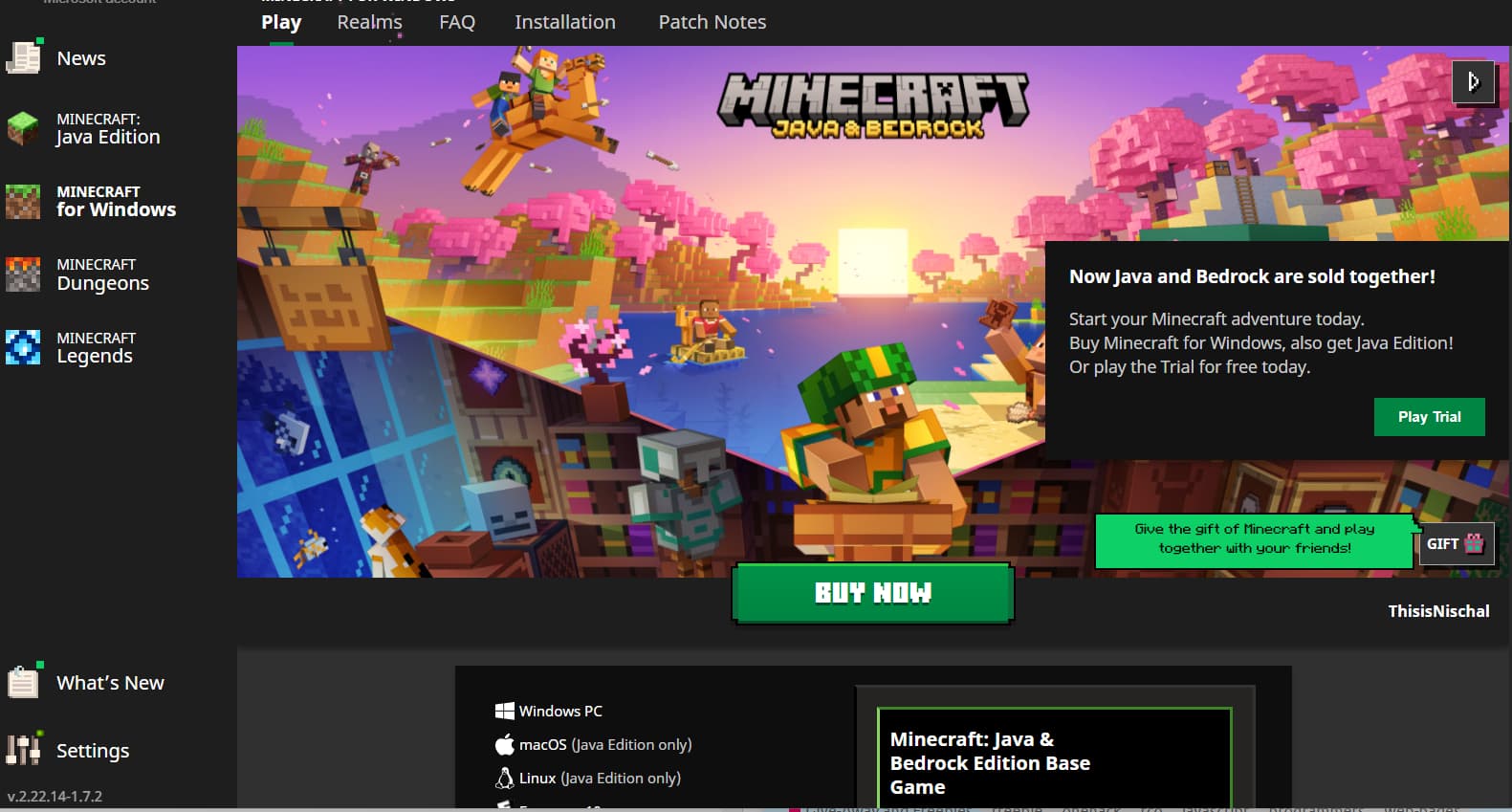
You Can Download from Launcher by clicking Play Trial
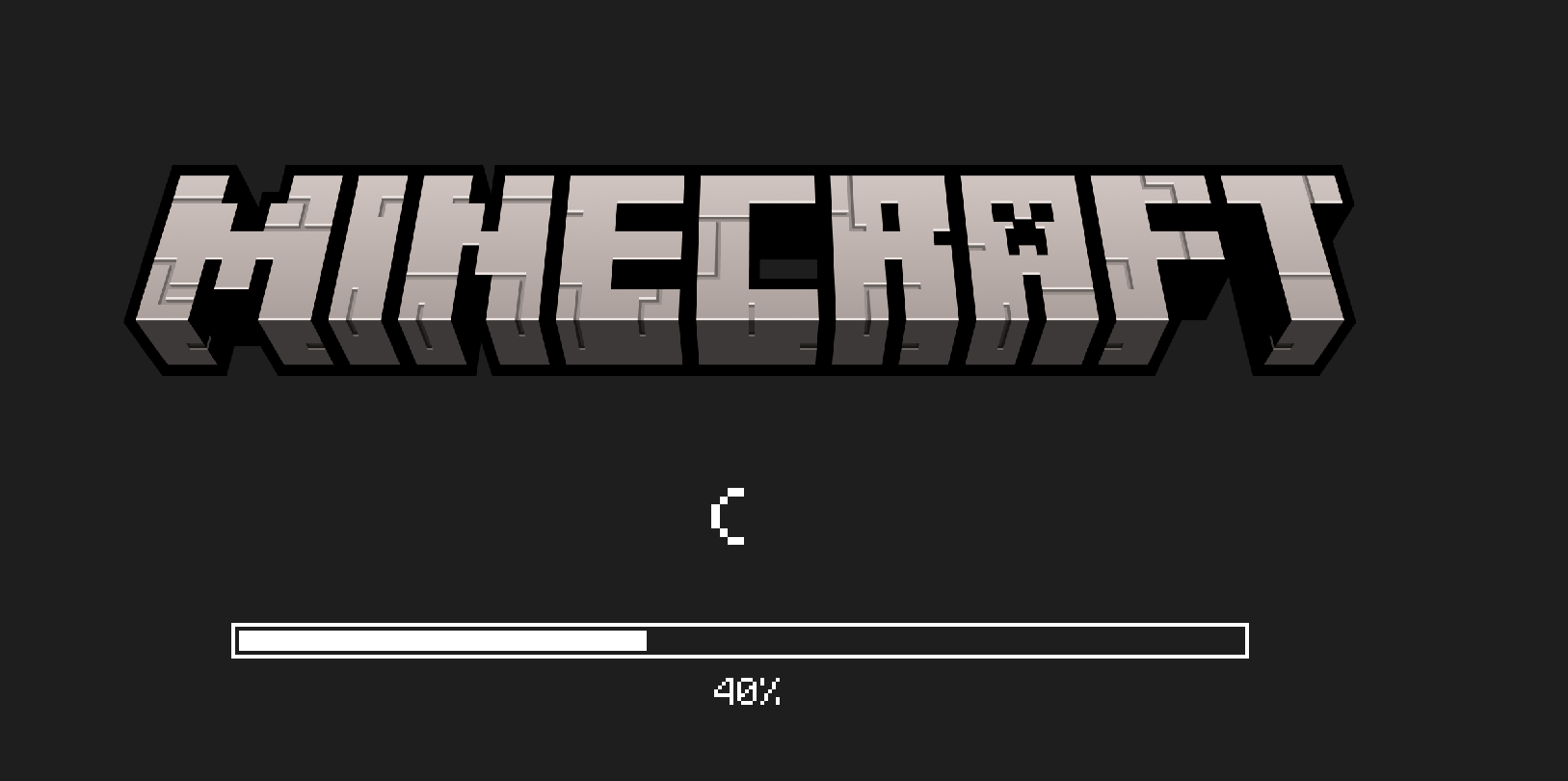
Some Tips : It usually Stuck at 40% for 20/30 to 50 sec dont worry it will work.
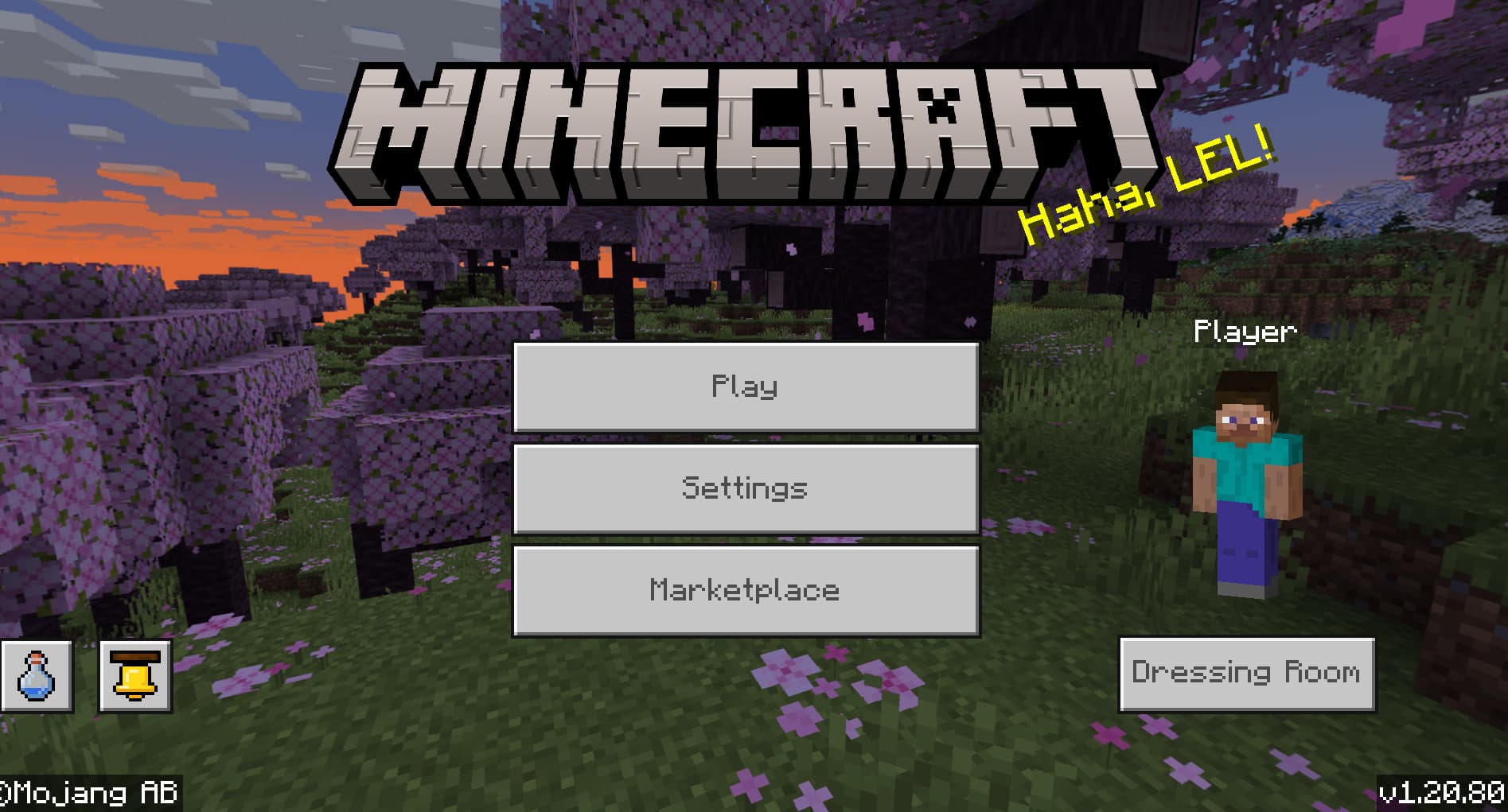
Proof:
I’ve learned a lot from this platform and I want to give back by contributing. If this violates any rules, please remove it. If I’ve made any mistakes, please correct them on my behalf.

 !
!