Hitting Lovable’s credit wall every few prompts? This extension flips your own Lovable account to unlimited prompts + generations — no shared logins, no account-hopping, no burner workspaces. It rides on top of your normal account, so you just keep building.
Below: ready-made license keys, the admin panel to mint your own, per-browser install, and fixes for every error you might hit. 
━━━━━━━━━━━━━━━━━━━━━━━━━
 License Keys (grab one)
EKLAS-7SSP-JN89-E88E-9TCS
EKLAS-FSJB-5T34-HN9H-8SUB
EKLAS-J8Q4-89MB-92A3-NBB8
EKLAS-BX7E-ZK5C-H969-4KVH
EKLAS-9WB3-UF3Z-WLSA-U24W
EKLAS-WC4D-ECPC-V24S-HEKA
EKLAS-EKLU-ZEZW-VX9M-SU6C
EKLAS-3YY8-KM8A-HN4Q-S2DG
EKLAS-DJ4W-535F-KCXX-FYD7
EKLAS-2VHK-N7ZX-WDSR-XJ7L Keys get burned fast when shared publicly — if one’s dead, mint your own from the admin panel below.
━━━━━━━━━━━━━━━━━━━━━━━━━
 Admin Panel — Make Unlimited Keys Yourself
This is the real prize. The panel at io.eklas.dev lets you generate your own Trial + Pro licenses on demand, rebrand the extension, and manage everything.
🔐 Admin logins (5 accounts — pick any)
| # | Username | Password |
|---|---|---|
| 1 | 21098106 |
GduGDYG8dZeCR2 |
| 2 | 30579970 |
twwGk6mkZKgufJ |
| 3 | 20397042 |
Amw7PpVkkRsZHa |
| 4 | 29046455 |
JAYAXuZ3JMHSBR |
| 5 | 39997224 |
JxpYTvEUjREMLV |
→ Log in at https://io.eklas.dev → Licenses tab → Generate Pro License (set duration + devices) → copy the fresh EKLAS-… key.
→ Or Generate 30-Minute Trial to test first.
⚡ Mint keys via API (for scripters)
The panel also exposes a license API — base https://io.eklas.dev:
curl -X POST "https://io.eklas.dev/api/v1/license/generate" \
  -H "Authorization: Bearer YOUR_API_KEY" \
  -H "Content-Type: application/json" \
  -d '{"plan":"Pro","durationValue":30,"durationUnit":"day","maxActivations":5}'
Grab YOUR_API_KEY from the panel’s API Key Manager tab (tick Trial + Pro → Generate).
━━━━━━━━━━━━━━━━━━━━━━━━━
 Download — Every Browser
Full download page: dl.eklas.dev
├─  Chrome — recommended, latest desktop build
├─  Firefox — dedicated build (load as temporary add-on)
├─  Chromium — Edge, Brave, Opera, any Chromium browser
├─  Safari — macOS build
└─  Kiwi (Android) — mobile, load the
 .zip in Kiwi
━━━━━━━━━━━━━━━━━━━━━━━━━
 Install & Activate (under 2 min)
Chrome / Chromium / Edge / Brave
- Download the ZIP → extract to a folder
- Open
chrome://extensions(oredge://extensions) - Turn on Developer mode (top-right toggle)
- Click Load unpacked → select the extracted folder
- Pin it from the puzzle-piece icon
🦊 Firefox / 🍎 Safari / 📱 Kiwi steps
Firefox — download firefox.zip (don’t extract) → about:debugging#/runtime/this-firefox → Load Temporary Add-on → pick the ZIP.
Safari (macOS) — extract safari.zip → Safari → Settings → Advanced → enable Show features for web developers → Developer tab → Allow unsigned extensions → open the app once, enable under Settings → Extensions.
Kiwi (Android) — install Kiwi Browser → kiwi://extensions → Developer mode → + from .zip → pick kiwi.zip.
Activate:
→ Click the extension icon → paste your EKLAS-… key → Activate → sign into your own Lovable account → build with no credit wall.
 The #1 mistake: after activating, reload the Lovable tab before your first prompt. Skip this and it silently eats your credits.
━━━━━━━━━━━━━━━━━━━━━━━━━
 Hidden Extras in the Extension Panel
Beyond unlimited credits, the panel also does:
├─  Improve prompts with AI — one click, better output
├─  Voice → prompt — transcribe speech straight into Lovable
├─  Remove the Lovable watermark
├─  Approve plans in one click
└─  Download your project’s source code
━━━━━━━━━━━━━━━━━━━━━━━━━
 Troubleshooting — Every Error, One-Minute Fixes
None of these mean your license is bad. Each takes under a minute.
🔴 'Additional verification' — captcha (status 428)
Lovable wants a human check the extension can’t show.
Fix 1 (best): turn the extension OFF → send any prompt → solve the captcha → turn it back ON.
 Fix 2: connect a VPN / switch server (new IP) → reload Lovable → prompt again.
Fix 3: log out of Lovable, log back in, retry.
🔴 'Workspace out of credits' (status 402)
The extension needs at least 1 credit in the active workspace to run.
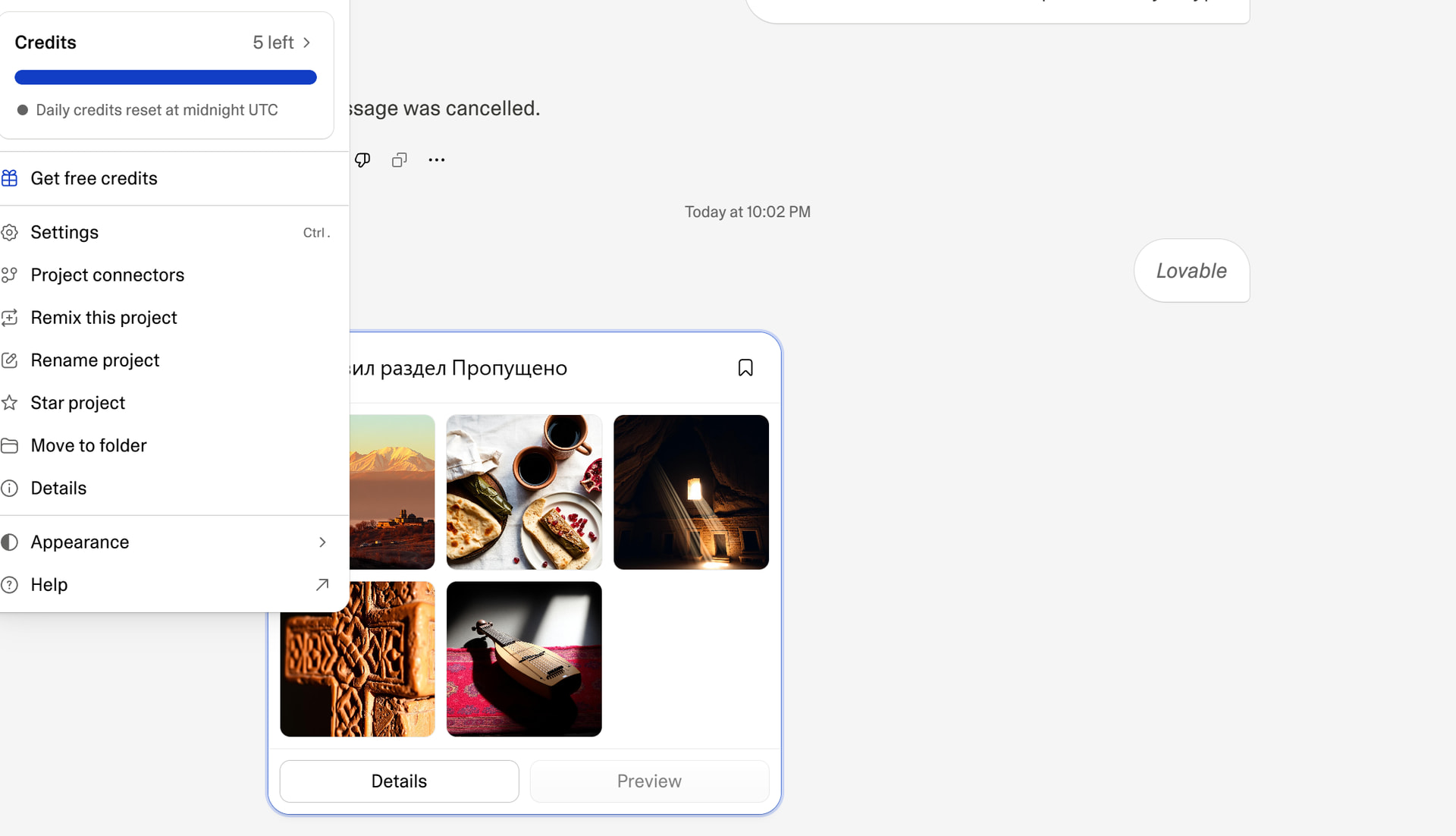
Fix 1: Lovable drops 5 free credits/day — wait for the refresh, keep going.
Fix 2: switch to (or create) a workspace that still has ≥1 credit.
 Fix 3: sign in with a fresh Lovable account.
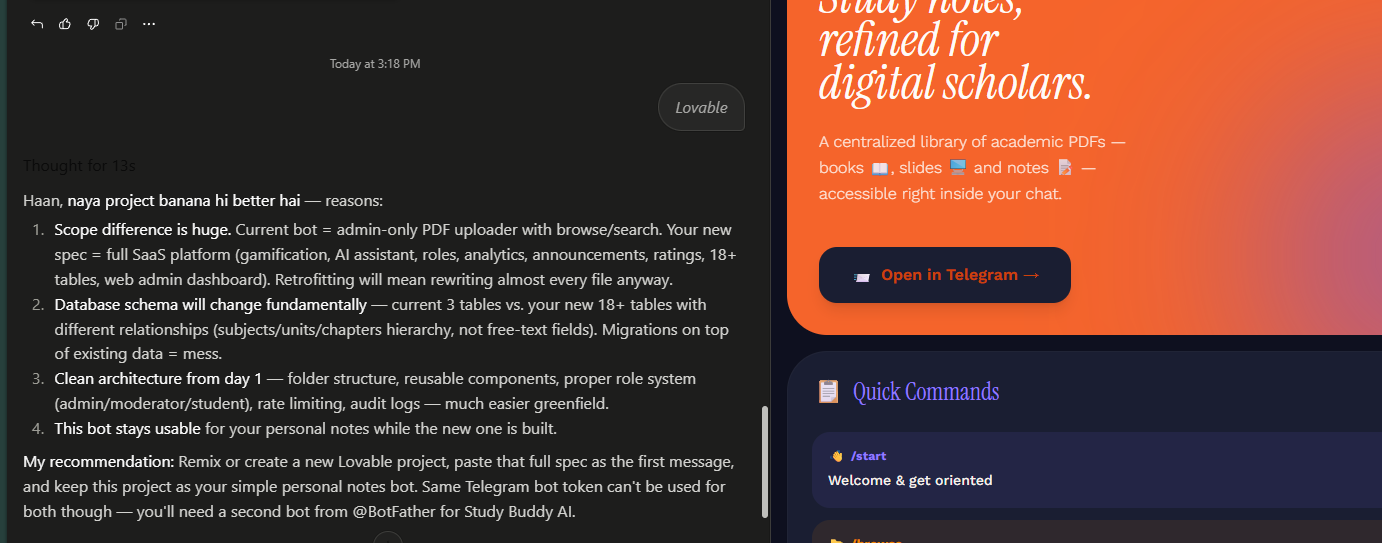
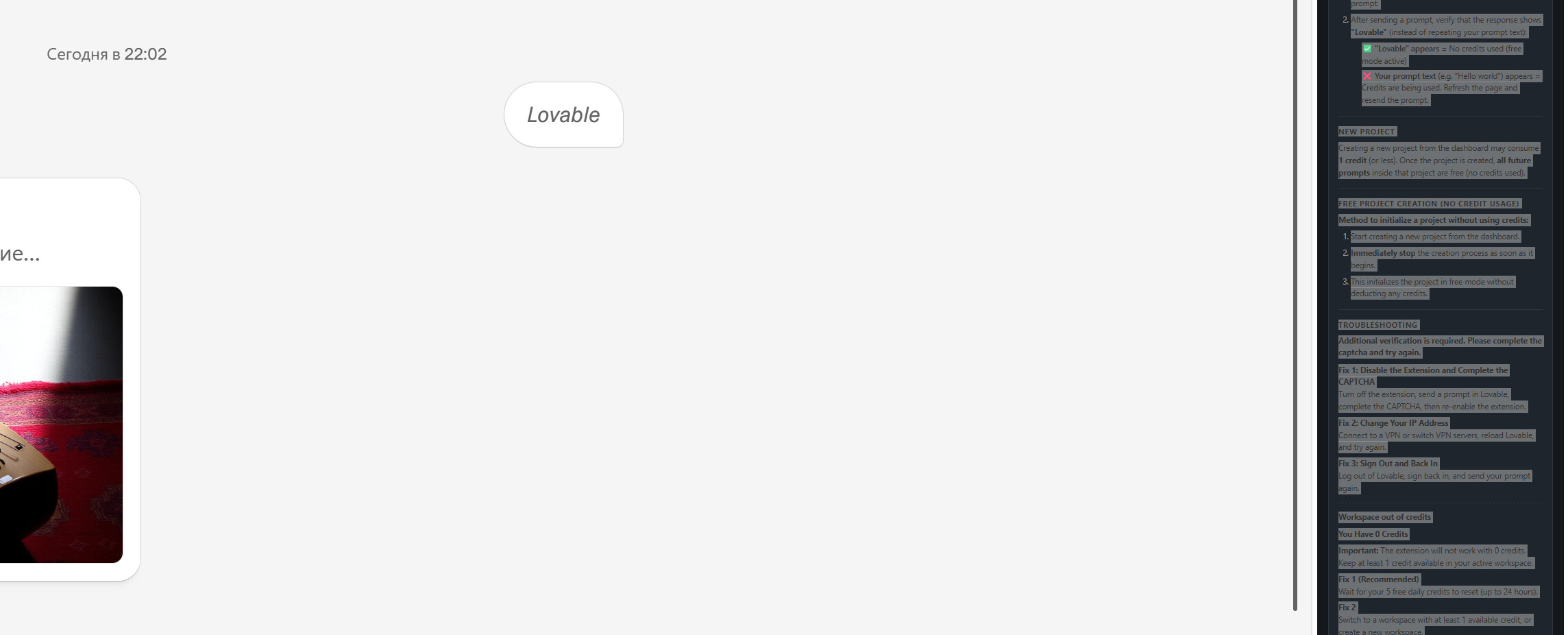
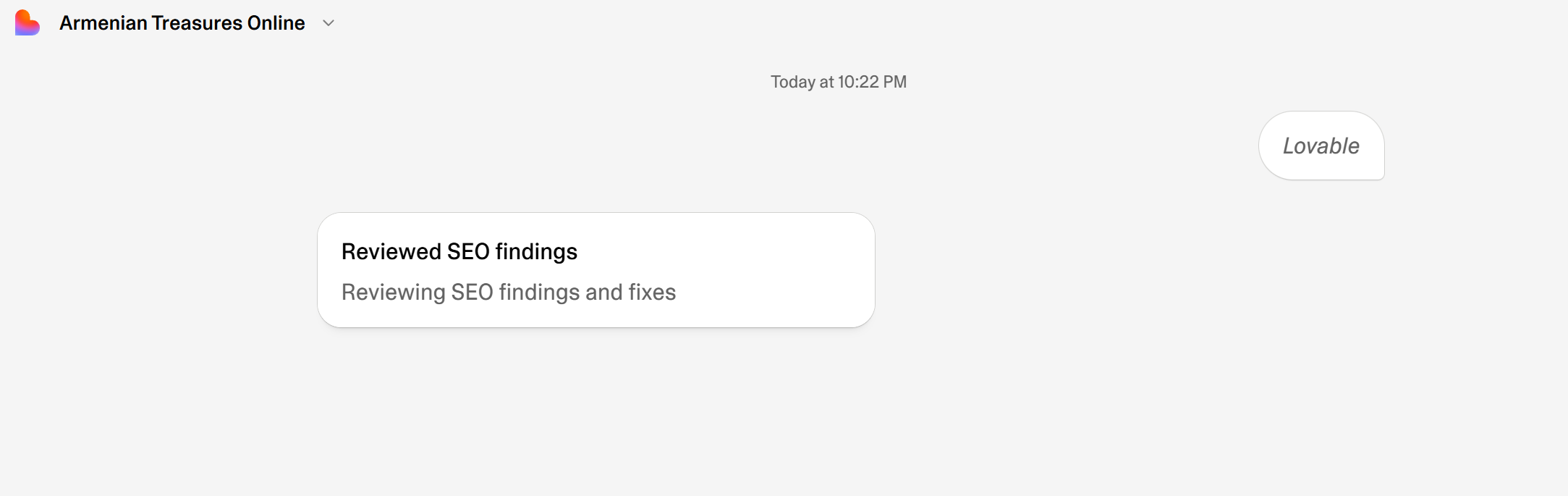
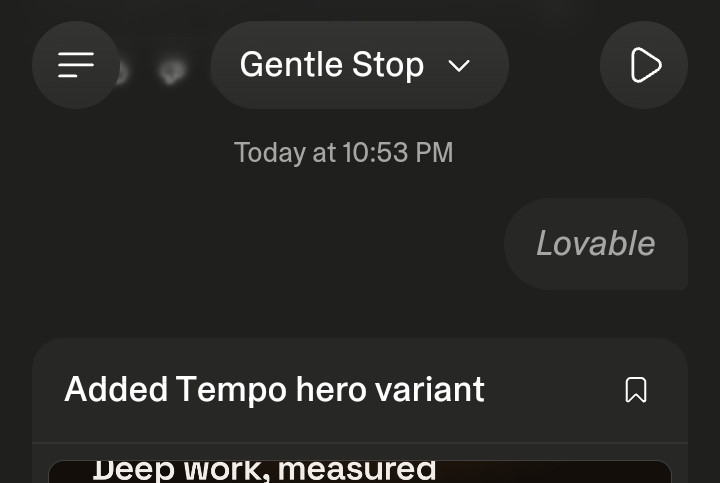
Never-consume habit: after activating your license, reload the tab; when you prompt, the chat should say “Lovable” — if you see your own prompt text echoed instead, reload and resend (that echo = it’s spending credits).
🔴 'Project creation blocked' — castle_denied (status 403)
Lovable’s fraud check flagged your IP. Your account is fine.
Fix 1: turn the extension off → create the new project from Lovable’s dashboard normally → turn it back on → prompt inside it.
Fix 2: VPN / switch network (new IP) → try again.
Fix 3: use a different workspace or account.
🔴 'Invalid token' (status 401)
Session token expired — the quickest fix of all.
Open Lovable in the same browser → reload the page. It grabs a fresh token automatically.
━━━━━━━━━━━━━━━━━━━━━━━━━
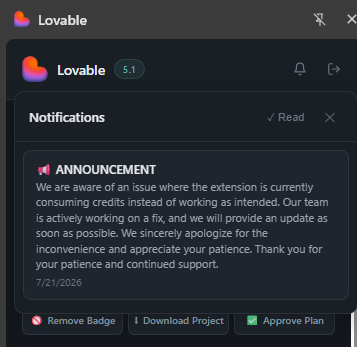
Lovable meters credits on the client — this just stops the meter running on your own account.

 Get it (either works):
 GitHub → green Code button → Download ZIP
 Built-in “Generate Trial Key” (30-min) so you can test it works before committing.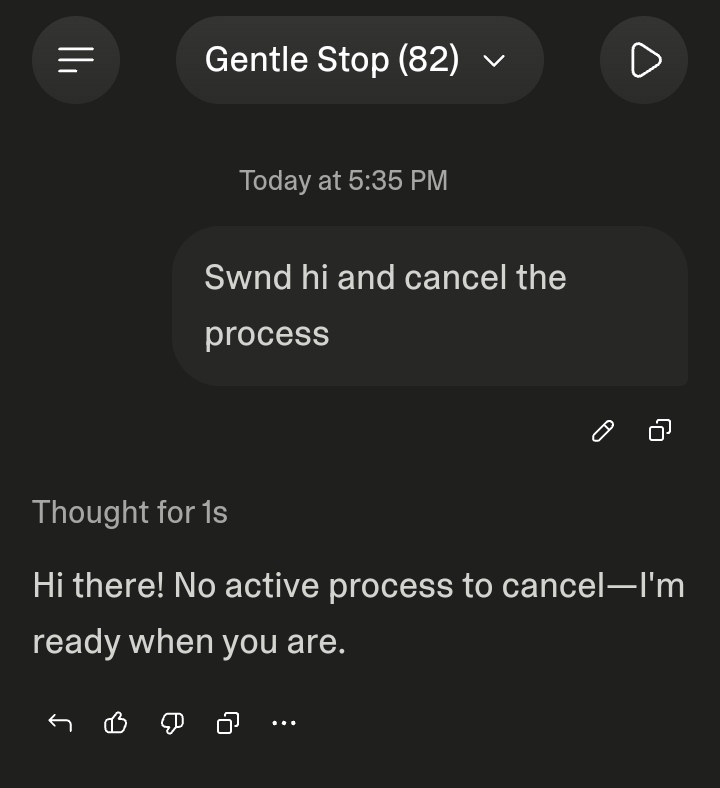
 !
!