 Magisk DenyList + Shamiko ➜ hide root from nosy apps ⟶ banks keep working, you keep root, both at once
Magisk DenyList + Shamiko ➜ hide root from nosy apps ⟶ banks keep working, you keep root, both at onceApp says “needs root, you don’t have it.” Root = admin keys to your own Android phone — full control, not the locked-down version Google handed you. Magisk gets you those keys. Free, open-source, 61k★, 300M+ downloads. 
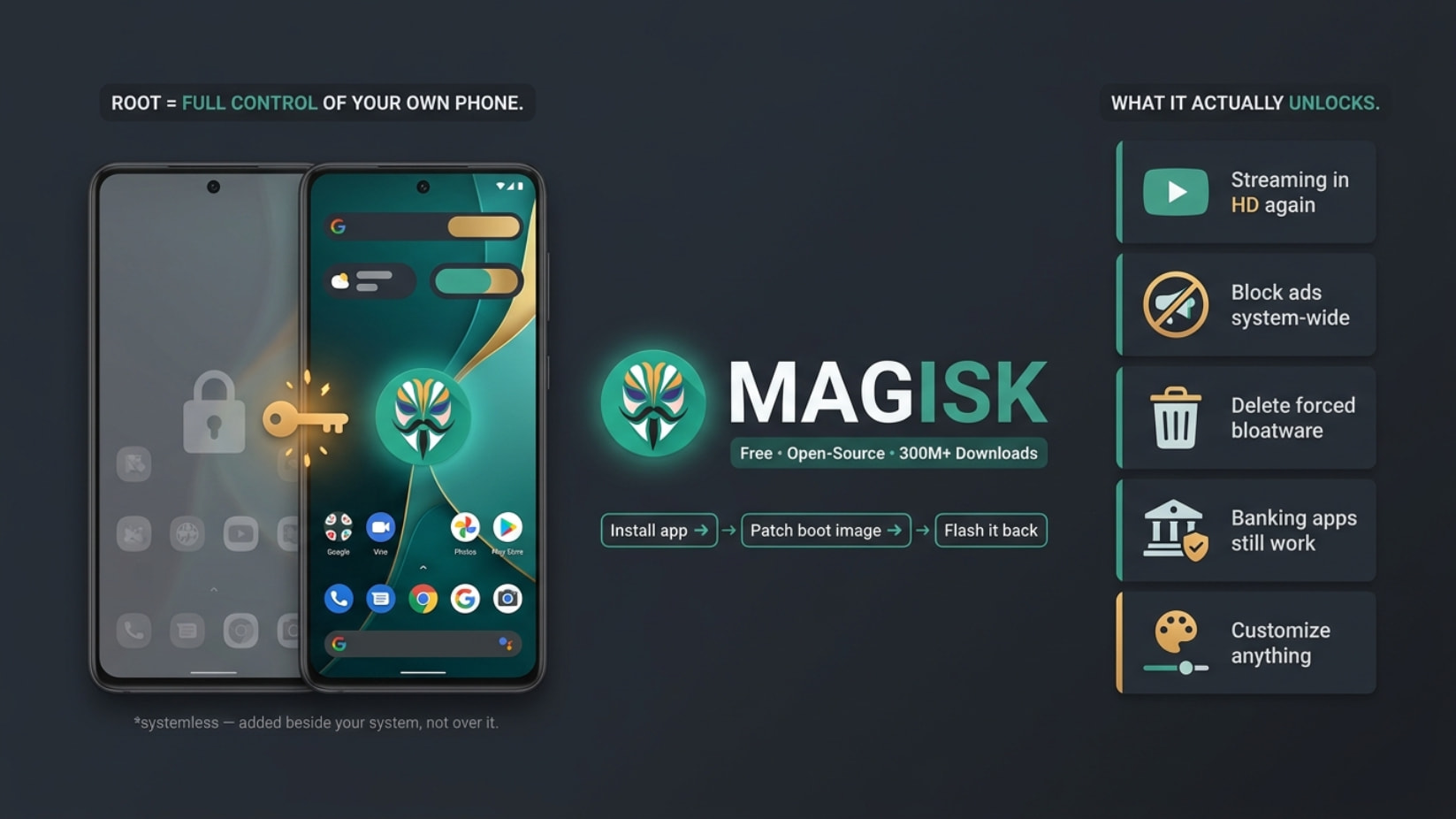
Systemless root = it slips root in beside your phone’s core files (the system partition), never touching them. Safe, reversible, apps can’t easily tell. Built by John Wu (topjohnwu).
 The twist: Google hired the guy who built it — he’s on their Android Platform Security team (the team that fights rooting). Repo’s still up nine years later.
 Shit your phone “couldn’t” do an hour ago
Shit your phone “couldn’t” do an hour ago Netflix / Prime in HD again — Google flags some phones as “uncertified,” so streaming apps drop to potato quality or vanish from the store. Hide root + fix the certification ➜ HD playback back.
 Kill ads everywhere — one module blocks ads system-wide: YouTube, free games, in-app banners, browsers. Not just one app — the whole phone.
 Nuke the bloatware — delete the junk apps your carrier/phone-maker forced on you and won’t let you uninstall normally.
 Banking apps still work — hide root from them and they never know, so you keep your apps and your root.
 Make it yours — custom fonts, better speaker/headphone sound, themes, gestures — stuff Google never gave you a setting for.
 Real backups & deep tweaks — full app+data backups, battery/performance kernel tweaks, the works.
Four tools under the hood: MagiskSU (give root to apps you pick) · Magisk Modules (the tweaks above, toggle on/off) · MagiskBoot (patches your boot image, the file that starts Android) · Zygisk (powers DenyList, Shamiko, LSPosed).
 Hiding root: DenyList + Shamiko give nosy apps a clean view. Beats the basic check — but Google’s hardware-backed “strong” check can still catch you, so some banks/games still block. Not a guaranteed win.
 Get it — GitHub ONLY (other “Magisk.apk” sites = malware):
 github.com/topjohnwu/Magisk
Releases → github.com/topjohnwu/Magisk/releases
Install guide → topjohnwu.github.io/Magisk/install.html
Grab Magisk-vXX.X.apk ➜ install app ➜ patch boot image ➜ flash via fastboot. Covers Android 6 → 16.
 Rooting needs an unlocked bootloader, usually wipes data first time, voids warranty, trips Play Integrity. Back up first. Only patch the boot image on your own device.
The mask goes on. The handcuffs come off.
 !
!