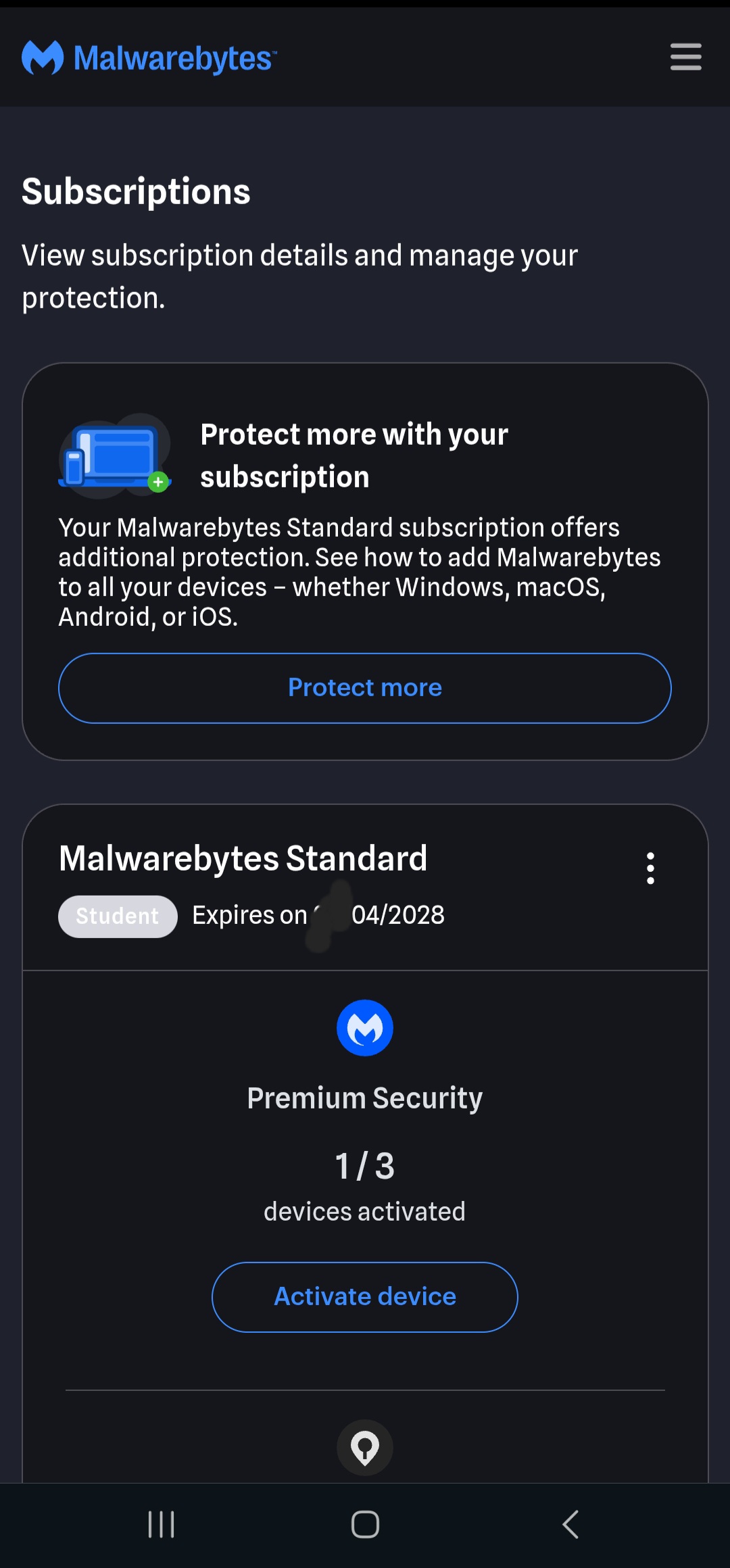
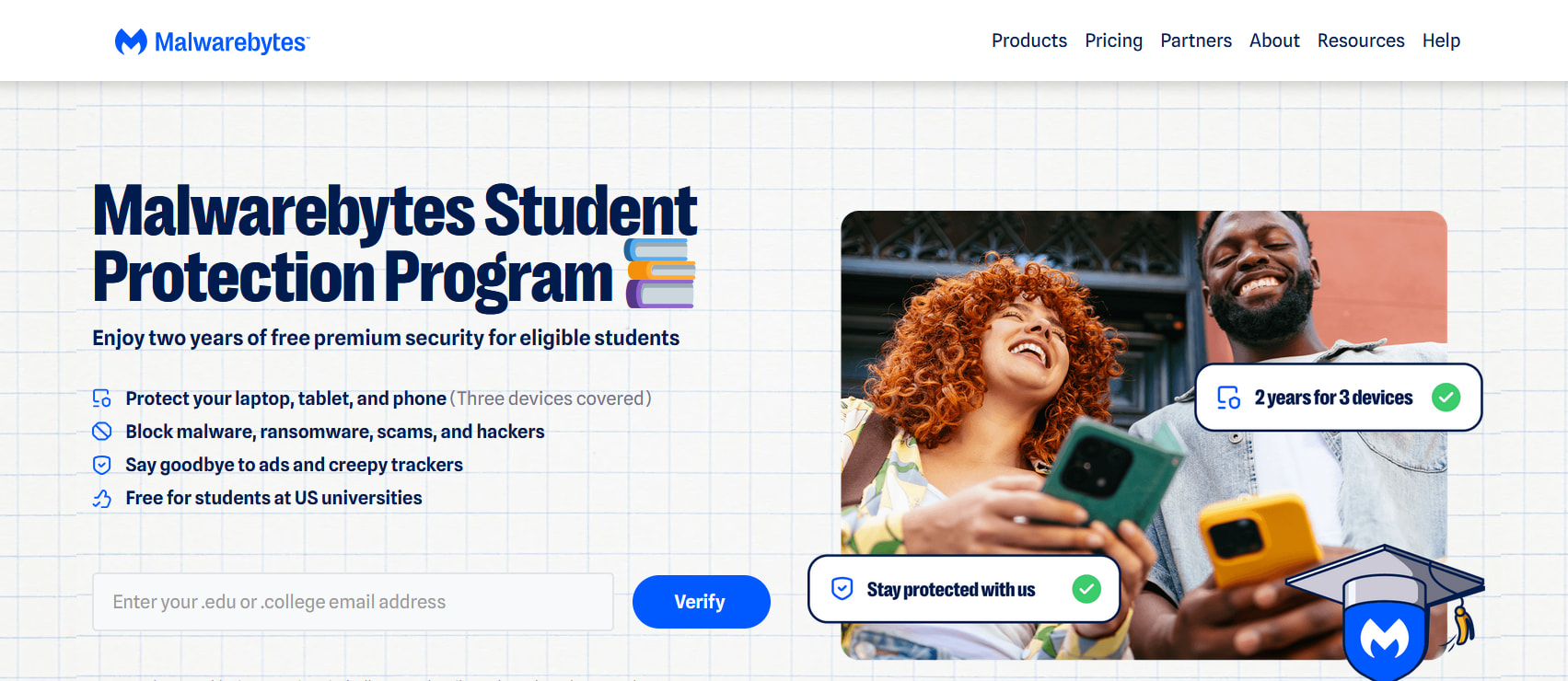
It’s real — Malwarebytes’ Student Protection Program (launched Jan 2026) hands US university students Premium free for 2 years on 3 devices, genuinely $0, no card, no BIN. The catch nobody says out loud: the VPN isn’t the gate — a working .edu at a participating university is.
The run
US VPN on + fresh Incognito (clear cookies) — the offer is US-geo-locked
Why some get “$0” and some get “50% off”:
├─ Free 2 years is only at participating US universities — a non-participating .edu shows the paid 50%-off plan, not free.
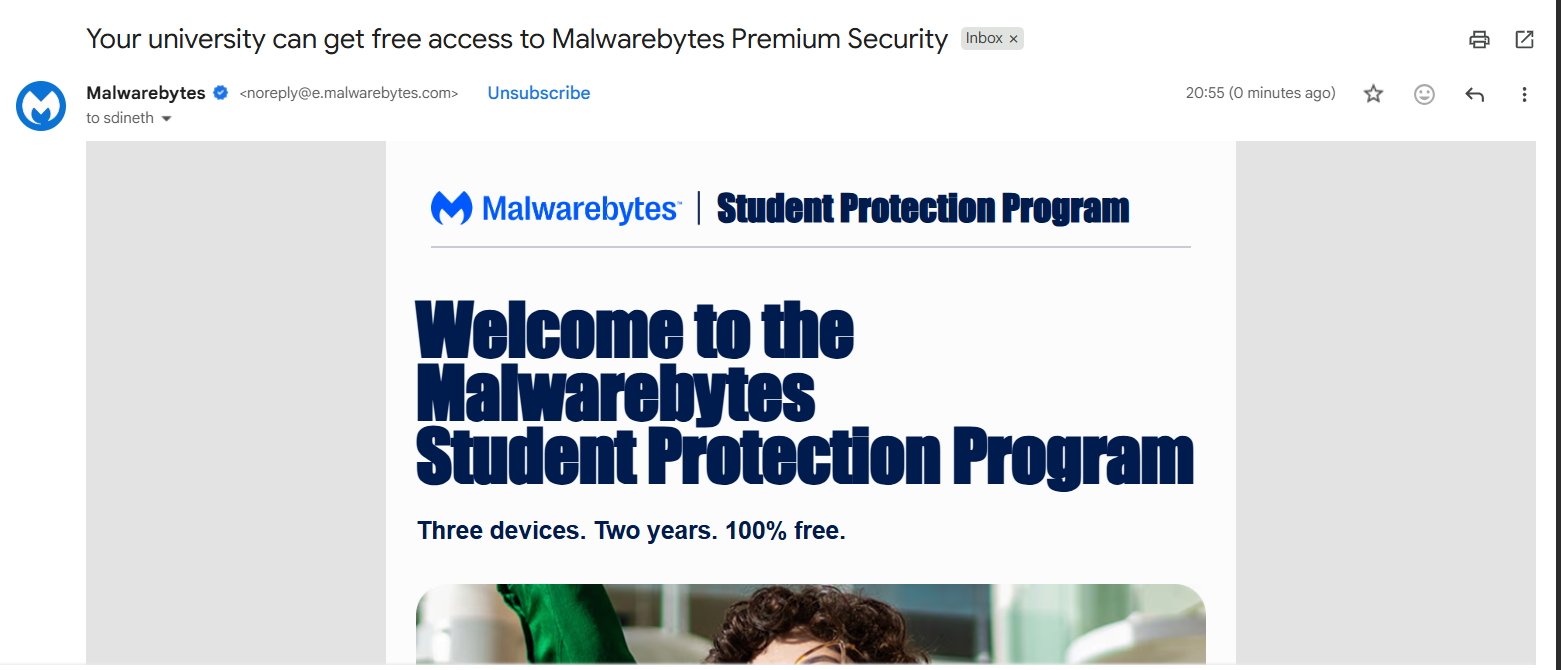
├─ Verification is by email — you must actually receive + click the link, so the .edu needs a real, deliverable inbox (a random name is fine; a dead/fake .edu never gets the key).
└─ Faculty & staff .edu count too.
🔵 Anti-fraud & mobile — only if the US-geo check keeps blocking you
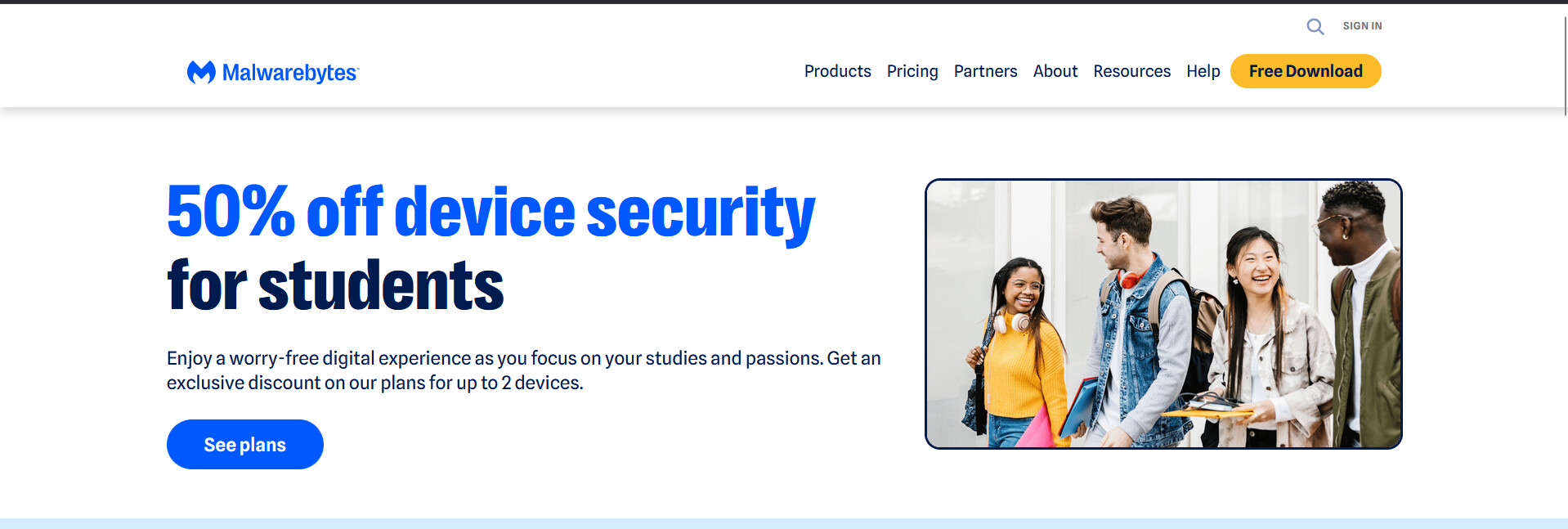
Brothers, if you are seeing the 50% off page instead of the $0.00 Free Trial, you are either using the wrong link or your browser is leaking your real geo-location/DNS! The verification system (SheerID/ProxID) is highly aggressive. If it detects any mismatch, it instantly redirects you to the paid 50% promo.
Here is exactly how to fix this and force the $0.00 checkout to load:
━━━━━━━━━━━━━━━━━━━━━━━━━━━━━━ THE FIX METHOD (Step-by-Step)
━━━━━━━━━━━━━━━━━━━━━━━━━━━━━━
Check Your Link: Make sure you are NOT going to ://malwarebytes.com. The correct official free page is directly at malwarebytes.com/student (or via their official press release hub).
Fix the WebRTC / DNS Leak: Even with a premium USA Residential Proxy, your browser leaks your real ISP via WebRTC.
On Desktop: Install the “WebRTC Control” extension and disable WebRTC entirely. Check ://browserleaks.com to make sure your real IP is completely hidden.
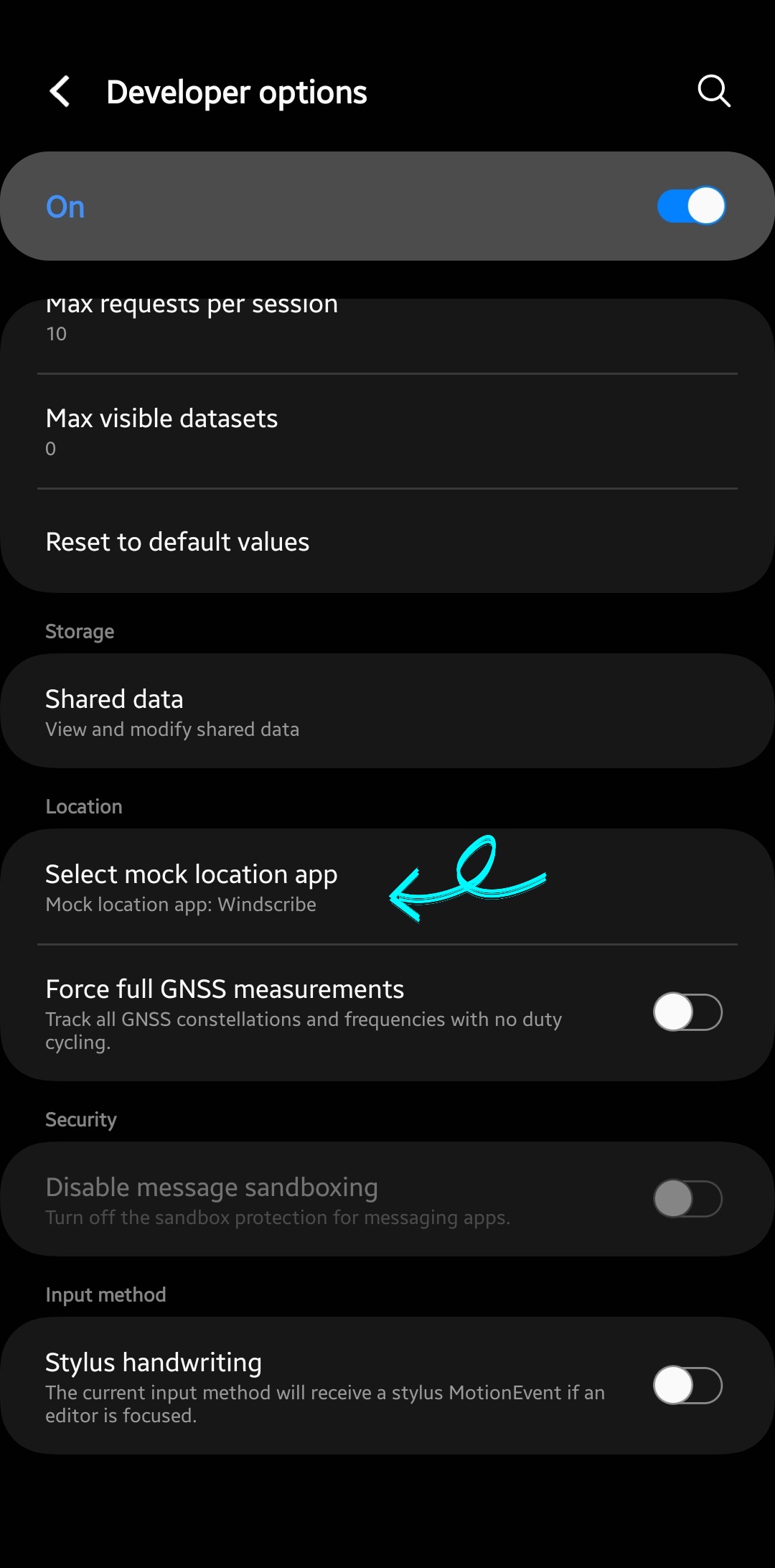
On Mobile: Follow my exact Windscribe guide above. You MUST enable GPS Spoofing and Decoy Traffic inside Windscribe settings, and make sure Windscribe is set as your “Mock Location App” in Android Developer Options.
Purge Browser Cache: Close all tabs, clear your browser cookies/cache completely, or use a completely fresh profile/portable browser (like Brave Portable or Kiwi Browser) in Incognito Mode.
Match Your Timezone: Ensure your device system time perfectly matches the state/city of your US Proxy/VPN node.
Give it another shot with a completely clean environment and the correct URL, and it will load the $0.00 screen smoothly! Let me know if it works.
@Alex11
Ah, I see bro! Since you’re a real student at ASU, the system is definitely tripping on a location mismatch. Even with a legit .edu mail, if your VPN is connected to another state like California or New York, the verification bot flags it as a leak and shoves that 50% promo in your face.
Just turn off your VPN if you’re already on campus, or if you’re using one, change the server strictly to Arizona to match your uni. Wipe your browser cookies, open a fresh incognito tab, and make sure to use the /student link. It should bypass the block and give you the $0.00 screen right away!
 MALWAREBYTES PREMIUM — FREE 2 YEARS ━━━━━◥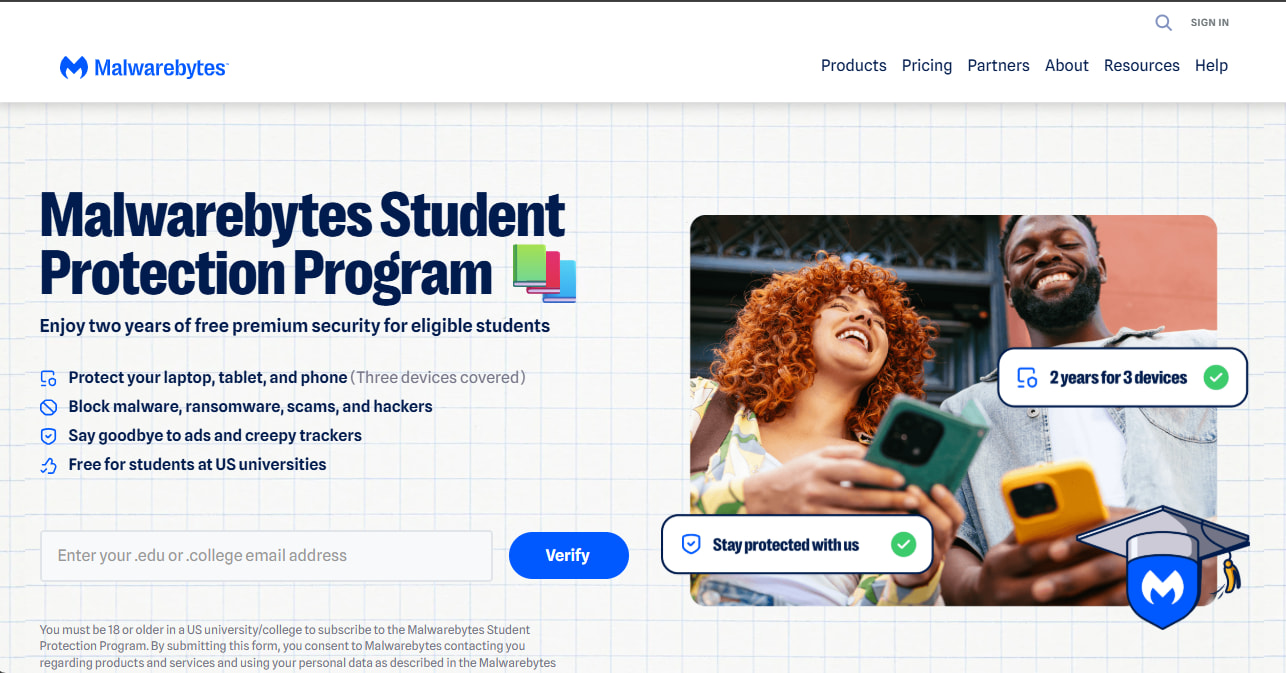
 The run
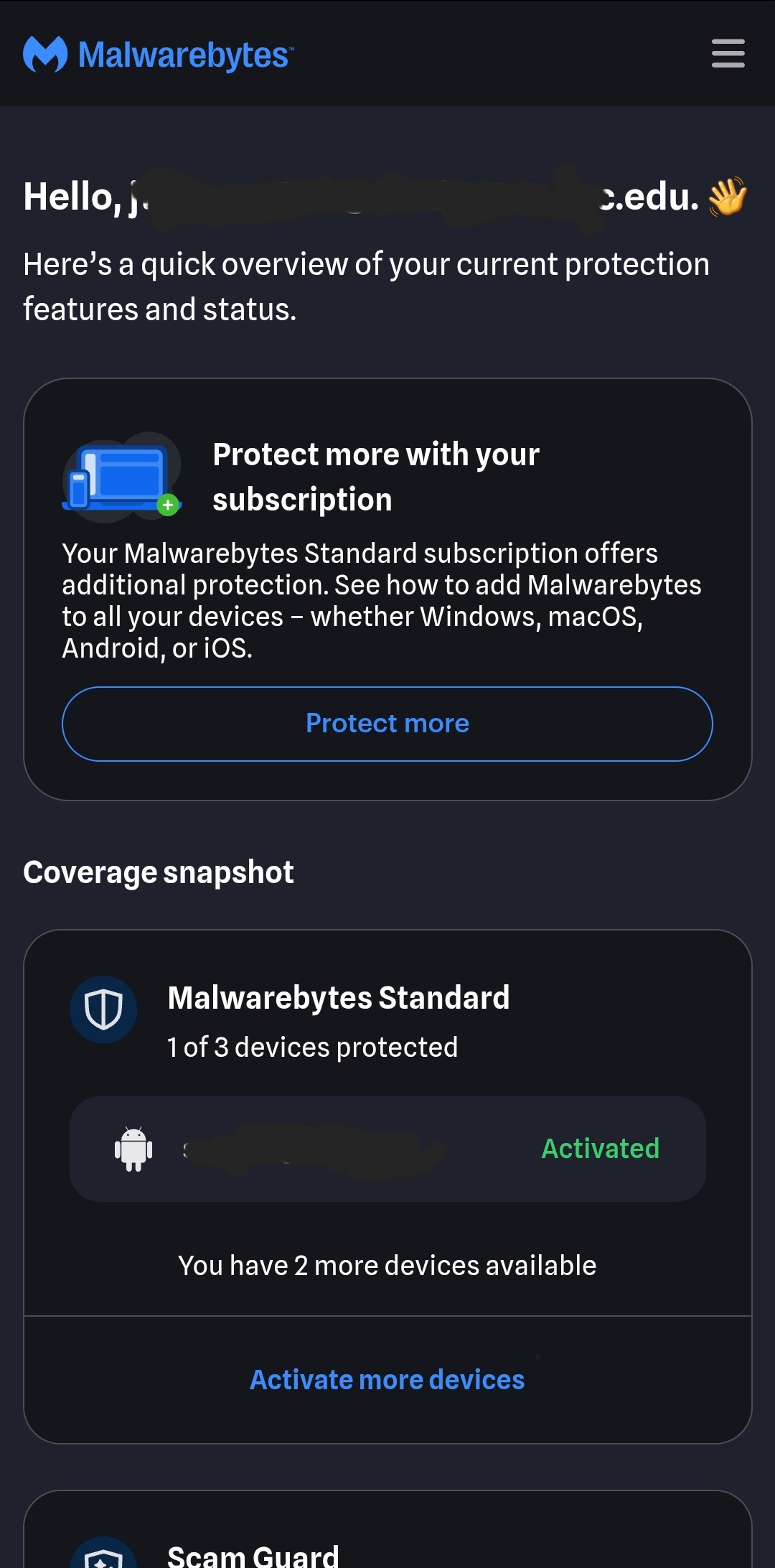
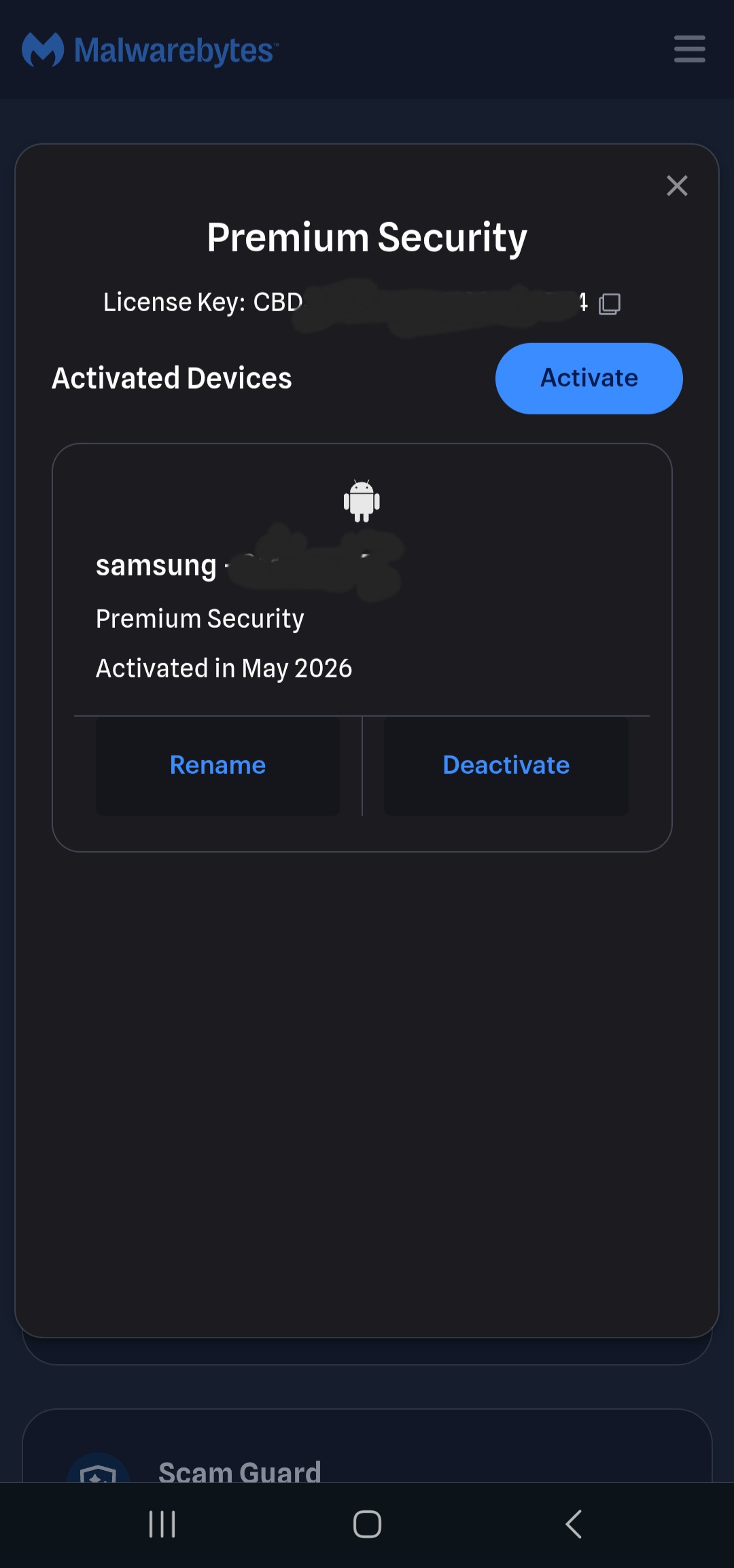
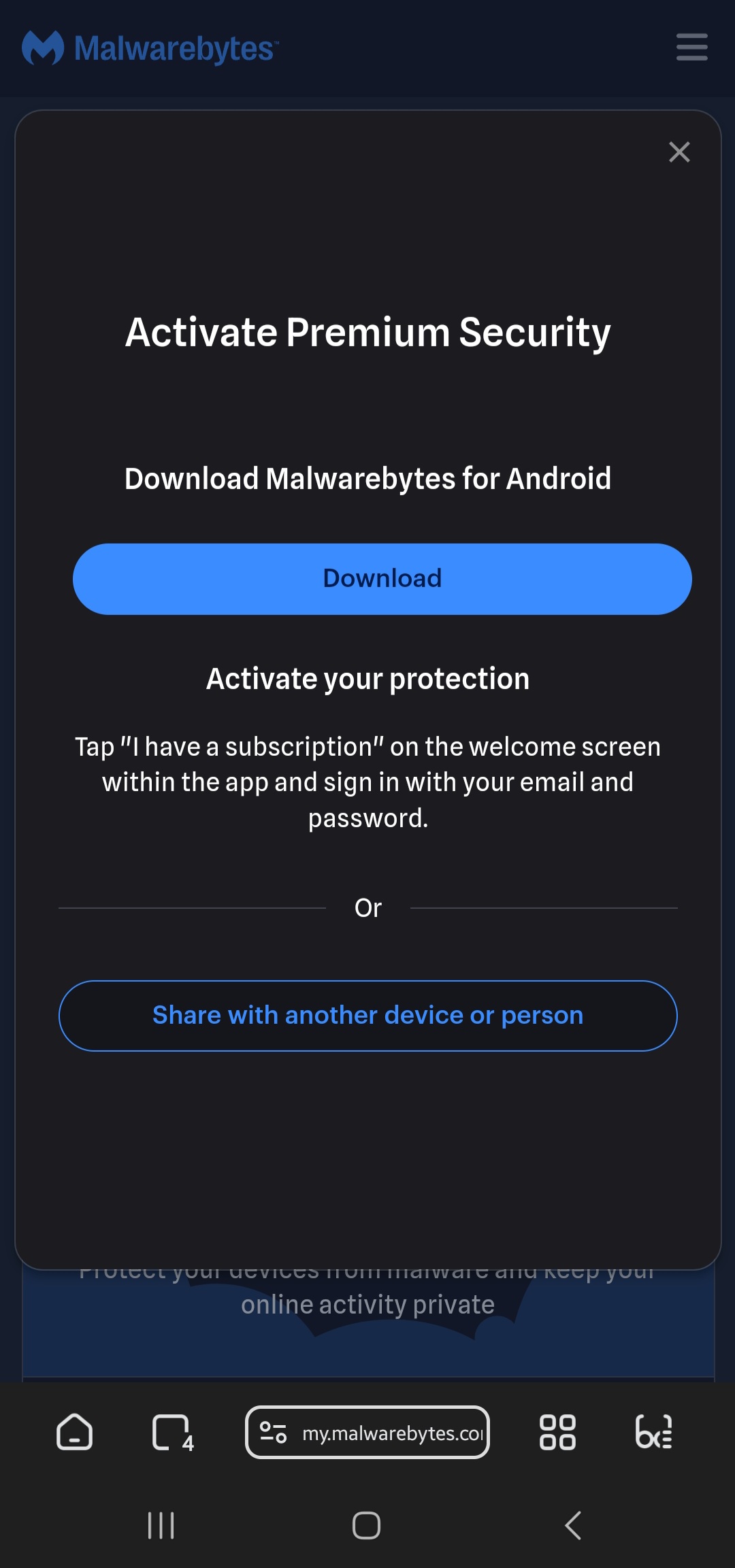
 → Account → Activate Subscription → paste key
Why some get “$0” and some get “50% off”:
 Windscribe → GPS Spoofing ON (forces device GPS to the US server) + Decoy Traffic ON
 Android → Settings → About → tap Build Number ×7 → Developer Options → Select mock location app → Windscribe
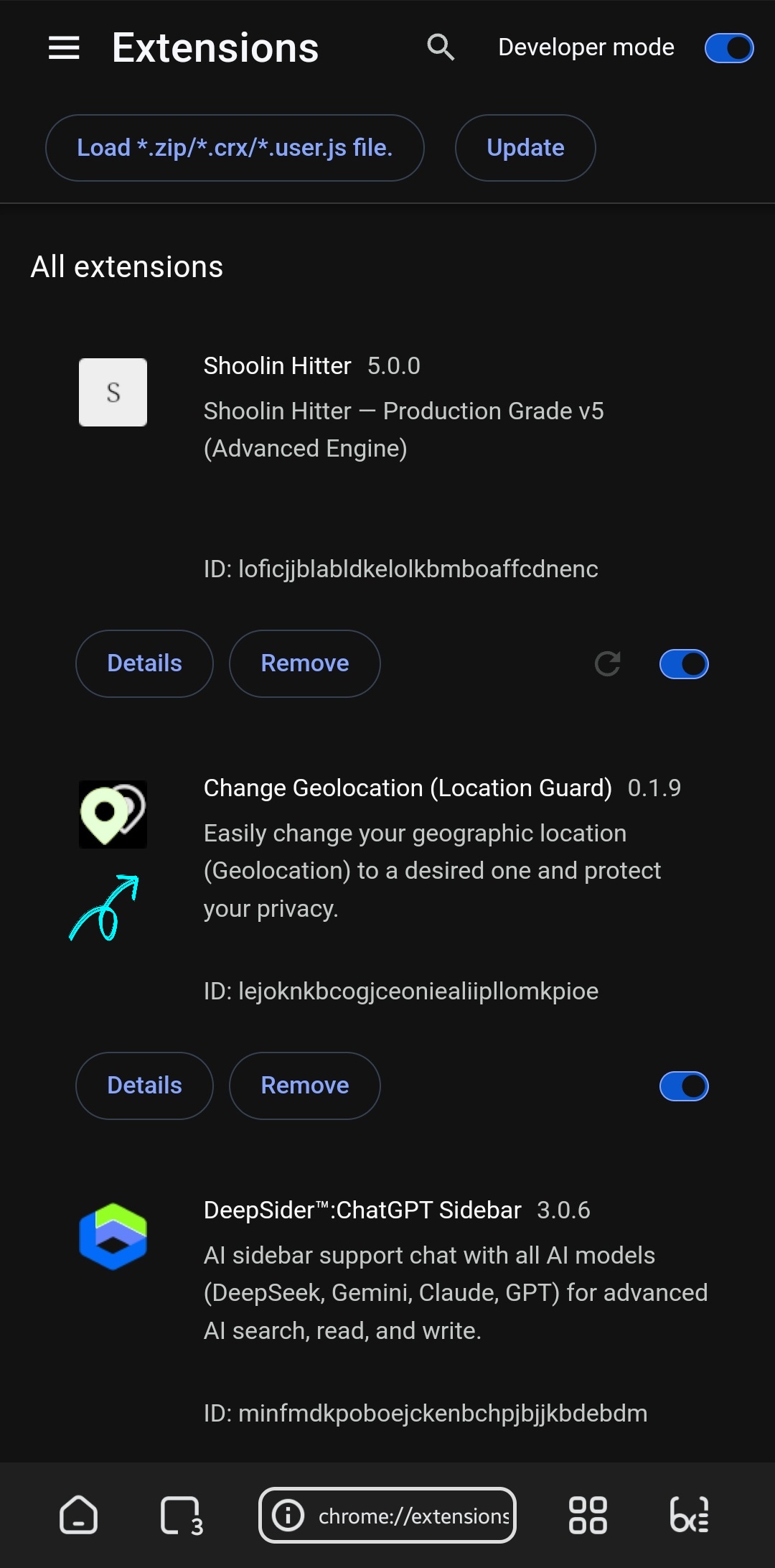
 Browser → Location Guard / Change Geolocation extension (Kiwi/Lemur) → pin permissions to a US coordinate
 Pause heavy ad-blockers ~2 min so the validation frames load, then submit in Incognito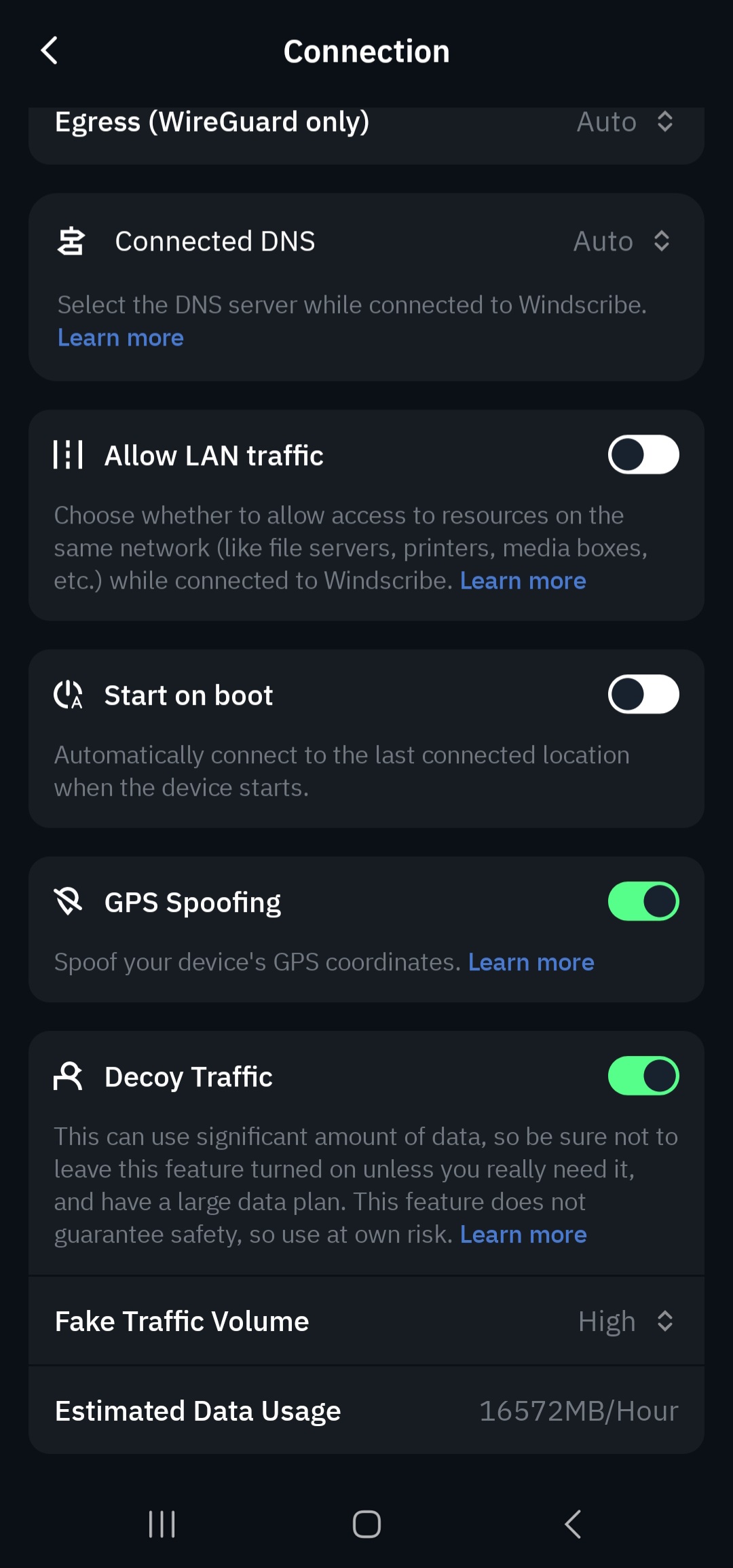
 THE FIX METHOD (Step-by-Step)


 it’s automatically active to email that you use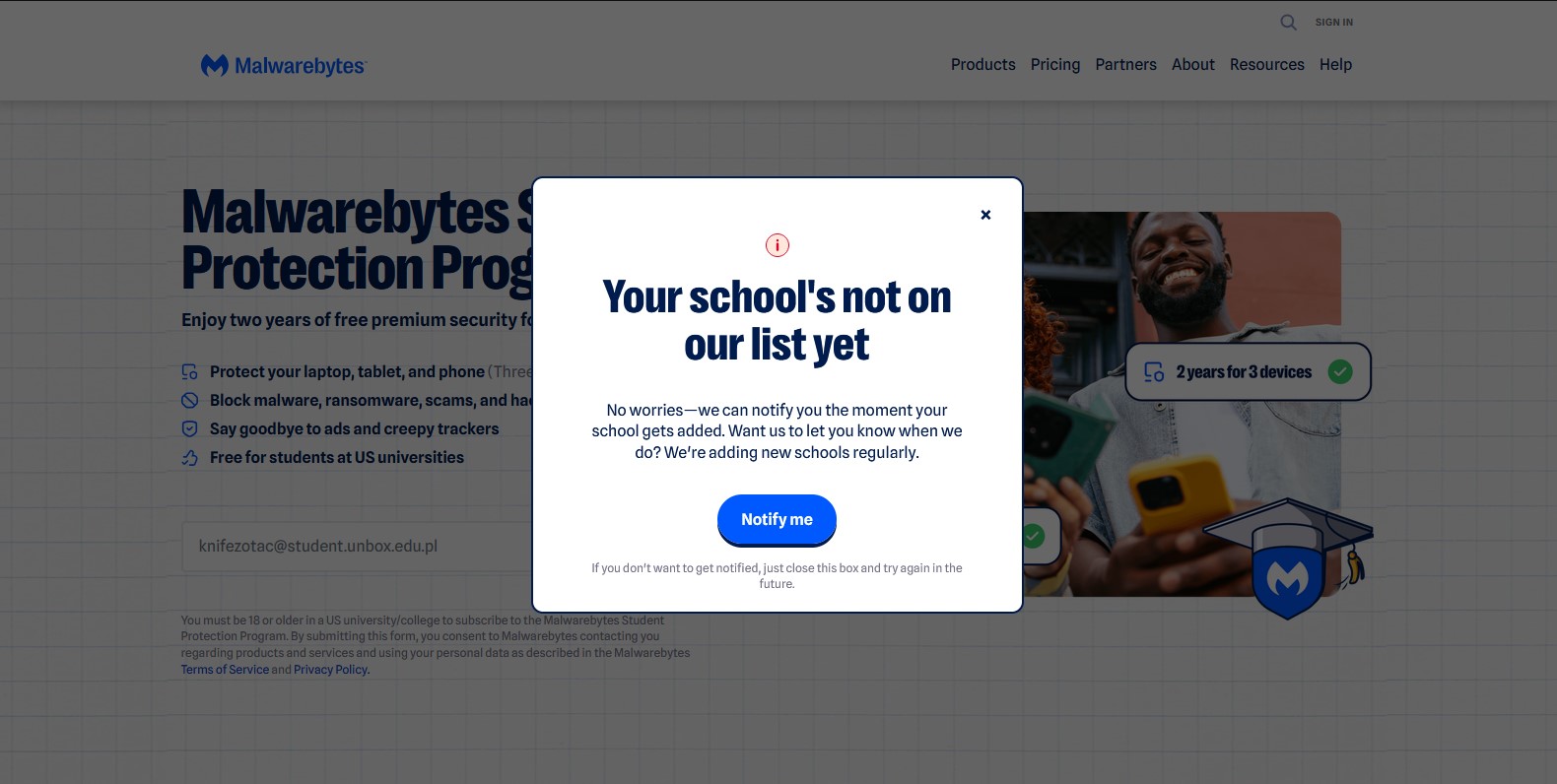
 !
!