Doesn’t work, asking for proof
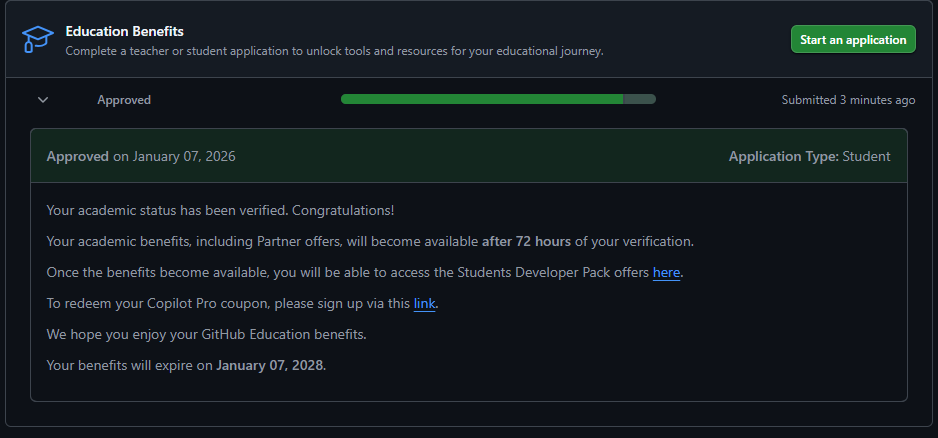
Bros, I think I just came to know how to github student dev pack
First, I selected Windows hello, and then went to the page https://uw2.devicemanagement.duosecurity.com/frame/device-management/portal and I added my mobile phone, only there I clicked on the button that I don’t have a mobile phone, but a tablet, so now I also have the codes to log in from my mobile.
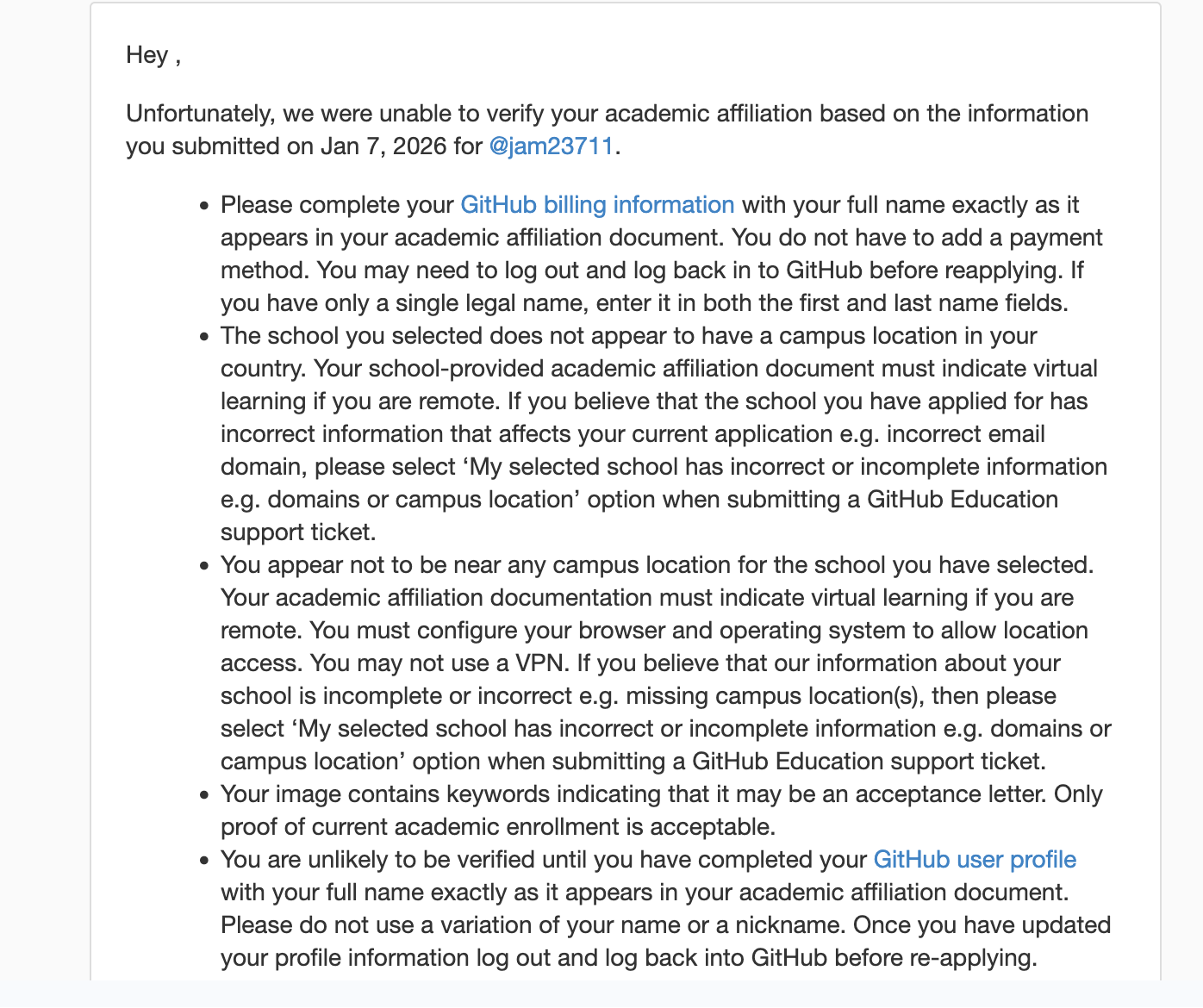
Denied on January 07, 2026Application Type: Student
Reason(s):
-
The school you selected does not appear to have a campus location in your country. Your school-provided academic affiliation document must indicate virtual learning if you are remote. If you believe that the school you have applied for has incorrect information that affects your current application e.g. incorrect email domain, please select ‘My selected school has incorrect or incomplete information e.g. domains or campus location’ option when submitting a GitHub Education support ticket.
-
Please ensure that your academic affiliation document contains your last name exactly as it appears in your GitHub billing information. If you have only a single legal name, enter it in both the first and last name fields of your GitHub billing information.
-
The GitHub account you are using was recently created, and you appear to be having difficulty demonstrating your academic affiliation. Please wait a few days then try again.
-
You appear not to be near any campus location for the school you have selected. Your academic affiliation documentation must indicate virtual learning if you are remote. You must configure your browser and operating system to allow location access. You may not use a VPN. If you believe that our information about your school is incomplete or incorrect e.g. missing campus location(s), then please select ‘My selected school has incorrect or incomplete information e.g. domains or campus location’ option when submitting a GitHub Education support ticket.
-
Please ensure that your academic affiliation document contains your first name exactly as it appears in your GitHub billing information. Variations of your name and nicknames are unacceptable.
-
You are unlikely to be verified until you have completed your GitHub user profile with your full name exactly as it appears in your academic affiliation document. Please do not use a variation of your name or a nickname. Once you have updated your profile information log out and log back into GitHub before re-applying.
What will I do @Vikvippro
@Windows how you did it can you bit explain as its asking for doc verification 
can u explain pls, what to upload with camera ?
@Windows can u explain pls, for doc , or camera and so on? what to upload with camero or file?
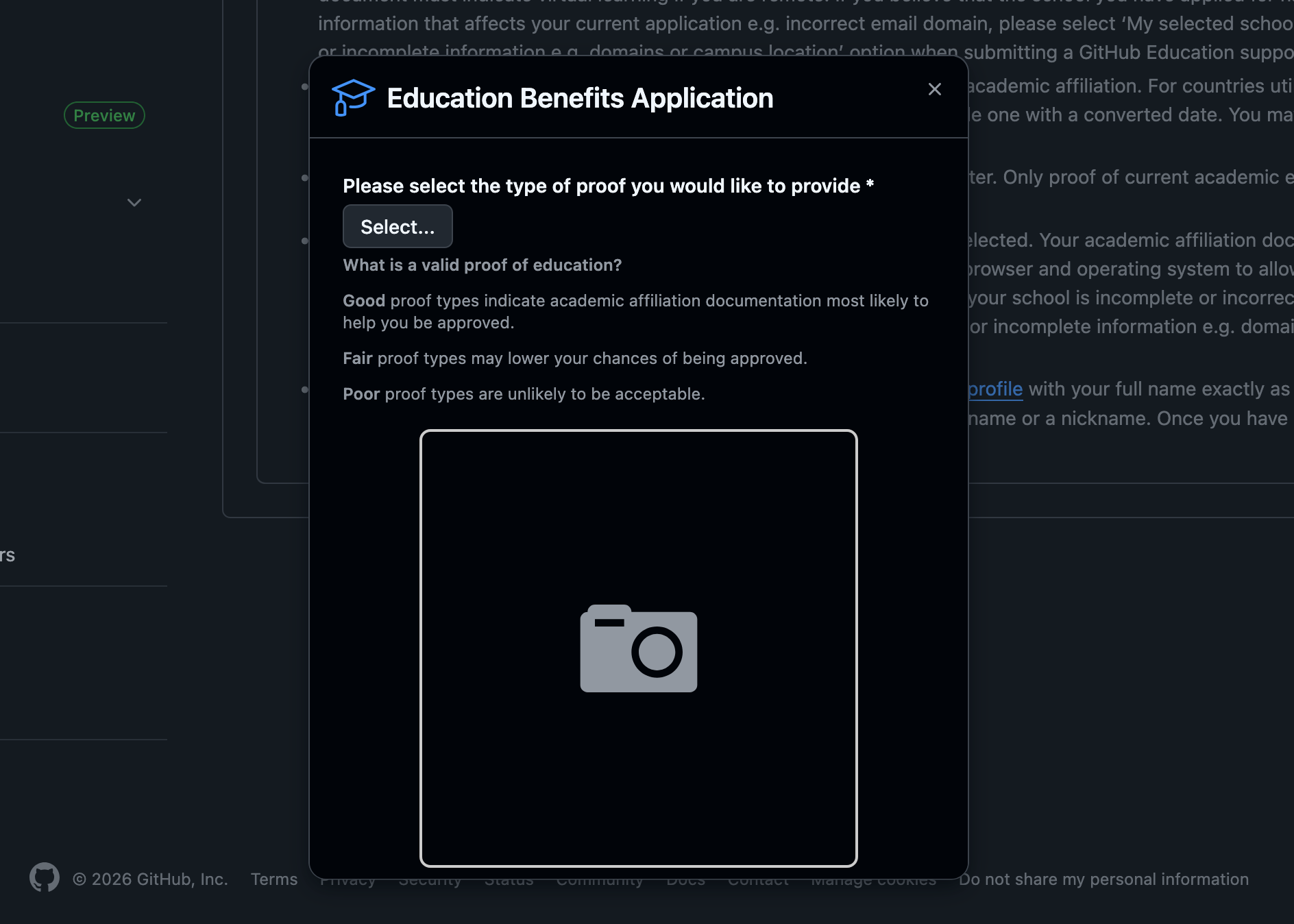
just submit photo of your student id card for gih tub verification.
I got mine approved in a minute after submission. Cant share any SS because I don’t want to take any risk with my account.
Which ID card?
1 Like
And yes. Location must be near your college.
Do add 2fa because it’s must.
Add a proper address in github payment information.
Also dont rush into things.
Adding info in payment information part in settings is imp.
why it was rejected is clearly mentioned in the response. Provide complete information and be near to college campus.
1 Like
What document that you uploaded to the document verification check?
1 Like
Student ID Card
Like any student ID or was it US
I understood that you had Student ID Card. But How ?
Can you guide us?
Every thing can’t be spoon feed. Just try to find a way to get the student id of college. It’s easy.
2 Likes
I won’t tell you the exact process I followed to get the ID, but here is a hint: Gemini
2 Likes
 !
!