Explore the best free, open-source screen recording software for Windows, each suited for different user needs:
-
OBS Studio: A top choice for both amateurs and professionals, OBS Studio offers extensive features for video recording and live streaming. It’s highly customizable with support for multiple sources, scenes, and a powerful API for plugins and scripts. Ideal for those needing professional-level control.
-
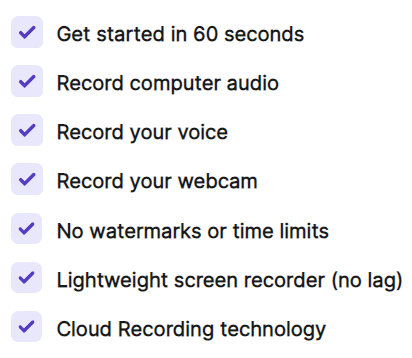
ScreenRec: For simplicity and ease of use, ScreenRec provides a straightforward screen recording experience on Windows with no time limits once you sign up for a free account. It also offers private sharing of recordings through its cloud service, making it perfect for quick and secure sharing.
-
ShareX: Known for its versatility, ShareX captures not just videos but also screenshots. It’s feature-rich yet lightweight, offering numerous capture methods and support for various output formats. Great for users looking for comprehensive capture tools.
-
Greenshot: Primarily a screenshot tool, Greenshot also offers basic recording functionalities. It’s praised for its productivity-oriented features like OCR and quick upload options, making it suitable for users who need fast and efficient operation.
Choose the software that best fits your requirements, whether you’re looking for full-scale production capabilities, ease of use with instant sharing, or a lightweight solution for quick tasks.
 !
!