Right  — ‘getting it back’ just means dragging usage back under the 300 GB line; there’''s no switch to raise the cap on a trial tenant, sadly. What actually freed mine, in order of impact:
 Killed the retention / Purview policy → that empties the hidden Preservation Hold Library, which was quietly hoarding a copy of every deleted file (almost always the #1 hog).
 Emptied the second-stage recycle bin + trimmed version history (old versions get billed, adds up fast).
 Force-purged deleted users’‘’ OneDrive — they linger ~93 days and still count otherwise.
Heads up though: it’''s not instant — pooled usage only recalculates every ~24–48h, so the read-only lock lifted a day or two after I was back under the line, not right away 
━━━━━━━━━━━━━━━
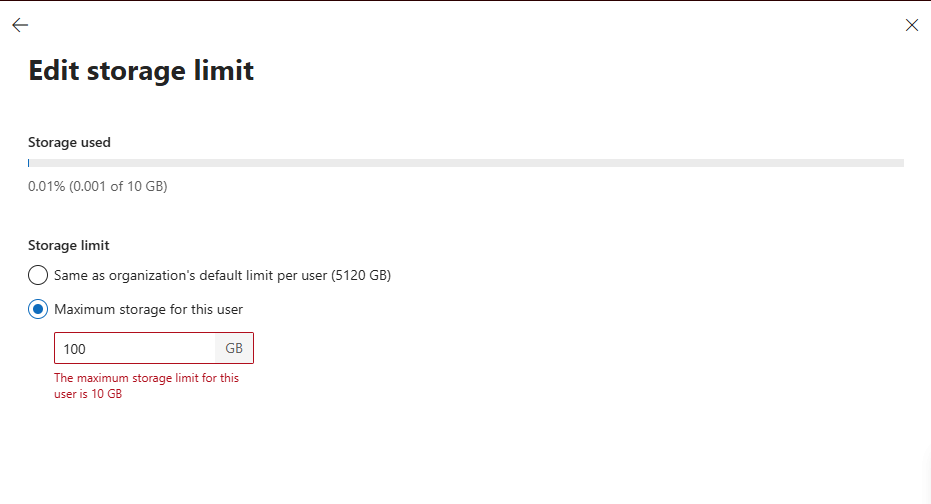
 Just so we’‘‘re clear (the guide’’‘s storage section says this too): there’''s no trick to push a trial tenant above 300 GB — Microsoft killed that (10 GB/user, 300 GB pool, 0 GB add-on). So “storage back” only ever means back under the cap. The real prize here is the software + 25 licenses, not the drive

 !
!