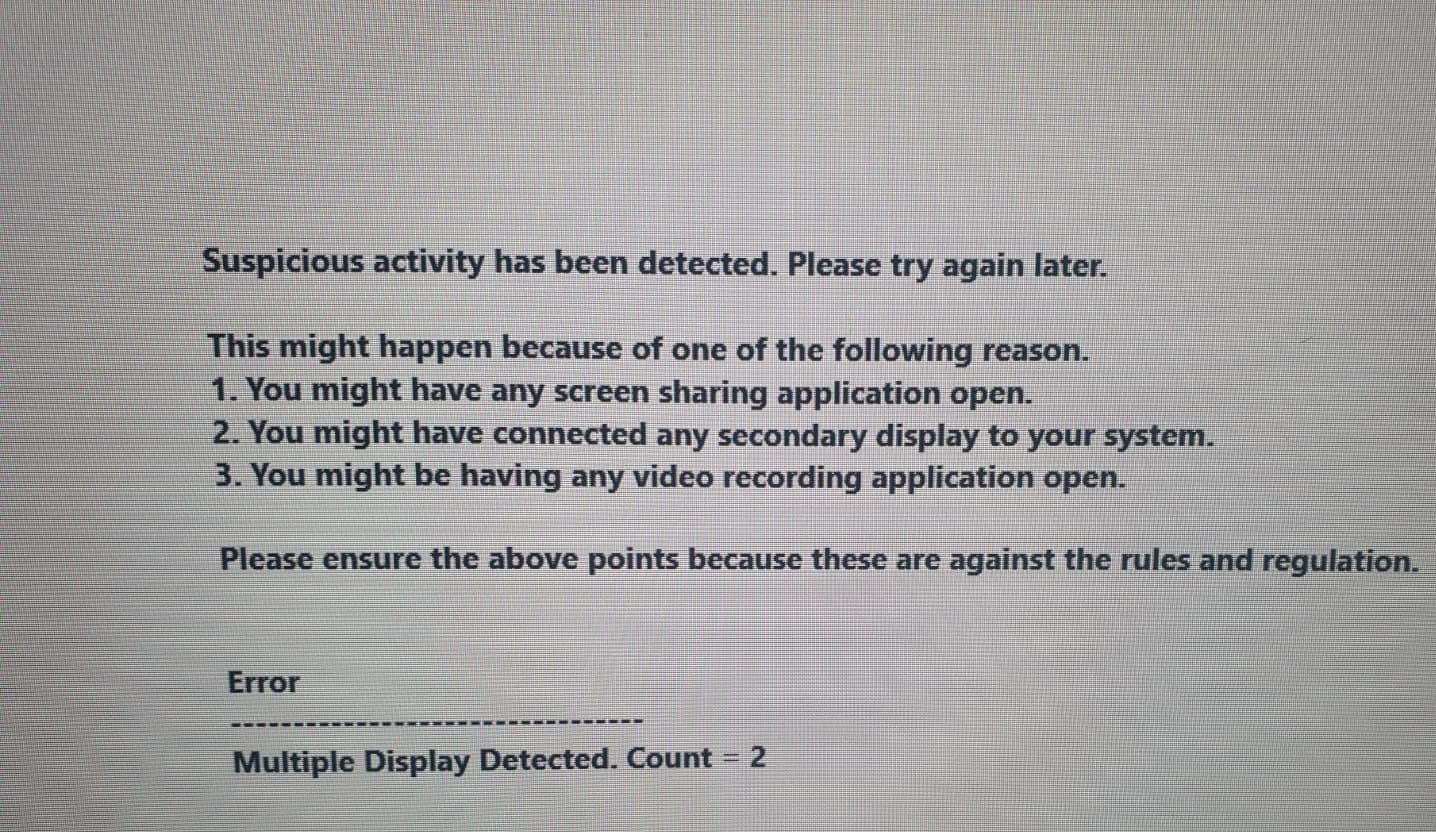
I am using a windows application for my classes and I get following errors when I try to record the content and the recording application turns off automatically.
even if I try to take the screenshot it comes as blank.
can any one help me with this.
1 Like
It could be that this software has an automatic protection barrier, or it could be that the browser you are using is automatically protecting the video. You could try using an older version of a browser such as Firefox. Or try using some other video recording software such as Xbox gamebar ,obs, recmaster, and so on. I’m not sure if it will solve your problem, but you can try more.
1 Like
Search for this one–Debut Video Capture Software
Why you guys not using OBS? This is the best way to record screen 
Try using Firefox 
Simple solution: Share your screen with another laptop or mobile and record your desired videos or whatever
data you want. Thanks
on Remote desktop too application give this error
It is really a normal problem, you can try obs or change your browser.
 !
!