 macOS in a Browser, Xbox on a Phone, GitHub as an App Store — All Free, All Real
macOS in a Browser, Xbox on a Phone, GitHub as an App Store — All Free, All RealRun macOS from your browser. Play Xbox 360 on your iPhone. Turn GitHub into an app store. All free.
These aren’t concepts. They’re live right now.
Think of it like this — someone figured out how to put an entire Mac inside a box you can spin up in 60 seconds, another team cracked how to make your iPhone pretend it’s an Xbox 360, and a high schooler turned the messiest code platform on Earth into something your grandma could install apps from. Three projects. Zero cost. The internet just leveled up.
🖥️ Run macOS in a Docker Container — No Mac Required
Think of Docker like a shipping container for software — you pack an entire operating system inside, and it runs wherever Docker runs. dockur/macos packs a full macOS desktop inside one of those containers.
That means you can run macOS from a Linux server, access it through your web browser, and tear it down when you’re done. No Apple hardware needed to launch it.
| What | Details |
|---|---|
| How it works | Uses KVM + QEMU (hardware-level speed tricks your CPU already supports) to run macOS as a virtual machine inside Docker |
| Access | Open localhost:8006 in any browser — full macOS desktop right there |
| Versions | macOS 11 (Big Sur) through 15 (Sequoia) |
| Setup | One docker-compose up command — downloads, installs, boots automatically |
| Persistence | Mount a storage folder and your data survives restarts |
| Networking | Can join your home network like a real device (macvlan mode) |
| Repo | dockur/macos |
Step 1 — Make sure your system supports KVM (run kvm-ok on Linux — if it says “acceleration can be used,” you’re good)
Step 2 — Create a docker-compose.yml:
services:
  macos:
    image: dockurr/macos
    container_name: macos
    environment:
      VERSION: "15"
    devices:
      - /dev/kvm
      - /dev/net/tun
    cap_add:
      - NET_ADMIN
    ports:
      - 8006:8006
      - 5900:5900/tcp
      - 5900:5900/udp
    volumes:
      - ./macos:/storage
    restart: always
    stop_grace_period: 2m
Step 3 — Run docker compose up -d, open your browser to localhost:8006, and follow the macOS installer
Trick: When the installer loads, open Disk Utility first, select the largest “Apple Inc. VirtIO Block Media” disk, erase it as APFS, then go back and click “Reinstall macOS.” Skip this and the install hangs forever — the disk needs formatting first.
 Works Great For Works Great For |
 Not Ideal For Not Ideal For |
|---|---|
| Testing apps on macOS from Linux | Heavy daily-driver use (performance depends on host) |
| CI/CD pipelines that need macOS builds | Running on machines without KVM support |
| Quick macOS access without buying a Mac | GPU-intensive tasks (no GPU passthrough) |
| Cross-platform development | ARM-only macOS features (runs x86 emulation layer) |
 Bonus: The same team built dockur/windows — same concept, but for Windows. Fully automatic install, RDP access built in. One compose file, full Windows desktop. And there’s also Docker-OSX by sickcodes — the OG project that started this whole “macOS in Docker” movement, with more granular image options (Sonoma, Ventura, Monterey, etc.) and iCloud/iMessage support for security researchers.
🎮 XeniOS — Xbox 360 Games on Your iPhone, iPad & Mac
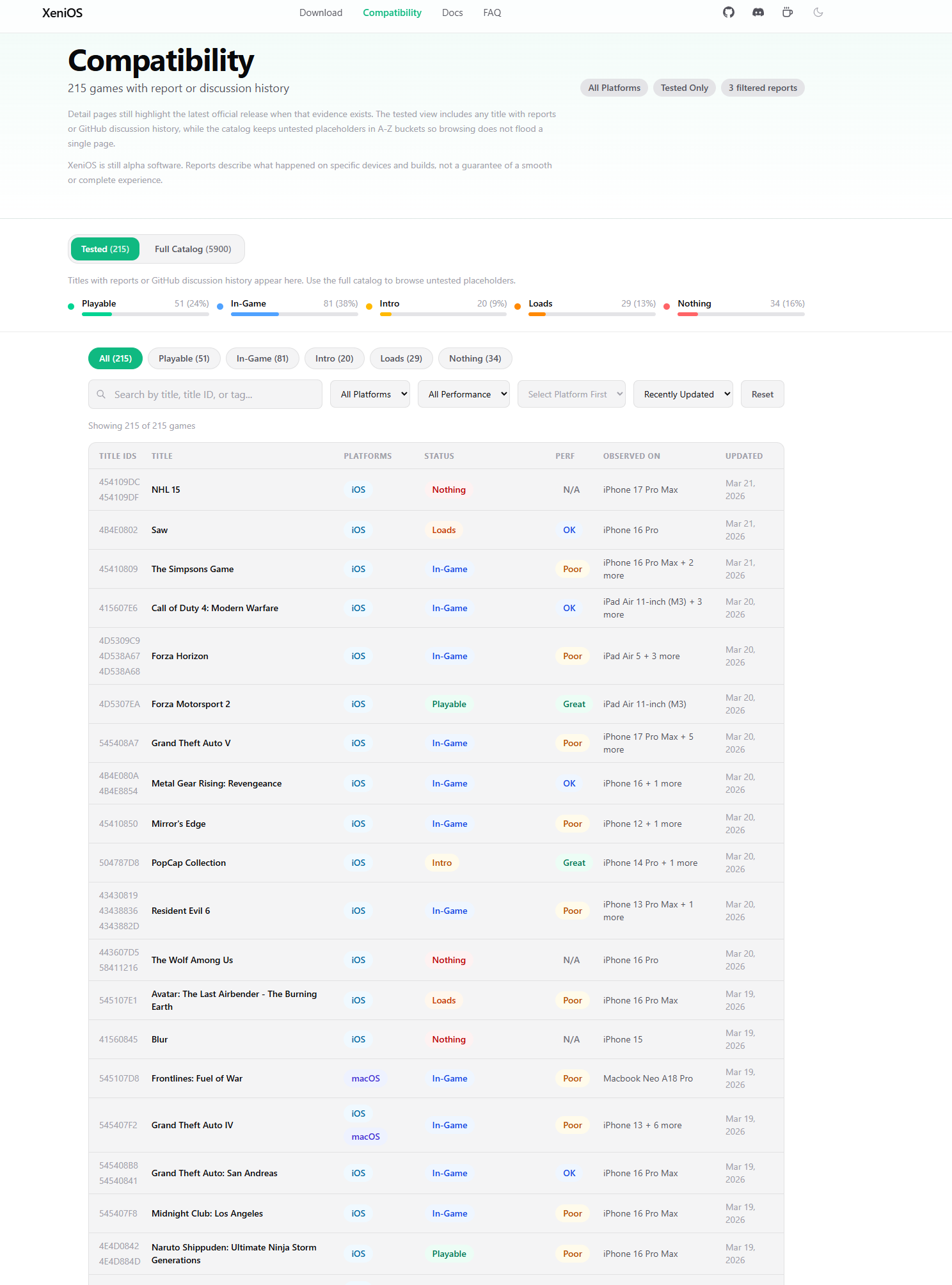
An emulator is software that makes one device pretend to be another. XeniOS makes your iPhone or Mac pretend to be an Xbox 360 — well enough to actually run games from that console.
This launched on March 8, 2026, and it’s already running titles like Halo 3, Gears of War, and Viva Piñata. It’s an alpha, so expect rough edges, but the fact that it works at all on a phone is wild.
| What | Details |
|---|---|
| Based on | Xenia — the most mature Xbox 360 emulator for Windows, ported to Apple platforms |
| How it works | Uses JIT (Just-In-Time compilation) to translate Xbox 360 PowerPC code into ARM instructions your Apple chip understands — in real time |
| Platforms | iPhone (14+), iPad, Mac (Intel & Apple Silicon, macOS 15+) |
| Price | Free, open-source, community-driven |
| Website | xenios.jp |
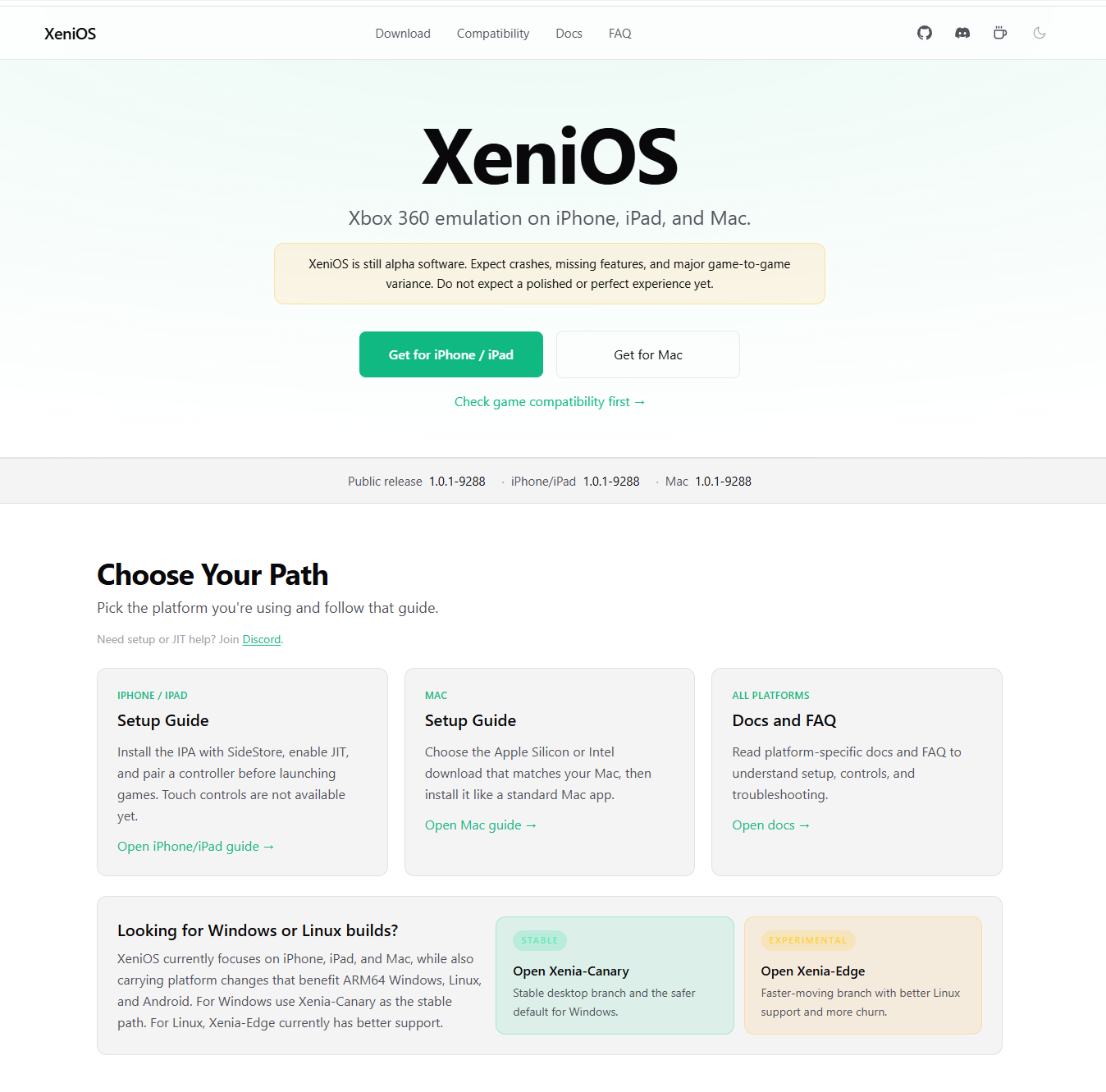
How to get it running on iPhone/iPad:
Step 1 — Download the .ipa file from xenios.jp/download/ios
Step 2 — Sideload using AltStore, SideStore, or any sideloading tool you prefer
Step 3 — Enable JIT — this is the step most people miss. Without JIT, the emulator runs at 1 frame per second or crashes immediately.
Step 4 — Drop your legally owned Xbox 360 game files (ISO or GOD format) into the XeniOS folder in the Files app
Step 5 — Open XeniOS, load a game, and see what happens
| Device | What to Expect |
|---|---|
| iPhone 14 | Minimum — games may boot but thermal throttling hits hard |
| iPhone 15 Pro+ | Best mobile experience — A17 Pro handles the translation load |
| Mac (Apple Silicon) | Smoothest performance — unified memory + no thermal limits |
| Mac (Intel) | Supported but heavier on resources |
The compatibility database is community-driven. Each game gets a status based on real user reports across different devices — not just one test. Statuses range from “Loads/Intro” (boots but unplayable) to “In-Game” (runs with major issues) to “Playable” (actually works). The system intentionally leans conservative — a game only gets “Playable” when multiple people confirm it across different hardware.
 What NOT to do: Don’t expect every game to work. Don’t run this on anything older than iPhone 14. Don’t forget to re-enable JIT after force-closing the app. Don’t download games from random sites — use your own legally owned copies.
📦 GitHub Store — One-Click App Store for Open-Source Software
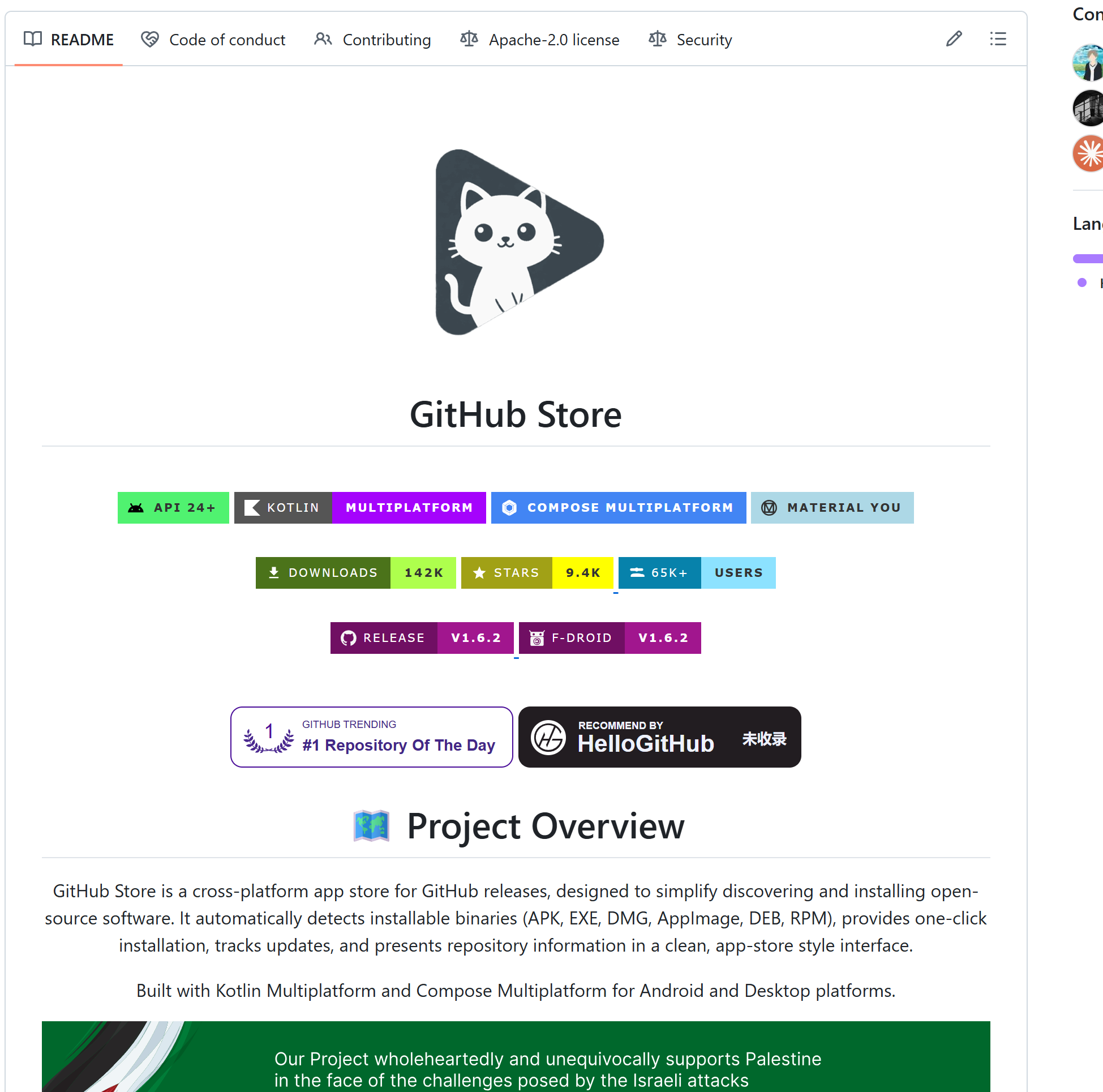
GitHub has millions of free apps hidden inside it. The problem? Finding them requires knowing what a “release” is, navigating repo pages, figuring out which download file matches your device, and hoping the developer uploaded a usable installer. Most people never get past step one.
GitHub Store fixes all of that. It scans GitHub for repos that have actual installable files — APK, EXE, DMG, AppImage, DEB, RPM — and presents them in a clean app store layout. One click to install. It even auto-detects your operating system and only shows compatible downloads.
| What | Details |
|---|---|
| Platforms | Android, Windows, macOS, Linux |
| Built with | Kotlin Multiplatform + Compose (cross-platform, one codebase) |
| Downloads | 130,000+ and growing |
| Stars | 7,700+ on GitHub |
| Built by | A solo high school developer (rainxchzed) |
| Price | Free, open-source, Apache 2.0 license |
| Website | github-store.org |
| Repo | OpenHub-Store/GitHub-Store |
| Feature | What It Does |
|---|---|
| Smart detection | Filters out source code archives — only shows ready-to-install binaries |
| OS matching | Detects your platform and shows compatible builds only |
| One-click install | Downloads the latest release and installs it directly |
| Update tracking | Monitors installed apps for new versions |
| Starred repos | Save favorites and revisit them — your personal GitHub bookmarks |
| Developer profiles | Browse creator pages with project insights |
| 12 languages | English, Spanish, French, Japanese, Korean, Russian, Chinese, Hindi, and more |
macOS users: You’ll likely see an “Apple cannot verify” warning the first time. Go to System Settings → Privacy & Security → click “Open Anyway.” Standard behavior for apps distributed outside the App Store.
What NOT to do: Don’t assume every app on GitHub Store is safe — it installs directly from developer repos, meaning quality and security depend on the individual project. Stick to repos with high star counts and active maintenance.
 Quick Hits
| Want | Do |
|---|---|
| macOS without a Mac |
→ dockur/macos — Docker + KVM, browser access |
 Xbox 360 on iPhone Xbox 360 on iPhone |
→ XeniOS — sideload + enable JIT, iPhone 14+ |
 GitHub as an app store GitHub as an app store |
→ GitHub Store — Android/Windows/Mac/Linux |
 Windows in Docker Windows in Docker |
→ dockur/windows — same team, auto-install |
 macOS in Docker (advanced) macOS in Docker (advanced) |
→ Docker-OSX — more image options, iCloud research |
Three projects. Three walls broken. The only limit left is whether you’ll actually try them.
 !
!