I recently started a role as a Software Trainee/Intern, and I’m finding it a bit challenging to keep up with the workflow and deadlines. To be honest, I feel my current technical skills are a bit behind, and I’m struggling to deliver tasks on time, which is causing some friction with my team.
I want to leverage AI to help me work more efficiently and learn faster on the job. I’ve been using ChatGPT, but I often find that the responses aren’t specific or accurate enough for the complex coding tasks I’m facing.
I would love to know:
Which AI models or free chatbots do you use daily in your professional dev workflow?
Are there specific tools or websites that are better for debugging or writing boilerplate code than standard ChatGPT?
Any tips on how to prompt these models to get production-ready code?
My goal is to meet my deadlines and reduce the pressure from my seniors while I work on improving my core skills. Any suggestions for free or freemium tools would be a huge help!
Very good ask……I am also interested in quality response to this post as i am a developer from a 3rd world country and i do not have the finance for expensive AI tools.
I have used Cursor its contextual remembrance is good and also my recommendation.
Github Copilot hmm its good not bad but you have to do very detailed prompting in order him to actually grasp what ment in comparison to the cursor.
thats pretty much it.
i once build a web app along with backend support all vibe coded but the MiniMax man he did great job including with the testing and fixing on its own.
Per my experience with AI chatbots, most of the bottlenecks is the prompt fed to it. I personally use claude, and I can say it is really time saving especially if you know your prompts. Used it for a complete website with both user and admin panel, (the free tier) gave me full source code, all I did was edit with company name and details with some personal touches which were very tine changes.. I only had to finish up the backend myself with database connections. You can try it out
I use Antigravity (free tiers on models like Claude Opus and Gemini) & Windsurf (25 credits per month) with 5+ Google accounts, and whenever I hit rate limits, I switch to another. it’s free to use as long as you have many Google accounts to sign in to.
When you max out your monthly free 25 credits in Windsurf, you can keep using their fastest model, SWE 1.5, which generates code faster than your eyes can read.
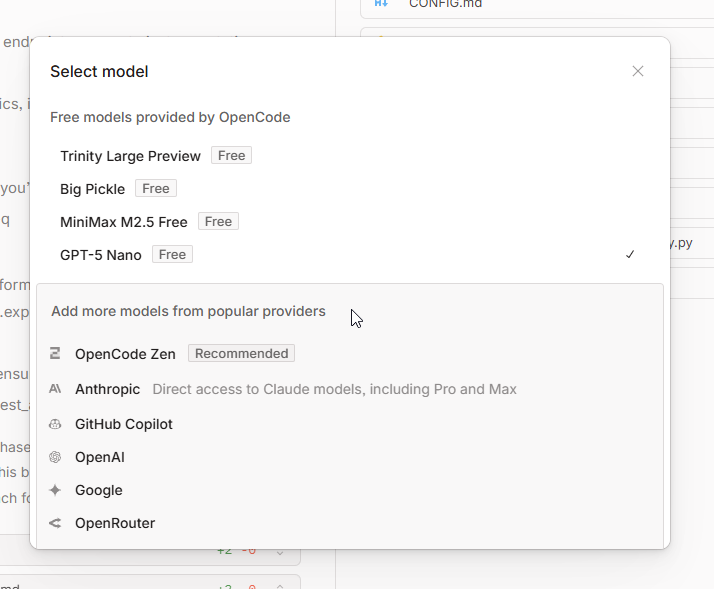
Cheatcode: There are some tasks that these models (Gemini and Claude Opus/Sonnet) couldn’t get accomplished while vibe coding, so I also installed the KiloCode extension and used the Minimax M2.1 FREE model to continue as well.
I’m still exploring VS Code Copilot free tier and haven’t used it much recently.
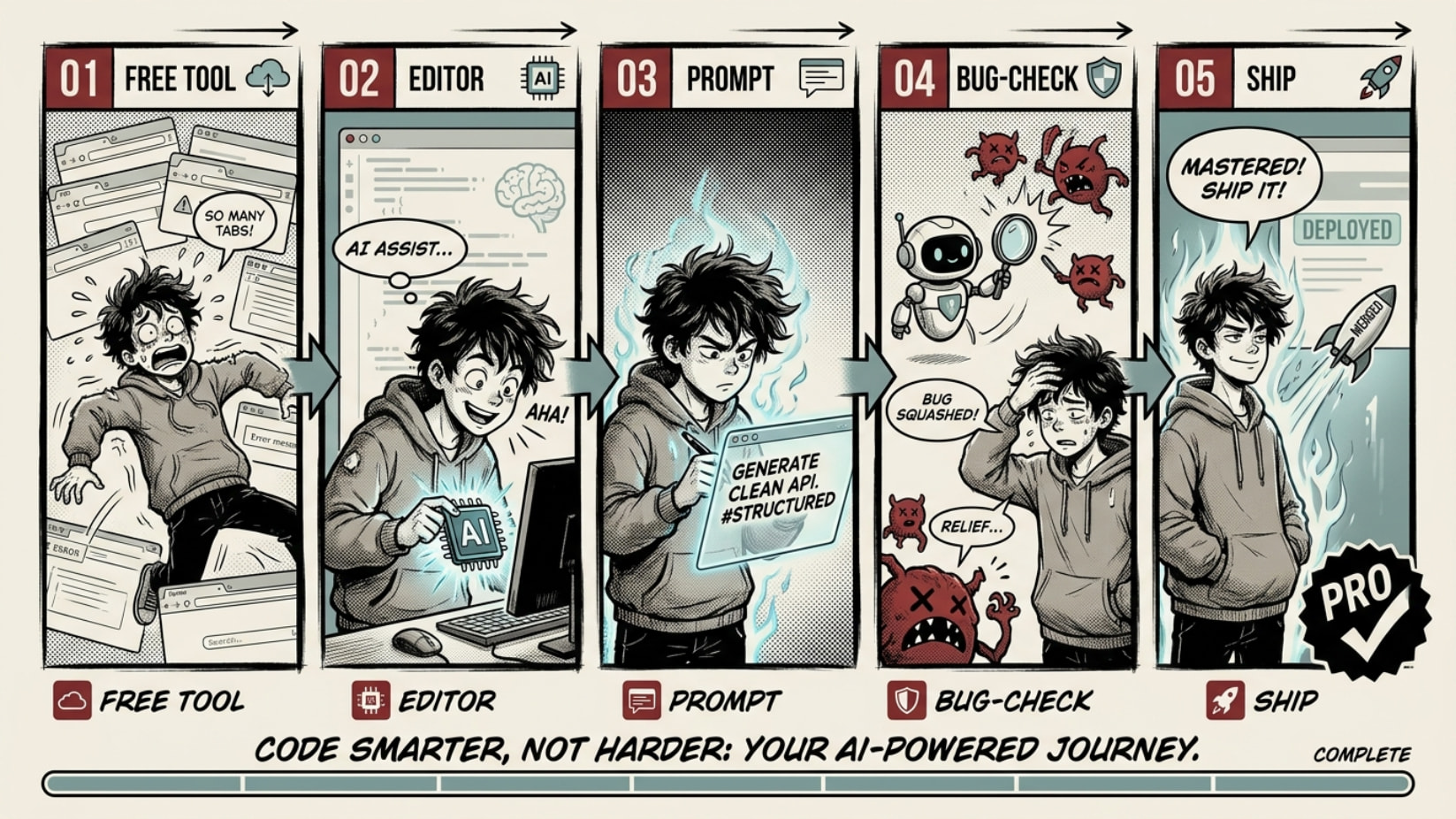
ChatGPT feels generic because it’s blind — it can’t see your files, your repo, or the error in your terminal. The fix: wire a free AI into your editor so it reads your actual code. Same brain, real answers, $0/mo.
free key ─▶ editor plugin ─▶ AI reads YOUR code (not code-in-general)
Give it a role, wrap code in ``` , make it explain before fixing. Steal this:
You are a senior [language] engineer.
Function: [code]   Error: [error]
Expected [x], got [y].
Root cause first, then the minimal fix, then what I misunderstood.


 Stack 2–3 keys. Separate limits each → you basically never run dry.
 This answer is now a polished version, improved by the Core-Community with AI.
 !
!