Hello 1Hack,
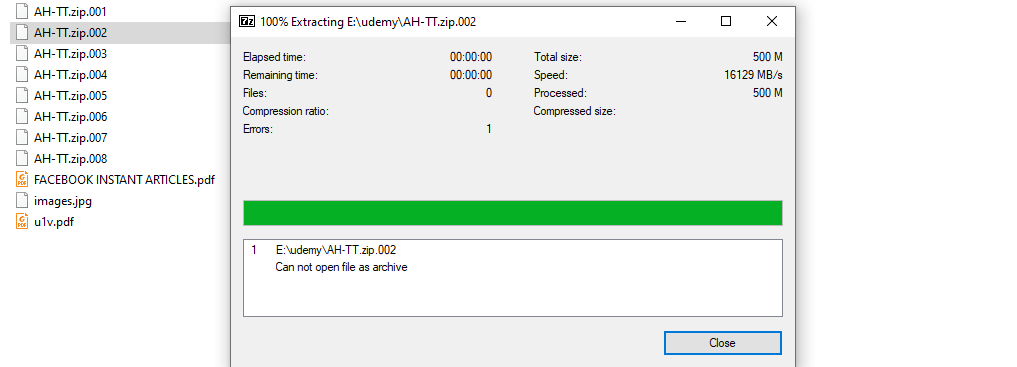
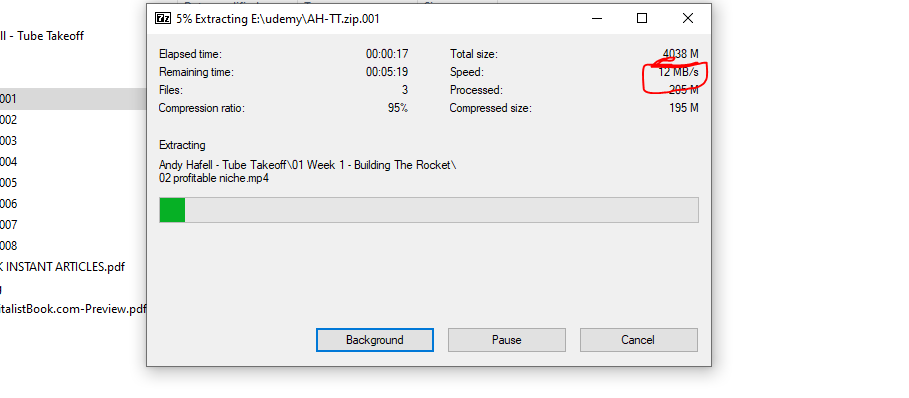
I have some file, quite important. I’m downloading them from a website. There they told to Extract the file with 7-zip( software ). But 7-zip doesn’t work here. Only the first one AH-TT.zip.001 is extracting. ( cause something.zip.001 is a zip format )
So is there any way to extract the file, any software or another way. Help me to get out of this trouble
Thanks to all ( Advance )
this is a sequence zip you need to only to unzip the first one
unless there is a file missing the one that will be the header
what is the website where you are downloading them from ?
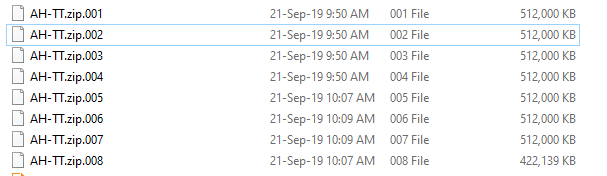
also to prove that usually when you download a zip file or iso file many website split the files into small pieces to facilate the download .. packs of 200MB each or 500MB rather then 1 big 6GB file
and you can see that those files are almost same size you need only to unzip the number 001 if it didnt work this mean there is a file 000 missing which is the header that read the sequence of the files
that will say ok start with 001 and afther continue 002 and after 003 → till 008 so check again
yes but when you run this file 001 its is like you unzipping 002 003 005…008
it will read the files automatically.
To test it try moving 002 to another place and unzip 001 it should give you an error message or it will stop after completing 001
Put All The Files In One Directory, Then Right Click On The First File And Extract It Where You Want, If Not Corrupt 7Zip Will Extract Them Without Any Problem.
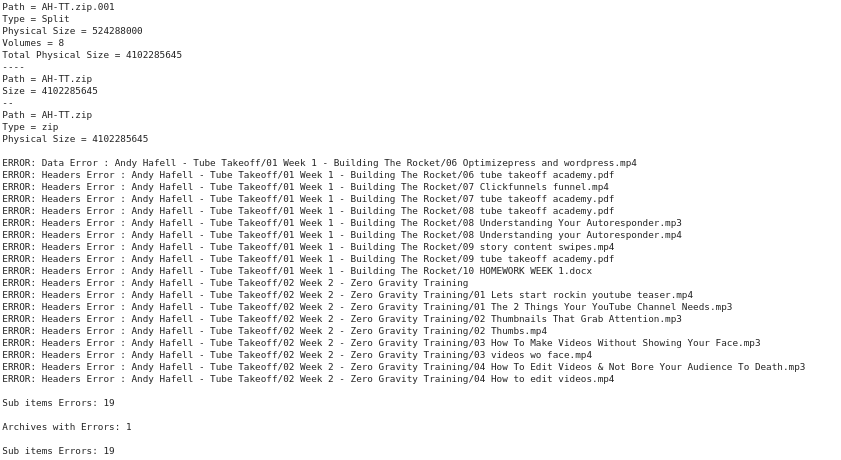
Archive ‘AH-TT.zip.002’ is corrupted. And 19 sub items (18 files + 1 directory) are damaged.
Rest should be extracted properly. I have PM you link to Missing/corrupted files.
On Windows try following:
Go to folder with 001, 002 etc files
Hold down the Shift key and right-click in folder. Click on ‘Open command window here.”
Drag and drop 7za.exe from extracted folder to cmd.
Run: 7za.exe x filename.zip.001 (7za.exe will be present already so don’t write it again) command will look like: C:\Users\abc-user\Desktop\7z1900-extra\7za.exe x AH-TT.zip.001
This will extract all uncorrrupted files (if possible) and will also show files with error.
@moaxs1 Glad to hear from you, and actually, @goku_pistol is the one who deserved Big thank, I’m so glad that someone can look forward that deeply to any problem the way he did, And to be honest, until I have members like him around here, I have no fear to let you guys live free here, Well Done @goku_pistol keep up the great work you’re doing.
I’m marking this thread as Solved because the problem was with Files, they were Corrupted. thanks to @goku_pistol for helping OP via PM and here.
My previous Post deleted because it was made to let you respond faster!



 !
!