Hello everyone, how can I get the SuperGrok 3-day trial? I previously used the 7-day trial, but now it doesn’t work anymore. Even though I enter different card details on Stripe, it doesn’t accept them. Could you please help me
we need help with a working bin for 3 days trial grok , or a method even revolut card not working we need help pls
I have tried many times but I have not been successful in any way.
Your card isn’t the problem — Stripe remembers your entire device, not just the card number. Here’s what actually works in March 2026, from easiest to most involved.
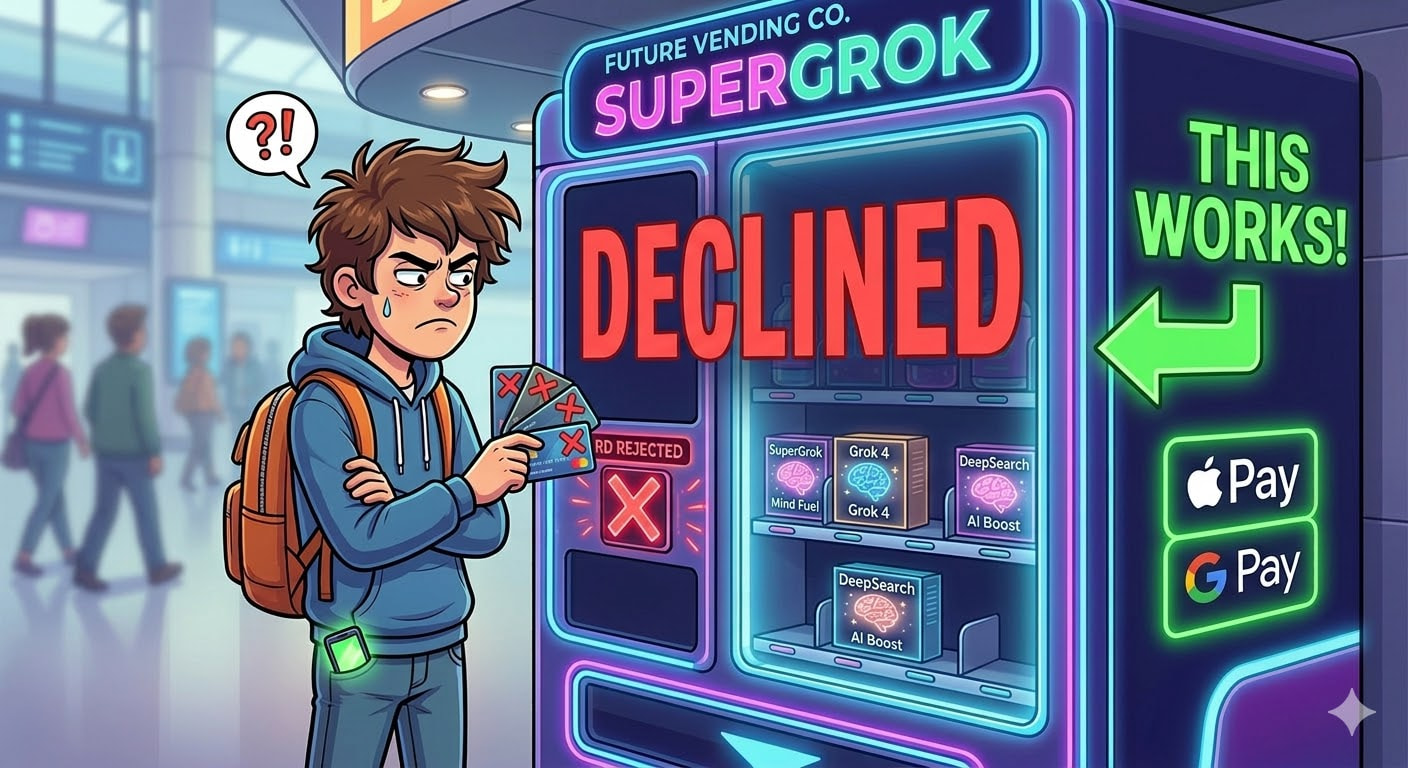
⚡ Why 'Different Card Details' Doesn't Work (30-Second Explanation)
When you enter a card on grok.com, Stripe does way more than check the card number. It creates a permanent fingerprint of:
- Your card — a unique hash of the card number. Same card = same hash forever, no matter what name or email you use
- Your device — screen size, graphics card, fonts, browser version. This fingerprint survives clearing cookies and even incognito mode
- Your behavior — how fast you move through checkout, whether you typed or copy-pasted the card number, how your mouse moved
- Your IP address — your internet connection location
- Your email’s age — Stripe tracks how long your email has existed across ALL Stripe-powered websites (millions of stores)
Changing just the card number is like wearing a different hat to the same party — everyone still recognizes your face, your voice, and your walk.
🍎 Method 1 — Use Apple Pay on Web (One-Click Fix, Try This First)
This sounds too simple to be true, but it’s backed by Stripe’s own documentation.
How it works: When you type card details directly into a checkout form, Stripe hashes your real card number into a permanent fingerprint. But when you pay with Apple Pay, your card number gets swapped out for a temporary token BEFORE Stripe sees it. Stripe hashes the token instead — and gets a completely different fingerprint.
Same card. Different button. Different fingerprint.
Steps:
- Create a new xAI account at grok.com — just need a fresh email, no X/Twitter account required
- Go to grok.com/plans
- Check if the 3-day trial banner appears (it’s region-dependent — if you don’t see it, try a US VPN)
- At checkout, click the Apple Pay button instead of typing your card details
- Confirm with Face ID / Touch ID
- Done — you’re on the trial
Trick: This also works with Google Pay. Any wallet-based payment tokenizes your card differently than direct entry. If Apple Pay isn’t available for you, try Google Pay.
Important: This only works if your FIRST trial was done by typing card details directly. If your first trial was also through Apple Pay, the token fingerprint might match.
📱 Method 2 — Subscribe Through the iOS/Android App (Bypasses Stripe Entirely)
This is the strongest method because it removes Stripe from the equation completely.
How it works: When you subscribe to SuperGrok on grok.com (the website), your payment goes through Stripe. But when you subscribe through the Grok mobile app, your payment goes through Apple (on iPhone) or Google (on Android). These are completely separate payment systems. Apple and Stripe don’t share trial history with each other.
Steps for iPhone:
- Download the Grok app from the App Store (make sure it’s the official one by xAI)
- Open the app and sign up with a new email — no X account needed
- Navigate to the subscription/upgrade screen
- Subscribe to SuperGrok — payment goes through Apple, billed to your Apple ID
- Set a reminder to cancel on Day 1 or Day 2 of the 3-day trial
- Cancel at: iPhone Settings → [Your Name] → Subscriptions → Grok
You keep access until the trial ends even after canceling.
Steps for Android:
- Download the Grok app from Google Play Store
- Same flow — new email, subscribe in-app
- Cancel at: Google Play → Subscriptions → Grok
💳 Method 3 — Virtual Card + Fresh Browser Profile (When Methods 1-2 Don't Work)
This is the full reset — you look like a completely new person to Stripe.
What you need:
| You Need | Free Options | Why |
|---|---|---|
| A different card | Privacy.com (US), Revolut (worldwide), Buvei (crypto-funded) | Different card number = different Stripe fingerprint |
| A fresh browser | New Chrome profile (not incognito) or Firefox | Different device fingerprint |
| A different IP | Different WiFi network, mobile data, or clean VPN | Different network signal |
| A new email | Any email you’ve used on other shopping sites before (NOT a disposable email) | Aged emails have higher trust scores |
Steps:
- Open Chrome → click your profile picture (top-right) → “Add” → create a brand-new Chrome profile
- In this new profile, go to grok.com and create a new account with a different email
- Go to grok.com/plans
- Enter your virtual card details — type them character by character (don’t copy-paste)
- Take your time — browse the plans page for 30+ seconds before clicking subscribe. Move your mouse around naturally. Stripe tracks how fast you go through checkout and flags people who rush
🎓 Method 4 — Student .edu Email (2 Months Free, Officially Supported)
If you have access to a .edu email address, this gives you 60 days of full SuperGrok — that’s 20x more than the 3-day trial you’re fighting for.
Elon Musk confirmed this on X in April 2025.
Steps:
- Go to grok.com and sign up using your
.eduemail - SuperGrok activates automatically — full features, no card required for the student period
- That’s it
Don’t have a .edu email?
Community colleges in the US give .edu emails to enrolled students. One online course ($50-150) gets you a .edu address that unlocks:
- 2 months of SuperGrok ($60 value)
- GitHub Student Pack ($200+ in free dev tools)
- JetBrains IDEs (free)
- Microsoft 365 (free)
- Tons of other student discounts
The .edu email usually stays active for 6-12 months after enrollment.
.eduemails work right now. UK (.ac.uk) and other international university emails are not yet supported — xAI says they’re working on it.
🔧 Method 5 — Skip the Trial Completely ($175/month Free API Credits)
This is the big brain move. Instead of fighting Stripe for 3 days of SuperGrok, you can get permanent Grok 4 access for free through the API.
Steps:
- Go to console.x.ai — sign up with email, no credit card needed
- You instantly get $25 in free API credits
- Toggle on the data sharing option → you get an additional $150/month in free credits
- Total: $175/month of free Grok 4 access — every single month, ongoing
“But I don’t know how to use an API”
You don’t need to. Install Open WebUI — it’s a free app that looks exactly like ChatGPT. Point it at xAI’s API, paste your free API key, and you have your own personal SuperGrok that runs forever.
$175/month buys an insane amount of Grok 4 usage. On the cheapest model (Grok 3 Mini at $0.10 per million input tokens), you’d have to send millions of messages to run out.
🎮 Fun Use Cases People Actually Do With SuperGrok
Once you’re in, here’s what’s actually worth doing:
| Use Case | What to Try | Why It’s Cool |
|---|---|---|
| Real-time X analysis | “What’s trending about [topic] on X right now and what’s the general sentiment?” | No other AI has live access to Twitter/X data |
| DeepSearch research | “DeepSearch: compare the top 5 budget phones in 2026 with sources” | Pulls from live web + X + reasons through it — like having a research assistant |
| Image generation | “Generate a cyberpunk cityscape at sunset” | Aurora engine produces Midjourney-quality images in under 5 seconds |
| Think Mode | “Think deeply: what’s the optimal investment strategy for someone with $10K in 2026?” | Step-by-step reasoning visible — shows its work like a math teacher |
| Voice conversations | Open the mobile app → tap the microphone | Natural voice chat — brainstorm ideas, practice interview answers, learn concepts |
| Code help | “Write a Python script that monitors a folder for new files and sends me a Telegram notification” | Grok 4’s coding is competitive with Claude and GPT-4 |
❌ Common Mistakes That Get Your Card Declined
| Mistake | Why It Fails | Fix |
|---|---|---|
| Using cards from the same bank | Same BIN range — Stripe sees the pattern | Use a card from a completely different provider |
| Using incognito mode | Doesn’t reset device fingerprint — only clears cookies | Create a new Chrome profile instead |
| Copy-pasting card number | Stripe flags paste behavior as bot-like | Type each digit manually |
| Rushing through checkout | Finishing in under 30 seconds looks automated | Spend 2-3 minutes browsing before paying |
| Using a disposable email | Stripe has a is_disposable_email flag — instant red flag |
Use a real email you’ve had for months |
| VPN country ≠ card country | Geographic mismatch triggers Stripe Radar | Match your IP location to your card’s billing country |
| Retrying immediately after a decline | Each failed attempt raises your risk score | Wait 48 hours between attempts |
Your situation → What to do:
| Your Situation | Best Path |
|---|---|
| Have an iPhone or Android | Method 2 — subscribe through the app, skip Stripe entirely |
| Have Apple Pay or Google Pay set up | Method 1 — try Apple/Google Pay on grok.com first (same card, different fingerprint) |
Have a .edu email |
Method 4 — 2 months free, no trial games needed |
| None of the above | Method 3 — virtual card + fresh Chrome profile |
| Don’t want to deal with trials at all | Method 5 — free API credits, permanent access |
| Just need Grok occasionally | Free tier + weekend drops (every Fri-Mon) — zero effort |
Hello. Thank for the many good things you share with us.
I have a question. Made 2 new accounts and APIs, but I don’t even get the 25 dollar bonus. 0 credits available.
What am I doing wrong? Please, help.
Okey the method buster is here. I Belive the first method is only for people who live in usa or westeren region. Second method i try mutliple ways but it crash into same thing the card is just decline. Third method is literay not working at all. I Legitimately open an virtual card by my own name but it is still a no go i have no idea why it dose not work on that. 4th method is expire MONTHS Ago. Like elon musk i guess launch this edu thing mid 2025. And end it a 1-2 months later. I Did not try the 5th method because i am ONLY İnterested on grok imagine and i belive it has nothing to do with grok imagine. SOOOOO Anyone have a working method that has full proof ? Pls reply if somone crack the code.
we wait for someone to have a working method trial 3 days Supergrok
 !
!