 A Spanish student mailbox — no enrolment, no Spain
A Spanish student mailbox — no enrolment, no SpainUNED hands out a real
@alumno.uned.es login off a self-serve form — and the phone step that stopped everyone is answered by UNED’s own pages Why this one — self-serve, no enrolment, and the document field takes “other”.
 Why it is quick — one sitting. The only real things you hand over: an email, and a number that can read a code.
Why it matters — a real Spanish student mailbox, with two doors into it that almost nobody tries.
digraph route {
rankdir=LR;
graph [bgcolor="transparent", pad="0.15"];
node [shape=box, style="rounded,filled", fillcolor="#f2f4f6", color="#b9c0c8", fontname="Helvetica", fontsize=11, margin="0.16,0.10"];
edge [color="#8a929b", arrowsize=0.7];
A [label="1 · The way in\nRegister · Futuro Estudiante\nor Empleo Público"];
B [label="2 · The ID\nother documents · Spain\n7 random digits", fillcolor="#f0e6ea", color="#332430"];
C [label="3 · The codes\nemail code · mobile\nempty, or any country", fillcolor="#eef3f7", color="#5f7f96"];
D [label="4 · The mail\npassword link → your inbox\nsign in with the UNED ID", fillcolor="#e7edf2", color="#5f7f96"];
E [label="@alumno.uned.es", fillcolor="#e7edf2", color="#5f7f96"];
A -> B -> C -> D -> E;
}
The phone step — the three answers, straight from UNED
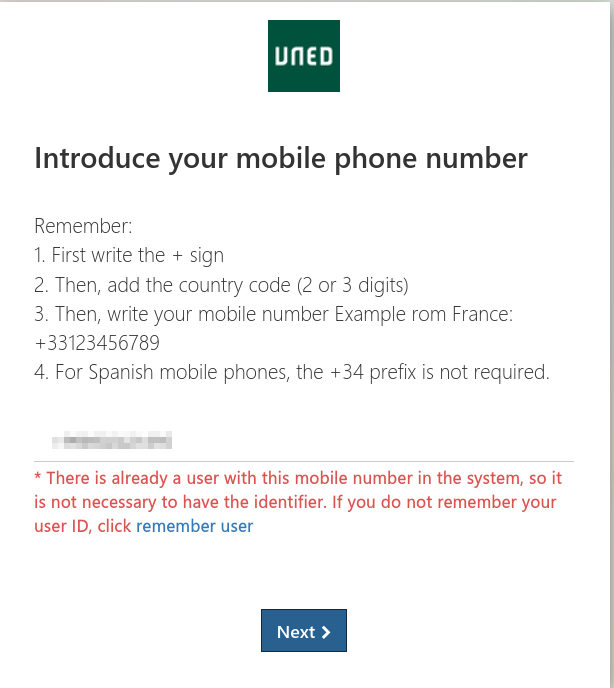
 The number never had to be Spanish. Their own recovery page prints the format with a French example —
 +then the country code, then your number. Spanish mobiles need no+34. It can stay empty. In UNED’s own walkthrough the mobile carries no asterisk, while the email and address do — and their password page confirms accounts live on with no mobile on record.
 A number you can read is enough — your own mobile, from any country on earth. Nothing about it has to be invented.
| Step | The part that matters |
|---|---|
| app.uned.es/soid → Register → Future Student | no UNED ID, no enrolment — the form is open |
 Documents: other · country Spain · 7 random digits in the ID box Documents: other · country Spain · 7 random digits in the ID box |
the trick — that combination is what the form accepts |
| The mobile |
empty, or a number you can read — any country, + and its prefix |
| Sign in at outlook.cloud.microsoft with the UNED ID |
not the email — this is where attempts die |
→ @alumno.uned.es |
live, straight after the password link |
The second door — same mailbox, one extra click
| the motive you pick | the mailbox |
|---|---|
| Futuro Estudiante | activates automatically |
| Solicitante de Empleo Público — no exam, nothing to prove | same @alumno.uned.es, switched on by you under activación del e-correo |
And the mailbox can come to you — redirect the messages to your own address in the UNED mail settings.
The 14 steps
- Click Register — no UNED ID yet.
- Select “Future Student”.
- Accept the terms and complete the Captcha.
- Select (other documents) and country (Spain) and fill 7 random digits (5786357) in the id section.
- Enter your personal email and verify the email code.
- The mobile field: leave it empty — or enter your own number with the country prefix (+33123456789 style), and verify the code that arrives.
- Enter your random spanish details: full name, date of birth, nationality, gender, address, country of residence, and other required information.
- Submit the registration and verify your details.
- UNED will generate your UNED ID/username and take screenshot.
- Check your personal email for the password-creation link.
- Open the link and create your UNED password.
- Go outlook enter email and Log in using your UNED ID/username and new password.
- Your
@alumno.uned.esstudent email is activated. - Redirect it to your own inbox, and it stays live from then on.
Two doors, one mailbox — and the phone step answered.
 The Core-Community improved this post with AI.

 given pdf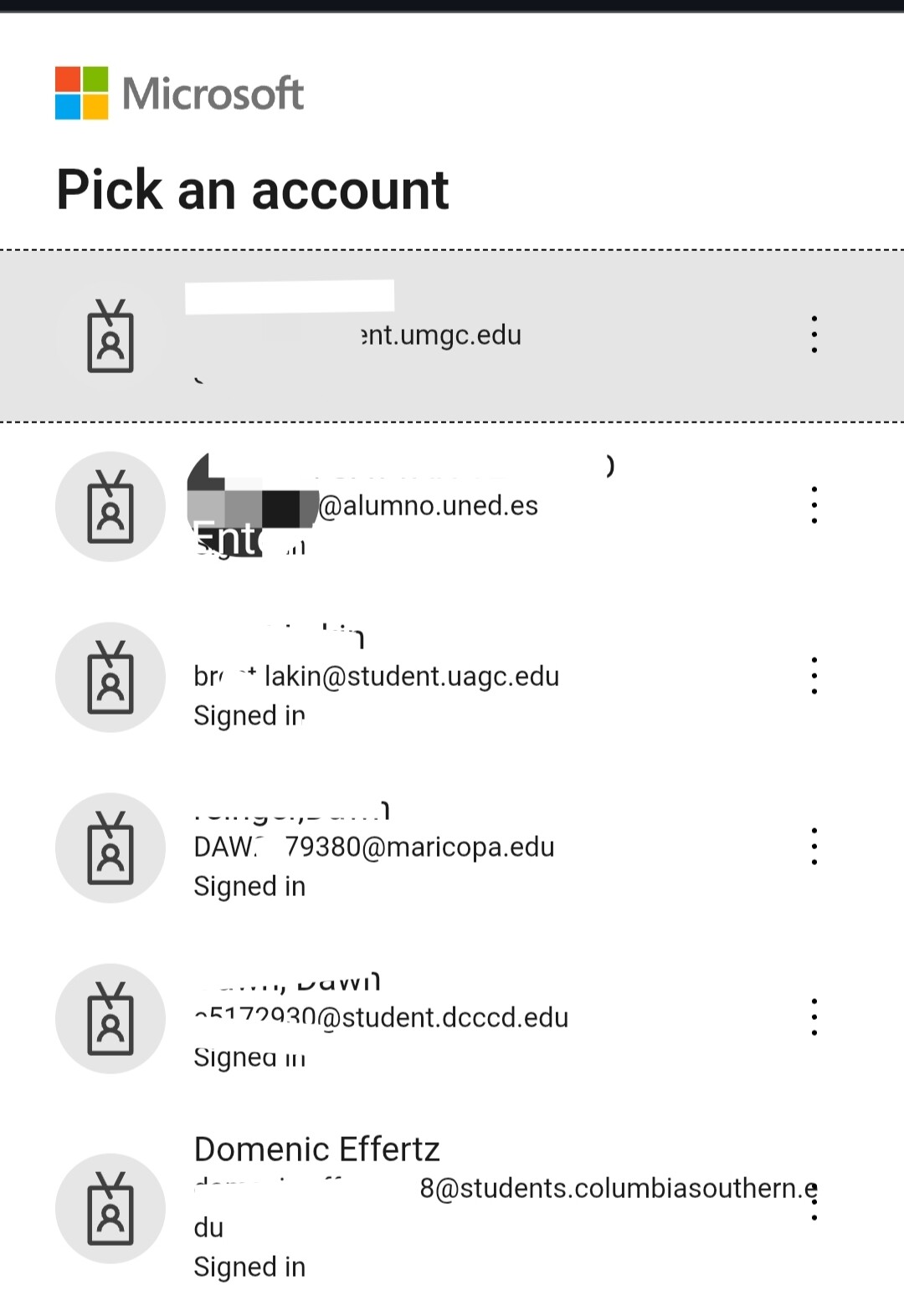
 !
!