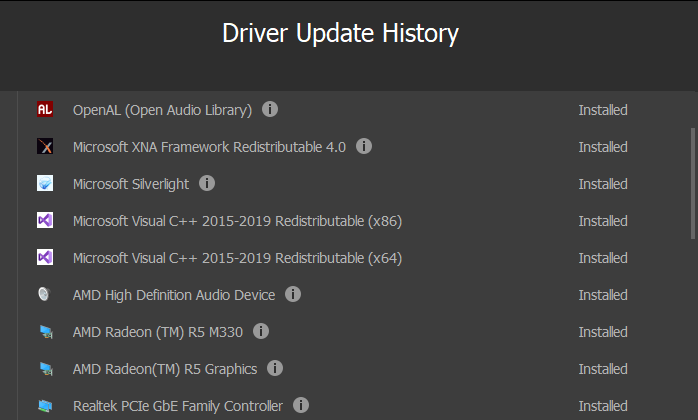
Guys Yesterday my drivers are updated automatically after the reboot my laptop brightness is changed to high also i can’t find the brightness setting anywhere
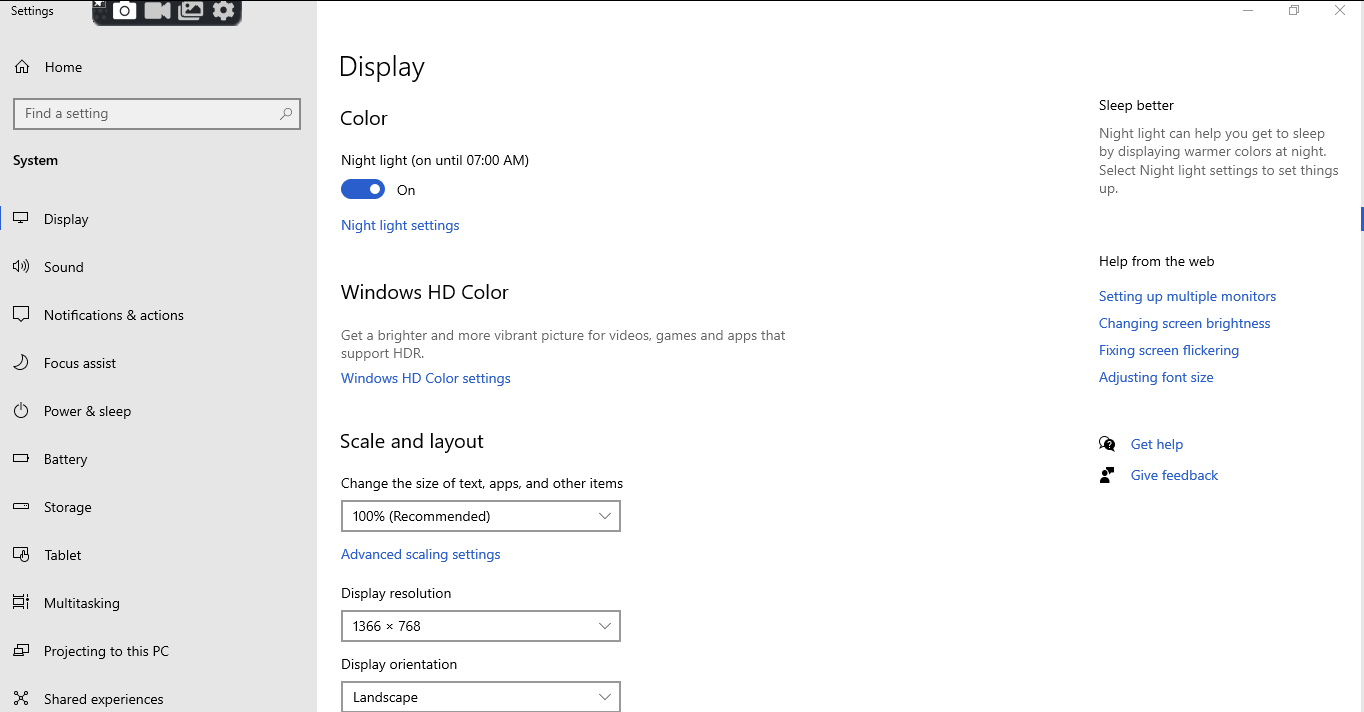
Help Me guys
If you already updated the driver & already have seen nothing in there under Power plans, then this might be due to external graphics being used as default or not present.
If you’re using a desktop PC with an external display–or even connecting an external display to a laptop or tablet–you’ll need to adjust this setting on the external display itself, and you usually won’t be able to do it automatically, so, better to go with your Graphic display adopter, Right Click on the home screen, Click > Graphics Properties > Display > Color > Brightness.
Boom!
Thank you sam
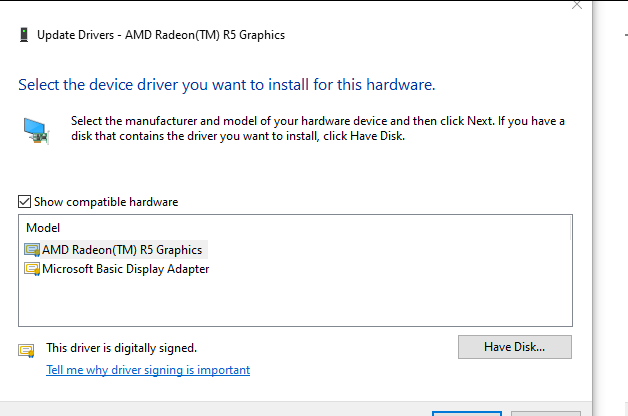
i just changed the display driver to Microsoft Basic Display Adaptor from AMD Radeom ™ R5 Graphics
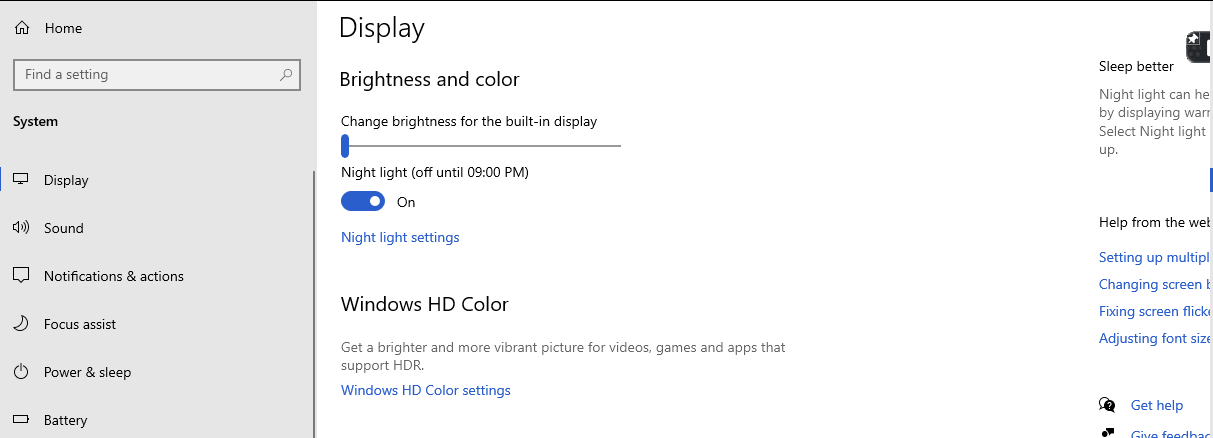
Finally i can see the brightness bar
but i tried to change the brightness level brightness bar arrow mark is moving but i can’t find the brightless level of display is not changed
then finally tried to change the display driver to AMD Radeom ™ R5 Graphics from Microsoft Basic Display Adaptor
Finally i can see the display brightness level changed
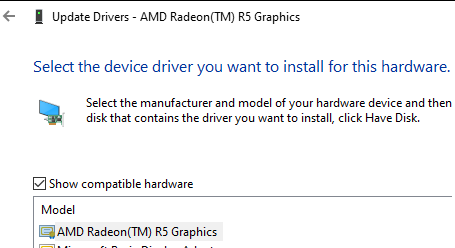
 !
!