Bypass Game Protection — DepotBox Launcher Method
Download via Steam manifests, launch via DepotBox to skip DRM.
The Two-Step Bypass
Steam manifests let you download games from official servers. DepotBox launcher lets you run them without Steam’s protection checks. Together = free games that actually work.
Why this matters:
Protected games won’t run after manifest download → DepotBox removes DRM layer → game launches normally → no cracks/viruses needed
What you’re doing:
✓ Download games from Steam’s own servers (using manifests)
✓ Bypass protection with DepotBox launcher (no sketchy cracks)
✓ Launch games outside Steam = DRM skipped
✓ Works on many protected titles (GTA 5, etc.)
✓ Clean files from official source
Prerequisites
First: Download your game using Steam manifests
Full Steam Manifest Toolkit Guide
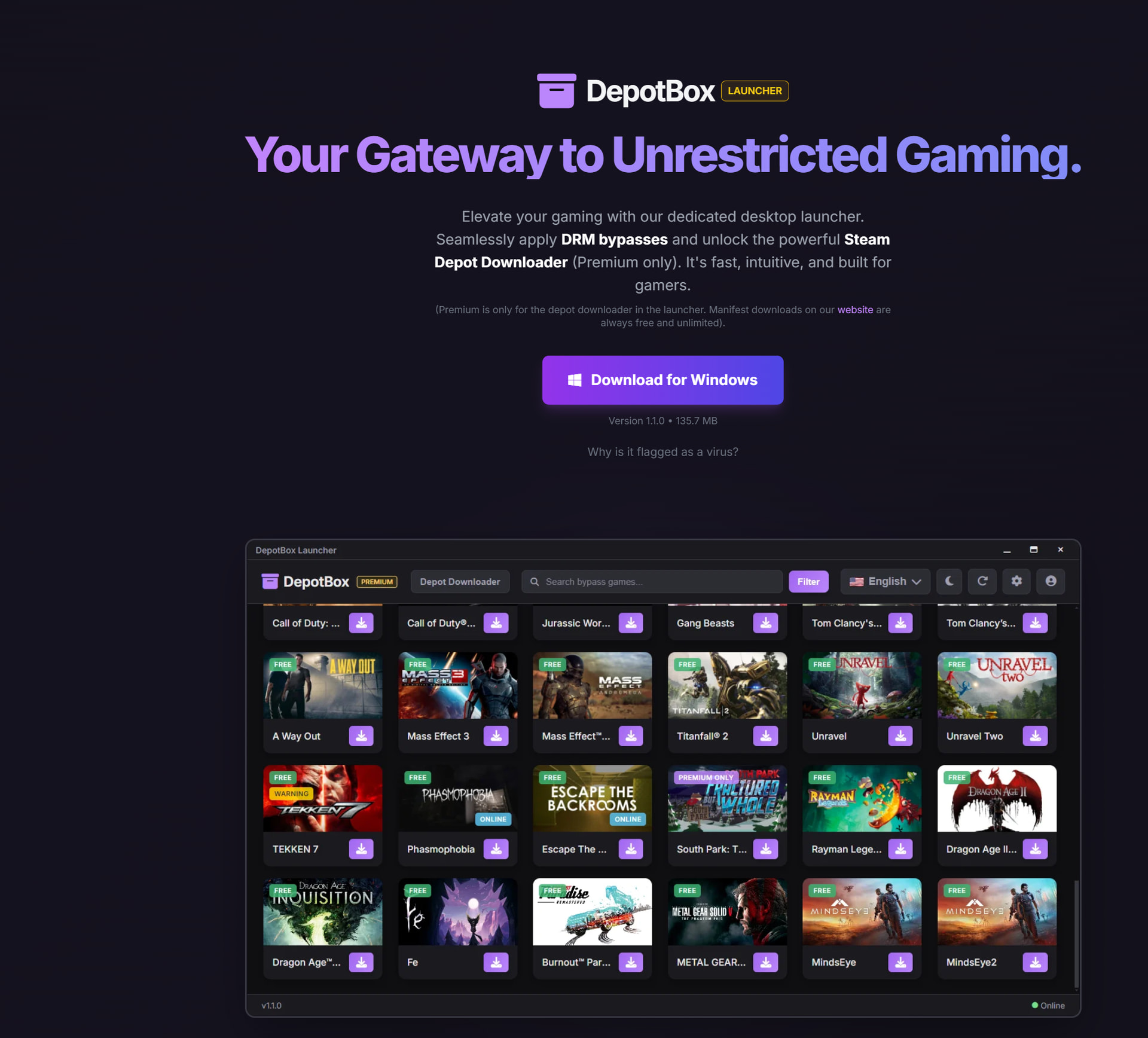
Step 1: Get DepotBox Launcher
1. Register on DepotBox
Go to https://depotbox.org/launcher
2. Download their launcher
Sign up → download launcher app

Example: GTA 5 Legacy version used in this guide
Step 2: Install Game via DepotBox
After game downloads from Steam:
→ Don’t touch Steam anymore
→ Don’t click anything in Steam interface

Open DepotBox launcher:
→ Find your game in the list
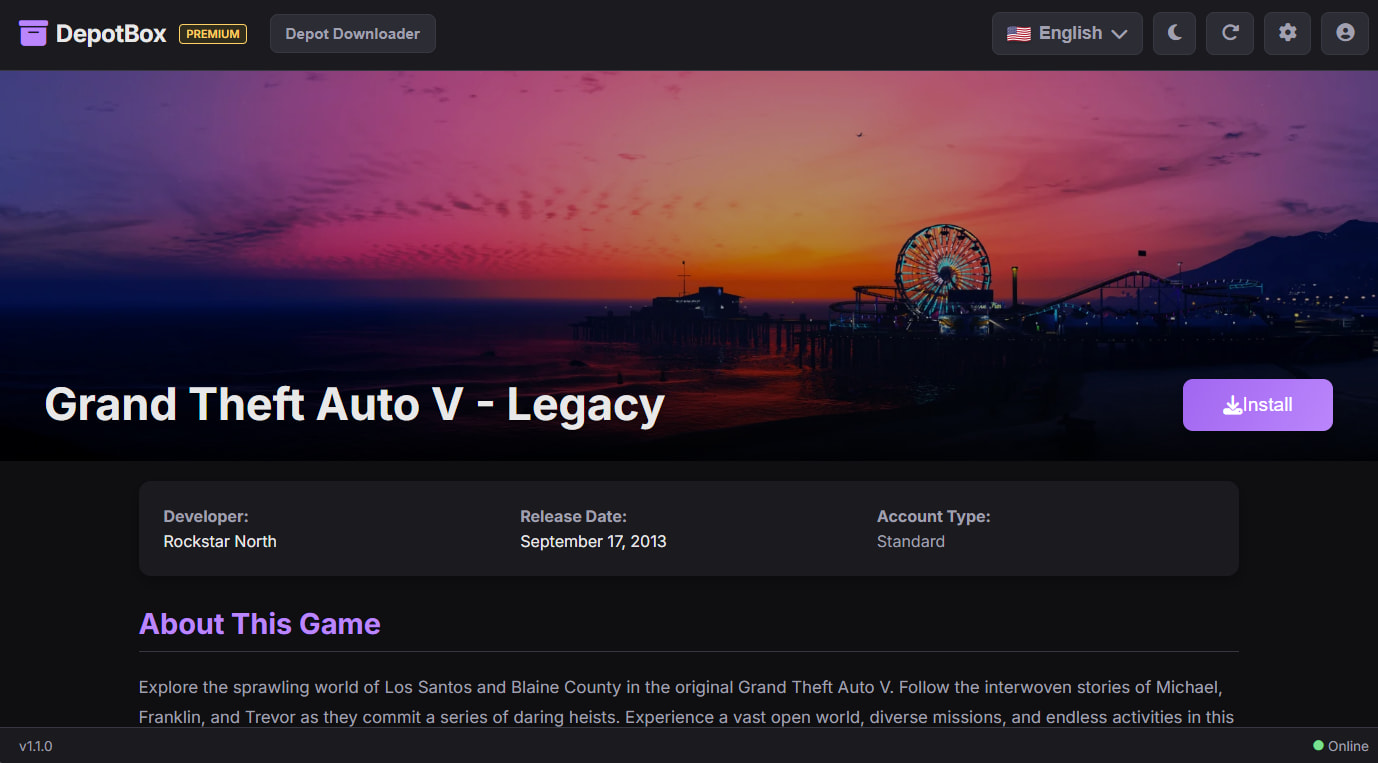
Click Install:
→ Select folder where game downloaded
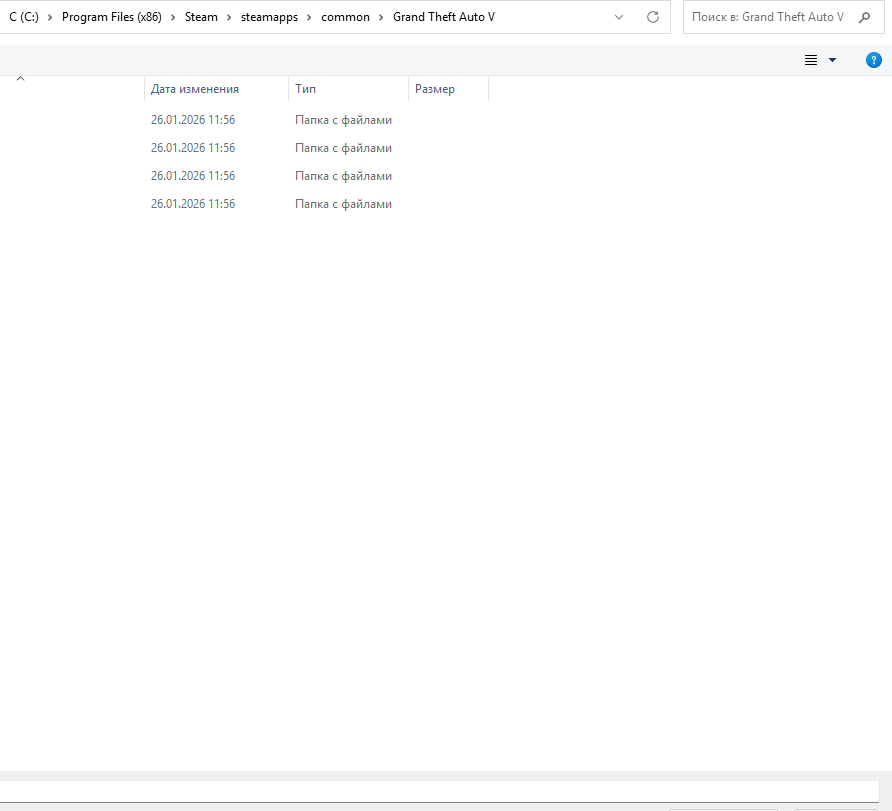
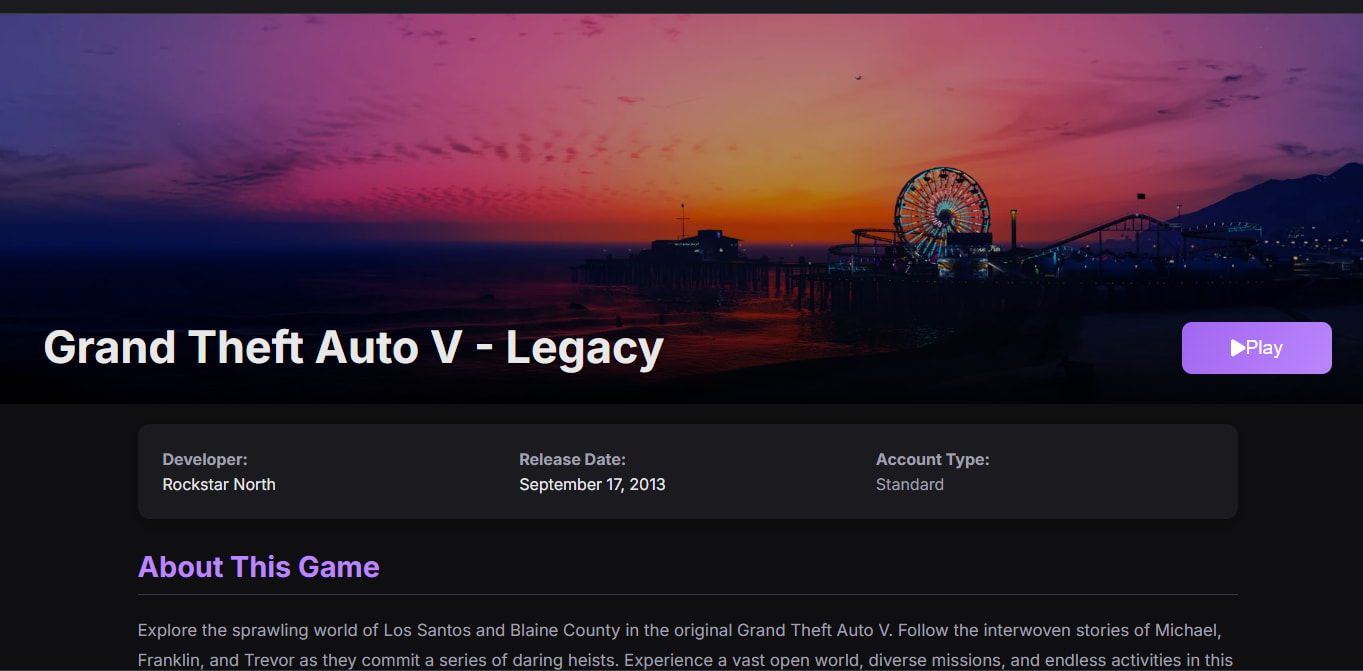
Step 3: Launch (Important)
CRITICAL: Always launch from DepotBox launcher, NEVER from Steam.
Steam = DRM triggers = won’t work
DepotBox = bypasses checks = game runs
Manifests download it. DepotBox runs it. Steam stays closed. 
 !
!