Download Steam Games Clean  No Cracks, No Viruses, Just Manifest Files
No Cracks, No Viruses, Just Manifest FilesSteam Power Tools — The Complete Underground Toolkit
Steam Tools Mega Collection  From Manifest Generation to Achievement Unlocking
One-Line Flow: Become the person who gives the files, not the one who begs for downloads.
Why this matters:
You want to play a $70 game. The pirated version has weird crashes, missing DLC, and came bundled with who-knows-what. Everyone knows how to download a cracked game — that’s baby stuff. But generating manifest files yourself? Downloading directly from Steam’s servers? Unlocking DLCs on games you already own? LAN multiplayer without Steam? These are the tools scene groups actually use — the difference between being a consumer and being a creator.
 PART 1: Manifest Generators — Direct From Steam’s Servers
These generate the files that tell Steam “yes, this person owns this game.” Downloads come straight from Valve’s CDN — clean files, no torrents, no “free virus included” energy.
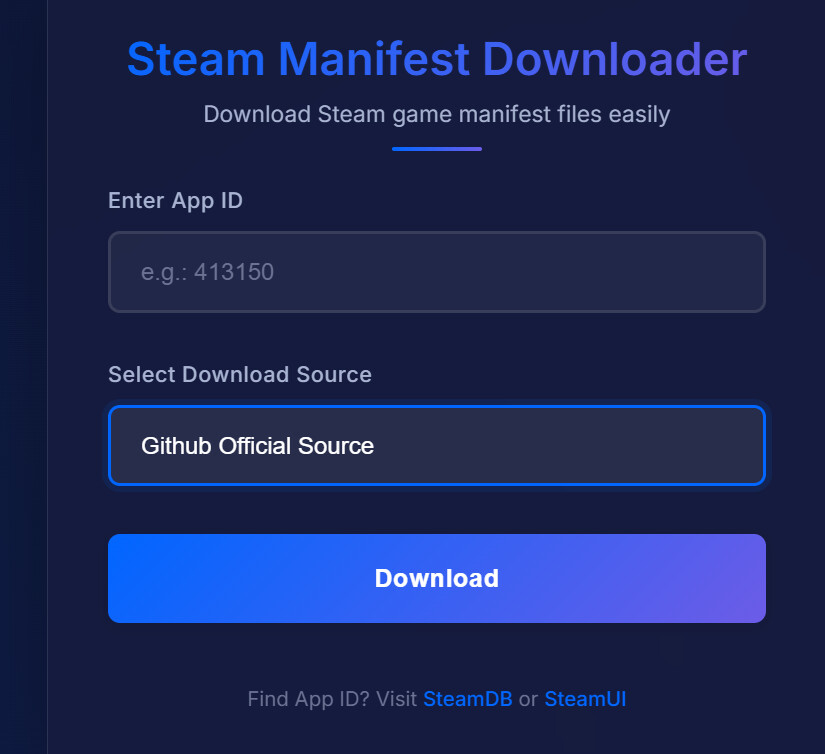
How It Works (Step-by-Step)
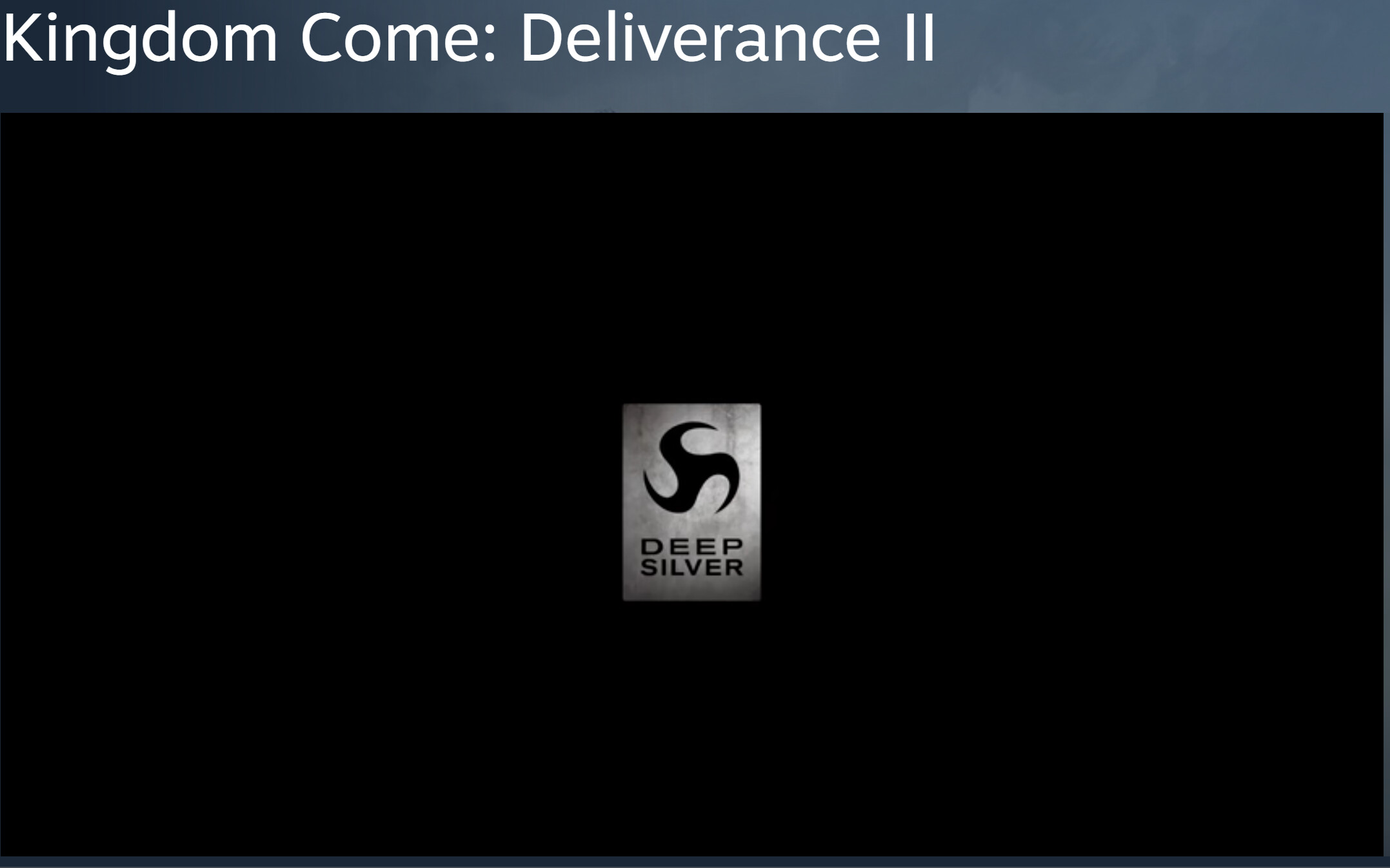
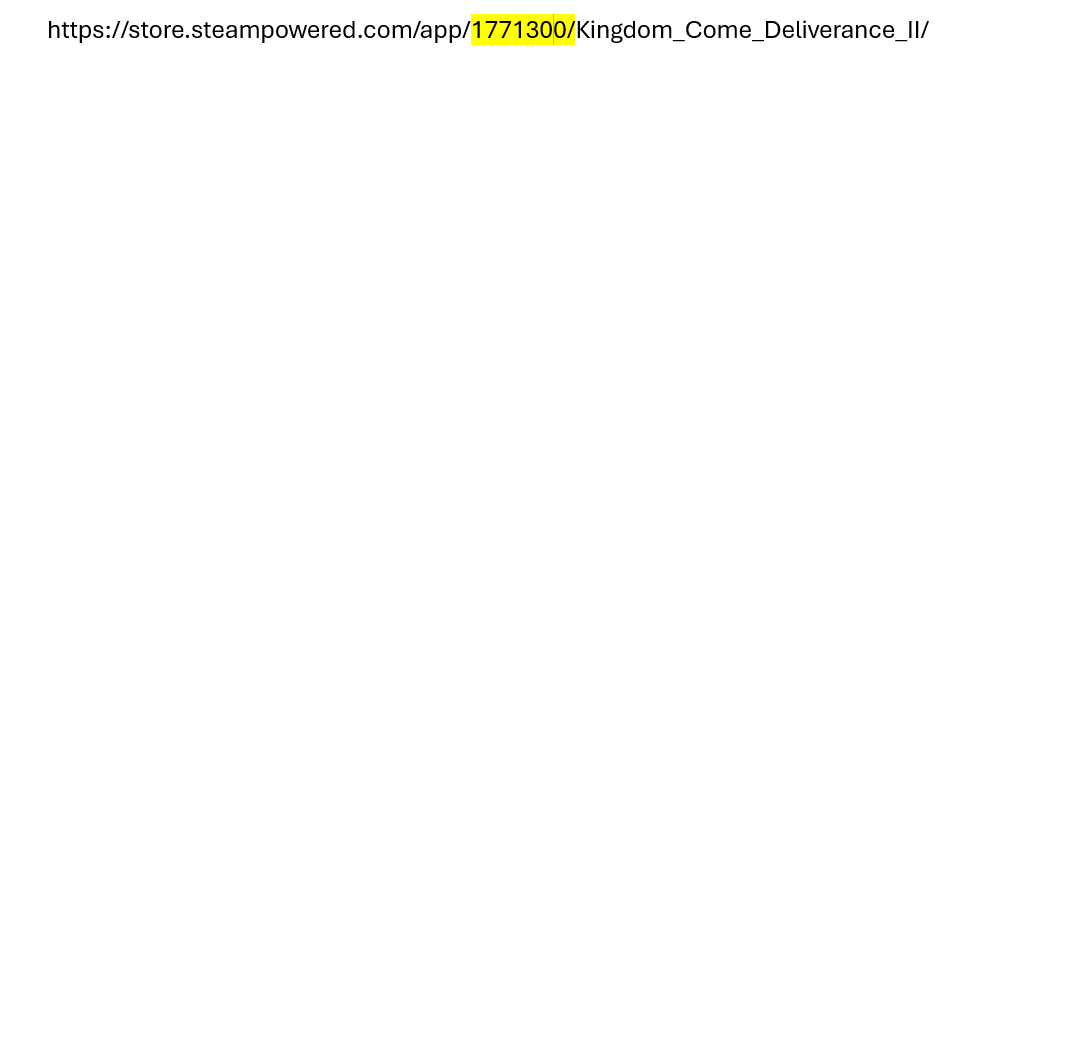
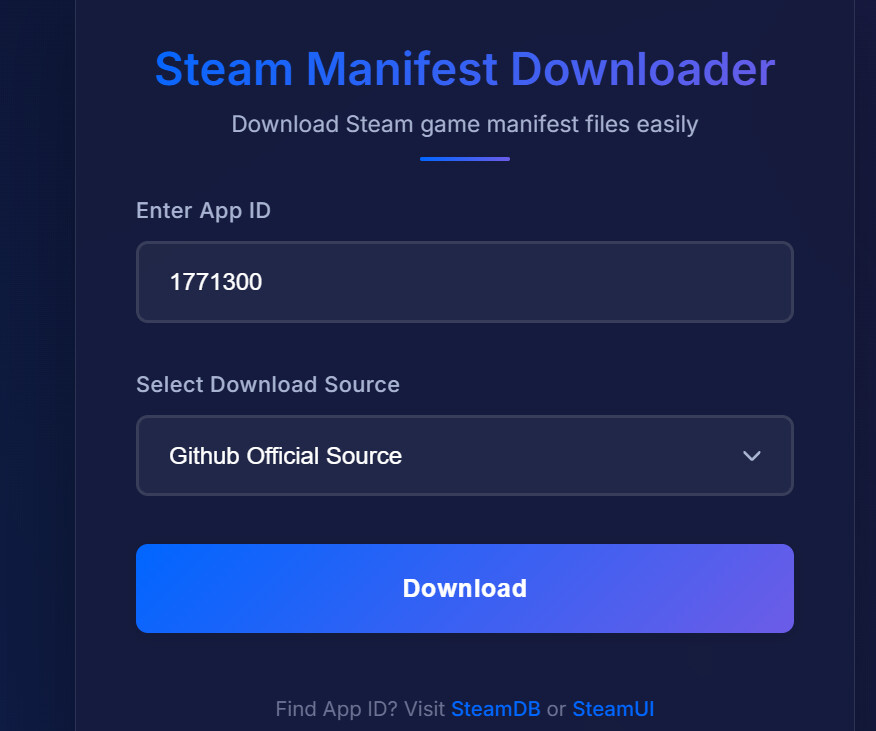
Step 3 → Grab the App ID
Look at the URL. See those numbers? That’s the App ID. Copy just the numbers — nothing else.

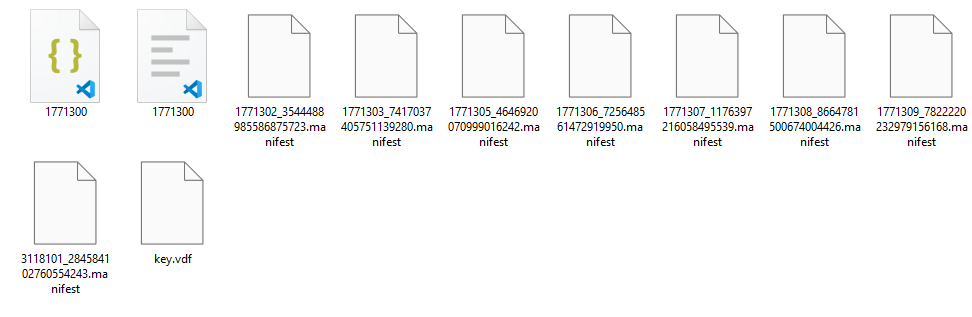
Step 5 → Use Steam's Own Tool
Drag everything from the downloaded folder onto this icon:

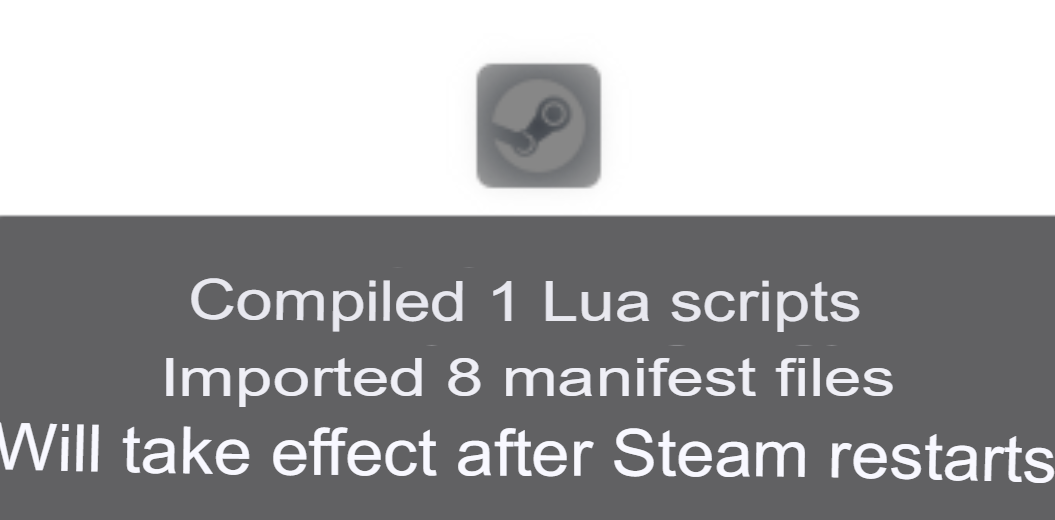
This opens SteamDepotDownloaderGUI — an official-ish tool you can grab from the developer’s site.
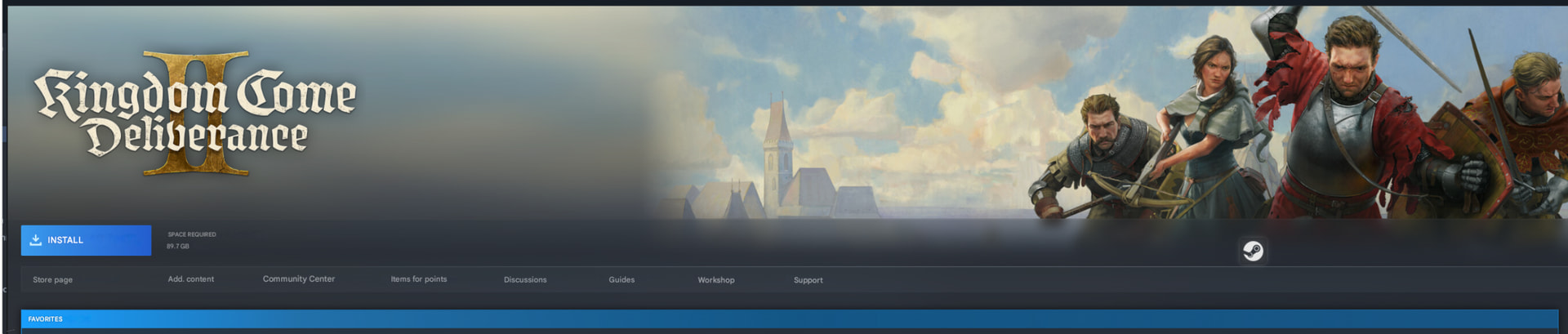
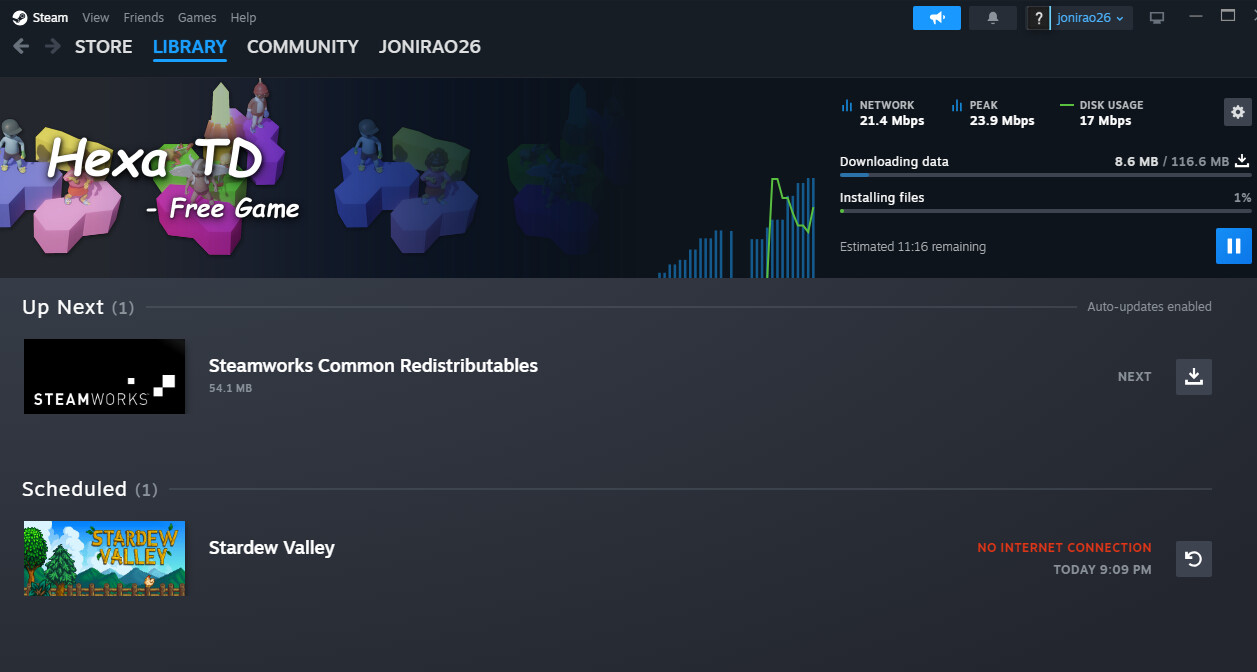
Step 6 → Install & Play
Done. The game appears in your Steam library, ready to install.
 Don’t Be Stupid About It
One game at a time. Wait a few days between each. Act like a normal human.
Adding 50 games in one afternoon is how you get your account nuked. Steam notices patterns. Space it out, and you’re just another user with a growing library.
Generator Sites (Bookmark These)
| Tool | What It Does |
|---|---|
| https://manifest.youngzm.com | OG generator, still works |
| https://depotbox.org | Premium features, batch downloads, API |
| https://kernelos.org/games | Alternative source |
| https://steamtools.pages.dev | Multi-source, encoded API |
| https://steamml.vercel.app | Clean UI, ad-free, dev-friendly |
ManifestHub — The API Approach
https://github.com/SteamAutoCracks/ManifestHub — Updated January 2026
Massive depot manifest library with API access. Free key (24hr validity), pull manifests programmatically.
API: https://api.manifesthub1.filegear-sg.me/manifest?apikey=<key>&depotid=<id>&manifestid=<id>
Get Key: https://manifesthub1.filegear-sg.me
Supports latest manifests AND workshop content.
DepotDownloader — The CLI Power Tool
https://github.com/SteamRE/DepotDownloader
Command-line tool that actually pulls from Steam:
./DepotDownloader -app 730 -depot 731 -manifest 7617088375292372759
Supports anonymous downloads, file filters, specific game versions. This is what scene groups use.
 PART 2: Steam Emulators — Play Without Steam Running
Goldberg Emulator (Original + GBE Fork)
Replaces Steam’s DLLs so games think Steam is running. Play offline, LAN multiplayer, no internet required.
| Version | Link | Notes |
|---|---|---|
| Original | https://mr_goldberg.gitlab.io/goldberg_emulator/ | The classic |
| GBE Fork | https://github.com/Detanup01/gbe_fork | Actively maintained, release-2025_11_27 |
Setup:
- Replace
steam_api(64).dllwith Goldberg’s version - Create
steam_appid.txtwith the game’s AppID - Run
generate_interfacestool - Play
LAN parties without Steam accounts. Multiple people, same network, zero logins.
Steam-auto-crack — One-Click Magic
https://github.com/SteamAutoCracks/Steam-auto-crack — 2.8k stars
Fully automatic cracker for Steam DRM-only games:
- Auto-unpacks SteamStub
- Auto-applies Goldberg Emulator
- Auto-generates configs
- Creates crack-only packages
Point at clean game folder → click → done.
 PART 3: DLC Unlockers — For Games You Already Own
Unlocks DLC on legitimately purchased games. You still need actual DLC files.
CreamInstaller — The All-in-One GUI
https://github.com/pointfeev/CreamInstaller
Auto-detects ALL your Steam/Epic/Ubisoft games, finds all DLCs, check boxes, click install. Done.
Handles:
- SmokeAPI (Steam)
- ScreamAPI (Epic)
- Uplay R1/R2 Unlockers
- Koaloader proxy injection
- Paradox Launcher repair
Most normie-friendly tool on this list.
GreenLuma 2025 — The Steam Unlocker
https://github.com/BlueAmulet/GreenLuma-2025-Manager
Unlocks family shared games, DLCs, bypasses regional restrictions.
Risk exists. Some games blacklist it. Don’t use with anti-cheat.
Koaloader + SmokeAPI/ScreamAPI
https://github.com/acidicoala/Koaloader
DLL injection framework powering modern unlockers. Search order hijacking — drops proxy DLL, loads unlocker automatically.
- SmokeAPI → Steam
- ScreamAPI → Epic
- Uplay Unlockers → Ubisoft
CreamLinux — Native Linux
https://github.com/anticitizn/creamlinux
DLC unlocker for native Linux games (not Proton/Wine).
Installer: https://github.com/Novattz/creamlinux-installer
 PART 4: Achievement Tools
Steam Achievement Manager (SAM)
https://github.com/gibbed/SteamAchievementManager
The original. Lock/unlock any achievement. Open-source.
Safe usage:
- Offline mode
- Space out unlocks (don’t do 100 at once)
- Never use while on VAC servers
- Single-player only
SamRewritten — Modern Cross-Platform
https://github.com/PaulCombal/SamRewritten
Modern rewrite with GUI. Windows installer + Linux AppImage. CLI version included.
 PART 5: Workshop Downloaders — Mods Without Owning Games
WorkshopDL — Desktop App
https://github.com/imwaitingnow/WorkshopDL
1000+ games. Download workshop mods even if you own the game on Epic/GOG. Collections supported, batch downloads.
Web-Based Options
| Site | Notes |
|---|---|
| https://steamworkshopdownloader.io | Free-to-play games supported |
| https://steamworkshopdownloader.net | No login required |
| http://steamworkshop.download | Simple and direct |
Paste URL → download. Some have reliability issues.
Wallpaper Engine Specifically
https://github.com/SteamAutoCracks/WallpaperEngineWorkshopDownloader
 PART 6: Utilities & Research
Essential Tools
| Tool | Purpose |
|---|---|
| https://steamdb.info | Find AppIDs, depot IDs, manifest IDs, hidden packages |
| https://github.com/brunolee-GIT/GSE-Generator | Batch Goldberg config generator |
| https://ripped.guide/PC-Software/Games/ | Comprehensive wiki |
| cs.rin.ru | The underground forum |
The Golden Rules
One thing at a time. Act like a human.
- Don’t add 50 games in one day
- Don’t unlock 200 achievements in 5 minutes
- Don’t use unlockers with anti-cheat (VAC, EAC, BattlEye)
- Keep backups of original files
- Most violate ToS — burner accounts for risky stuff
Edited by @SRZ — added missing generator links and restructured for easier navigation 
 !
!