 Free 200+ Steam Games Pack — Manifest Files + Possible GTA
Free 200+ Steam Games Pack — Manifest Files + Possible GTA
One-Line Flow: Download pack → extract files → use SteamTools → import manifests/lua → restart Steam → games appear in library
Why this matters: Steam manifest files trick Steam into thinking you own games. These files (200+ games worth) get imported via SteamTools and added to your library. You’re not cracking anything—you’re feeding Steam its own file format. Might include GTA games buried in there (file names don’t make it obvious). Free games, zero payment, just file manipulation.
What You're Actually Getting
The pack includes:
 Steam manifest files (200+ games)
- .lua files for SteamTools
- Ready to import into Steam via SteamTools.NET
What manifest files do: Tell Steam “hey, you own this game” without actually verifying purchase. It’s exploiting Steam’s local file trust system.
The GTA situation: Files were seen in the folder before, but naming is unclear. Can’t guarantee which GTA titles (if any) are actually there. You’ll find out after importing.
Translation: 200+ games might appear in your library. Could include AAA titles. Could be shovelware. You won’t know until you try.
Download Links (Choose One)
Google Drive:
 https://drive.google.com/file/d/1erYcx6e8ZdKaZfhh9YRhTSx5z6LymHI8/view?usp=sharing
Devuploads (Mirror):
https://devuploads.com/1xklybe85xuc
Pick whichever loads faster for you.
How to Import (Step-by-Step for Beginners)
What you need:
- SteamTools.NET (free download below)
- WinRAR or 7-Zip (to extract files)
- Steam installed
Download SteamTools:
https://www.steamtools.net/download.html
Steps:
-
Download the pack from Google Drive or Devuploads (above)
-
Extract it using WinRAR or 7-Zip (right-click → Extract)
-
Install SteamTools.NET (run installer, click through)
-
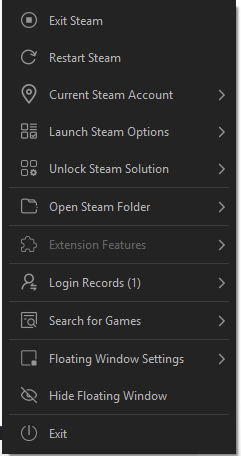
Open SteamTools (should see main interface)
-
Import manifest + .lua files
- Look for “Import” or “Add Games” button in SteamTools
- Select the extracted files from the pack
- Let it process (might take a minute)
-
Restart Steam
- Close Steam completely
- Reopen it
- Check your library → should see new games
If games don’t appear: Try refreshing library or verifying file integrity in Steam settings.
About the GTA Games (Reality Check)
What was claimed: GTA games might be in the folder
The reality:
 File names aren’t labeled clearly as “GTA V” or “GTA San Andreas”
Uploader hasn’t personally tested which GTA titles (if any) are included
You’ll only know after importing and checking your library
If you find GTA inside: You got lucky. Enjoy.
If you don’t: You still got 200+ other games for free, so stop complaining.
Legal & Risk Disclaimer
What this is: Exploiting Steam’s manifest file system to add games to your library without purchasing.
Is it illegal? Gray area. You’re not pirating game files—just tricking Steam’s inventory system.
Can you get banned? Technically possible if Steam detects unusual library activity, but rare. Use at your own risk.
Will games actually launch? Depends. Some manifests might add games to library but not include actual game files. You’d still need to “download” them (which might fail if Steam realizes you don’t own it).
Better than nothing: Even if half don’t work, you’re still getting free games.
Bottom line: 200+ Steam game manifests, free download, use SteamTools to import. Might include GTA, might not—file names don’t make it obvious. Works by feeding Steam its own file format. Try it, worst case you wasted 10 minutes. Best case you got hundreds of games without paying.
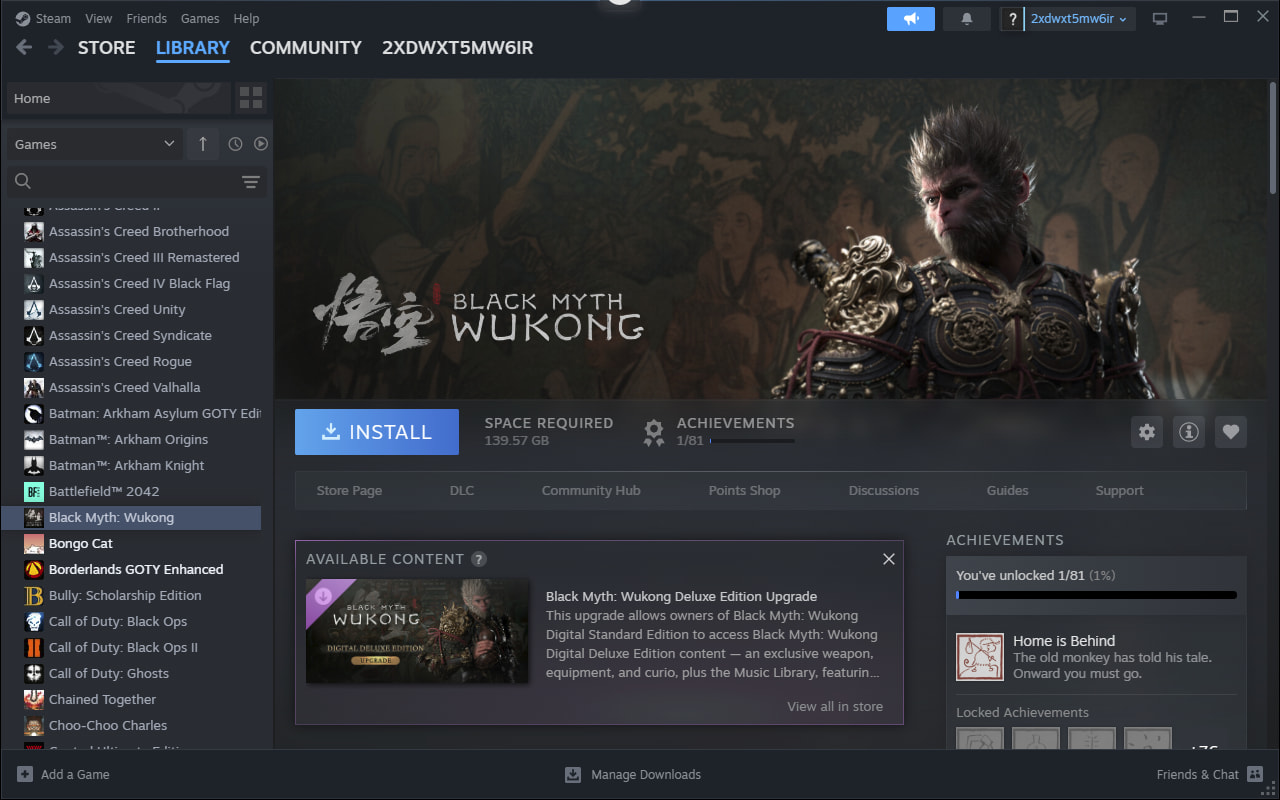

 . And it has GTA V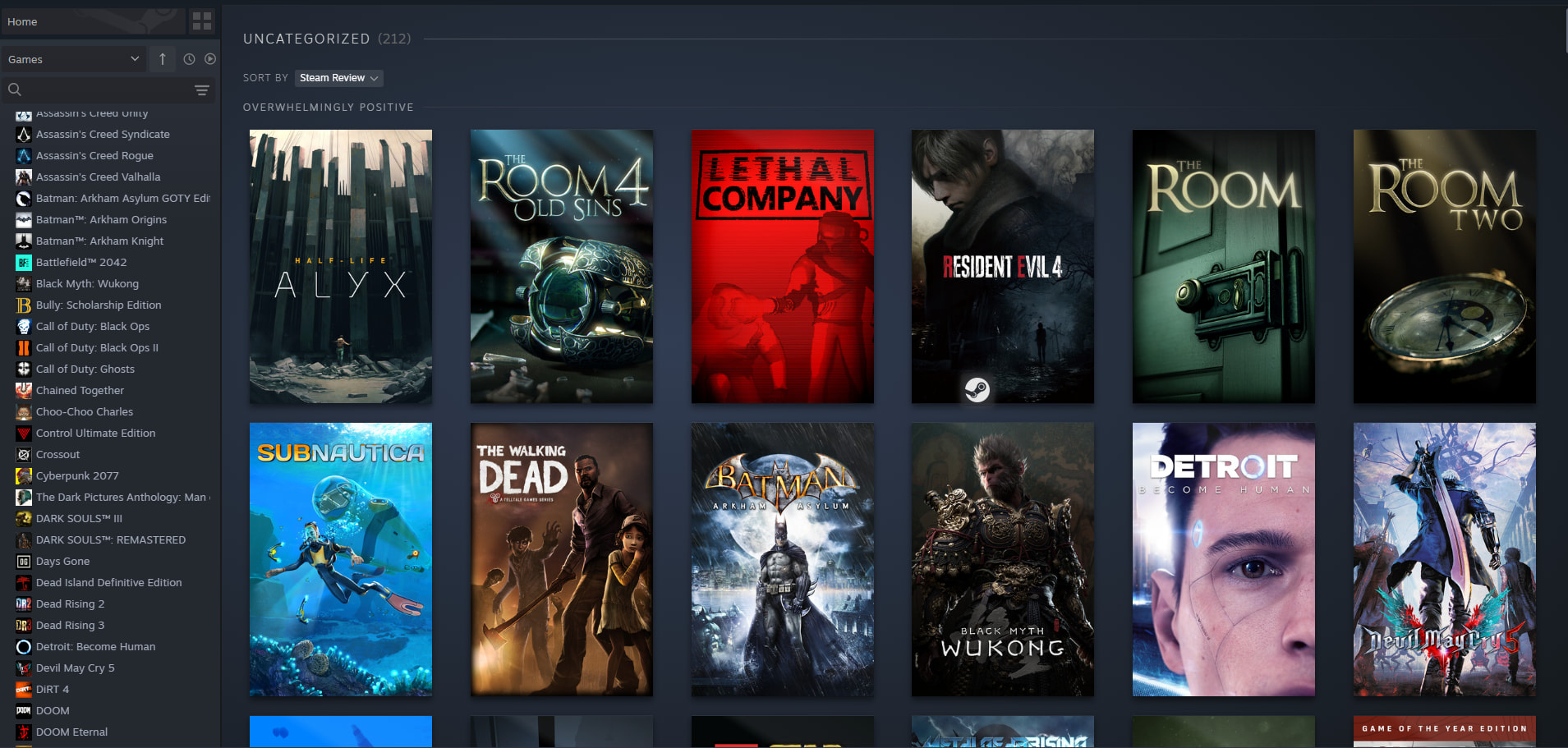
 Got GTA V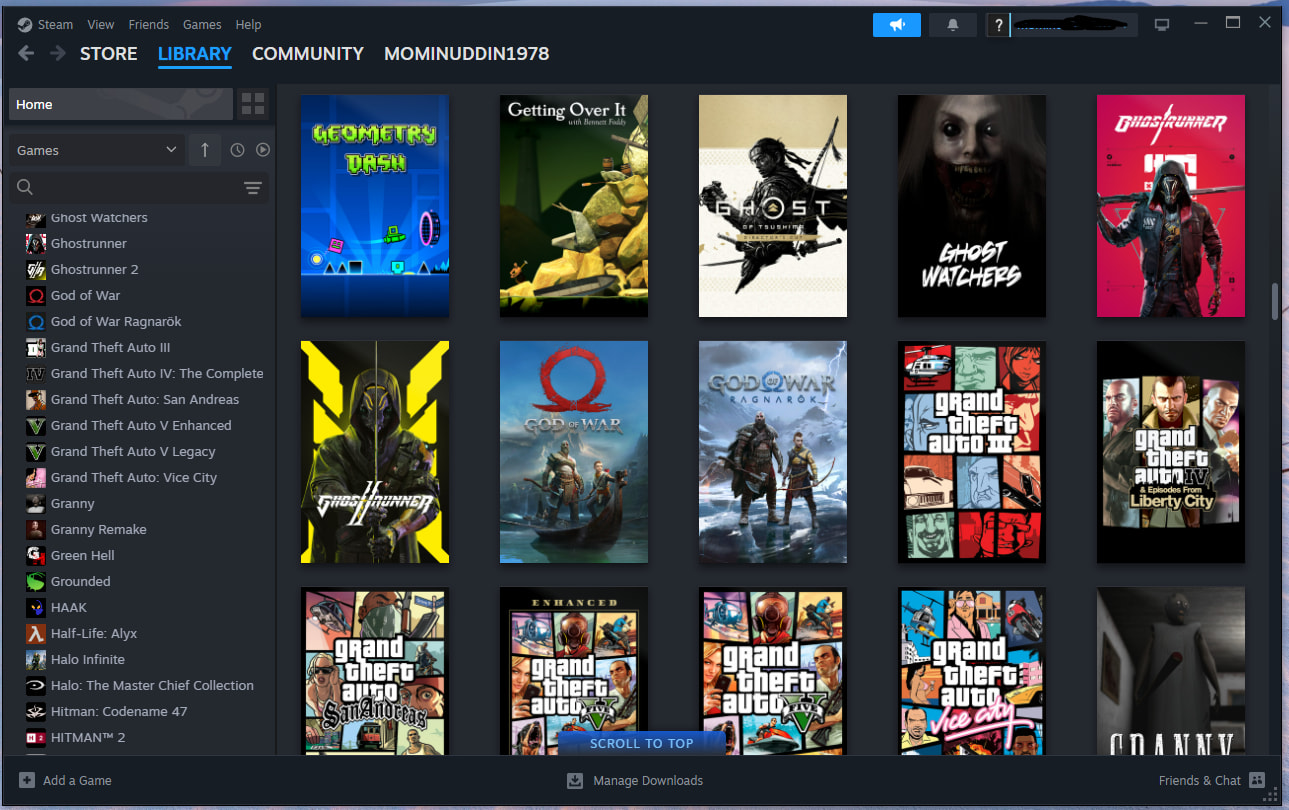

 !
!